
How to make a video look old
The most obvious way – to record it on an old nitrate film. But, of course, there are less expensive and complicated solutions.
To create one, you need a user-friendly and handy tool – like the Video filter library by Clideo. Its intuitive interface allows you to apply various filters and change the file extension in a couple of clicks even if you are an amateur editor.
Our tool works online and it’s available from any device: Android smartphone, iPhone, PC, Mac. You can upload up to 500 MB for free and return to editing as many times as you need.
Select a video
Go to the Filter tool and click a big blue button to import video from your camera gallery. Call a drop-down menu on the right to upload files from Google Drive or Dropbox.
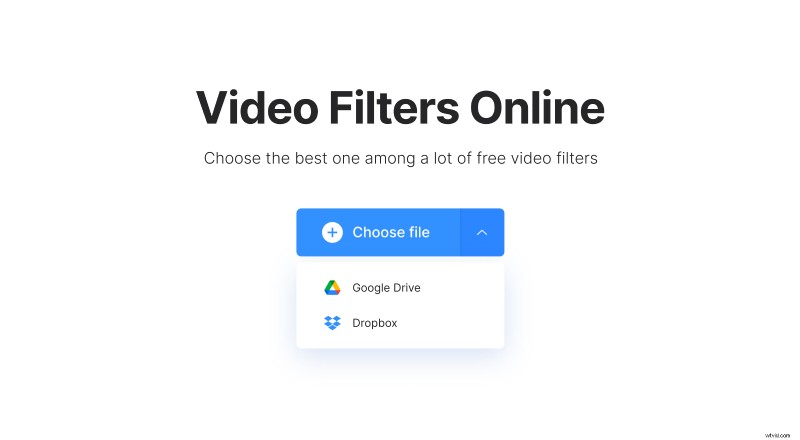
Make the video look like an old film
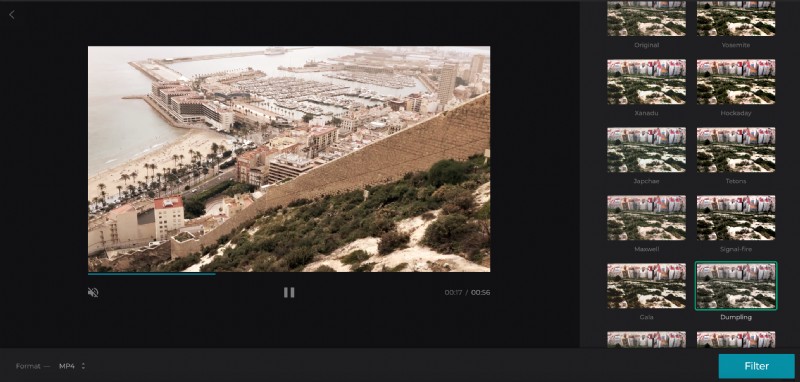
Choose one of the 17 filters on the right. To get an impression of a classic movie you can use different presets: noble Sepia, gloomy Grayscale, vivid Dumpling, rural Rancho, mysterious Tallac, bright Gala. Be creative! Try different colour schemes, compare them and choose the most applicable one.
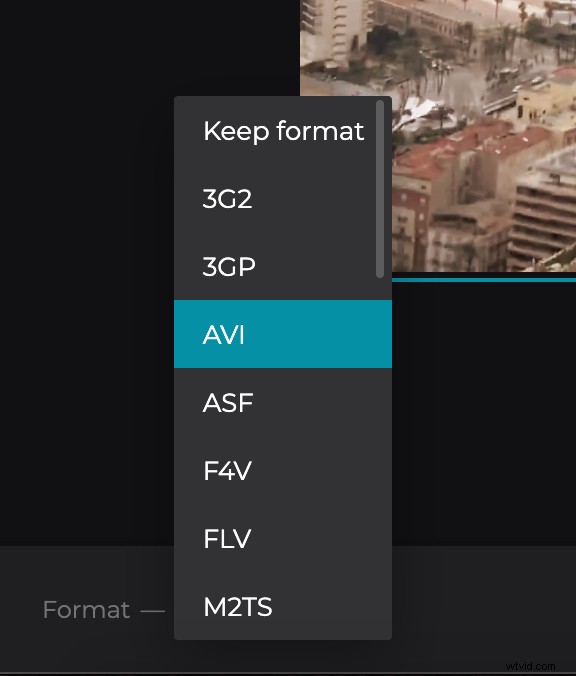
Hint! You can keep the original image and use the tool to invert the file extension to another one. Just select the needed format below the video: MP4, AVI, WMV or even not so popular RMVB, TS, VOB etc.
When you are done, click “Filter” and give the tool several seconds to process your file.
Download the result
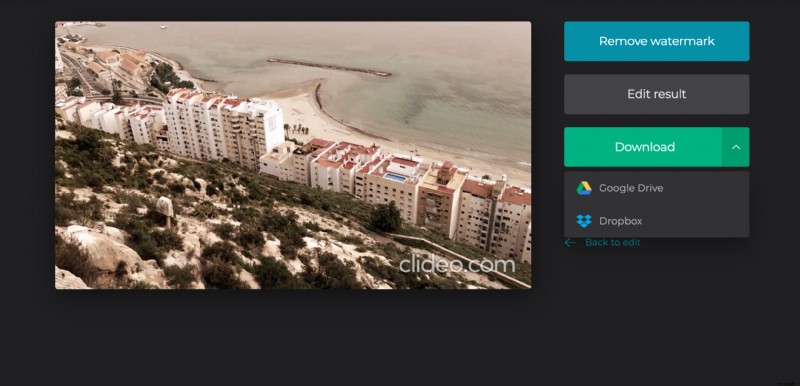
Have a quick glimpse to check if everything looks exactly as it should. If you are happy with the result – save it to your personal device or cloud storage. If you are not – click “Back to edit” and try another filter.