
How to remove a sound from a video on Android
Video Muter by Clideo will help you with that:
- it allows you to upload and proceed up to 500MB free of charge, and if you are not a professional video director that’s more than enough. If you need more - just subscribe to our service and get unlimited access;
- the tool is compatible with all popular video formats;
- it stores your files only for 24 hours and it’s only for you to have access to them. If you want, you can delete them at any moment by yourself in your account by clicking on the X sign;
- the audio remover functions online and works equally efficiently in all browsers.
Read on and get to know how to remove a sound from the video on Android in three steps:
Upload the recording
Open the tool in your favourite browser. To select a file from your camera roll, hit a big blue pane in the centre.
If you want to export video from an external resource, click a small arrow on the right of the button to call a drop-down menu. Here you’ll be able to upload videos from Google Drive or Dropbox.

Make sure that your Internet connection is stable, as it’s essential for the fast and flawless proceeding.
Wait several seconds
Do nothing, just relax and have a cup of tea.

Save the result
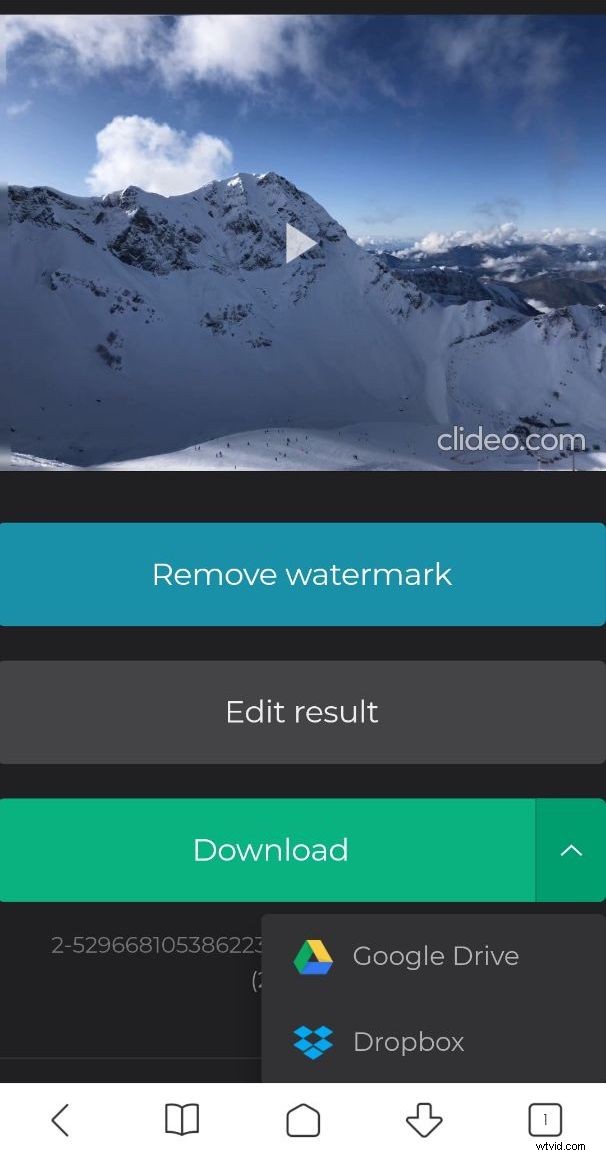
Play your muted video to make sure that you are happy with the result. If it is so, save it back to your Android phone or one of the cloud storage services.