Create a slow motion video on iPhone 5
First of all, on iPhone 5 and 5c, you can make your clip only 2 times slower (from 120 fps to 60 fps), and on iPhone 5s, 4 times slower (30 fps). Secondly, you can’t speed the shooting up. And finally, what if you have an already recorded video you want to slow down?
Our tool works online, so even if you don’t have an iPhone 5, a slow motion video is still a piece of cake for you. Unlike other specialized apps, Clideo service is free for files up to 500 MB.
Read on and get to know how to take slow motion video on iPhone 5 and other devices.
Upload a video to edit
To import a freshly-taken shooting from your camera roll, hit the big blue button “Choose file” at the home page of Clideo’s Video Speed Changer.
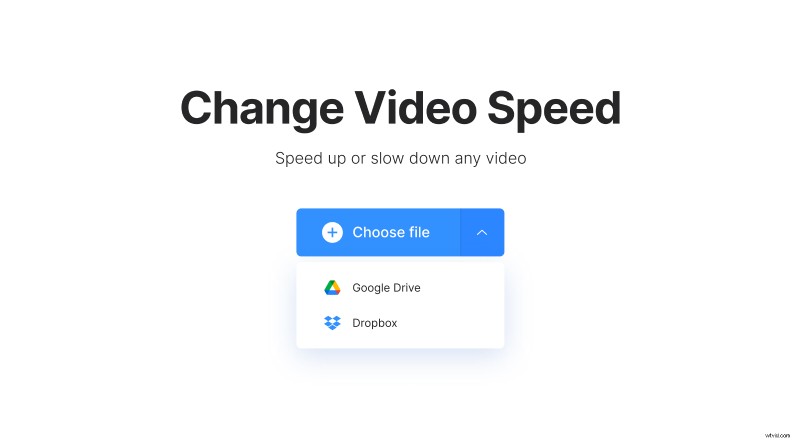
If you prefer to store your content somewhere online, call a drop-down menu on the right side of the pane. There are two options available:
- Import a video from Google Drive.
- Import a video from Dropbox.
Do slow motion on iPhone 5
Choose one of 6 speed presets in a grid on the right of the player or set a custom speed using a slider above. You can make your recording 4 times slower or faster.
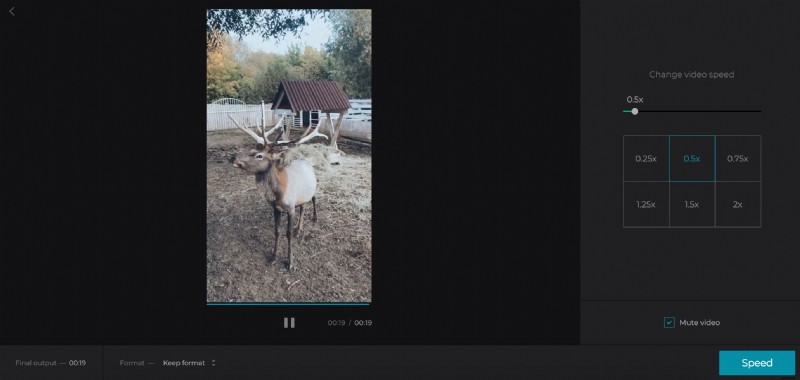
If the initial video has a soundtrack, you can either keep or mute it.
When you are done, select an output format. There are 23 extensions available, but if you’re going to share the edited recording on social media, stick to MP4 or MOV.
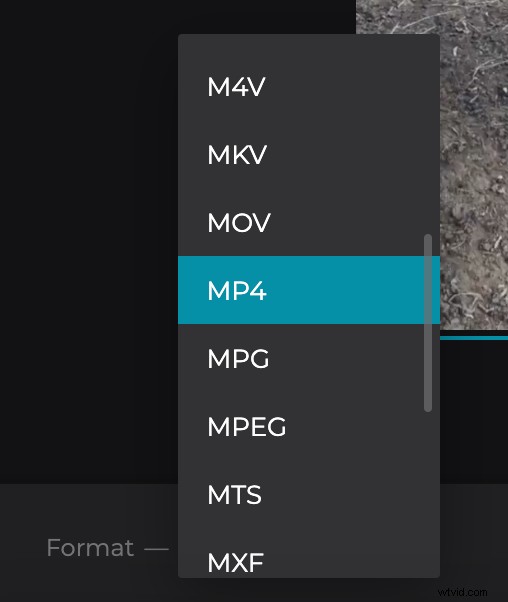
Click “Speed” and let the miracle happen!
Save the slowed-down video
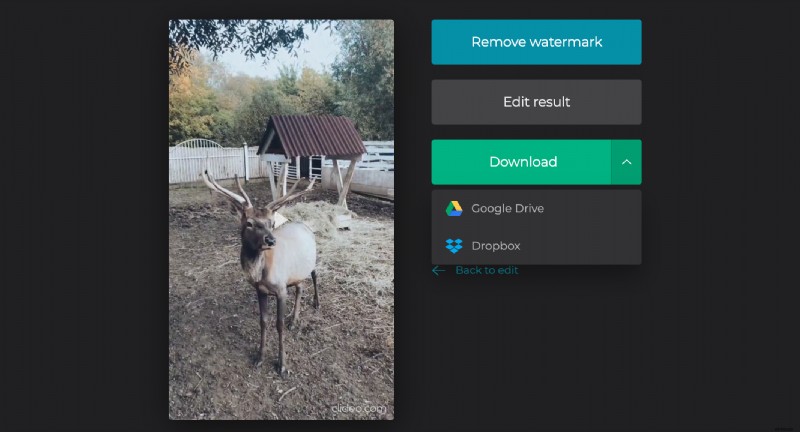
Have the final look to get sure that you like the result. If so, save it to your personal device or cloud storage. If you’ve changed your mind and want to set another speed, click on “Back to edit”!