
How to loop a video on iPhone online
To loop an iPhone video, you can download a special app, but what for? It’ll slow your device down, take precious memory, show different ads and install updates while you are asleep.
Luckily, there is another, more convenient way to do it — our online Video Looper! All you need is a stable internet connection and your recording. Just several clicks and you’ll get some brand-new content to show off.
Read on and find out how to make a video loop on iPhone.
Upload the original
Open Video Looper by Clideo in any browser. Click or tap the “Choose file” button to upload a recording from your camera roll or a folder.
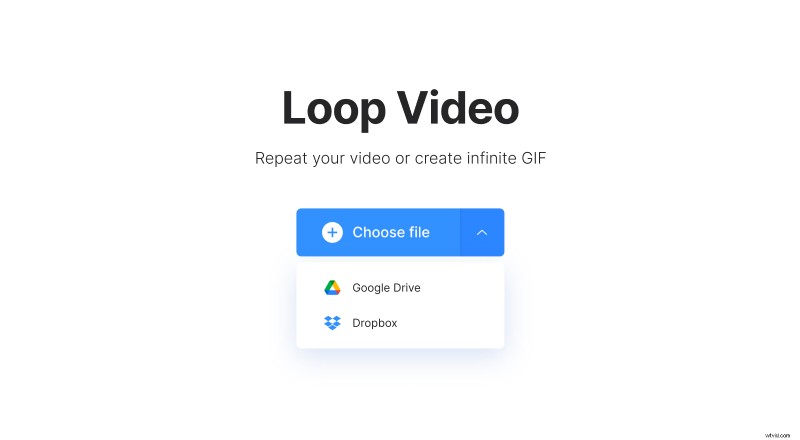
There is also an option to import files from Google Drive and Dropbox. Just click the small arrow next to the button.
Loop the recording
Choose one of the ready options: you can repeat the video from 2 to 6 times. Alternatively, hit the infinity sign and turn your recording into an endless GIF.
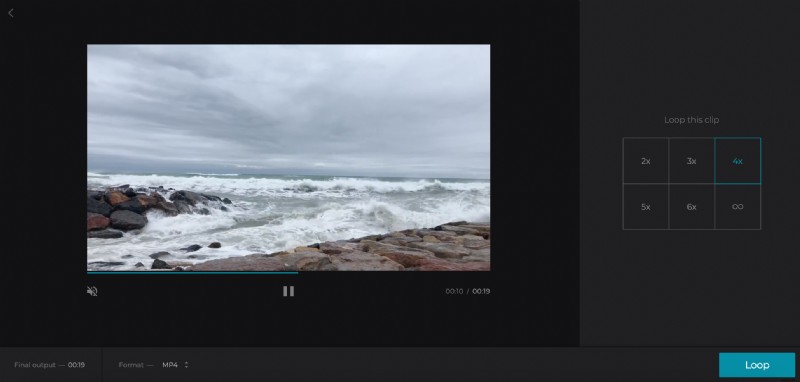
Select the output format. Clideo offers all the most popular and almost all rare ones, such as AVI, MP4, 3G2, M2TS, etc.
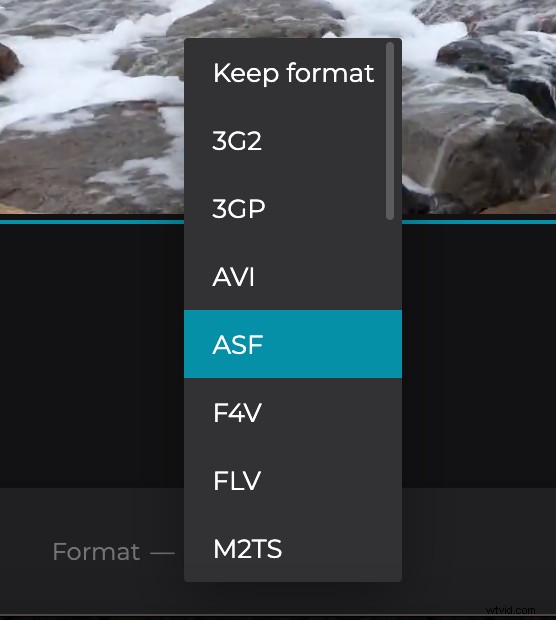
Click the “Loop” button and wait while your project is being processed.
Download the looped video
Have a quick preview to get sure that you have what you wanted. If so, save it to the abovementioned cloud storage or to your personal device.
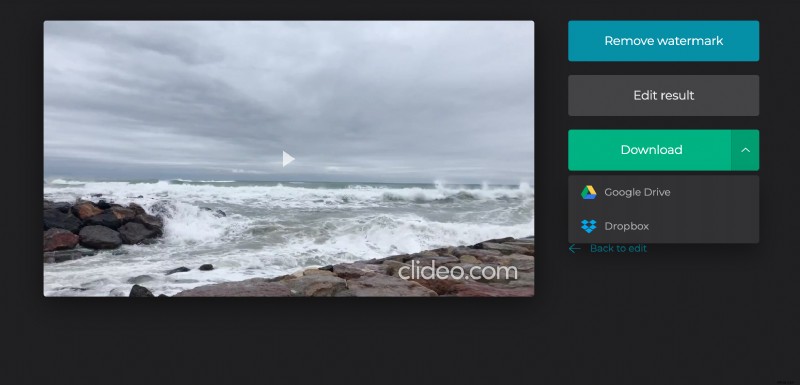
If you think that the video is still not perfect, continue editing by clicking the “Back to edit” arrow.