
Сompress an iPhone video in three quick steps
There are several alternative ways to share a big recording:
- To split it into several parts and send them one by one. But you’ll need a special tool anyway, and this way is really time-consuming and tiresome.
- To upload it to cloud storage or file deposit, and share access with a person via a direct link. Sounds easier than the previous method, but you and the receiver should be logged in to the chosen resource. Another point – it may be difficult to find free storage with a decent speed of downloading.
- To make a video smaller on iPhone or another device, and send as a single file. In our opinion, this way is the fastest and the easiest which is why in the article we’ll tell you about it.
Upload a file to compress
Open the tool by Clideo in any browser to compress your iPhone video for email or social media.
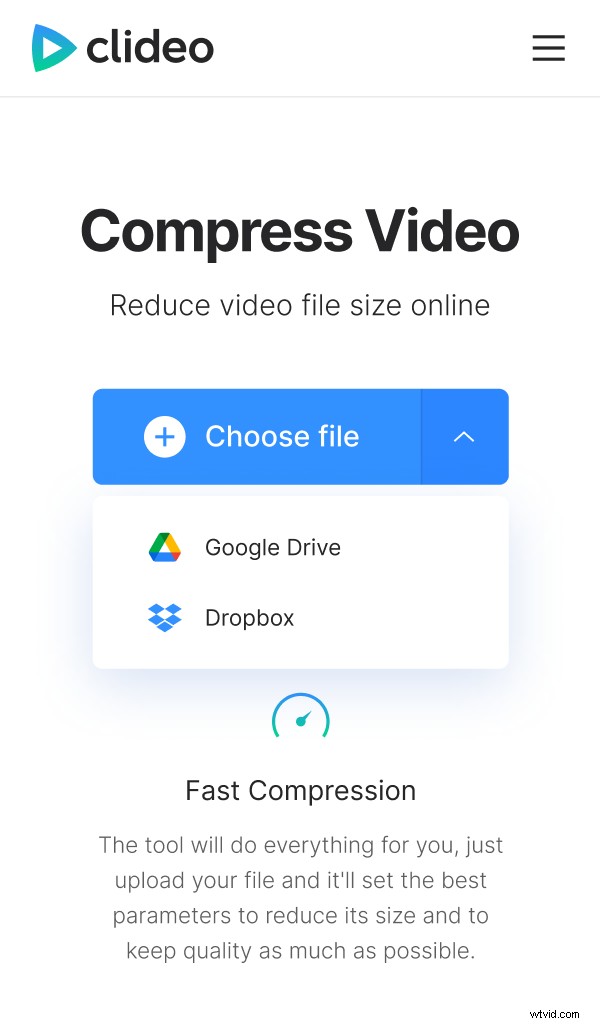
Hit the big blue button “Choose file” to import a recording from your camera roll. Or call the drop-down menu to select it from Google Drive or Dropbox.
Make your iPhone video smaller
At this step you must do nothing but wait. In a couple of minutes, your recording will be processed and the system will show its actual size.
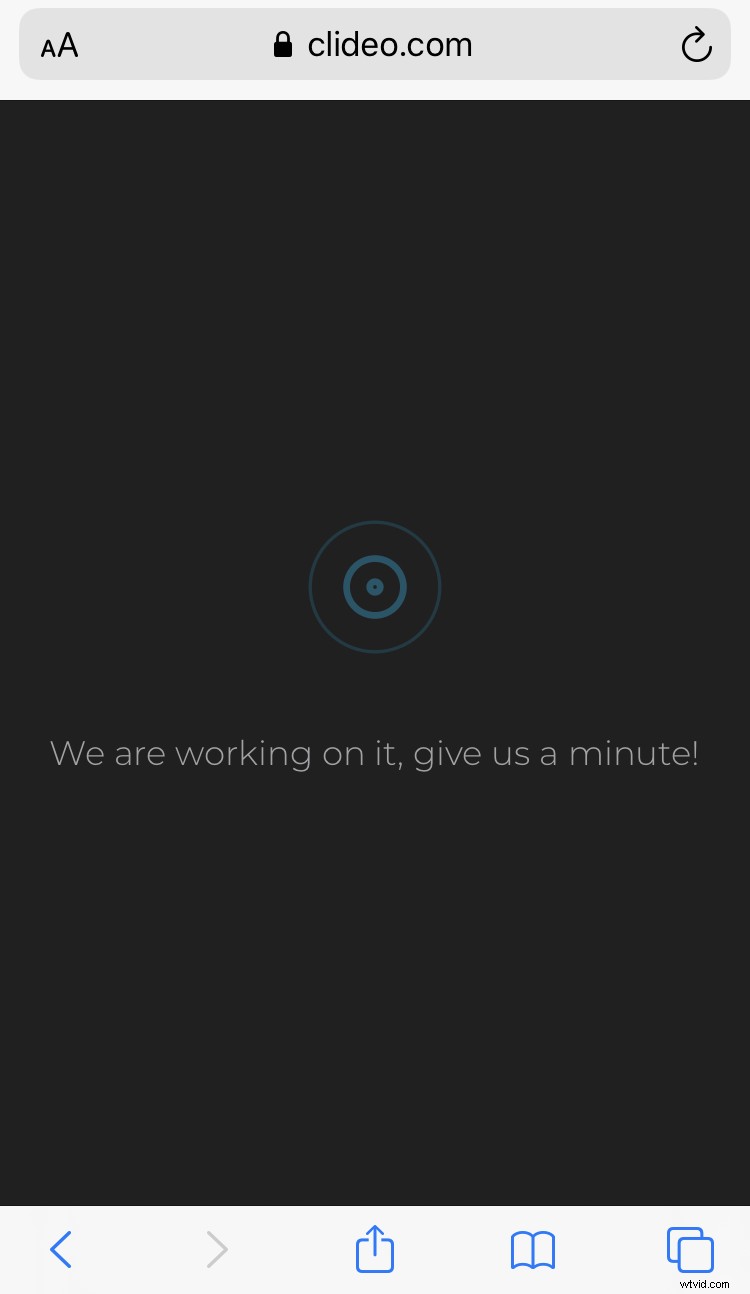
Our tool reaches compression of up to 90%! So, the output size will definitely meet the requirements of all the most popular social media and messengers, e.g. Facebook, WhatsApp, Viber, etc.
Save the result
Have a quick review to get sure that the recording quality is still high enough. Then download the file to your personal device or upload it to cloud storage. If you have more recordings to process, tap “Start over” and compress another video.
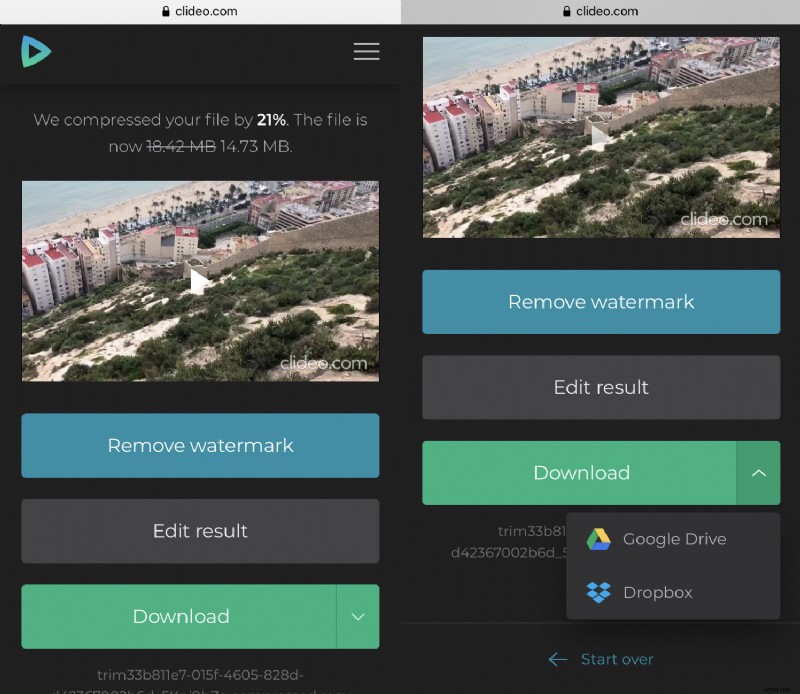
Mind that the initial input format will be kept, but if you want to change it, you may do it with the help of the Online Converter.