
Meet Clideo's new video shrink app
We’ve created a video size reducer app for iOS devices that has both online and offline modes. It allows you to set the best size/quality rate. With our compressor app you can change a visual’s resolution, format, codec and mute it.
If you need to compress a recording on Android, Windows or Mac, just use our online tool. It’s compatible with all the operating systems.
All the main functions are free, if you want to get full access and get rid of a tiny watermark, you can subscribe to Clideo Pro.
Keep reading and get to know how to use the video shrinker app in three simple steps!
Start a project
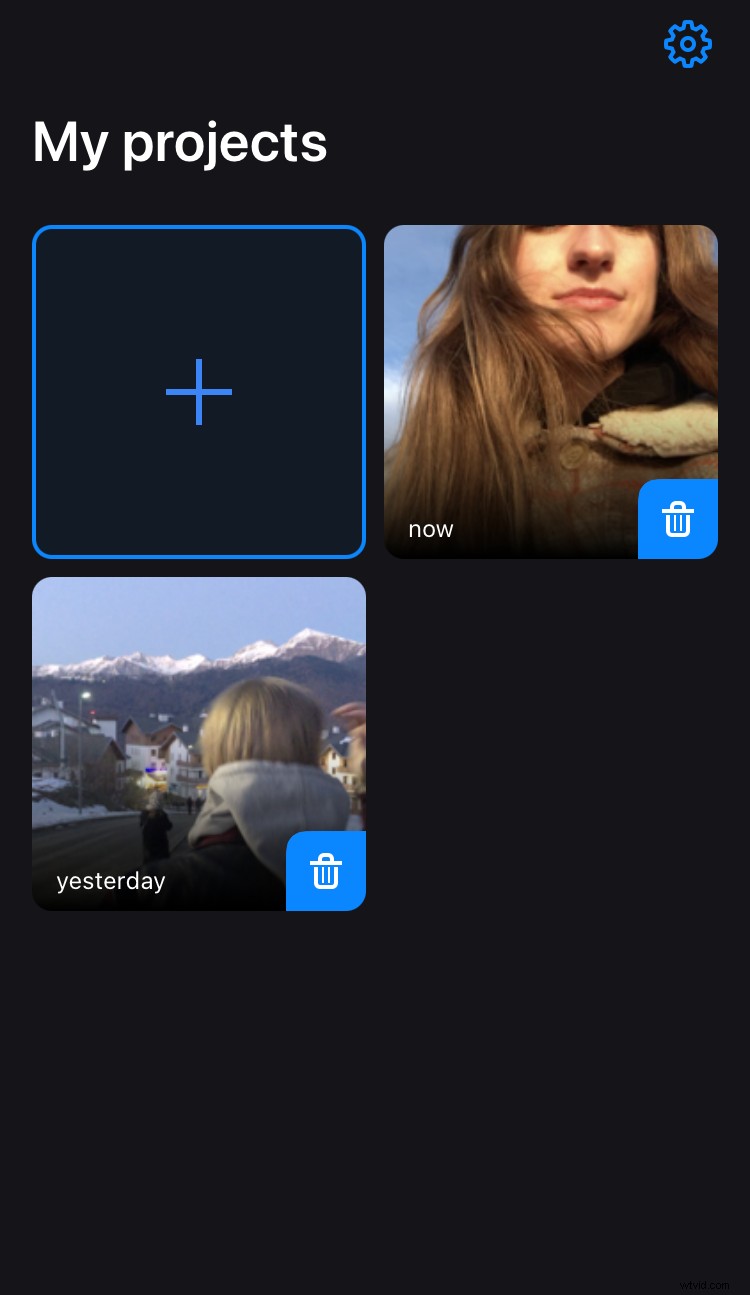
Open App Store and install Clideo’s compress video app. Tap the big “Plus” sign to start a new project and upload a video from your camera roll.
Choose a compression mode
There are three options available:
- Basic compression. It works offline and reduces the size of your file so that the high quality is kept.
- Strong compression. It works online and requires Pro subscription. It compresses the visual’s size as much as possible and keeps the best quality possible.
- Custom. It works online, allows finding the best video size., compression speed, changing codec, resolution and format.
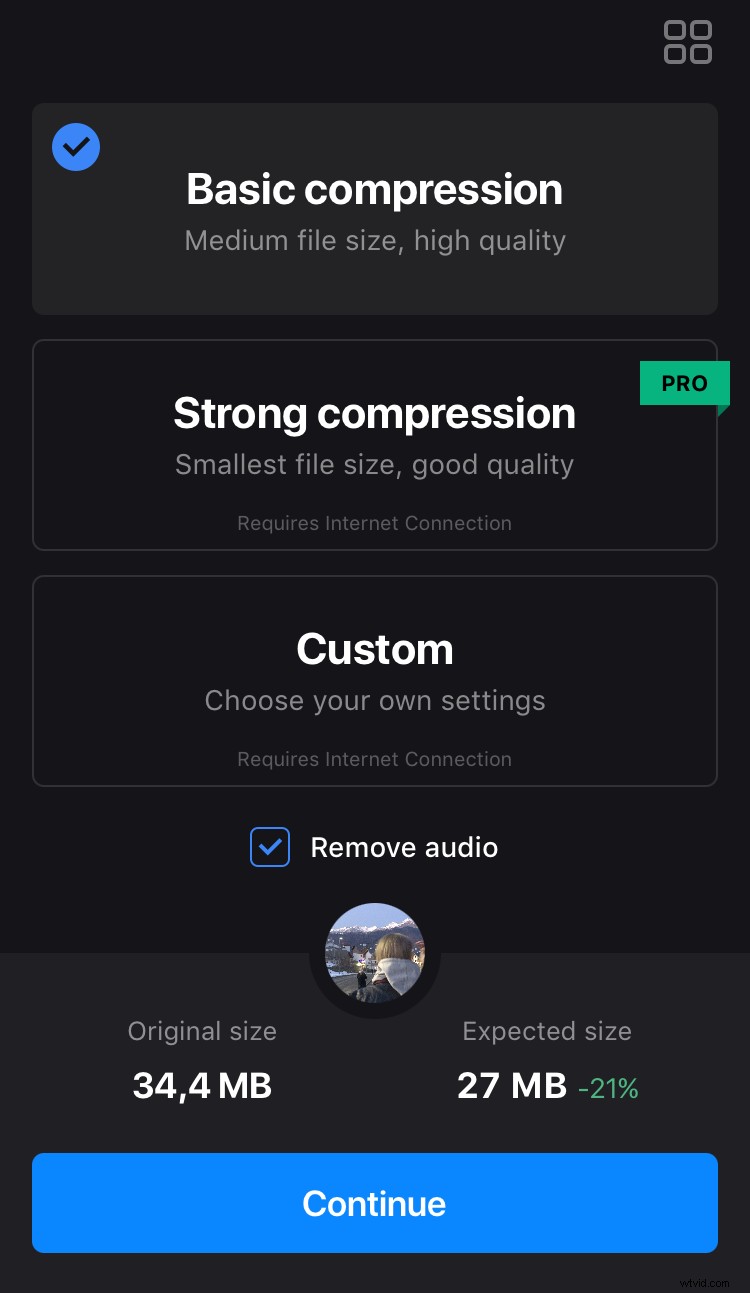
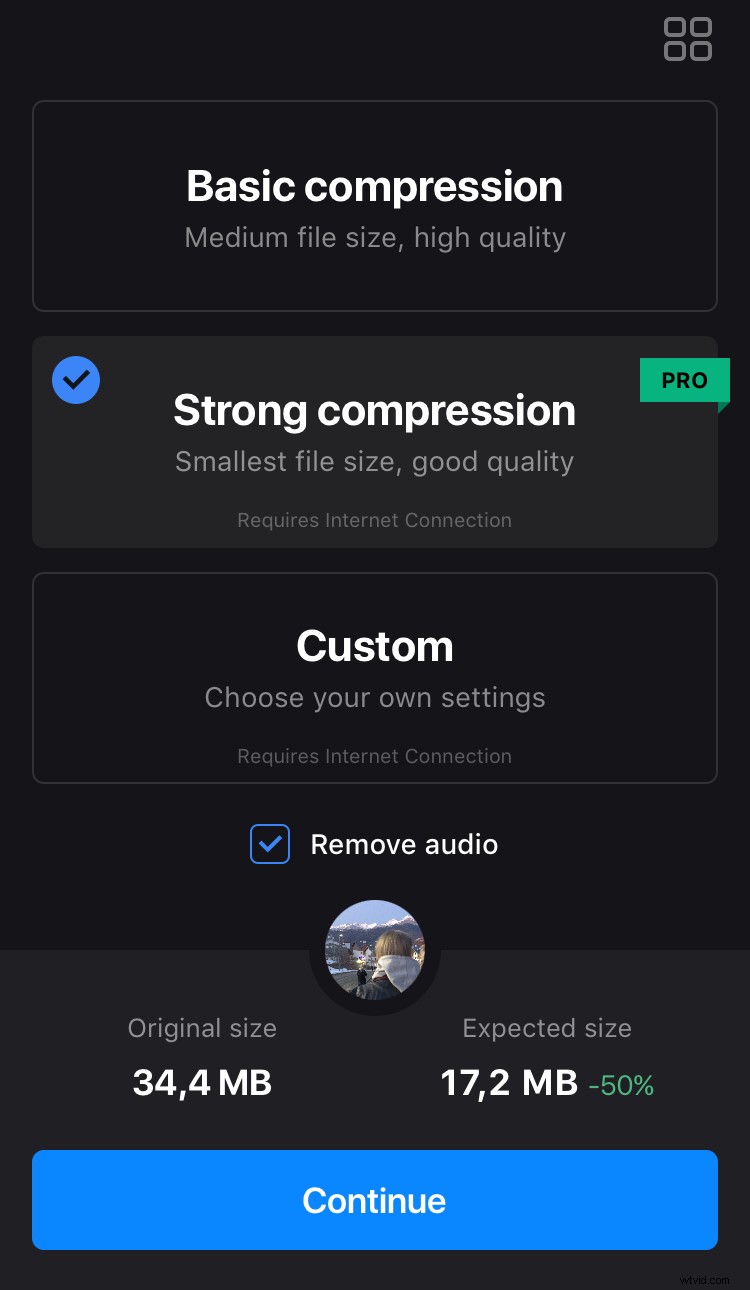
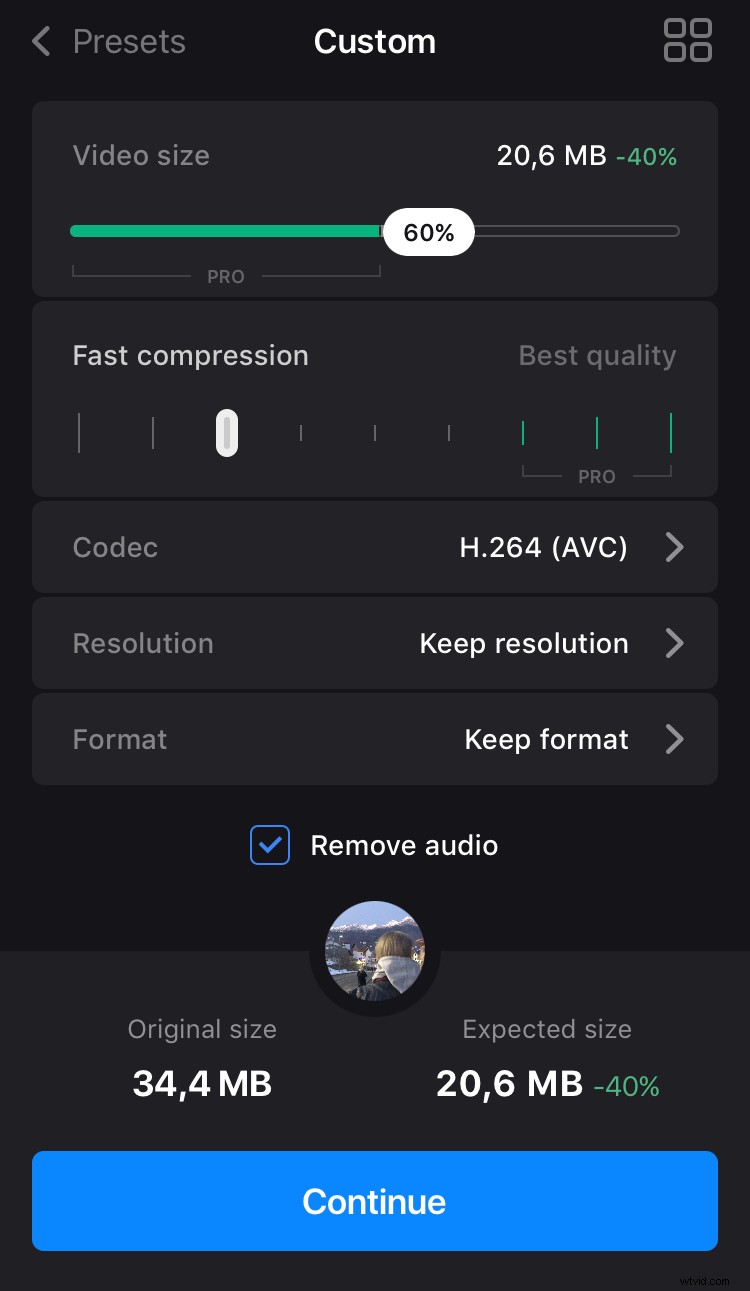
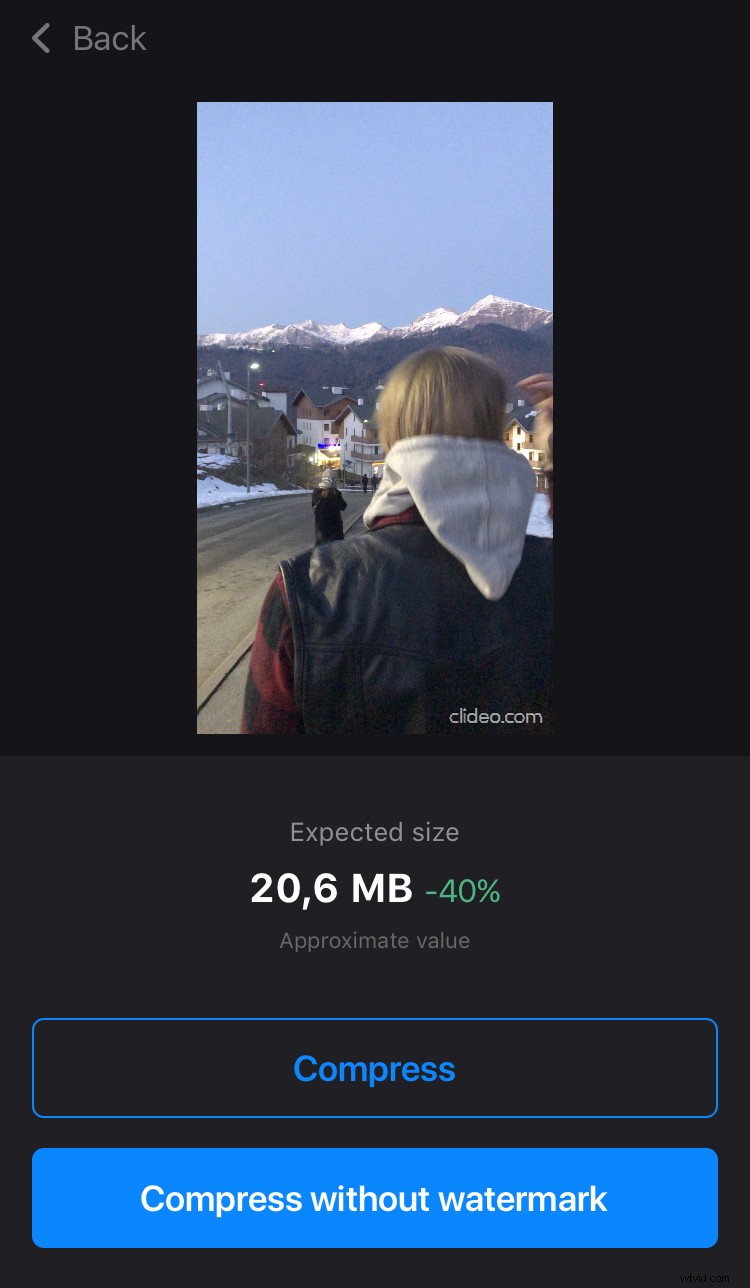
Hit the needed mode and see the approximate new value in MB and percentage. You can mute the recording by ticking the “Remove audio” box.
At last, tap “Continue”, then “Compress” and let the app do its job.
Share the video
The compressed video is automatically saved to your Projects and camera roll. Now you can post it to social media right from the application.
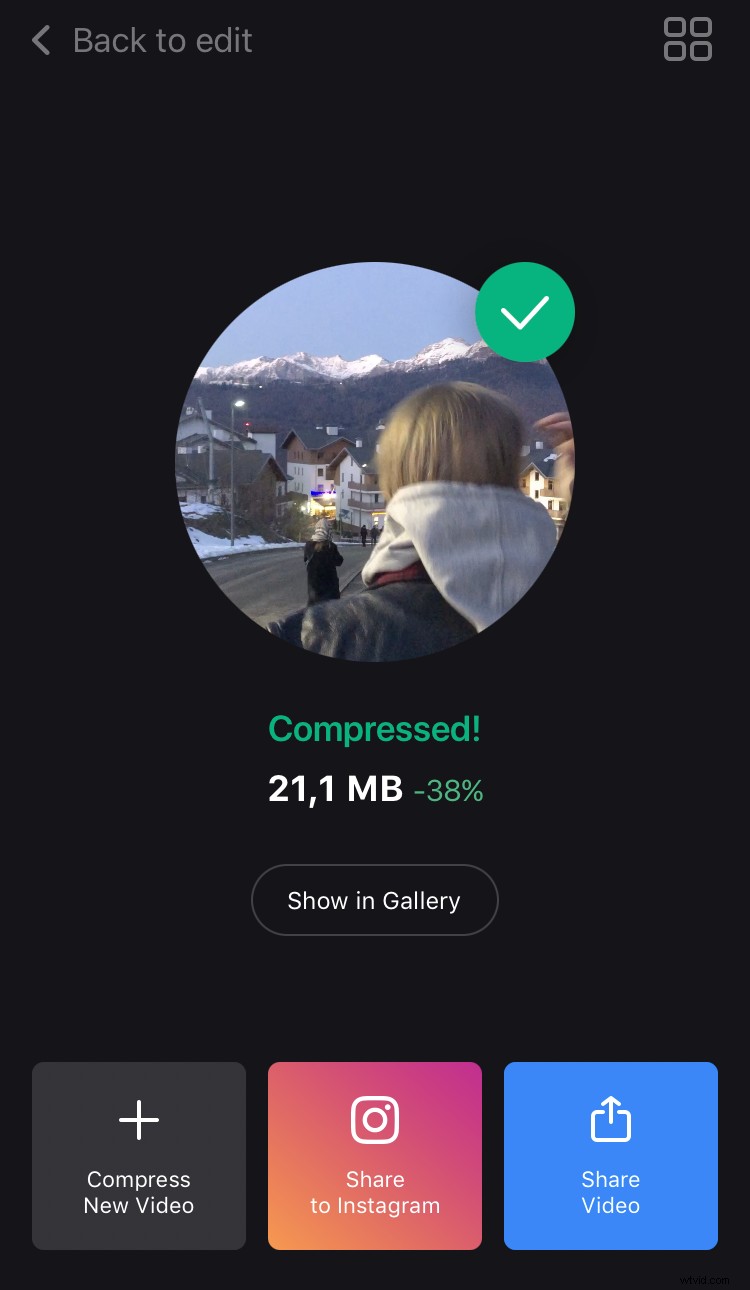
If you want to try another mode or change the settings, just tap “Back to edit” and keep working on your recording!