How to convert MP3 to video
You’ll just need to convert an MP3 file to video for YouTube, Facebook, Instagram, or any other social network. But how?
Combine it with a picture, a video, or a GIF and you’ll get a file perfect for posting anywhere you want.
Clideo’s free MP3 to Video Converter will help you with that. It works online, so forget about long, tiresome, and memory-consuming installations. It works equally efficiently on Windows, Mac, Linux, iPhone, or Android.
Read on and get to know how to turn an image and MP3 to a video in three short steps.
Upload any visual file
Open our MP3 to Video Maker in any browser. Click the blue button to upload a picture or a clip from your device.
Or call the drop-down menu on the right side of the button and import it from Google Drive or Dropbox.
Convert MP3 to video file
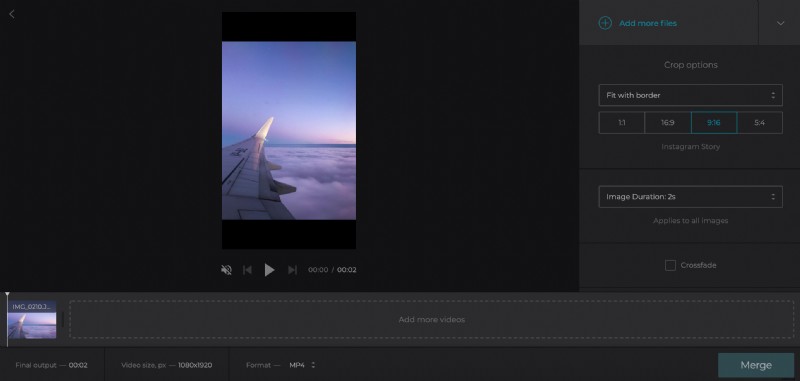
Add more visual files if you want to create a slideshow. You can either drag & drop them to the timeline below the player or find the button on the top right to add them using the options described in the previous step.
Click the pane “Add Audio” and select a track from your personal device. Hit a small arrow on the right side of the button to call a menu and import an audio file from cloud storage accounts.
Trim the audio using sliders. Alternatively set the timing manually. Adjust the volume.
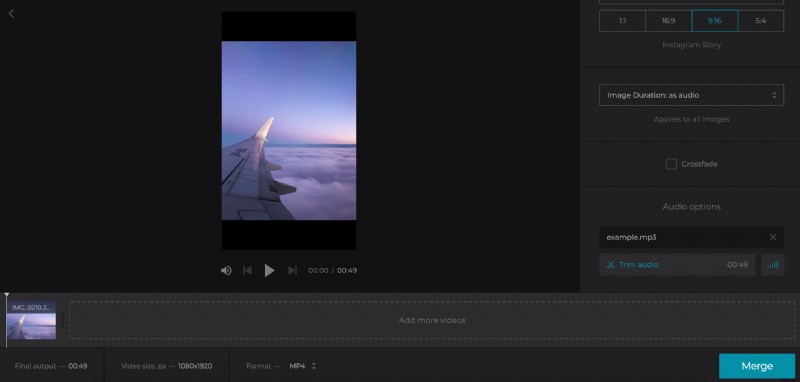
If you’ve used only one image, its duration will be automatically set “As Audio” and it will be synchronized with the soundtrack. If your composition contains more pics, set their duration as you wish.
Choose one of four aspect ratio presets to adjust your clip to the needed social media. Select a crop option: fit the image with borders or zoom and crop it. If there is more, than one visual, tick the “Crossfade” box to make the frame transition smoother.
Select an output format. MP4 and MOV are the best choices for the majority of social media, but our tool supports even less popular extensions, such as F4V, VOB, TS, etc.
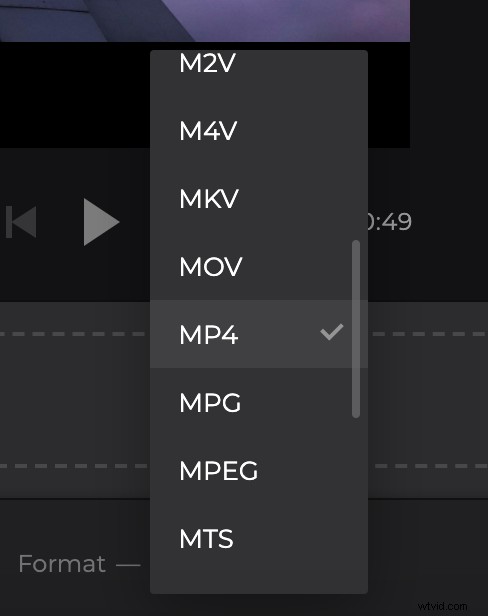
When you are done, click “Merge”.
Download the video with audio
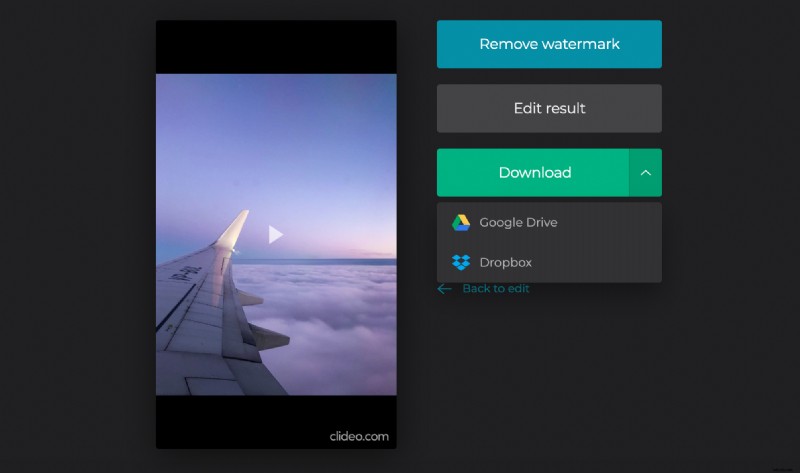
Run a preview in the player and check if you like what you see. If so, save the clip to your personal device or cloud storage. If not, click “Back to edit” and make the changes.