How to add a picture to a video
Clideo is one of the best services with the widest range of video editing tools.
It is not an app that you need to download, it works online and doesn’t take your device’s memory. The tool works equally efficiently on all the devices and operating systems, be it Mac, iOS, Windows, Android, or even Linux.
You can upload an endless number of files up to 500 MB each for free! If it turns out to be not enough for you, just subscribe to Clideo Pro.
Just follow three easy steps.
Upload initial files
As soon as you open Clideo’s Video Merger, you’ll spot a big blue button “Choose files”. Hit it to upload recordings from your personal device. Multiple selection is possible!
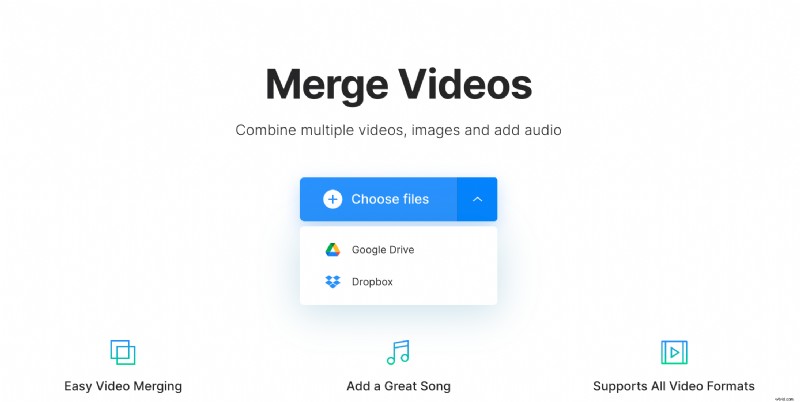
Our service also allows importing content from online sources. Call a drop-down menu on the right of the button, and upload from a cloud storage account.
Add a picture to the video online
Use the same options as at the previous step to add more visuals. You can also just drag and drop them to the timeline below the player.
Decide on the crop option. If you don’t want your future clip to have black sidebars, choose “Zoom & Crop”. If you prefer to keep the whole image as it is, select the “Fit with border” option.
Then hit one of four aspect ratio presets. They’ll meet the requirements of all social media, not only Facebook, Instagram, and YouTube.
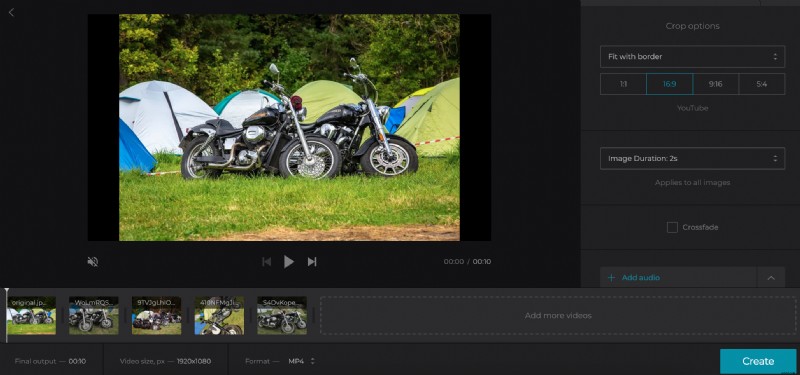
Set the duration that will be applied to all the pictures you’ve added.
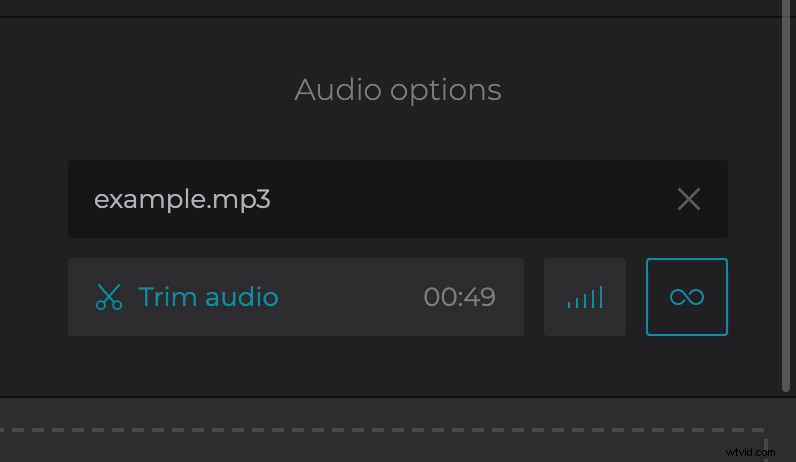
When you are done with the visual part, add and trim audio. Don’t forget to adjust its volume. If the initial video has its own soundtrack, you can adjust its volume, too.
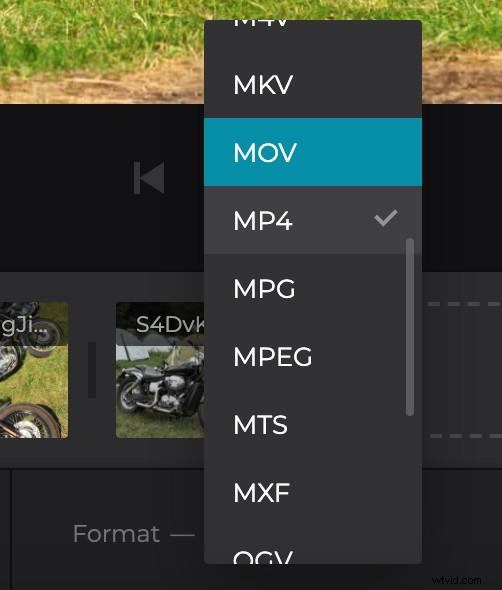
Finally, decide on the output format. MP4 and MOV are the most compatible ones for online posting.
When you are happy with the result, click on “Create” and get ready for a final preview.
Save the result
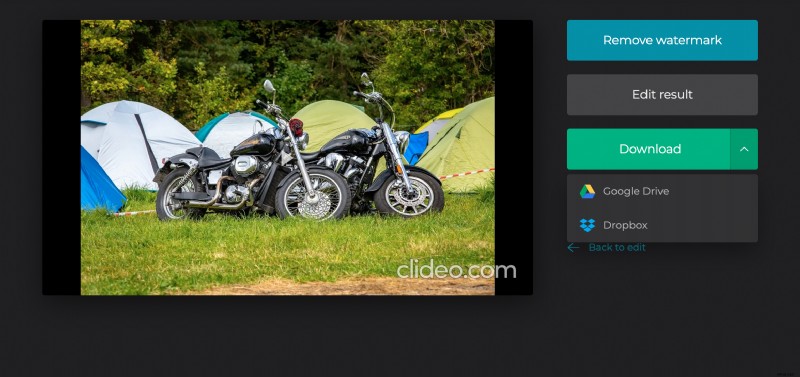
Enjoy your ready clip one last time before saving. Do you really like it? If so, download it to your personal device, Google Drive or Dropbox. If not yet, click on “Back to edit” and make it better!