How to trim an AVI file
But no worries! Our AVI trimmer allows not only trimming the recording but also changing its extension. It also works online and doesn’t require any previous experience in editing. All the steps are easy and self-evident.
You can upload to the free AVI video cutter files up to 500 MB, there are no ads or trial periods. Each edited visual has a tiny discreet watermark as a humble tribute to our service. If you want to get rid of it – just upgrade to Clideo Pro!
Follow these steps and cut an AVI file online in no time:
Upload a file to trim
Open Clideo’s AVI Cutter in a browser. The easiest way to import a video is to select it from your camera roll or personal device. To perform it just click on the big blue button in the very centre of the screen.
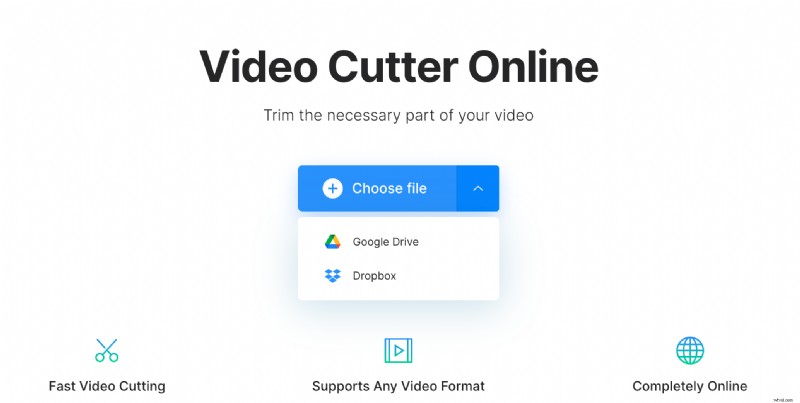
Another option – you can upload a video stored online. Call a drop-down menu on the right side of the pane and either choose from Google Drive or Dropbox.
Trim AVI video
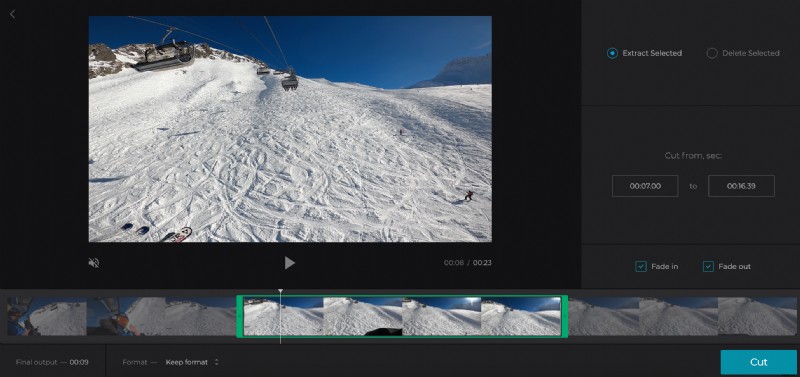
If you need some exact part of the recording, hit the “Extract selected” option and choose the needed snippet by moving the sliders. You can also set the start/end time manually in the boxes. The “Fade in” and “Fade out” features will make the clip start and end gradually.
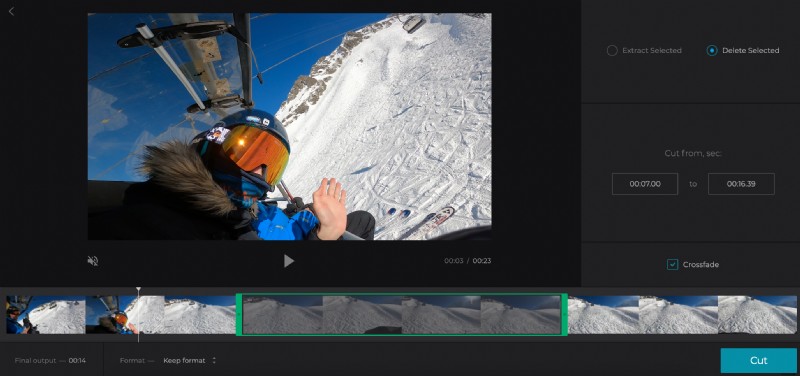
If you want to erase some part, select it with the sliders and hit “Delete selected”. The “Crossfade” feature will make the frame transition smoother.
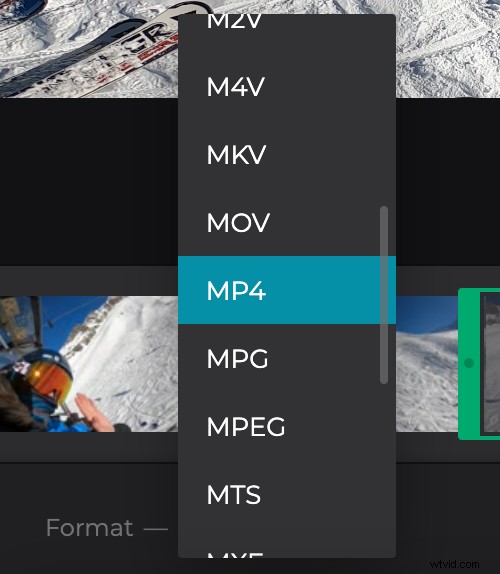
If you are not happy with the AVI format, you can change it and select a new one below the player.
Click on “Cut” and let the tool do its part of the job.
Save the trimmed video
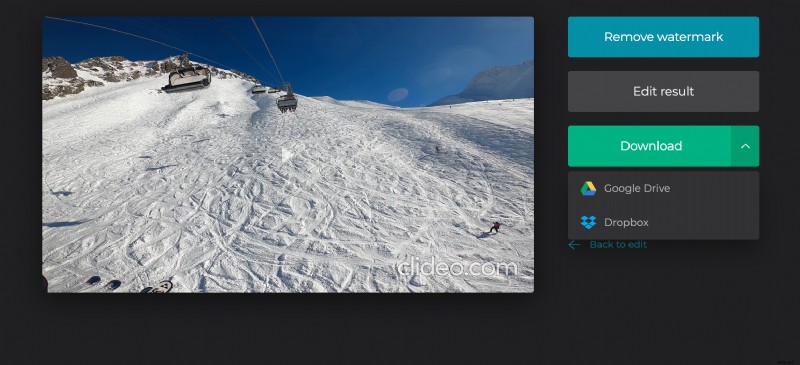
Take a final preview to make sure that you got what you wanted. The video is still not perfect? Hit “Back to edit” and improve it! Happy with the result? Save it to your personal device or cloud storage account.