How to extract audio from a MOV file
Luckily, Clideo has a better solution.
It allows you to convert MOV to audio in three easy steps. All you need is an initial video, a stable internet connection and several spare minutes.
Our tool is free, you don’t have to pay for extra functionality, as you already have full access. There are no annoying ads, banners or even watermarks!
Another advantage is that our tool works equally efficiently on Windows, Mac, Linux, iOS and Android, so you can use it on any device.
So, let’s finally get to the steps:
Upload a MOV video
Open Clideo’s Audio Extractor and hit the pane “Choose file” to upload a recording from your personal device.
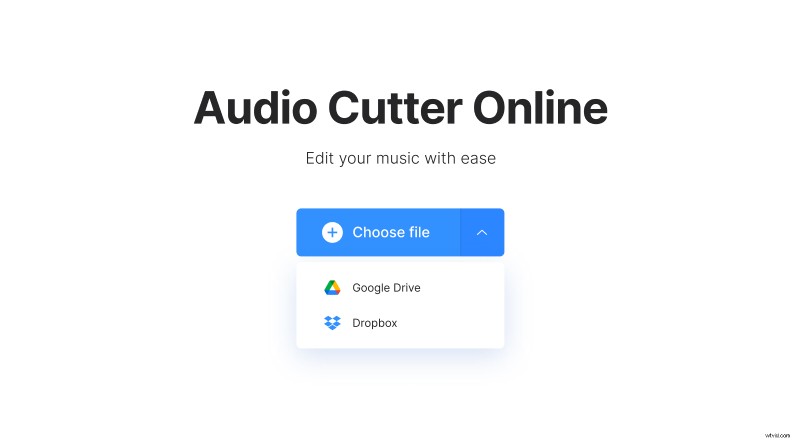
You can also import a video stored online. Just click on the face-down arrow on the right side of the pane and select the corresponding option. Here you can pick up a file from Google Drive or Dropbox.
Get audio from the MOV file
To save audio as it is, just move the left slider to 00:00.11 and set the right one to the endpoint of the audio. Then click on “Cut” and go to the third step.
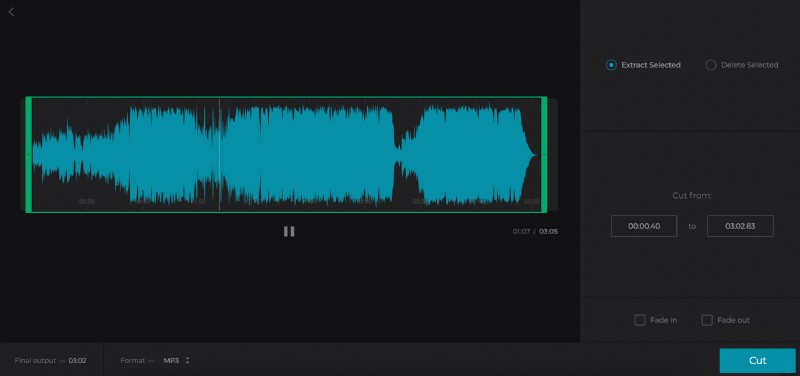
Otherwise, you can trim the audio. For that, set the sliders as you need or select the timing manually in the boxes. Then choose one of two following options:
- Extract selected – only this snippet will be kept.
- Delete selected – this snipped will be erased, and the rest will be merged into one single audio track.
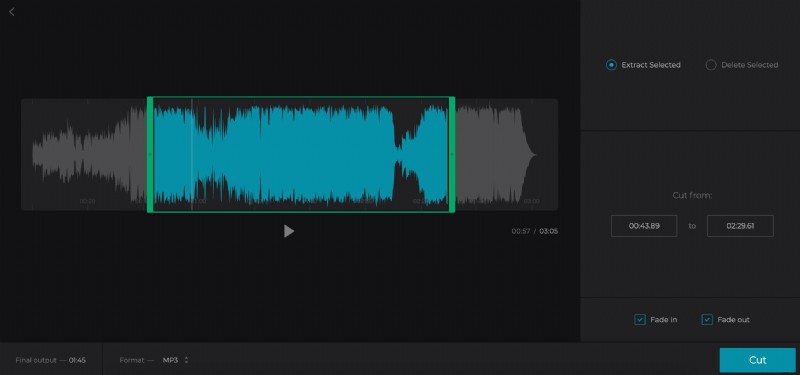
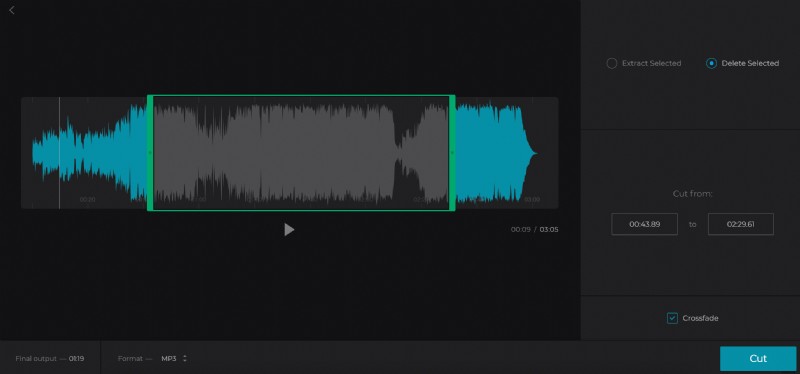
Pay attention to the boxes “Fade in” and “Fade out”/“Crossfade” – they’ll make your audio more harmonious.
Select one of a dozen of different output formats.
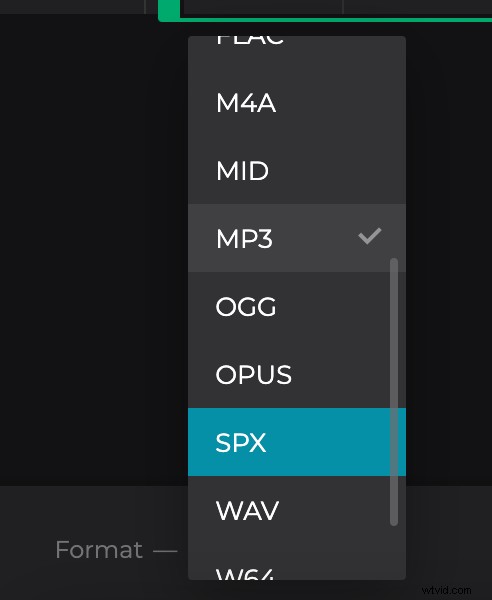
Hit “Cut” and get ready to enjoy your new soundtrack!
Save the final track
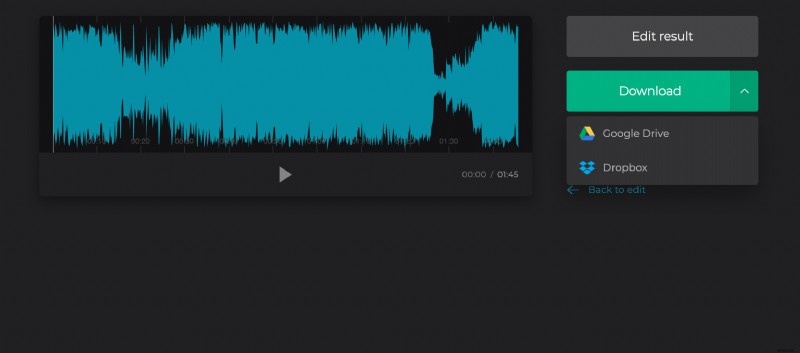
Listen to the new audio one more time and save it to your personal device or to the cloud. If you want to change something, just click “Back to edit” without the need to start over!