How to add audio to a GIF
But what you can is to turn it into a clip and then edit it as you need, adding more images, shootings, other GIFs and, of course, sound.
And here our free online tool comes in handy.
Just to point out several of its key advantages, let’s start with its compatibility. As we’ve already mentioned, our editor works from a browser, so the operating system or type of your gadget don’t matter.
We don’t use “freemium” modes and neither force our users to watch ads nor have trial periods. You can add audio to GIF for free and start as many projects as you need under the condition that each file that you upload will be less than 500 MB.
Just follow three easy steps:
Upload a GIF
Open Clideo’s Video Maker in any browser and add a GIF that you want to turn into a melodious clip. There are two main ways to do so:
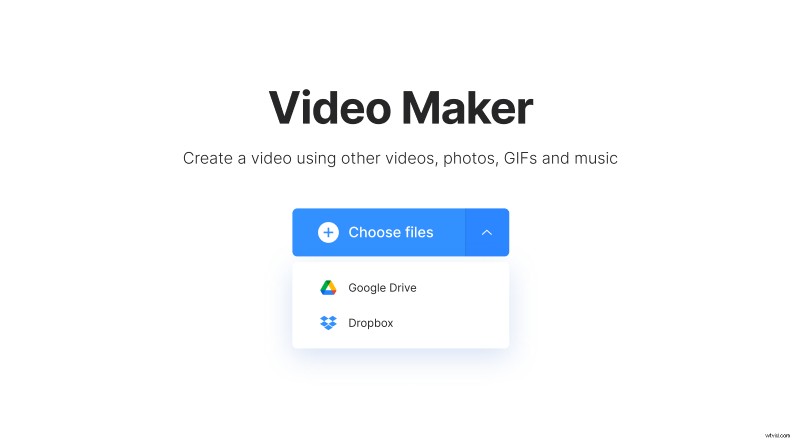
- Hit the big blue button “Choose files” to pick up a file from your personal device.
- Call the drop-down menu on the right side of this pane and upload a GIF stored in your Google Drive or Dropbox.
Add audio and more files if you want
At this step you can see that your GIF has been already turned to a video. If you want to add more visuals, you can drag and drop them on the timeline or use the button on the top right with the same options from the previous step. You may also upload the same GIF one or more times to make the recording longer.
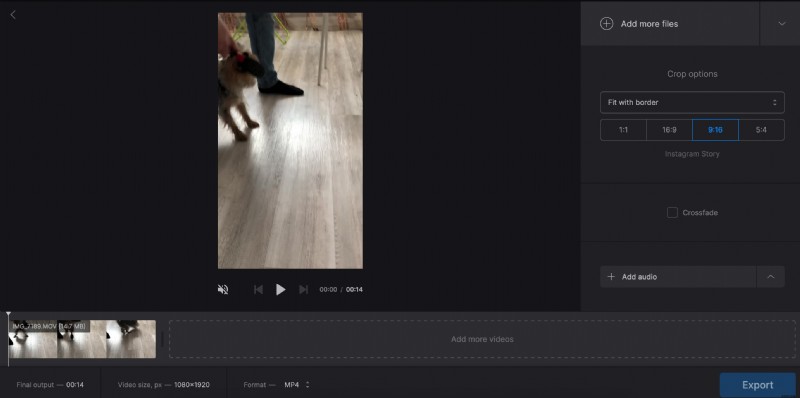
Decide on a crop option and aspect ratio, check what they look like in a player on the left side.
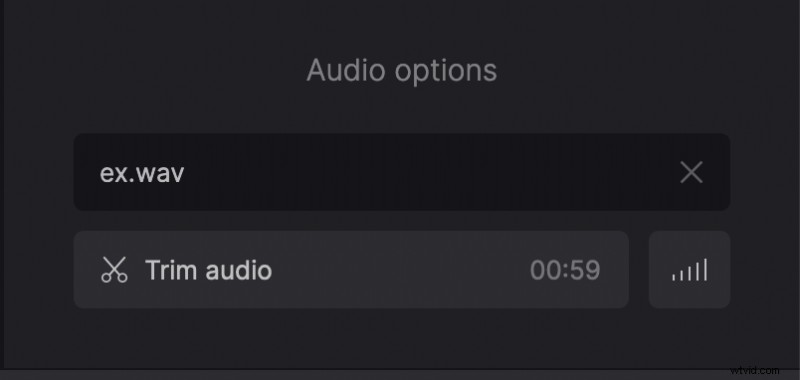
When you are done with a visual part, go on to the main step – add a song. Click on the “Add audio” pane and upload a track from your personal device or cloud storage account. Then click on the scissors to trim your audio with the help of sliders and adjust its volume.
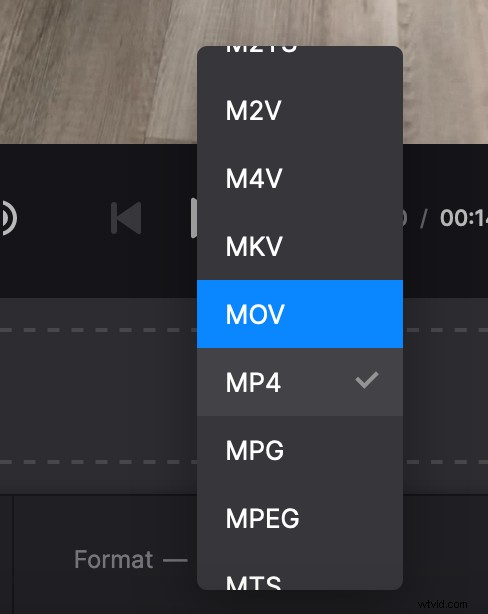
The last point – choose an output format. If you are going to post your renewed GIF on social media, you’d better stick to MP4 or MOV, but there are more than 20 other extensions to choose from.
At last, hit “Export” and let the tool work while you’re having rest.
Download the former GIF
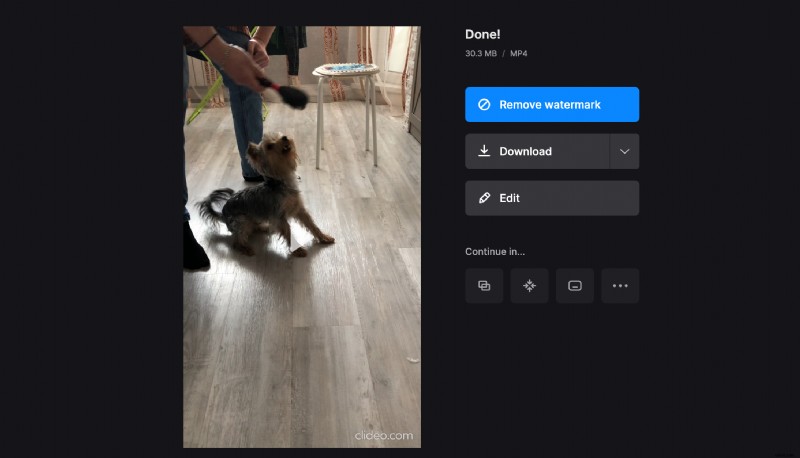
Give your new video a final run to make sure that you like what you see. If you want to get rid of a tiny watermark on your visual, subscribe to Clideo Pro – it will also allow you to use several tools in one project. Otherwise just download the clip, upload it to Google Drive or Dropbox, or get back to editing.