
Cut and save a SoundCloud song to MP3
Having your favorite songs from SoundCloud will help you avoid surprises, problems with a slow Internet connection. And you will still access the best SoundCloud content without any technical problems.
Our SoundCloud song to MP3 cutter allows you not only to cut the soundtrack, but also add fading effects, and convert it to any audio format.
The tool does not require any software installation, because it works completely online, so you can use it on both your computer and your phone. It’s absolutely free without any watermarks and adds if the file size is no more than 500 MB.
Let’s see how it works.
Paste a link
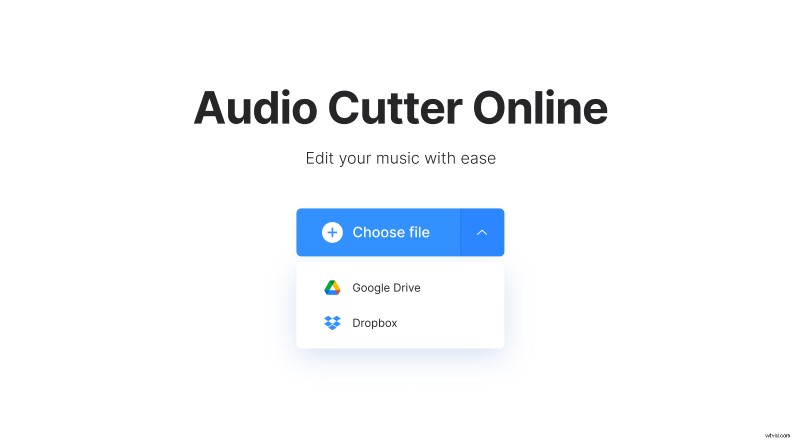
Go to Soundcloud and download a song you need. Then, open Clideo’s audio cutter in any browser and click the "Choose file" button to add a file from your device. Alternatively, you can hover over a small arrow to upload from your Google Drive or Dropbox cloud storage accounts.
Edit the audio
You can now cut the track if you want to. Pick the “Extract Selected” or “Delete Selected” option. The first one allows saving only the chosen area, and the second one erases the middle part merging the two remaining clips. Select the desired area with the sliders or by entering the needed timing in the “Cut from” section.
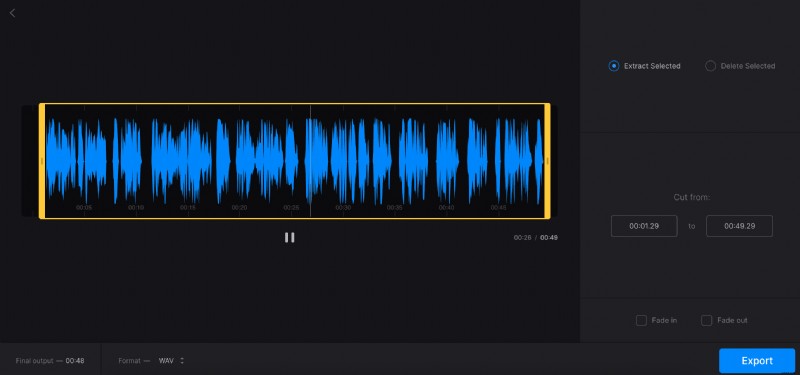
Below you can find two boxes that will add fade-in and fade-out effects respectively if checked.
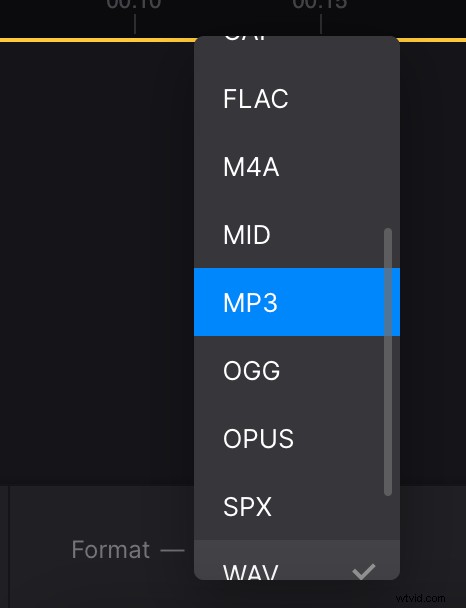
All that remains is to select the file format. You can find this option on the bottom left of the screen. By default high-quality MP3 is selected, but you can choose any other. Press the blue "Export" button.
Download the song in MP3
On this screen, you can see the size of the file. To save it to your device, click the "Download" button or click the down arrow and save the clip to your cloud storage.
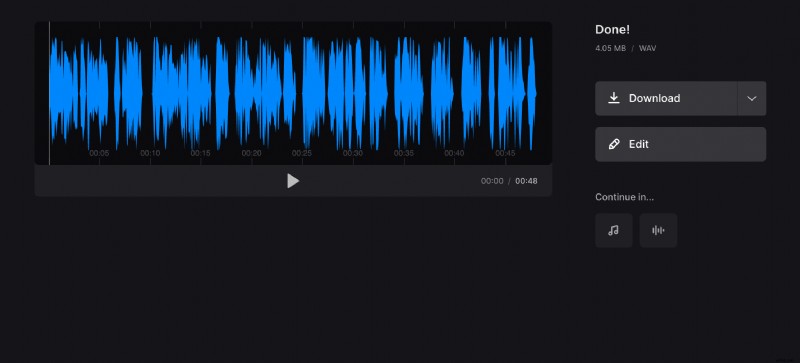
If any changes need to be made click "Edit" and you'll return to the previous step. Sign up for Clideo Pro so you can immediately continue editing your audio in other tools.