
Cut any song for your ringtone
Nowadays everybody can set to their smartphones any customized sounds, be it a favourite song, your baby’s first word or a cat’s snore.
Good news! You don’t need to purchase and install any special software as all the editing may well be processed online. With the help of Clideo service you can cut a ringtone out of a file up to 500 MB for free, without any video ads or functionality limits.
As our tool works in a browser, you can use it from any device: a computer, an iPhone or another smartphone, even a tablet or an e-book with Internet access, if you wish.
Just follow these steps:
Upload an audio track
Open Clideo’s Ringtone Maker and hit the big blue pane to import an audio file from your personal device. You can also just drag the recording you need and drop it directly to the pane.
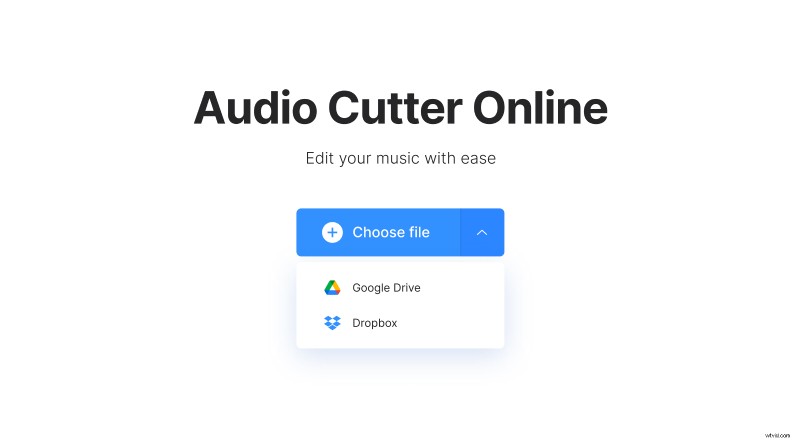
The drop-down menu allows you to upload music from your cloud storage accounts.
Trim song for ringtone
Select the snippet you need by moving sliders. Alternatively you may set the timing manually in the boxes. You can either extract or delete the selected part, depending on your aims.
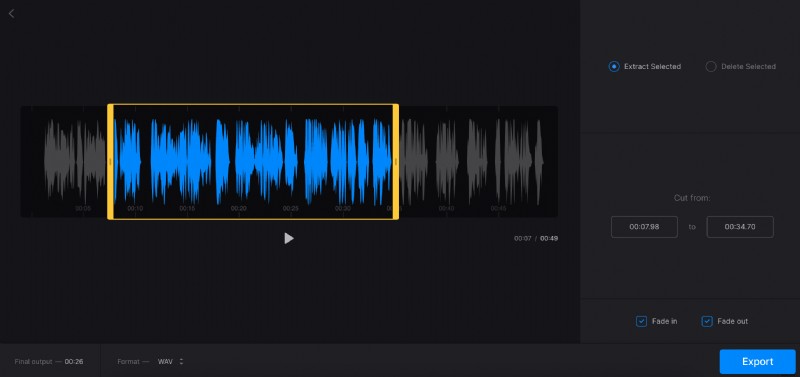
Use extra options, such as “Fade in”, “Fade out” and “Crossfade”, to make your future ringtone more melodious.
Don’t forget to select an output format. The most compatible with all the gadgets and online platforms is MP3, but you may also decide on less popular ones. For instance, for an iPhone ringtone you’ll need an M4R.
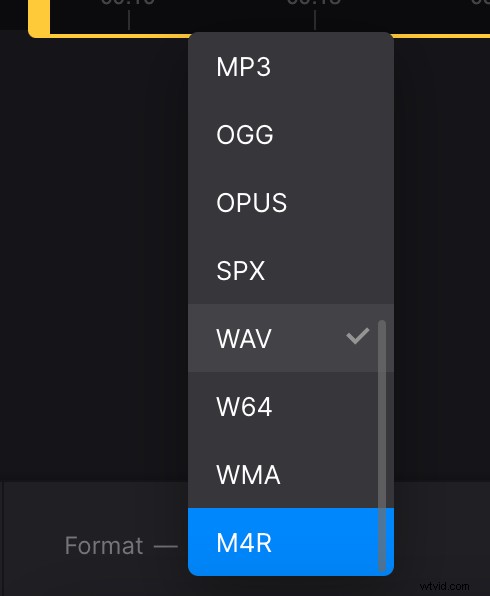
When you are fully done, hit “Export” and get ready to revise the result.
Download the ready ringtone
Listen to your freshly created ringtone and decide if it’s exactly what you wanted. If so, save it to your personal device, Google Drive or Dropbox. If any amendments are needed, just hit the “Edit” pane and keep working.
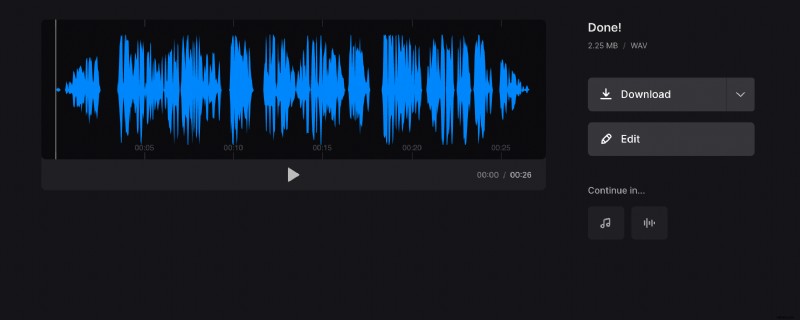
To upload this track as a new ringtone check your gadget’s settings.