
People have been asking me for a long time how to remove vocals or isolate vocals in a music track.
Well, luckily, there’s now a way! The Moises app can help you easily remove vocals from a song. It’s available for both iOS and Android for free, with an optional upgrade to Premium.
Free Version
It’s very cool – and uses artificial intelligence not only to isolate vocals, but also to isolate the music and create karaoke tracks. What’s more, you can even set it to isolate certain instruments, like the drum track and the bass.
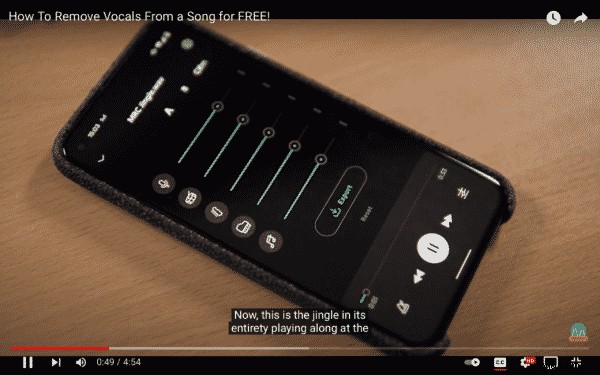
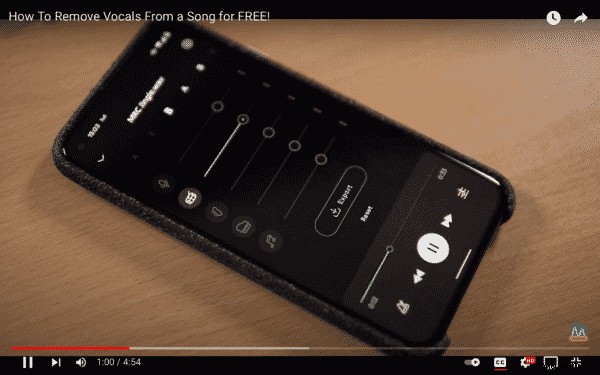
To use it, first upload your track to the app and select it to have a listen. When it’s playing, you’ll be able to see the different tracks, and all you need to do is select or deselect them to isolate or include the elements you’d like as your track plays on a loop.
The free version also has another couple of awesome features:
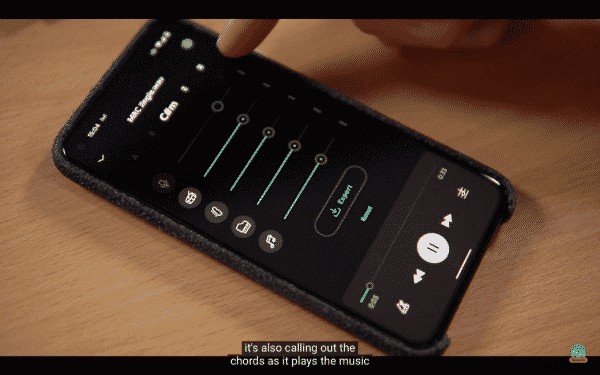
- It calls out the chords as it plays your track.
- And you can even fine-dial and fade in and out the various elements of your track, for example if you want to preserve the quality of a track and not fade out the bass or drums entirely.
Premium
There’s also a Premium version of the app, with the annual subscription representing the best value. New features are added monthly and there’s also a computer version that works inside a web browser.
Here, you can upload your tracks and there’s even a mastering mode which allows you to master your tracks.
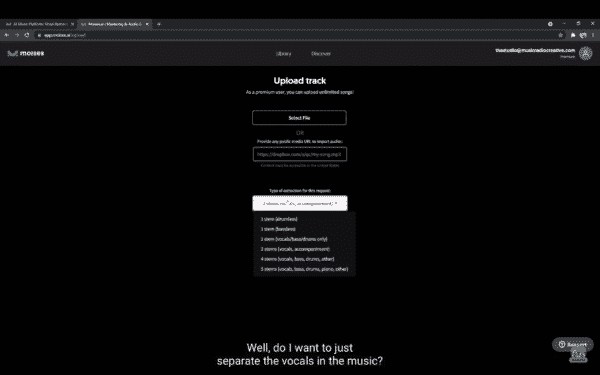
When it comes to uploading a track in the browser, you can also choose whether you just want to separate vocals and music, or whether you want to really break it down into vocals, bass, drums, and even piano and more – it’s all available.
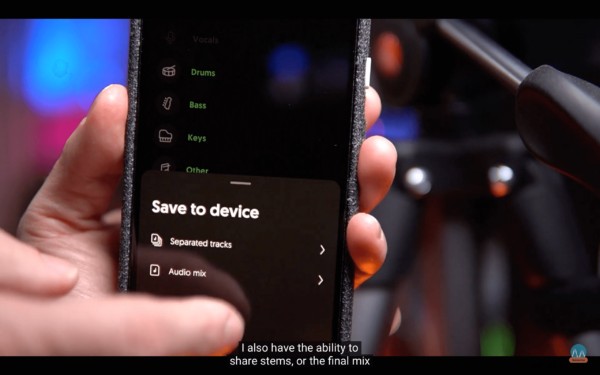
Back in the mobile app library, you can export the stems or audio mix, and you can also share them via social media, messaging, email and so on.
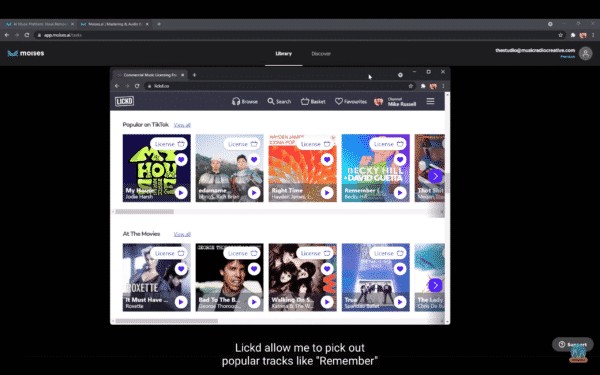
Now, if you’re looking to give this a go with tracks we all know and love, but without receiving a copyright claim, you can thanks to a service called Lickd, where you can find and use all kinds of well-known songs.
So, there you have it – a fantastic and amazingly clever way of very easily removing vocals from a song. I highly recommend giving Moises a go!
Learn More About Editing Vocals
- How to Completely Remove Vocals from a Song Using Audacity
- How to Find the BPM of a Song in Adobe Audition
- How To Choose The Best Podcast Intro Music?
- Where Do YouTubers Get Their Music
Royalty Free Music
Get great sounding audio for your podcast, radio, ad or a commercial here. Ideal for creators, radio stations and podcasters looking to add music to their audio or video.