
How to separate audio from video
If you are more interested the video track, use our Video Mute tool. But this article is for those, who need only a soundtrack.
Our service works online. So unlike apps and software, you can just open it in any browser and start using right away, without registering or logging in. It’s user-friendly and intuitively comprehensive even for amateur video-editors.
Just follow three easy steps:
Upload a video to the tool
Open Clideo’s Audio Cutter and upload a recording from your personal device by hitting the “Choose file” button.
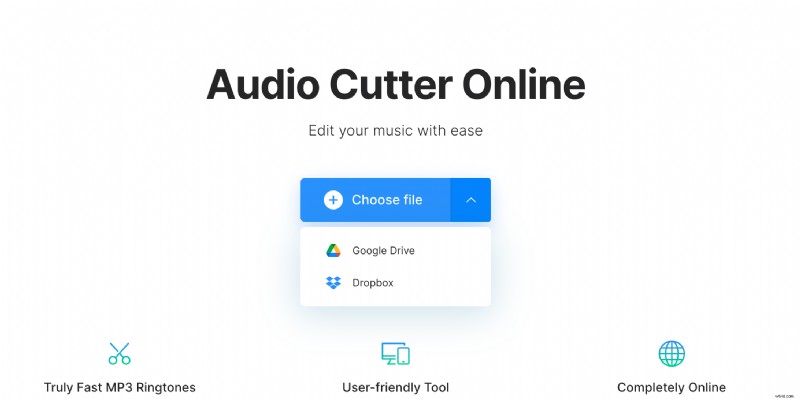
You can also call the drop-down menu on the right side of the pane and import a video stored online. The first and the second options allow you to pick up a file from Google Drive or Dropbox.
Separate video from audio
Choose an audio snippet by moving the sliders or setting up the start/end timing manually in the boxes. Mark one of two options:
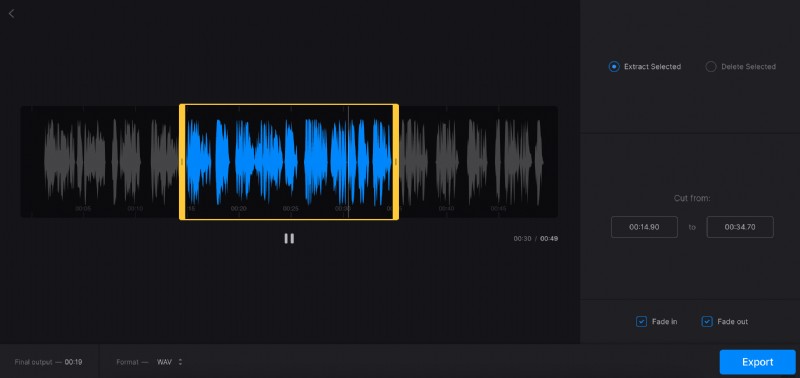
- “Extract selected” if you want to save only this exact part;
- “Delete selected” if you want to erase it and merge the rest.
Don’t forget to tick “Fade in”, “Fade out” or “Crossfade” boxes to make your audio sound more melodic and harmonious.
The default output format will be MP3, but you can change it below the player.
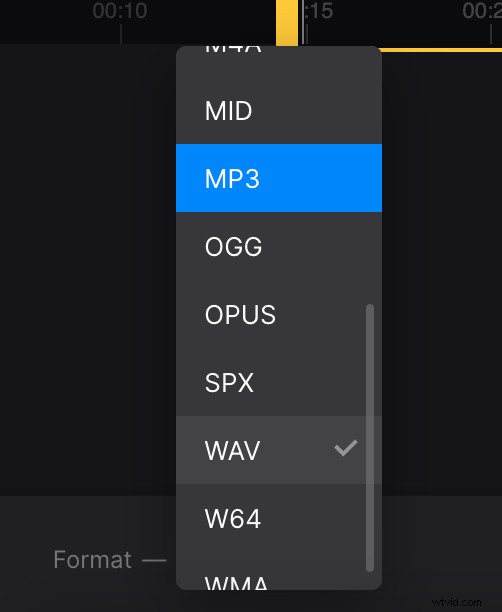
When everything is ready, click on “Export” and let the tool do the rest.
Save the extracted audio
At the final screen you can not only give the track the final run and make sure that everything is fine, but also see the output format and size.
If you want to change something, hit the “Edit” button, confirm your decision by clicking “Yes” and return to the editor. If you are happy with the result, save it to your personal device or cloud storage account.
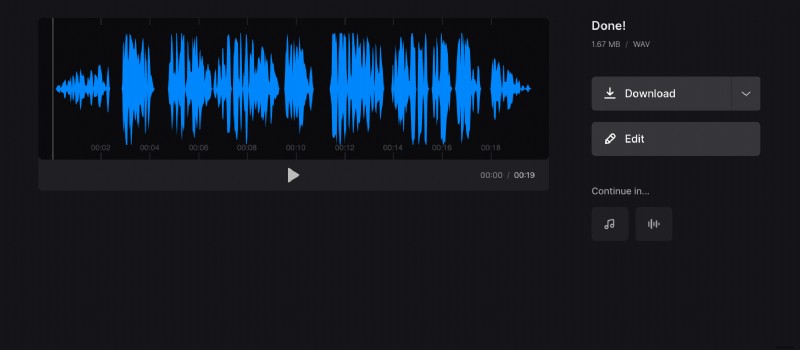
Clideo Pro subscribers can edit the result in other tools right away, without downloading and uploading it over and over again.