
Extract audio from video on Mac, Windows, or any other device
There are many professional software tools and mobile apps that can help extract audio from a video file. But you need to download and install them, and then try to find out how they work. Not everyone is happy to waste time, not to mention money, on that.
Sometimes I think this century has been blessed with a tool that does exactly what we need on any device right in the browser. Clideo has a set of video editing tools for various needs. All of them are user-friendly and can work with all the popular formats — MP4, AVI, WAV, MP3, OGG, and so on.
Moreover, you can even upload from your Dropbox or Google Drive online storage. Everything will be free if your file is up to 500 MB.
So let’s see, step by step, how you can extract audio from a video, for example.
Upload your file
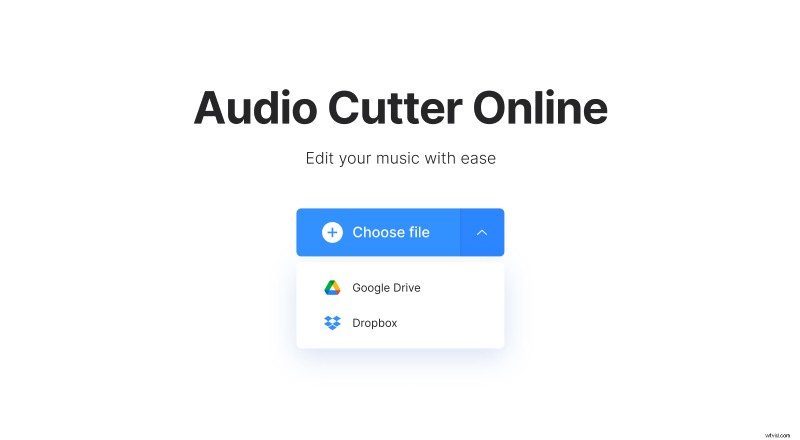
Open Clideo’s Audio Cutter and click the blue "Choose file" button to add your file. To upload from Google Drive or Dropbox, hover over the drop-down arrow next to the big blue button, and then select the option you need. The upload will start immediately.
Cut your audio
Once the video is processed, you will see the timeline with the soundtrack. First, in the right pane, choose whether you want to extract or delete the selected part.
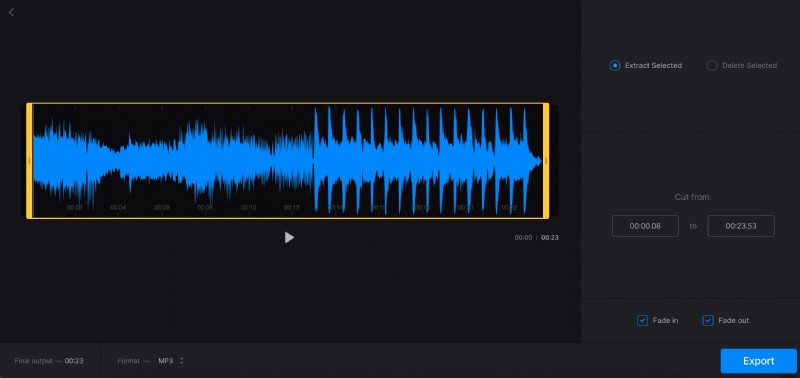
Then, to specify the start and the end of the selection, on the timeline, drag the yellow handles to any of the sides. It is also possible to manually input the required timestamps in the “Cut from” section to the right. Please note, you need to cut at least something to be able to do the export.
Depending on whether you extract or delete the selected part, you can add fade-in/fade-out or crossfade effects correspondingly. Additionally, in the bottom pane, you can change the output format if required.
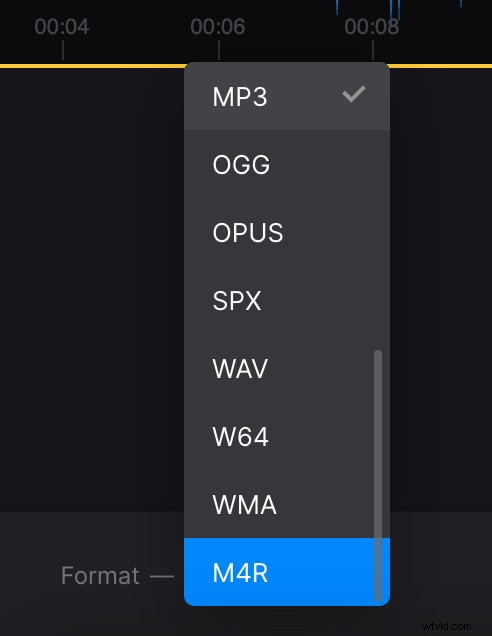
When finished with the changes, at the bottom right of your screen, click “Export”.
Save your new recording
Give the service a minute to do the rest of its work. And this is it — your file is ready for downloading if you like it.
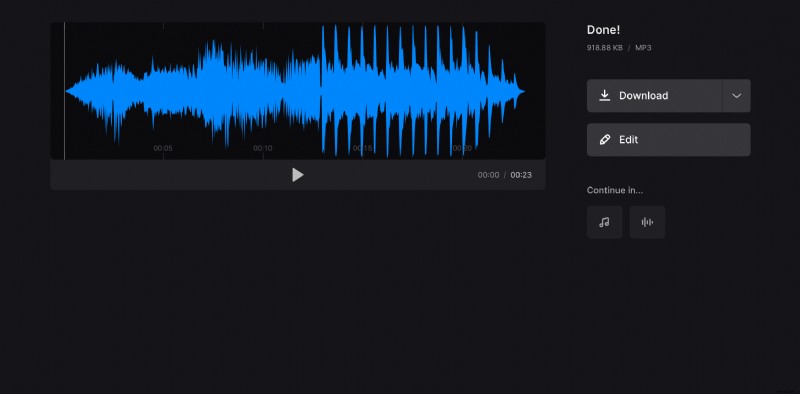
If you need to cut a bit more or less, then hit the “Edit” button to return to the previous screen.