
How to get audio from an MP4 file
Our service allows you to extract the sound from an MP4 video or any other video that you have on your device or on your social media account. You’ll also be able to cut it as you like and select an output format. It’s online and works in all modern browsers.
You can upload and edit as many files as you need up to 500 MB each for free without any ads. Clideo also provides a wide choice of other tools for video and audio editing.
Keep reading and get to know how to extract audio from MP4 on Mac, Linux, Windows or any other device in three easy steps!
Upload a file to edit
Open Clideo’s Audio Extractor and hit the big blue button to pick up a file from your personal device.
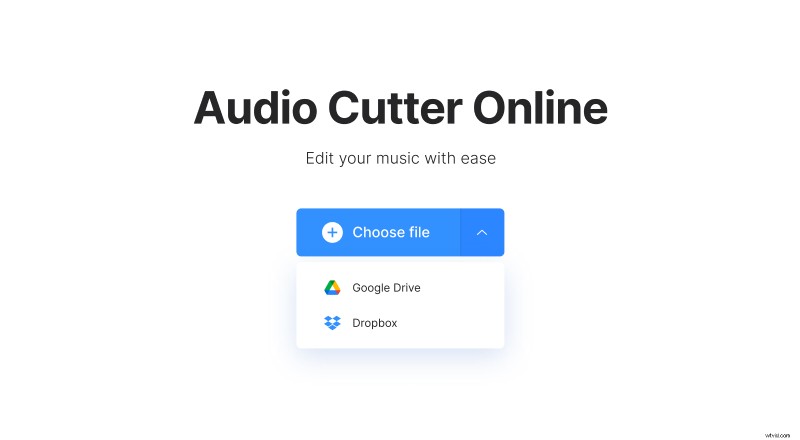
You can also call a drop-down menu and import the needed content from Google Drive or Dropbox.
The audio stream will be extracted automatically and you’ll be able to edit it in the next step.
Cut the soundtrack
If you need the whole track, select it by moving the sliders to the beginning and the end. To make the “Cut” button active, cut at least 0.10 sec from any side.
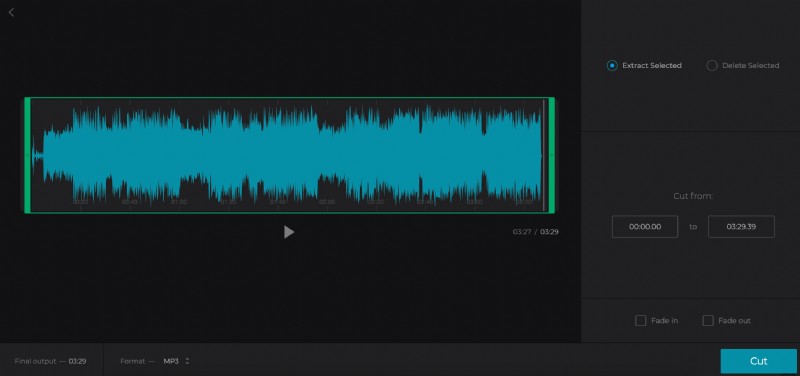
If you need only the exact part, set the timing manually or by moving the sliders and choose an option:
- Extract Selected. Only this part of the track will be kept.
- Delete Selected. The tool will cut out the extract from the track and merge the rest.
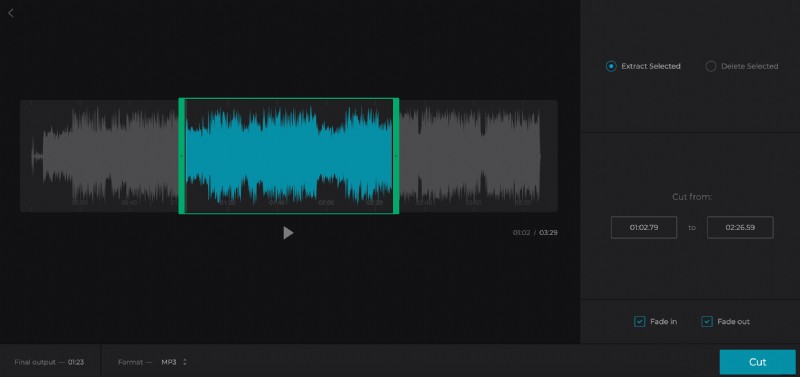
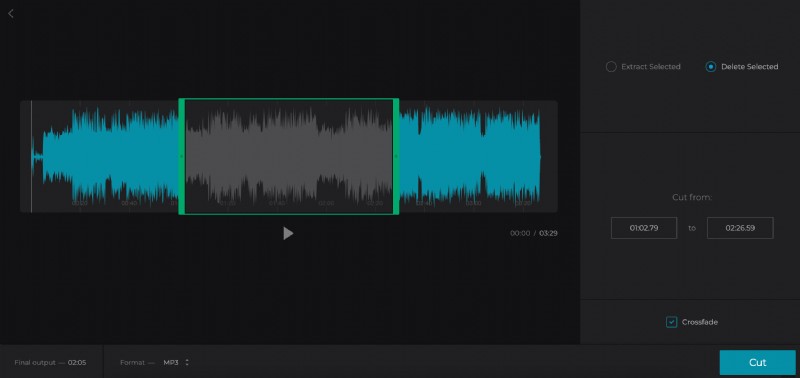
Tick the boxes “Fade in”, “Fade out” or “Crossfade” to make your final audio smooth and harmonious.
Decide on the output format. MP3 is a classical one, but you may choose out of 15 extensions, including quite rare ones, such as SPX, MID, AAC and others.
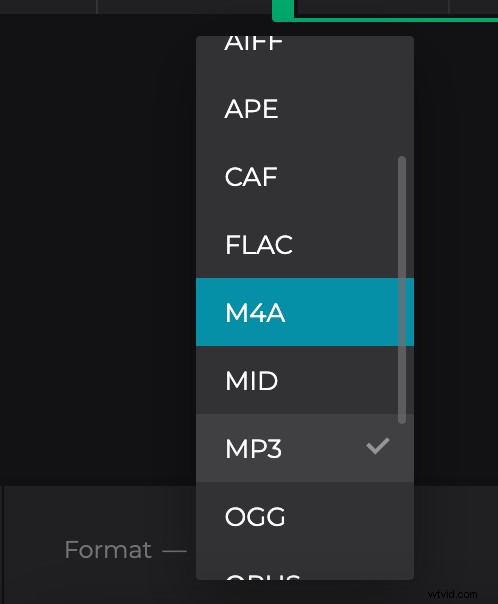
Hit “Cut” and wait several moments. The actual time of proceeding depends on your Internet connection speed and the file size.
Download the extracted audio
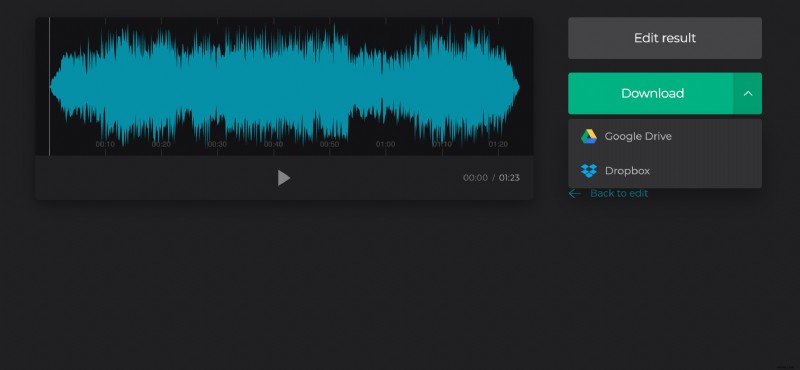
Now you can save the extracted audio to your personal device or upload it to a cloud storage account. If you want to edit the result, click on “Back to edit”.
If you want to join this soundtrack with another video or image, check out our Video Maker.