How to get MP3 from MP4
Clideo will help you with extracting MP3 from an MP4 video. It’s an online service, so you don’t have to look for a specialized app, clean your device’s memory to download new software, set it up or bear with endless ads.
It works equally efficiently on all the operating systems, be it macOS, Windows, Linux, iOS, or Android. The tool is also intuitively comprehensive and you don’t need any video editing experience to master it.
Keep reading and learn three simple steps to get MP3 from MP4.
Upload a visual with music
Open the Clideo’s tool in any browser. Make sure that your internet connection is stable and fast as it directly influences the speed of proceeding.
Hit the blue button “Choose file” in the centre of the screen to upload MP4 or any other video from your personal device.
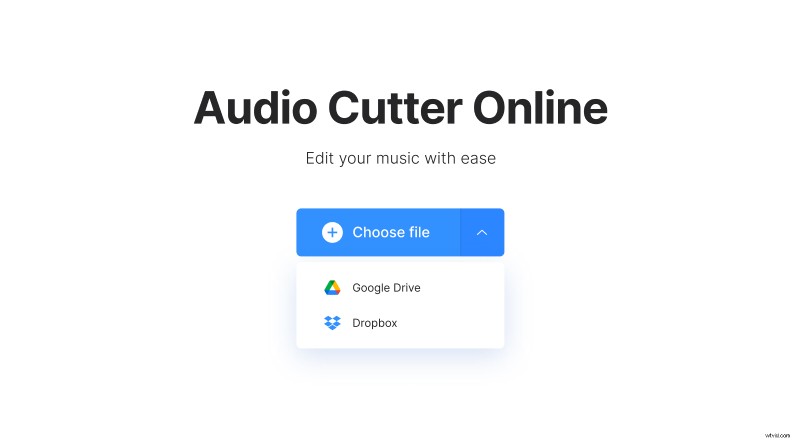
If you want to use a recording stored online, click a small arrow on the right side of the pane and call a drop-down menu. There will be and option to import a clip from your Google Drive or Dropbox account.
Pull MP3 from MP4
If you want to save the whole audio as it is, just put the sliders at the beginning and the end. But if you need only a part of the soundtrack, select it by setting the timing manually in the boxes or with the help of sliders.
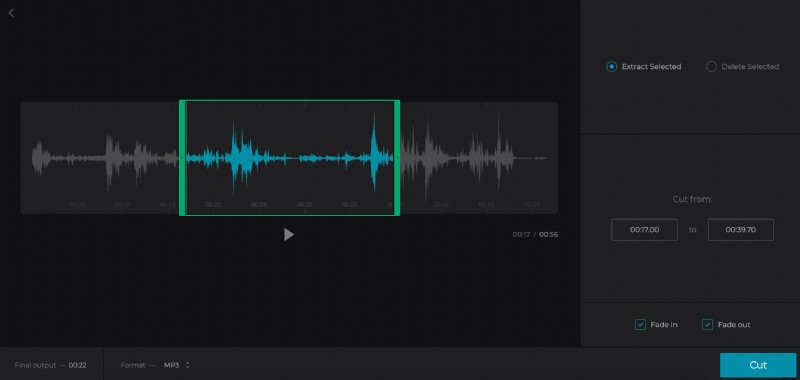
If you click on “Extract selected”, from now on it will be your actual recording. Tick “Fade in” and “Fade out” boxes to make the sound start and end gradually.
If you pick the “Delete Selected” option, the chosen snippet will be eliminated and the rest of the audio will be merged. Tick the “Crossfade” box to make this junction sound natural.
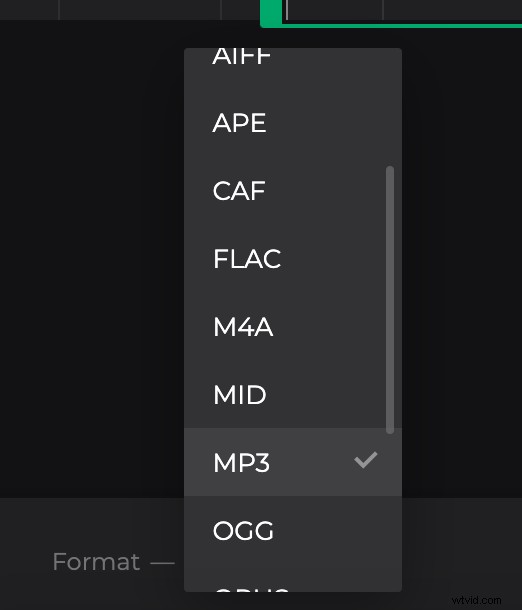
Choose an output format, you are not obliged to stick with MP3, as our tool provides a full range of possible choices, including OGG, WMA, WAV, etc.
Click “Cut” and wait while your file is being processed.
Save MP3 from MP4
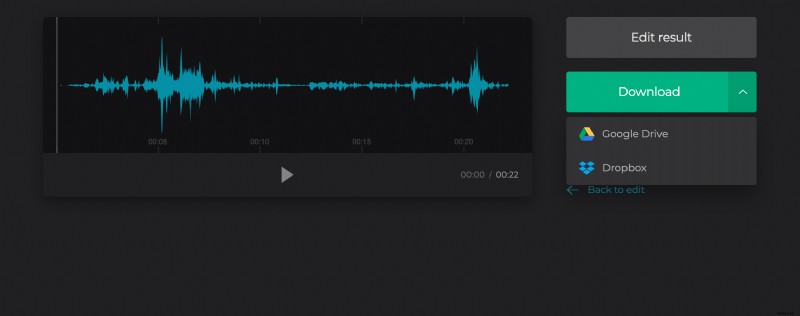
Take a final run to get sure that your new audio is impeccable and save it to your device or to the cloud. If you’ve changed your mind and want to alter something, click “Back to edit”.