How to use Clideo's JPEG to MP4 converter
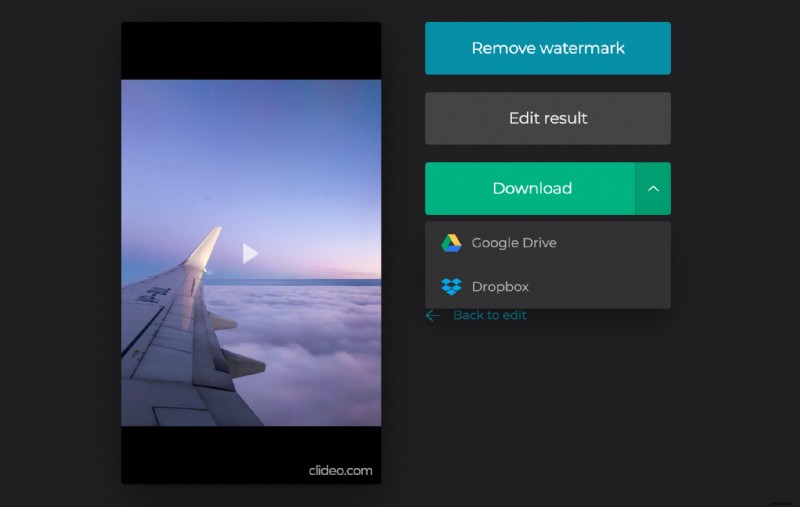
Our tool allows free uploading for files up to 500 MB each, and you can import and merge as many pictures as you need, without any limits. The only thing you have to bear with – a tiny watermark in the right bottom corner of all the projects as a humble tribute to our service.
Don’t want to have a watermark or need to use a file larger than 500 MB? Upgrade your account to Clideo Pro in two clicks!
All our tools work online in your browser, so to change JPEG to MP4 fast and smooth, you need a stable Internet connection.
Keep reading and get to know how to do it in three easy steps.
Upload pictures to merge
Open Clideo’s JPG to MP4 converter and click on “Choose files” to select pictures from your personal device. Multiple selection is possible!
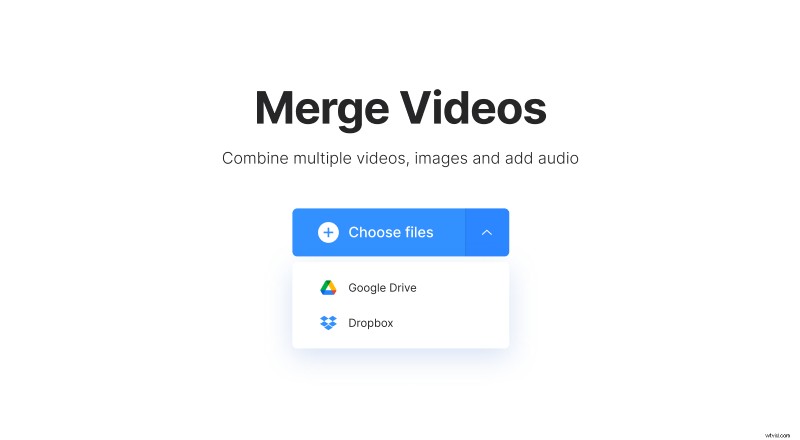
Alternatively, call the drop-down menu on the right side of the pane and pick up files from your Google Drive or Dropbox accounts.
Turn JPG into MP4
Add more files if you need – there is a special button for it in the top right corner of the player. You can also just drag and drop them to the timeline below.
Decide on a crop option and aspect ratio preset. Try different combinations to check what it looks like in the player.
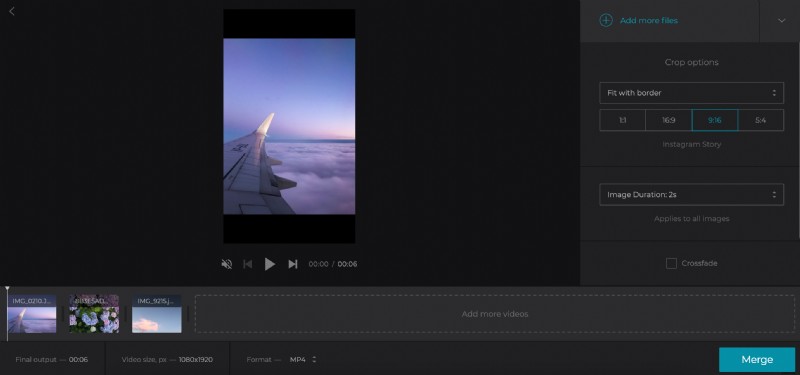
Set the image duration and tick the “Crossfade” box to make frame transition seamless.
When you are done with the visual part, add an audio file by using the same three ways as at the previous step. When it is uploaded, click on the “Trim audio” sign and set its start/end points manually or by moving the sliders. Don’t forget to adjust its volume then.
For converting the slideshow to another format, have a look at the format menu below the timeline. Select MP4 among more than 15 others.
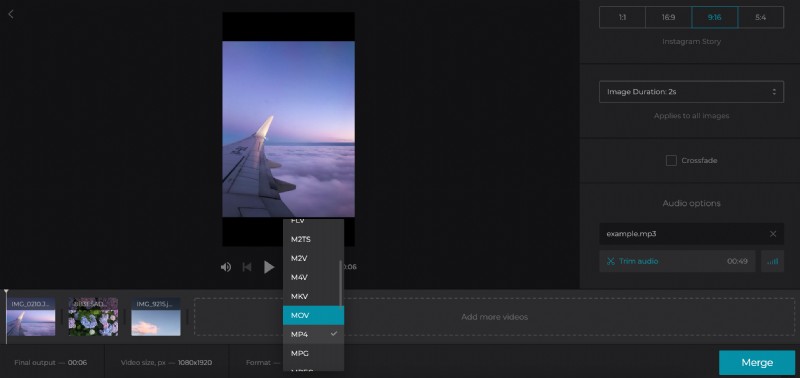
Hit the “Merge” button and get ready to revise the result.
Download the MP4 file
Give the slideshow a final run to make sure that you like what you see. If you do, save it to your personal device or cloud storage. If you don’t – the “Back to edit” arrow is at your service.