How to turn MP3 to MP4 with an image
But don’t you worry, it’s easier than it sounds!
Clideo allows you to convert MP3 to MP4 for YouTube, Instagram or other social media by adding an image or a video to audio, or by creating a slideshow with music. It works online, so you can use it without purchasing and installing any app.
It is compatible with all the operating systems, so both Mac and Windows owners can equally take advantage of it.
Each file uploaded to the tool can be up to 500 MB for free.
Follow three basic steps:
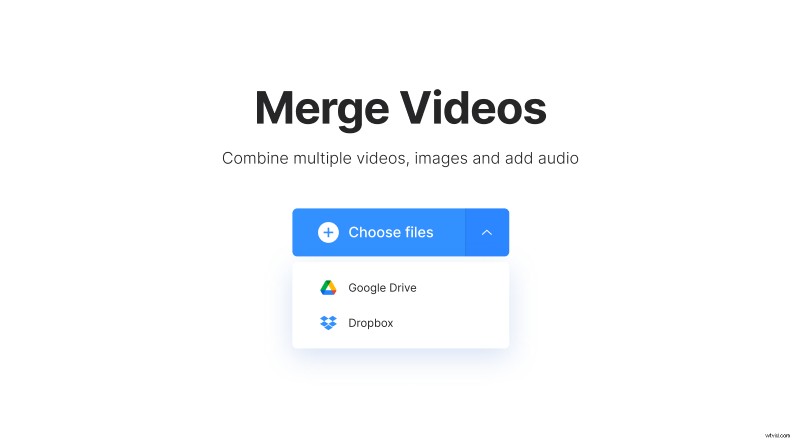
- Import a visual file from your personal device — just click the button.
- Upload it from Google Drive or Dropbox — hit the tiny arrow on the right side of the button and call a drop-down menu.
Perform MP3 to MP4 conversion
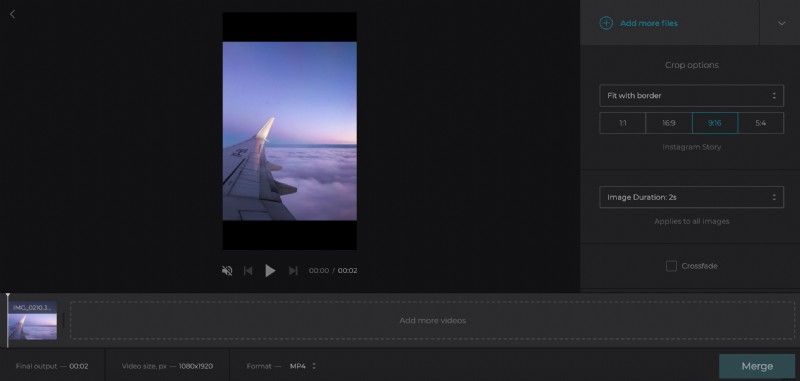
If you want to create a slideshow, use the button on the top right to add more files. Alternatively, just drag and drop them at the timeline below the player.
Scroll down and hit the pane “Add audio” to upload an MP3 file. Click on the scissors icon to trim it either by setting the timing manually or with the help of sliders. Then adjust the volume of the audio and of the background visual if it has its own soundtrack.
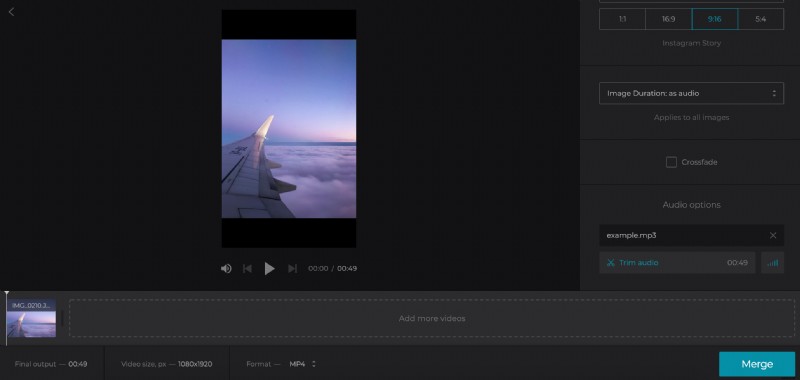
If you merge your audio with a single picture, the clip duration will be automatically synchronized with the song. If your visual consists of several files, including static photos, select their duration manually.
Hit the box “Crossfade” to make the transition between frames subtle and invisible.
Choose one of four social media aspect ratio presets and two crop patterns.
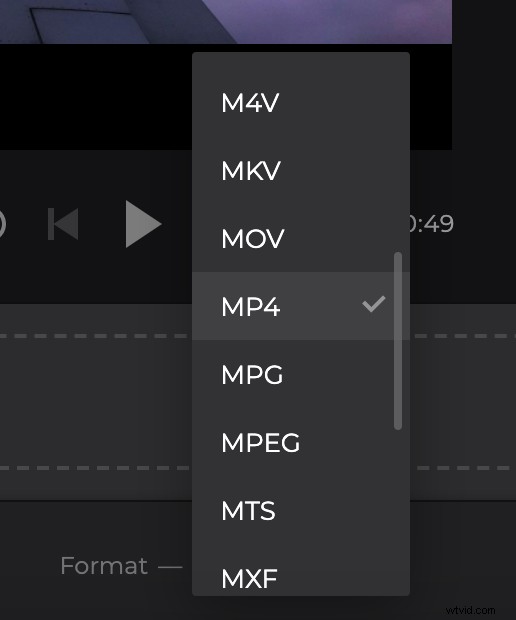
Change the format of the output video, you need MP4 in our case.
Hit “Merge” and let the tool do its job. Converting MP3 to MP4 may take some time, it depends on the size of your file and stability of your internet connection
Save your new MP4 file
Run the freshly created clip in the player to get sure that you got what you wanted. If you like the result, save it to your personal device or upload it to the cloud.
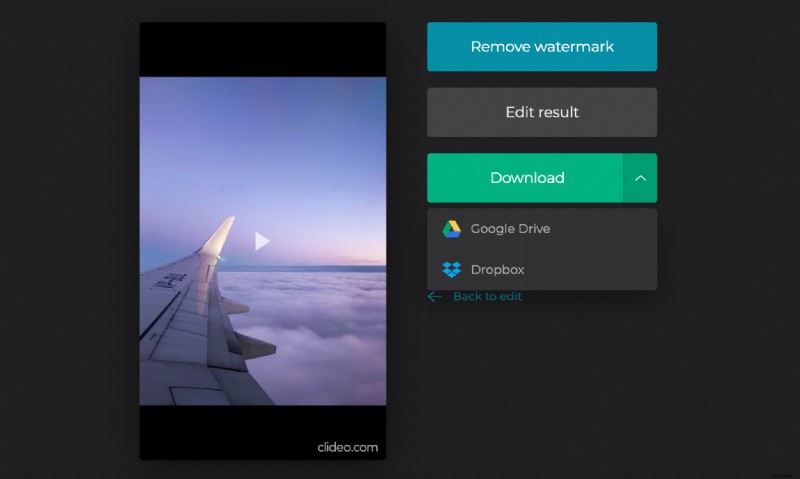
If you feel it could be better – hit “Back to edit” to improve without having to start over.
Upload a background picture
Open Clideo’s MP3 to MP4 Converter online in a browser. Find a big blue button right in the centre and choose one of the options: