
How to merge SRT with MP4
These small yet mighty plain-text files contain all the subtitles required for understanding a video narrative, whether that’s a foreign TV series or independent world cinema.
However, not every platform can read external subtitles, so it might be that you need to merge an MP4 and SRT subtitle file in order to “burn” the words onto your movie so that they can be read no matter what.
Traditionally, doing this wouldn’t only require some professional editing software but would probably need some level of expertise, too.
But don’t worry — we have an online and free solution for you! Read on and get to know how to combine SRT files with an MP4 video, permanently.
Upload your clip
To get started, open your browser and head over to Clideo’s Subtitle Merger.
The beauty of this tool is that it will work on any browser and on any device - from iPhone or Android devices to Windows or Mac computers - just as long as you have an Internet connection.
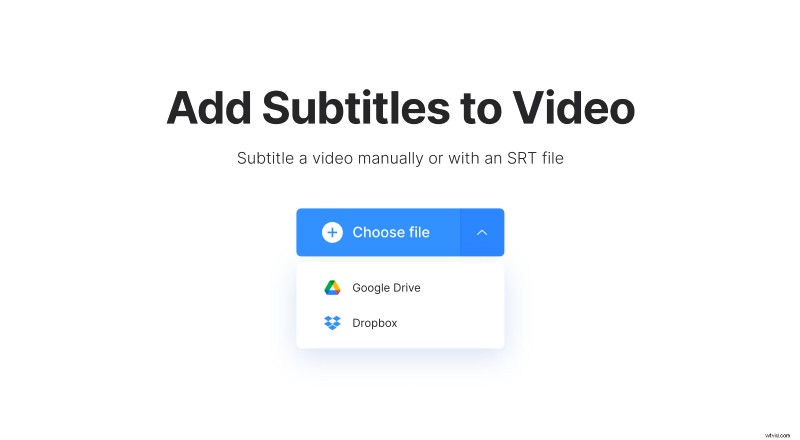
Now it’s time to upload your clip to the tool, of which there are several different ways. The first is via your device’s on-board storage, which you can do by simply tapping the ‘Choose file’ button in the center of the screen.
Alternatively, you can upload a clip directly from Dropbox or Google Drive cloud storage accounts. Hit the down arrow at the side and the option will appear in a drop-down menu.
Combine your SRT and MP4 files
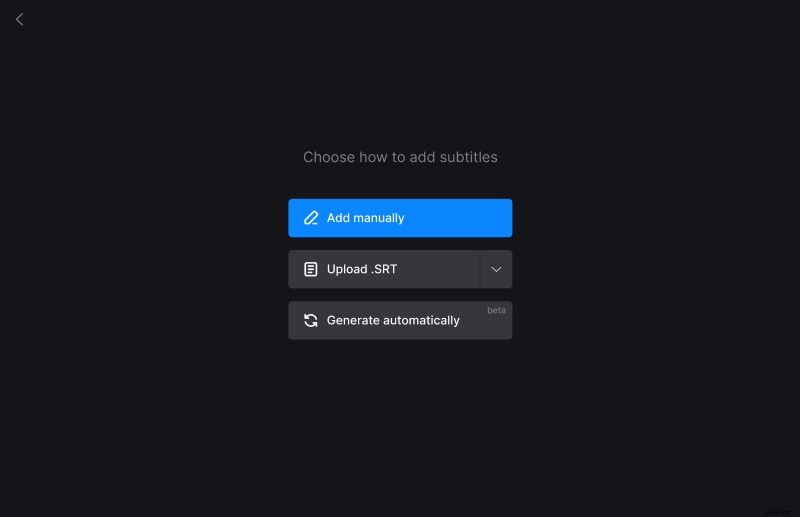
Once your video has been uploaded, you’ll be given the option to input your subtitles as captions manually or add them via an SRT file. Choose the second option and upload either from your computer or from your cloud drive. The editor will then open.
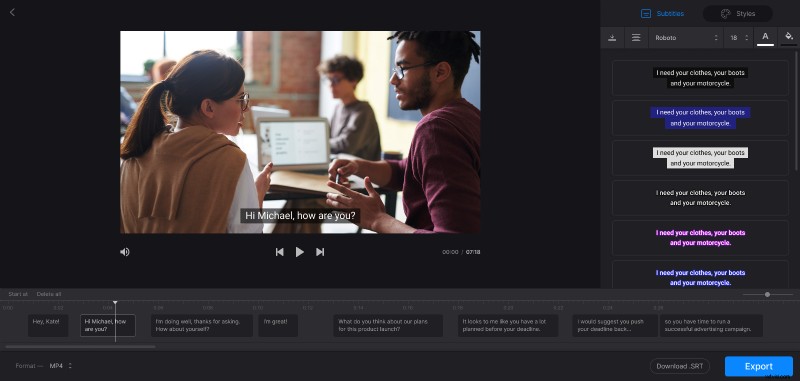
Once you’ve added your subtitles, tap on the ‘Styles’ tab to select how the text appears on your video, including the font, color, background, size, and alignment of the text.
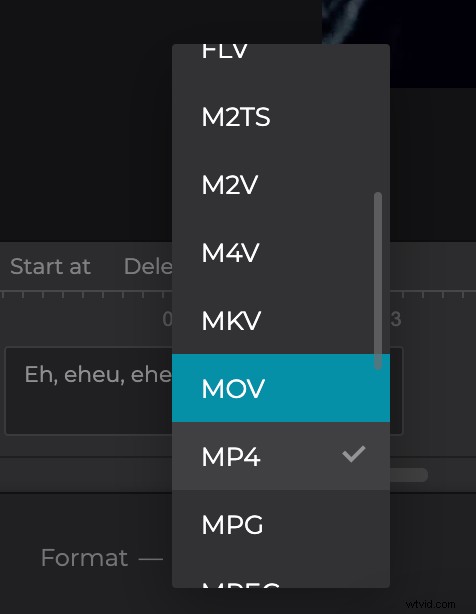
The format will remain the initial one if you don’t select anything but you can change it to another format.
Then hit the blue ‘Export’ icon at the bottom and it will begin burning the subtitles into your movie.
Please note that the tool adds hard subtitles only. Hard subtitles are burned in, or hard coded, as an overlay over your video and cannot be turned off or on later in a player.
Download your merged clip
For the last step, simply give your video a preview to ensure it’s to your liking, and if it is, save it to your device by tapping the ‘Download’ button.
As before, you can save this straight to your Dropbox or Google Drive cloud storage via the down arrow, if needed.
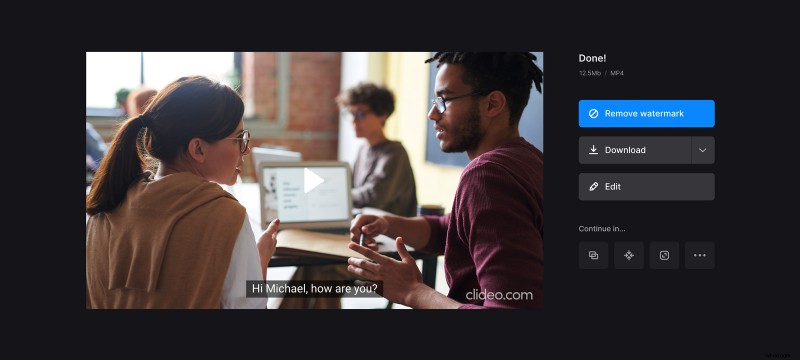
Want to make some additional edits? Tap the ‘Back to edit’ button and you’ll be taken straight back to the editor so you can make changes without having to start over.