
How to fix subtitles out of sync
Open or embedded captions don’t usually cause any problems. Closed captions, on the other hand, may well be out of sync, as they are added as a separate file, and different errors are possible.
Another situation: you have to modify an initial video. For example, you want to add an introduction or cut a couple of scenes out. Quite obviously, the subtitles will get shifted and disaccord with the soundtrack.
Good news: to synchronize them back, you don’t need any special costly software, as we have a free solution for you!
Clideo service works online and thus saves memory space on your gadget. We don’t demand any registration, so you can start working on your project right away without logging in or id verifications. All our tools are user-friendly and intuitively comprehensive, but if you still need any help, you can find a brief and clear manual on the tool’s homepage.
Keep reading and get to know what to do if subtitles are not in sync.
Upload a video and subtitles
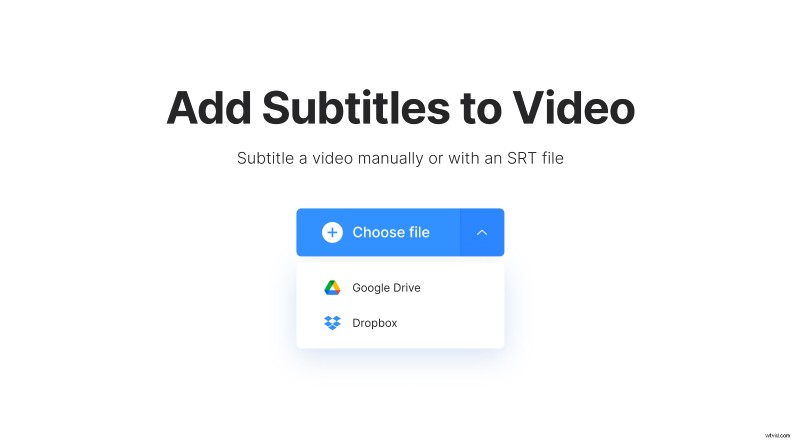
Open Clideo’s Subtitle Shifter in any browser and upload a video. You may just drag and drop the needed file to the page, hit the "Choose file”" button and pick up the visual from your personal device, or select a recording from cloud storage with the help of the drop-down menu.
Add subtitles
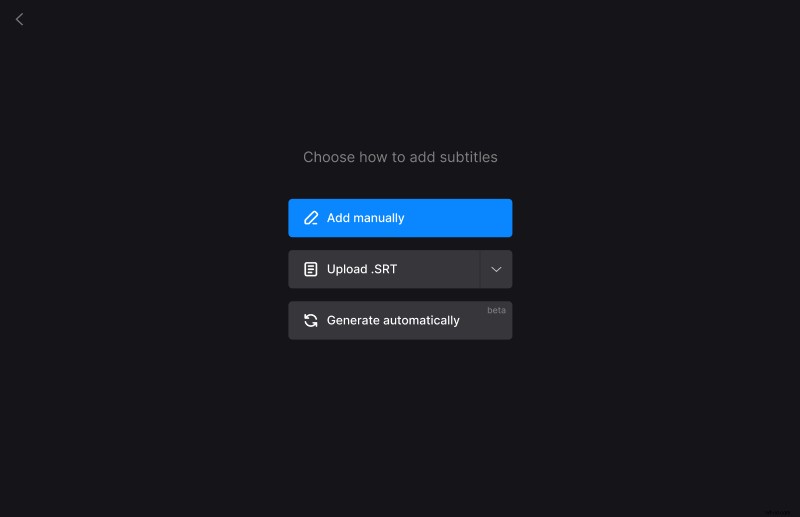
Most likely, you already have ready captions for your visual, so you should select the "Upload .SRT" option. You can also add subtitles manually or generate them automatically.
Synchronize subtitles
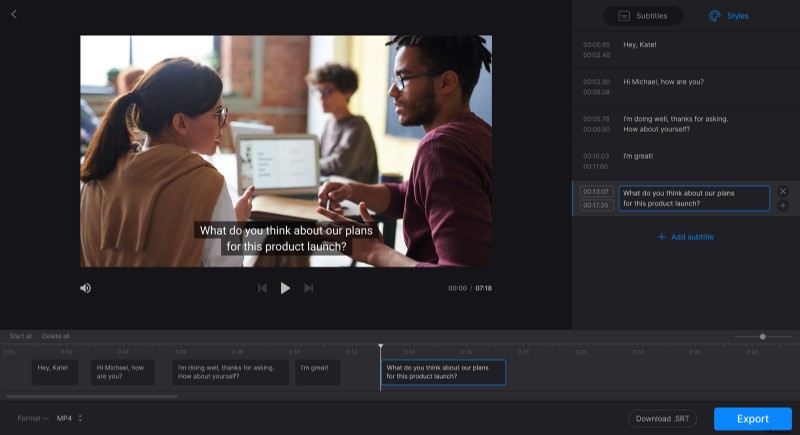
To synchronize subtitles with a footprint, just drag them along the timeline below the player. You can also set the exact timestamps in the boxes on the right pane.
To shift all the subtitles at once, click the "Start at" option at the top left of the timeline. Then you can either enter the new time and click "OK" or drag the blue vertical line in the timeline to specify the new start point.
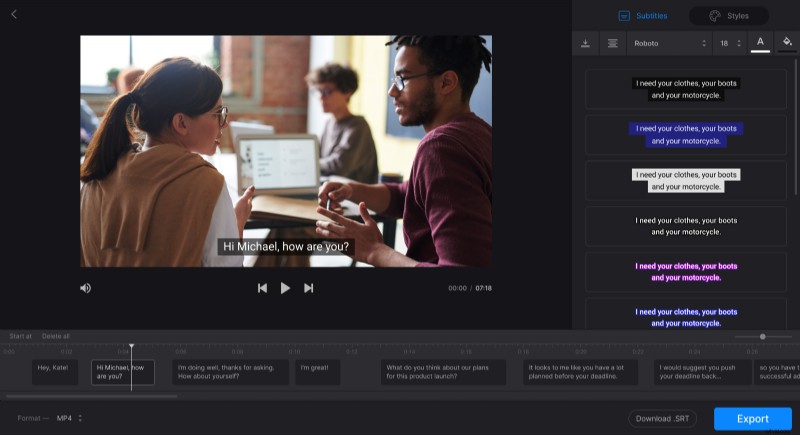
Our tool also allows text editing: change the content of the captions, choose their font, size, color, alignment, and position on the screen.
When you are done, you can download renewed subtitles and save them as a separate .SRT file. Don’t forget to choose an output video format at the bottom of the screen – or keep the initial one.
As soon as you are ready, click "Export" and let the tool do its job.
Please note that the tool adds hard subtitles only. Hard subtitles are burned in, or hard coded, as an overlay over your video and cannot be turned off or on later in a player.
Save the result
Give the video the final run and check if the subtitles match the footprint. If so, save the project to your personal device, Google Drive, or Dropbox.
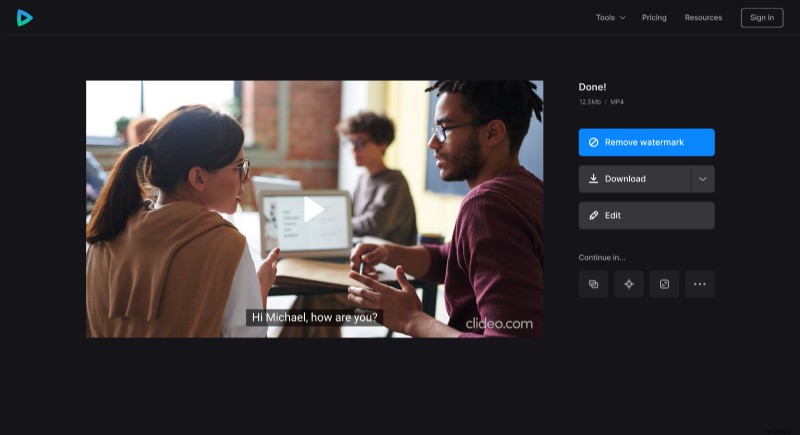
Mind the tiny watermark in the bottom right corner of the video – it’s a humble tribute to Clideo service. If you don’t want it to be here, upgrade your account to Clideo Pro.