
How to use SoundCloud to MP4 converter
Our SoundCloud to MP4 converter allows you to add and convert a audio track for Soundcloud to not only MP4 but any format actually.
The tool requires no software installation as it works completely online on any device. You can use it absolutely free as long as the file size does not exceed 500 MB. What's more, there are no ads!
Let’s take a look at three short steps towards your goal.
Upload any video
Open Clideo's SoundCloud Converter to MP4 in any browser. Click the blue "Choose file" button and find the necessary video on your device.

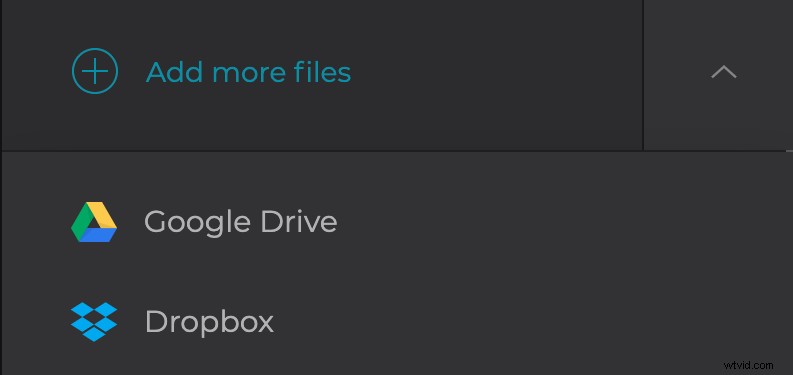
Alternatively, tap on the down-facing arrow and upload the file from a cloud storage account on Google Drive or Dropbox.
The upload process usually takes a few moments, but it mostly depends on the speed of your internet connection and the size of the file.
Add music from SoundCloud
Then open Soundcloud, find the audio you need and download it.
After that, to the right, you can find the "Add audio" button. Click it to upload the downloaded song or tap the down-facing arrow and import from your Google Drive or Dropbox storage accounts.
Once it’s uploaded, you can adjust the volume. Then you'll see a scissors icon, by clicking on it you can cut the song the way you want.
When the audio is ready, you can work on the video itself. Choose an aspect ratio on the right side of the screen, depending on where you plan to post it: Instagram, Facebook, or YouTube.
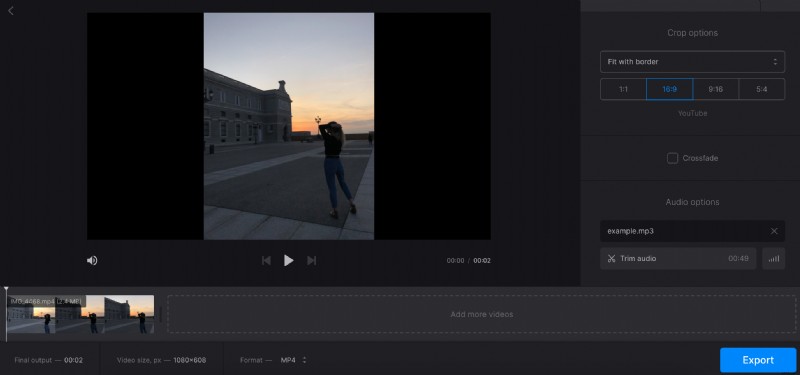
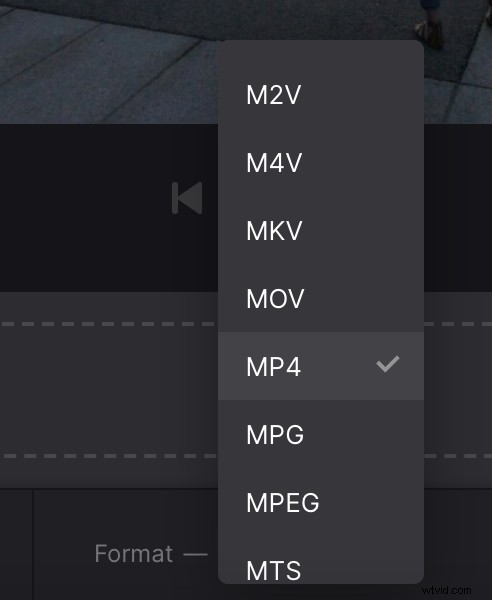
Now, all that's left to do is choose a file format. You can find this option in the left corner of the screen. In this case you need MP4, but in the future you can choose any format you want.
Click on the blue "Export" button.
Download the clip
On this screen, you can see the size of the new video. To save it to your device click the "Download" or, once again, tap the down-facing arrow and save the clip to cloud storage.
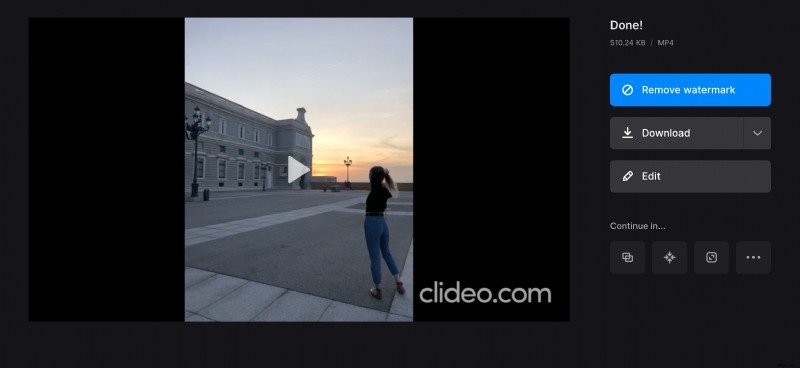
If you want to change something, perhaps add another song, just click "Edit" and you'll go back to the previous step.
Subscribe to Clideo Pro to continue editing the video in other tools right away by clicking on the three dots sign and choosing what to do next.