How to compress large videos to send on WhatsApp
One way to solve this problem is to simply trim your video, but you may lose some important parts, so it's not a good option in this situation.
The other way to send large video files through WhatsApp is to compress them. Often this method reduces the quality of the video significantly, but with Clideo you can compress your file without any visible quality loss.
With our tools you can not only reduce the size of your video but also edit it in some other way before sharing with your friends.
You can use the service on any device for free if your file size is no more than 500 MB. There is no need to register an account or pay for a subscription to use a wide range of our tools without ads.
Also, if you use an iPhone, we have a great news for you — you can download our free compressor and reduce your video size offline and as well for free!
Upload a video to compress
Open Clideo's Video Compressor in your favorite browser. If the video is on your device, just click on the blue "Choose file" button.
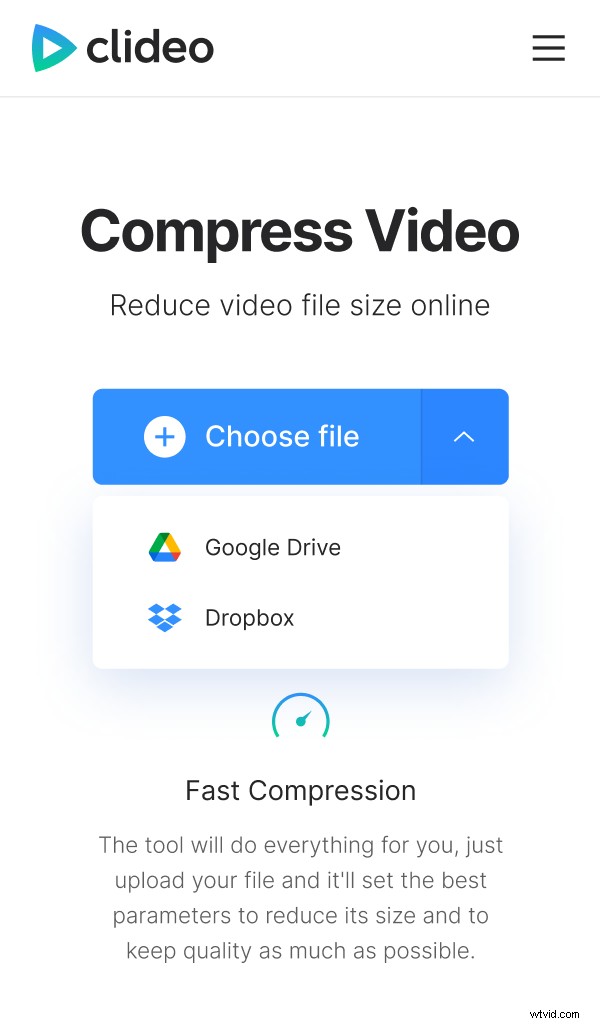
Additionally, you have the option to upload the file from cloud storage, just click on the arrow pointing down and select Google Drive or Dropbox.
When you have selected the file, the upload process begins automatically.
Compress the video for WhatsApp
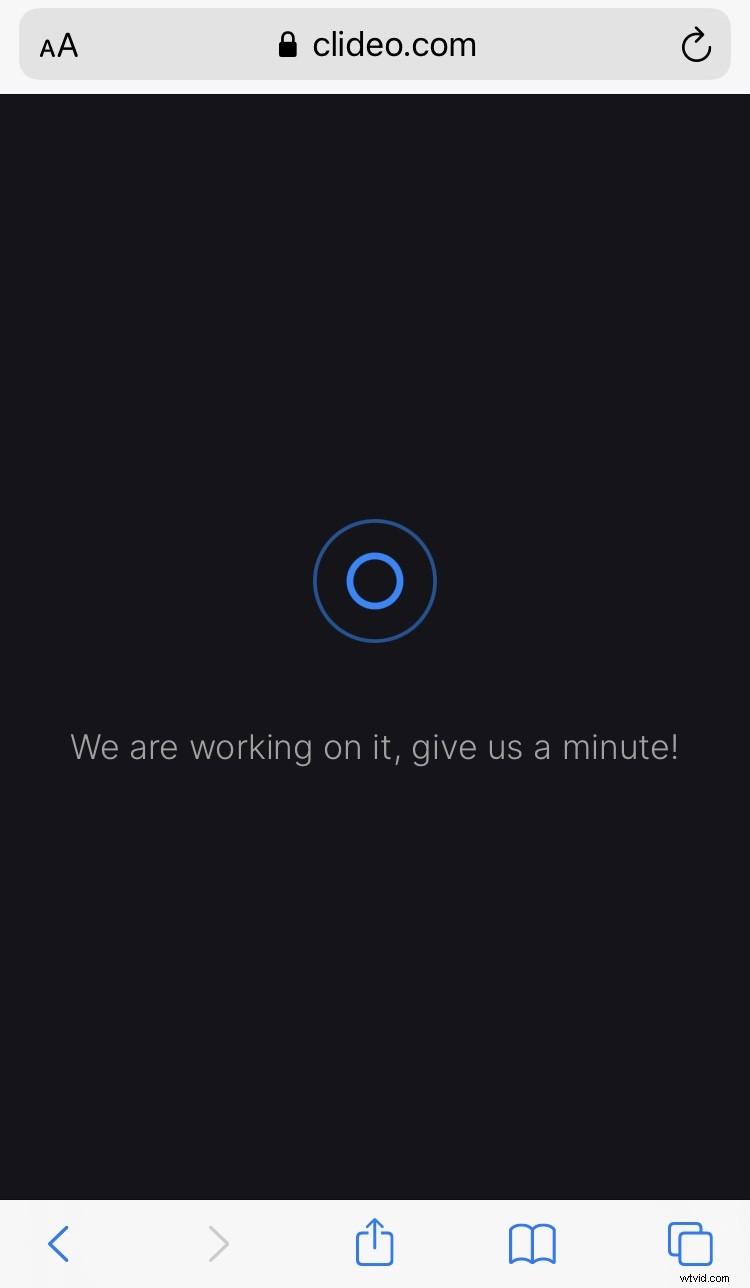
In this step, you don't have to do anything. Clideo compresses your video while maintaining its quality as much as possible. The time it takes for this process to finish, depends on the size of your file.
Download the compressed clip
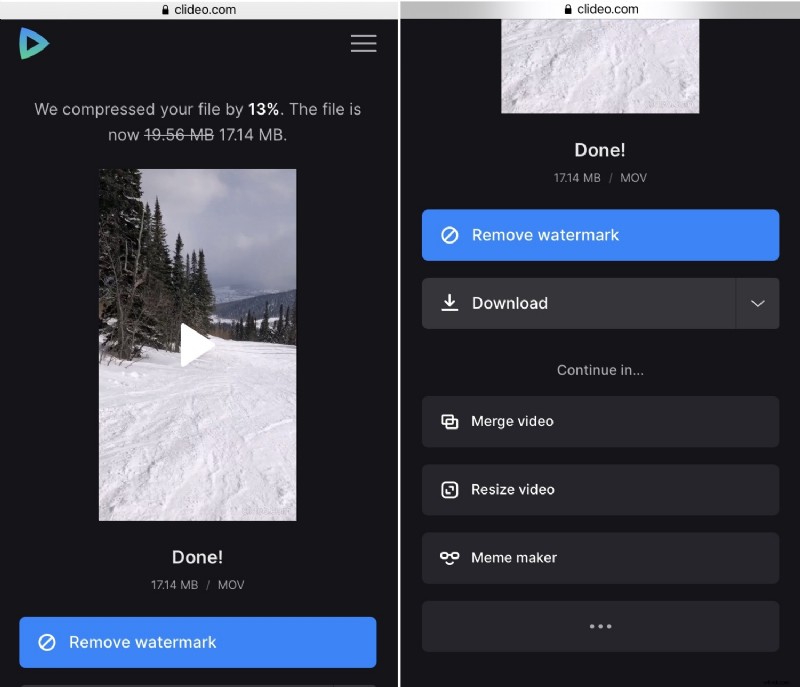
At the top of the screen displayed the old and new size so you could see how much smaller your file has become.
Now you can download the video to your device by pressing the corresponding button. To save the file to your cloud storage, click on the small arrow and select the appropriate option.