
How to reduce video size online on Mac
One of the main advantages of our compressor – it’s online, so you don’t have to download and install mobile apps or browser plugins. Plus you can use it on any device including Mac. It allows uploading files up to 500 MB each and you can compress as many videos per day as you need!
Here is a list of attachment size limits for different email service providers and messengers:
- Gmail - 25 MB
- Facebook Messenger - 25 MB
- Outlook - 20 MB
- WhatsApp - 16 MB
If you need to send a video via social media, check the limits in our detailed guide. You can use different Clideo tools to edit your clip in order to meet all the possible requirements.
Keep reading and get to know how to reduce the size of a video on Mac or any other device.
Upload a video to compress
Open Clideo’s Video Compressor and hit the big blue button to upload a file from your personal device.
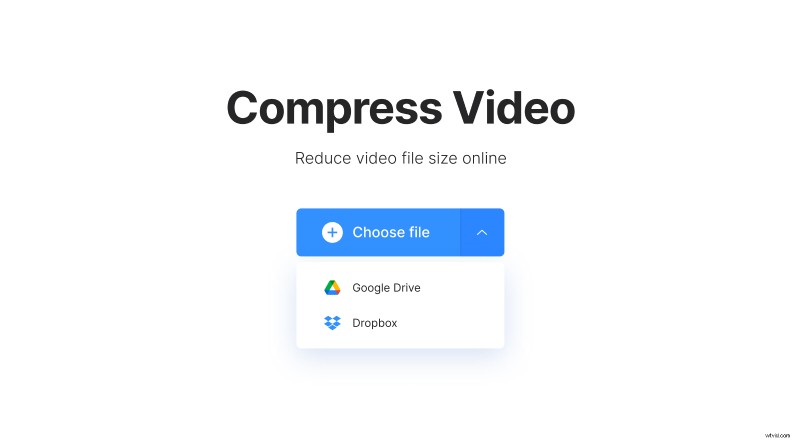
To compress a video stored online, call the drop-down menu on the right side of the pane and import it from Google Drive or Dropbox.
Reduce file size of video on Mac
Our tool works automatically, you don’t have to select, set or hit anything. As soon as the chosen file is uploaded, the compression process starts.
Usually, it takes a few seconds but the actual waiting time depends on the uploaded file size and your internet connection speed.
Save the compressed file
When the compression is over, you’ll see the reduction percentage. The size can be reduced by up to 95%!
Save the edited file to your personal device, Google Drive or Dropbox.
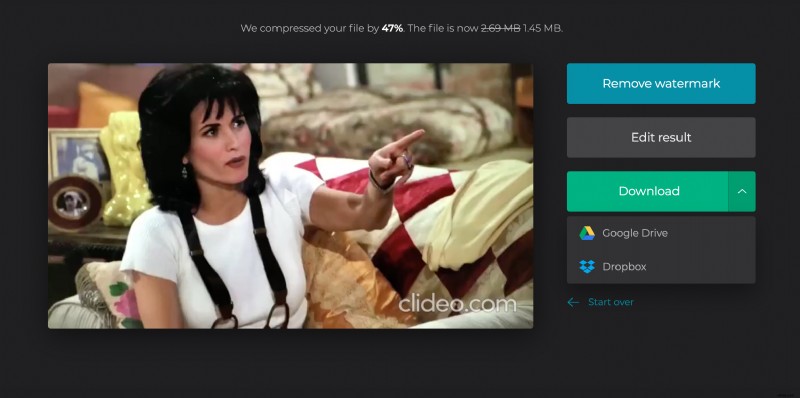
Note that if you click on “Start over” and process the same file, the final output will not change. But you may compress another video instead!