Video length limit for Instagram
Every type has its specific length limitations. While it may seem an over-complication, there is a reason for that.
A story will disappear in 24 hours and a live stream can be saved as IGTV forever, so the length of media should be different.
Keep reading and learn about the length limits and how you can fix it if needed.
- Feed is a place where all posts from all accounts you follow appear. Videos here shouldn’t be long so that we could scroll down to the very end of the feed (or at least try to). That’s why the film should be 3-60 seconds long.
- Stories are for sharing everyday quick life experiences and they disappear in 24 hours. That is why those fleeting moments are up to 15 seconds long.
- Reels are also short fun films, but they can have several short clips combined into one. A reel should be no longer than 30 seconds.
- Live is a stream that you broadcast in real-time. Once it ends, you can share a replay of it to IGTV. This recording can be up to 60 minutes.
- IGTV (Instagram TV) is also a long-form film that can be uploaded. Its minimum is 1 minute, the maximum can be 15 minutes when uploading from a mobile device and 60 minutes when uploading from the web.
Once you know what is the video length limit for Instagram posts, you may need to cut your clip to make sure it fits perfectly the post’s limitations. To do so, you can use our simple online tool. Let’s see how it works.
Add your long recording
Open any of the browsers and head for Clideo’s Video Cutter. Click the “Choose file” button to add the clip from your device. If you want to upload from a cloud storage, tap the drop-down arrow to select from your Dropbox or Google.
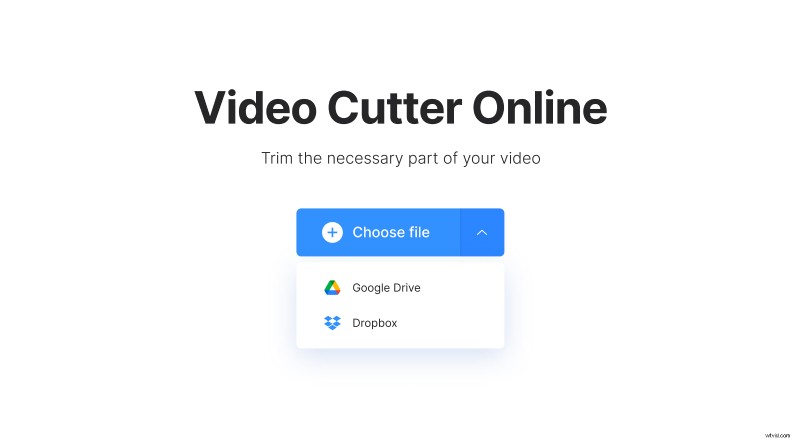
Note that to keep it all free, the file should be up to 500 MB.
Cut the clip
Once you’ve uploaded the video, you will see its preview along with multiple edit options.
First, in the right-side panel, choose whether you want to “Extract Selected” or “Delete Selected”. Then, on the timeline, drag the left or right handles to set the start and end points for your clip. Alternatively, you can type in the exact time range for your piece.
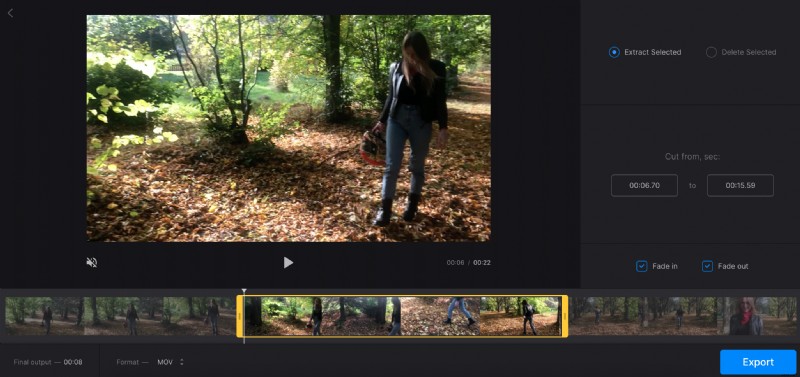
With the extract option, you can add the “Fade in” and “Fade out” effects to the recording, so that it gradually appears and disappears.
With the delete option, you can add a crossfade effect to blend the two pieces seamlessly.
Additionally, at the bottom of your screen, you can see the new film duration. Also, you can change the output format for Instagram by selecting the appropriate one.
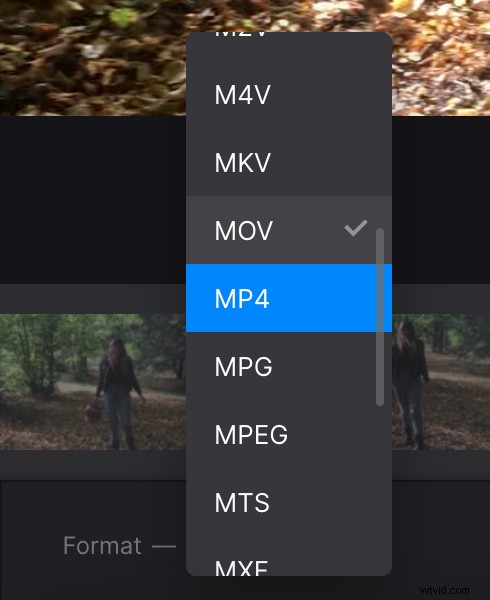
For the final cut, hit the “Export” button.
Save the trimmed video
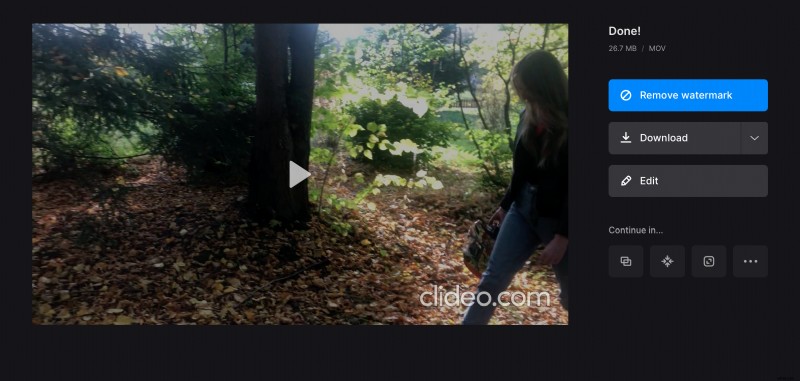
Watch your film and, if all is great, hit “Download” to save it to your device or to your cloud storage account. You can also press “Edit” to get back to the previous screen and make changes.