
Compress a video on iPhone for free
Meet one of the best video compression apps ever!
It has three compression modes so you can choose the one that fits your needs the best. The basic mode works offline, whereas the two others require an Internet connection.
Moreover, our user-friendly tool has lots of settings that allow you to select the clip’s resolution, change its format, and even mute. All the functions are free to use, however there are some additional ones that are available only for Pro subscribers.
The app is for iPhone only, so if you have another device like PC, Mac, or Android, use our Online Compress Tool. Also, don’t hesitate to avail yourself of other Clideo Tools and edit your visuals in numerous ways!
Read on and get to know how to compress a video on iPhone in several clicks!
Download the compress app
Download the iPhone video compression app from the App Store. Then just tap the plus sign and pick up shooting from your camera roll.
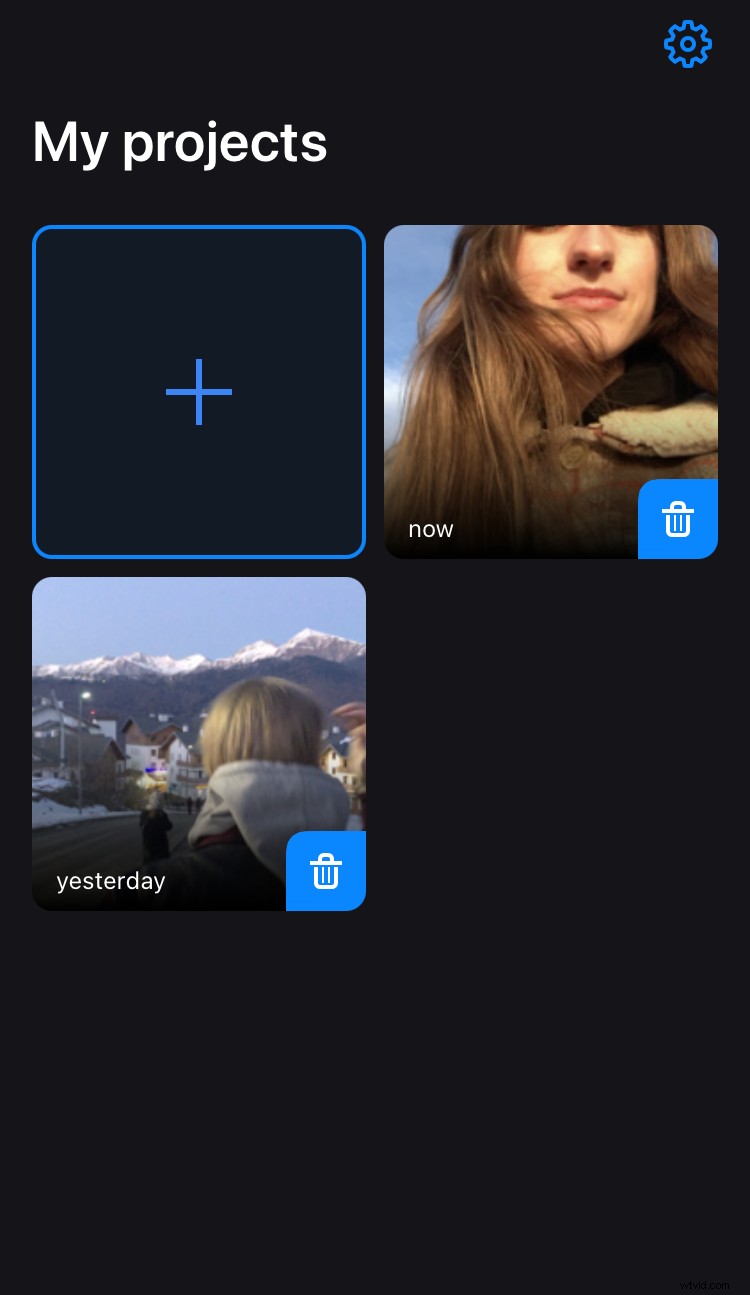
After editing it will be saved to your Projects and you will be able to open and modify it as often as you need.
Reduce the size of the video
Hit the “Remove audio” box if you want to delete the background sound and choose one of the available modes:
- Basic Compression will be your best choice if you’re offline. It doesn’t compress your video to the smallest size but it keeps the highest quality possible.
- Strong Compression requires an Internet connection and Pro subscription. It reduces the file’s size as much as possible and keeps the good quality.
- Select the Custom mode if you want to select your own compression rate, resolution, format, and codec. Pay attention that it works online!
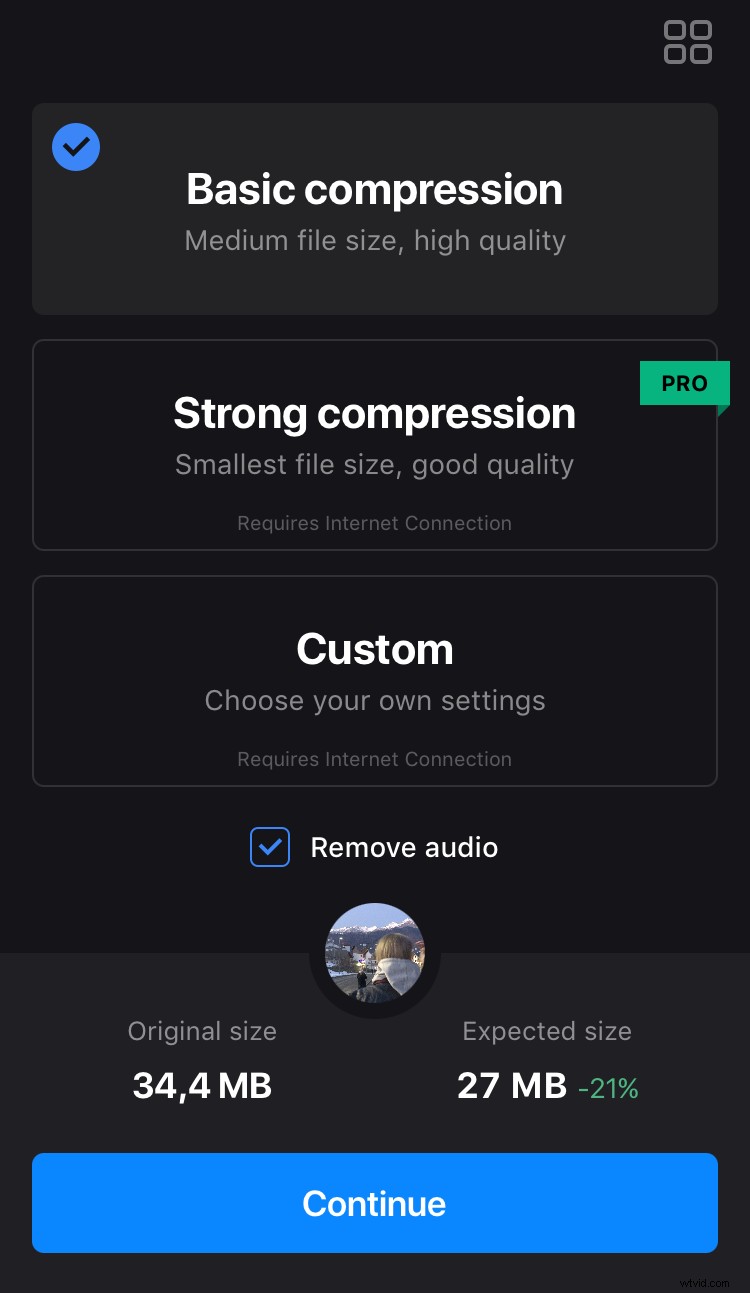
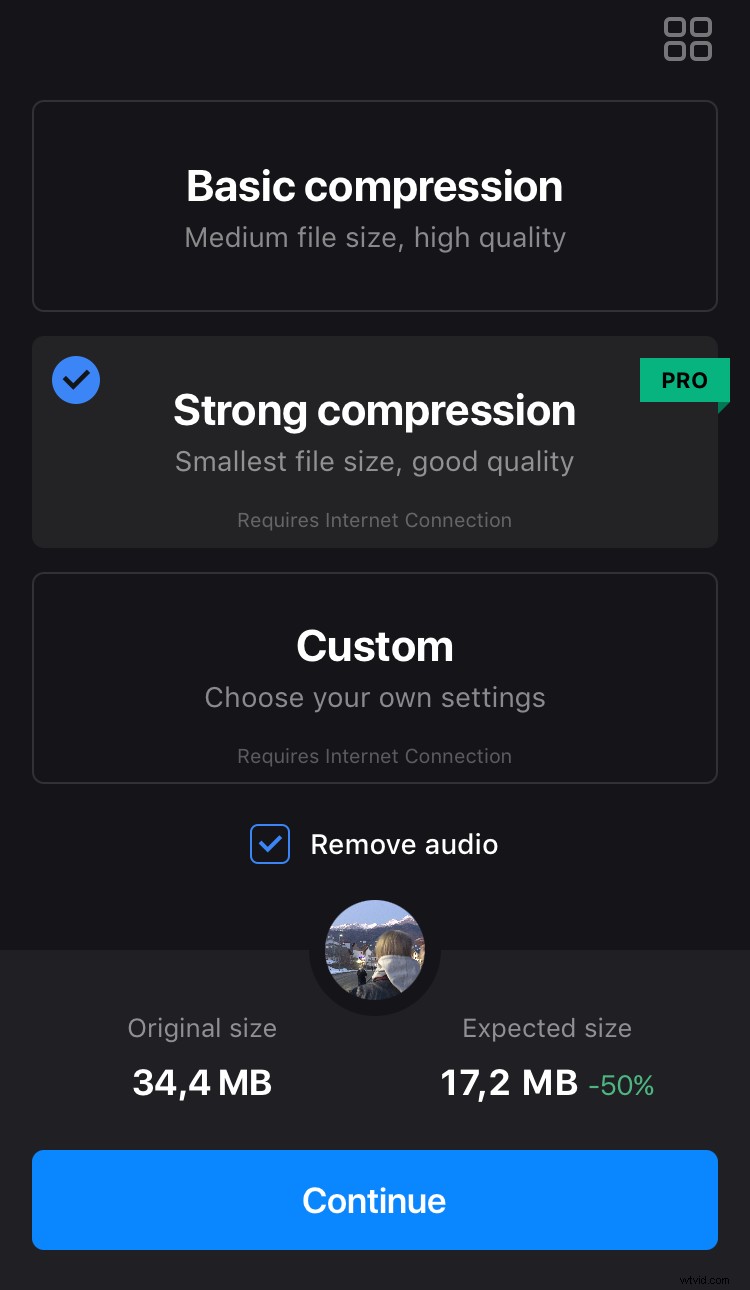
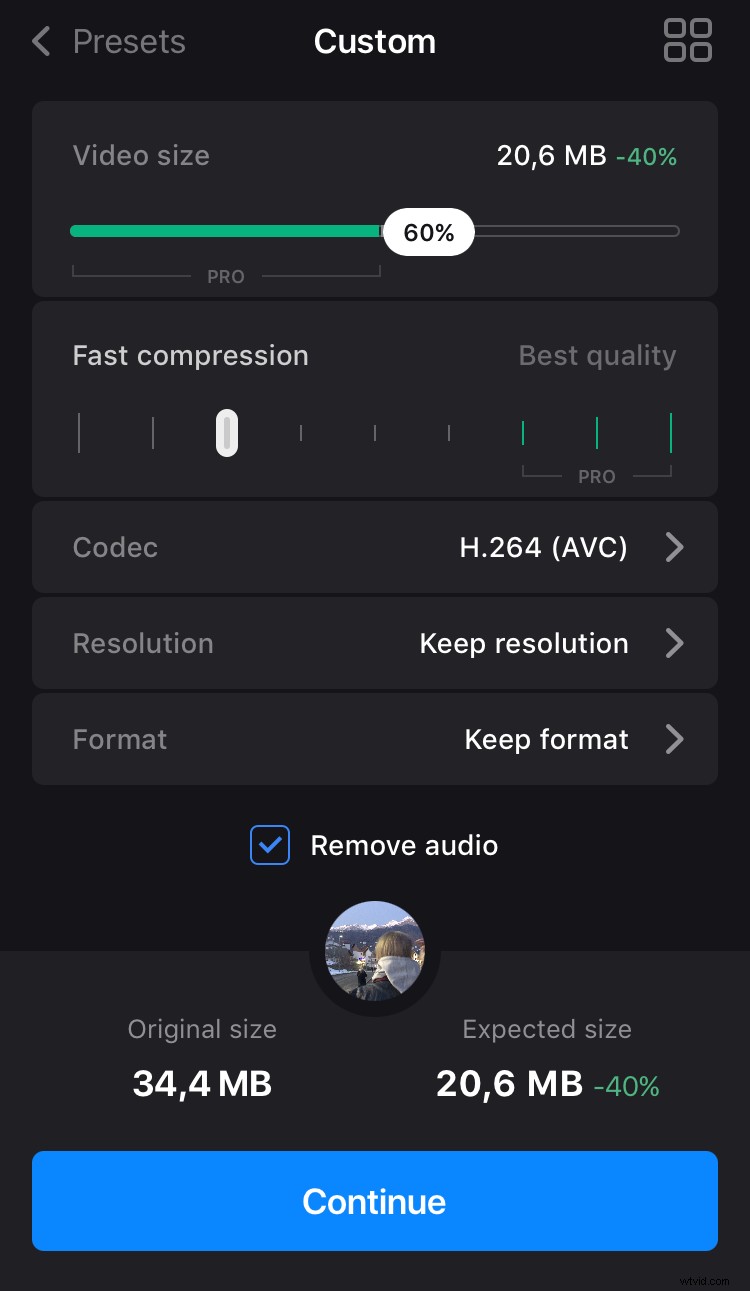
In each case, you'll see the approximate reduction rate in MB and percentage.
To make the app work, tap “Continue” and then “Compress”.
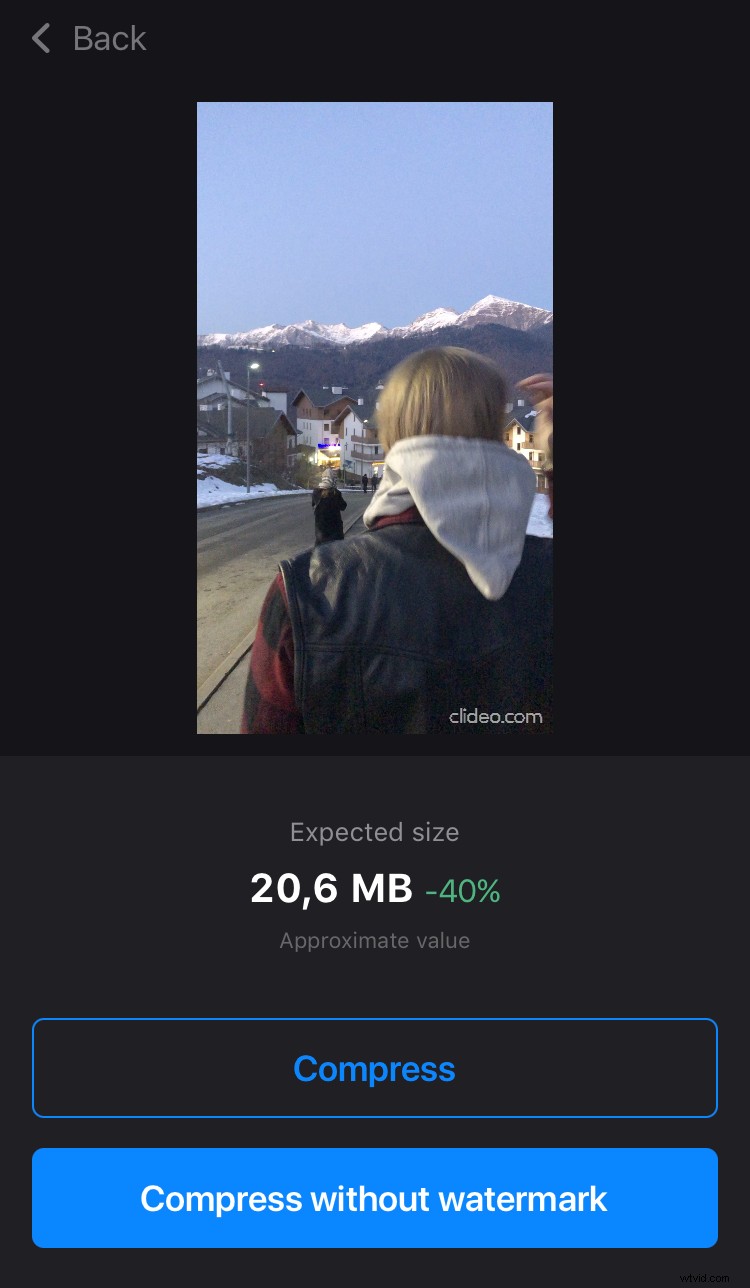
Save the compressed video
The file will be automatically saved to your app projects and camera roll.
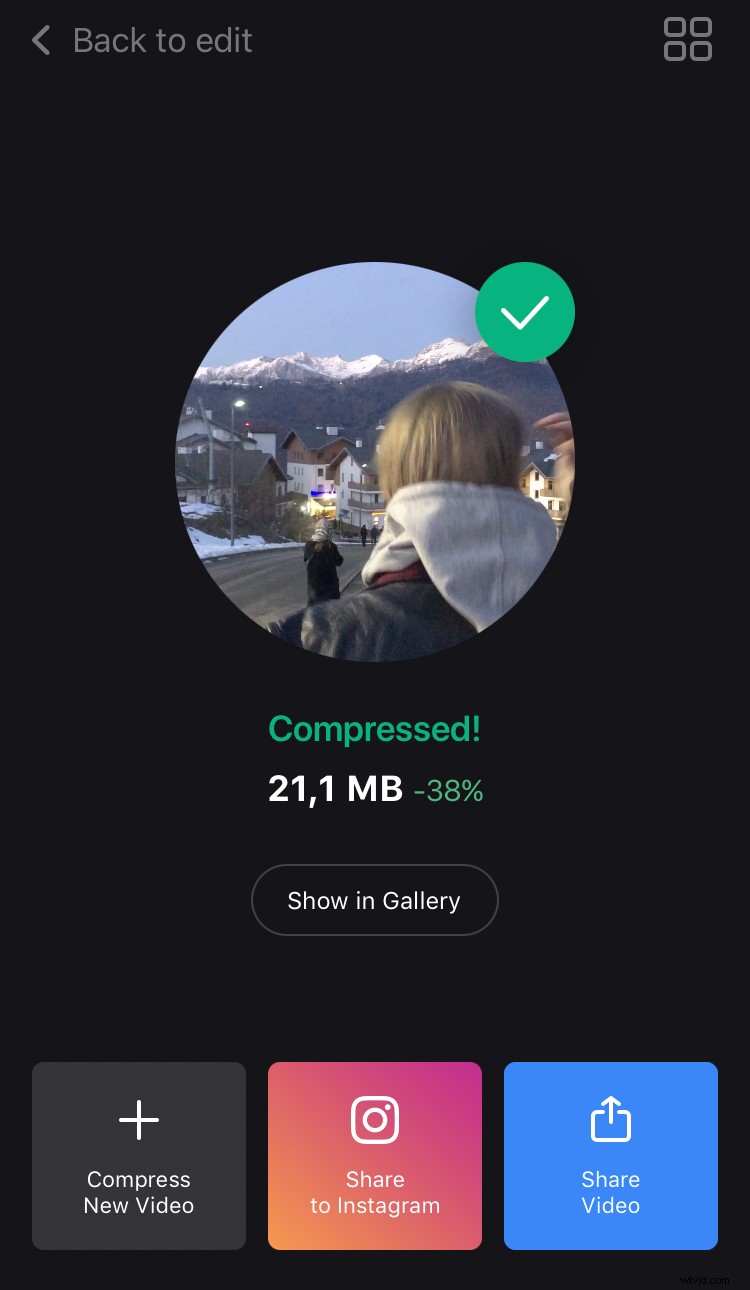
If you are not happy with the result, just hit “Back to edit” and adjust the settings as you need without starting over!