Meet the resize video app by Clideo
The handy iPhone app to resize videos for Instagram, YouTube, Facebook, Twitter, Snapchat, LinkedIn, Pinterest – it’s your faithful adjutant right in your pocket.
Its key features:
- More than 90 presets for different post types of the listed social media;
- Custom resolution;
- Options to resize a video with cropping or without;
- Blurred or coloured borders.
Our app works perfectly in offline mode, so you don’t need an internet connection to edit your recordings. If you have Android or another device, you still can use the online version of the tool.
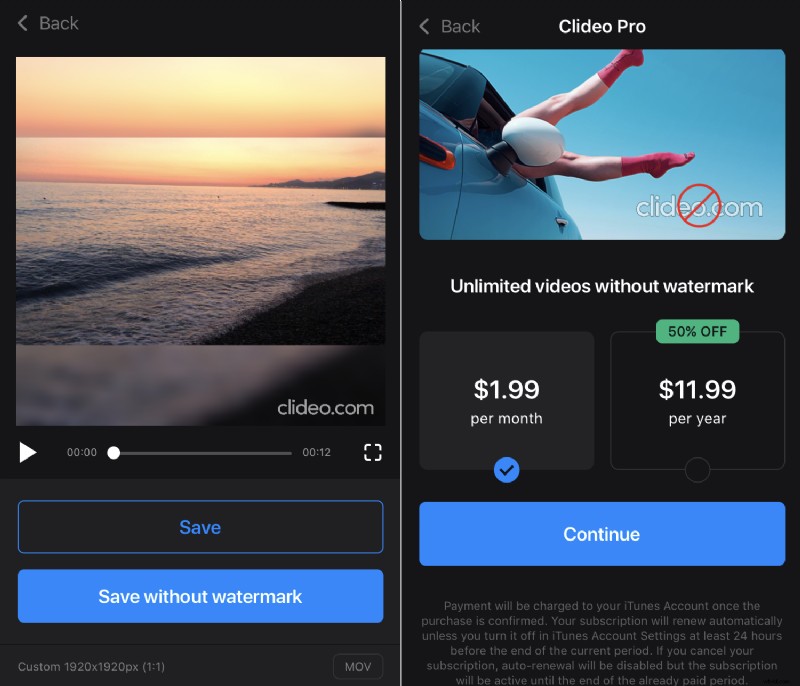
The full functionality of our app is available free of charge. However, we offer two subscription options that allow you to remove watermarks. Don’t worry, even if you decide to keep the watermark, we made it small and transparent, not annoying at all.
How to resize a video in no time
No matter what social medium you need to adjust your video for — YouTube, Facebook, Snapchat, Instagram, the resize app by Clideo will come in handy.
Choose a video
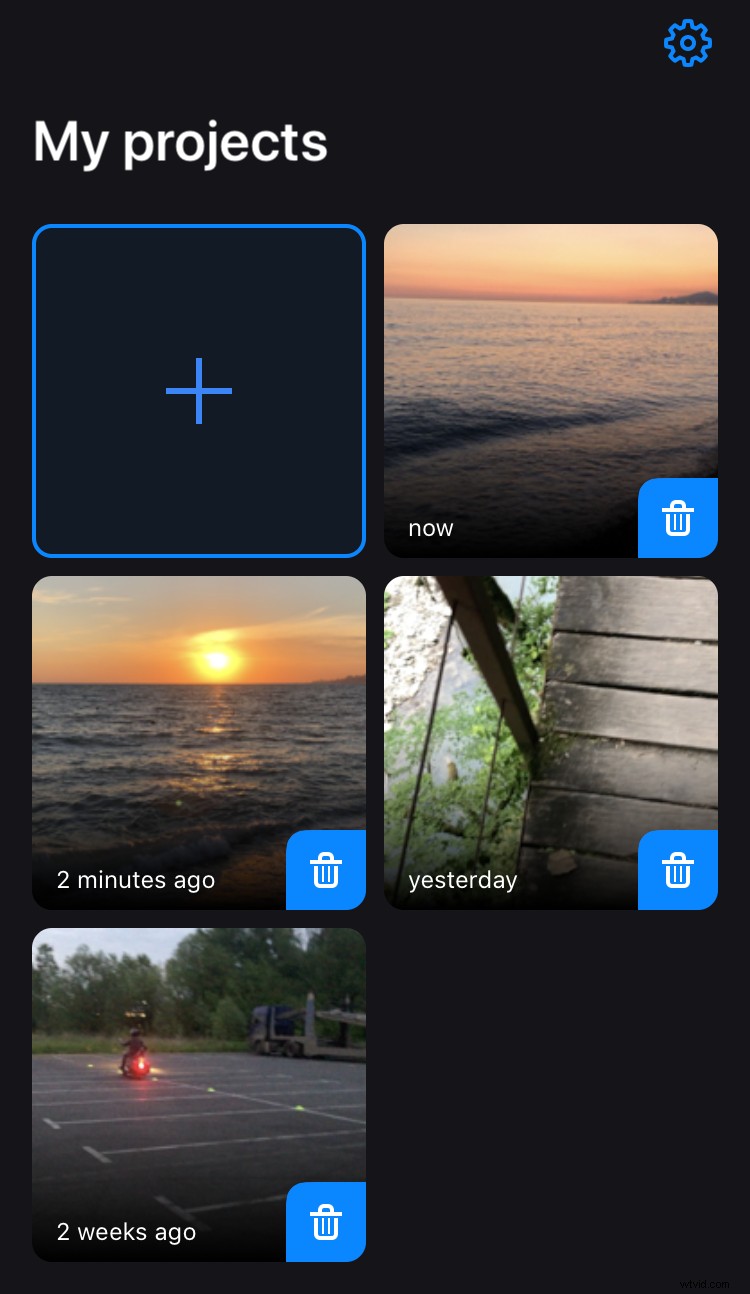
Download the Clideo’s resize video app from App Store to your iPhone. Open it and tap the plus sign on the “My projects” screen to add a recording from your camera roll.
Resize the video
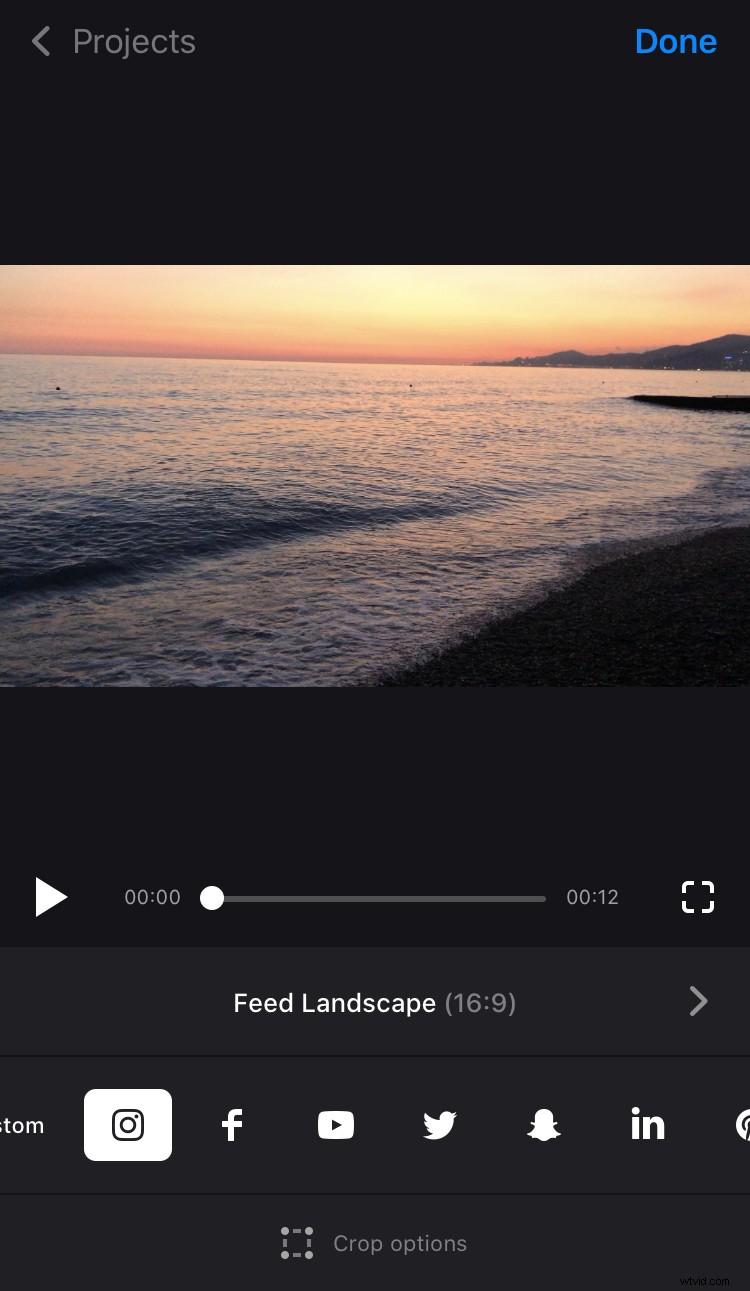
If you don’t want to bother yourself with aspect ratios and other technical details, just hit an emblem of the social medium you need: Instagram, Facebook, YouTube, Twitter, Snapchat, LinkedIn, Pinterest.
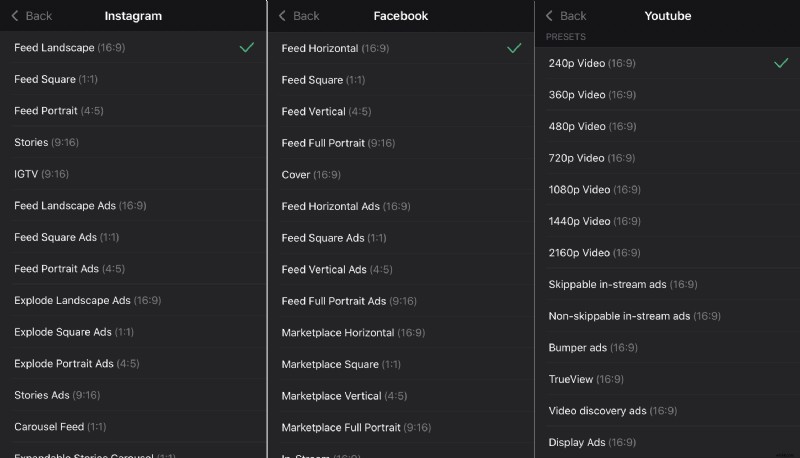
Then select the necessary post type. Again, there are more than 90 presets of video resizing available! Take a look at the screenshots to see examples of the presets for Insta, Facebook and YouTube.
You can also choose to hit the “Custom” button where you will be presented with 10 different aspect ratio presets not connected to a specific social network: a square size (1:1), a horizontal orientation (16:9), a vertical one (9:16) and others. Tap one to select.
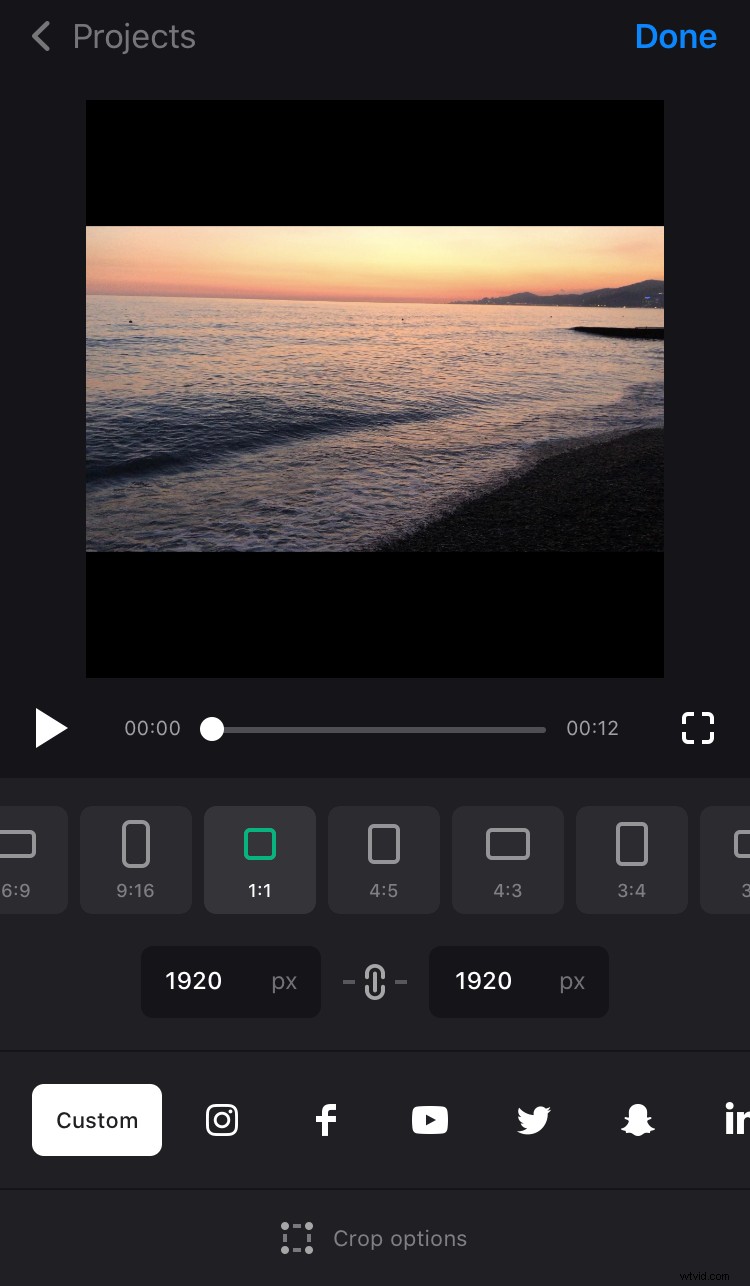
If you know exactly the necessary height or width, input one of them in pixels to a box below the presets and the second one will be set automatically to fit the chosen aspect ratio.
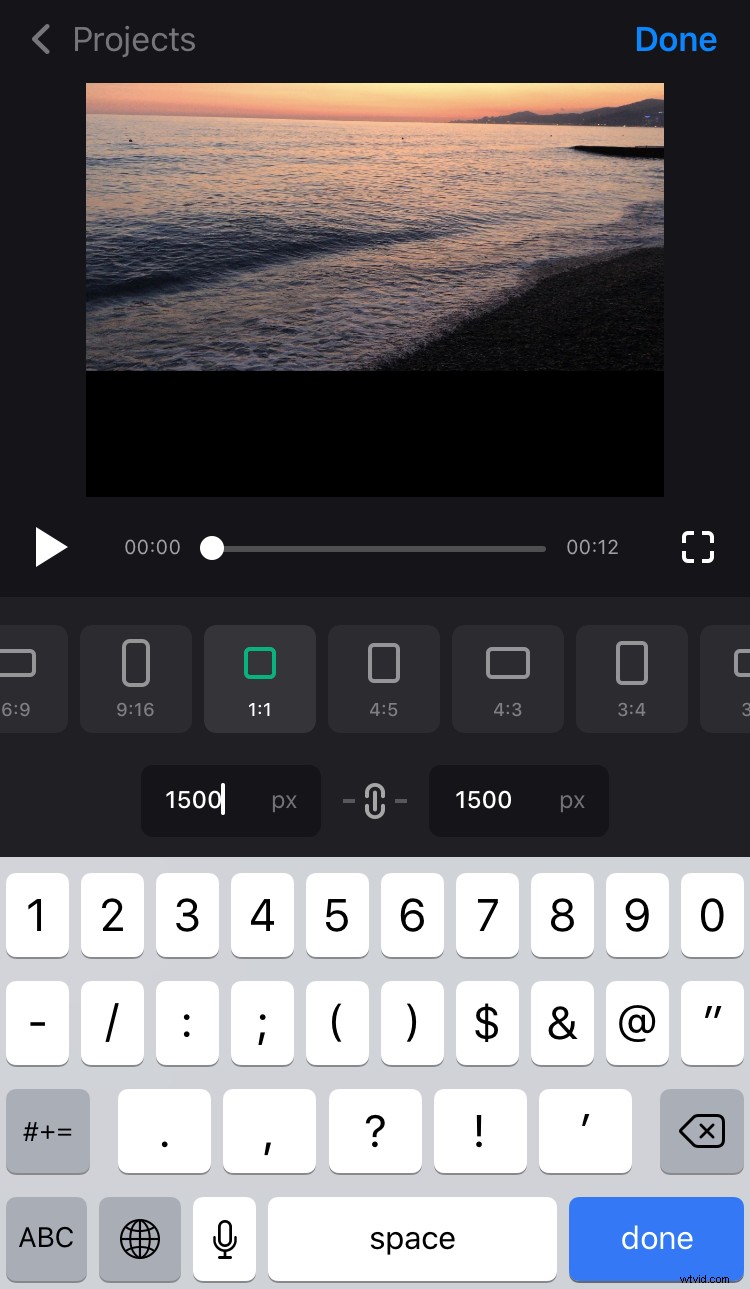
If you know both parameters, tap the chain sign between two boxes so they stop to depend on the aspect ratio. Then just input both of them manually.
Choose a crop option
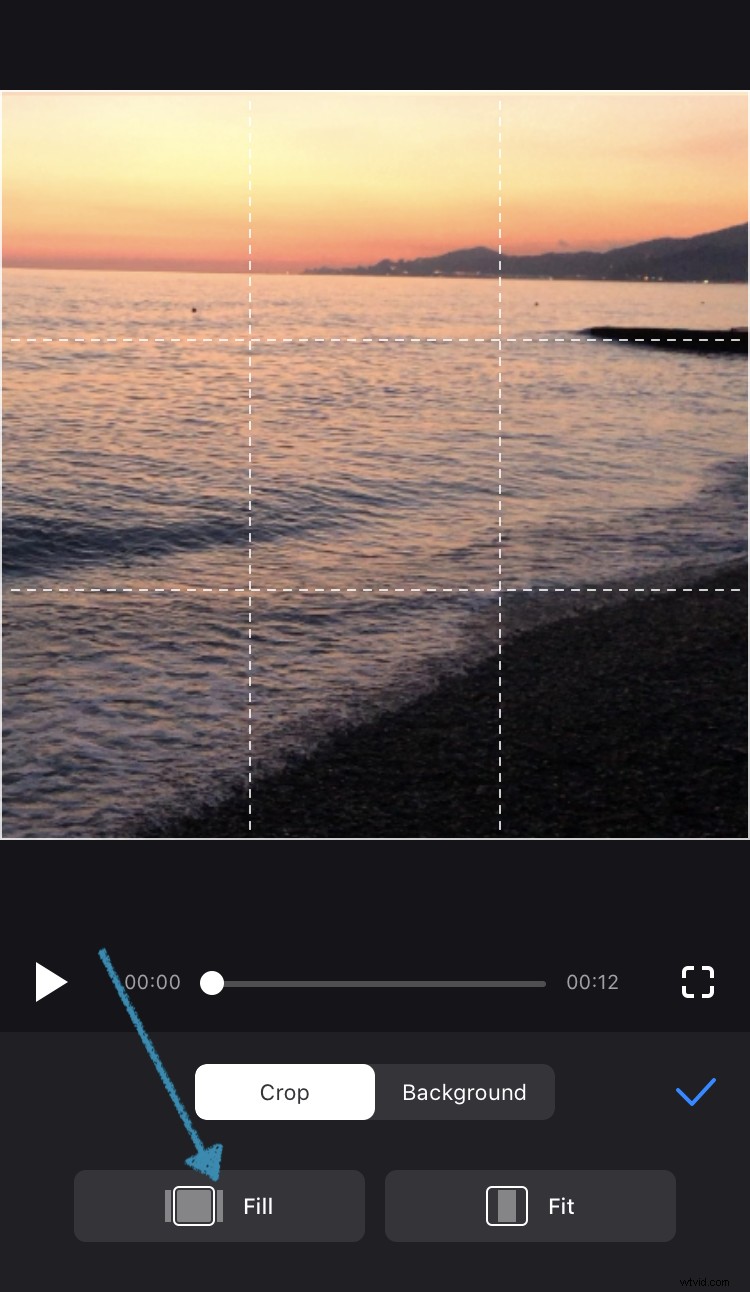
If you want to resize your video with no crop, select the Fit option. Using two fingers you can change the position of the video, zoom it in or out.
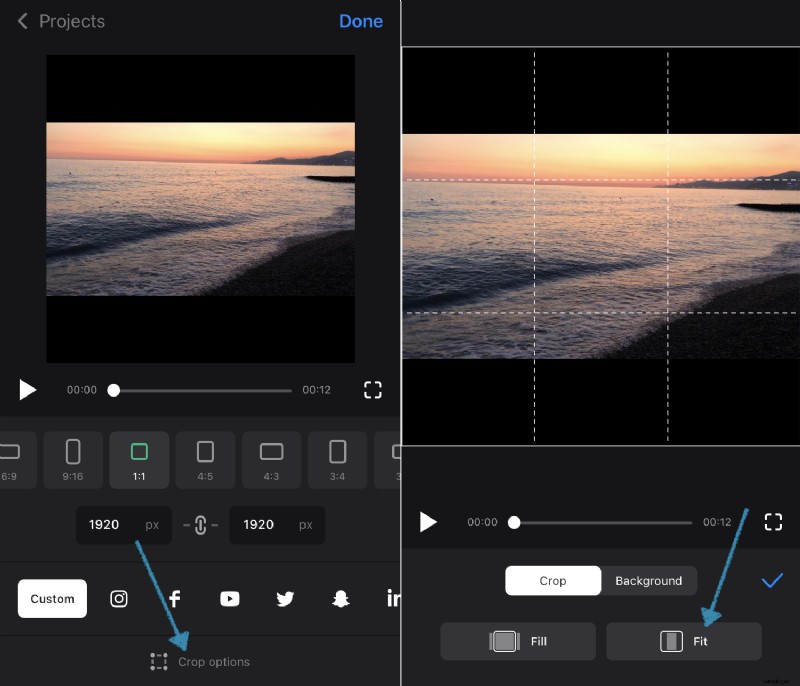
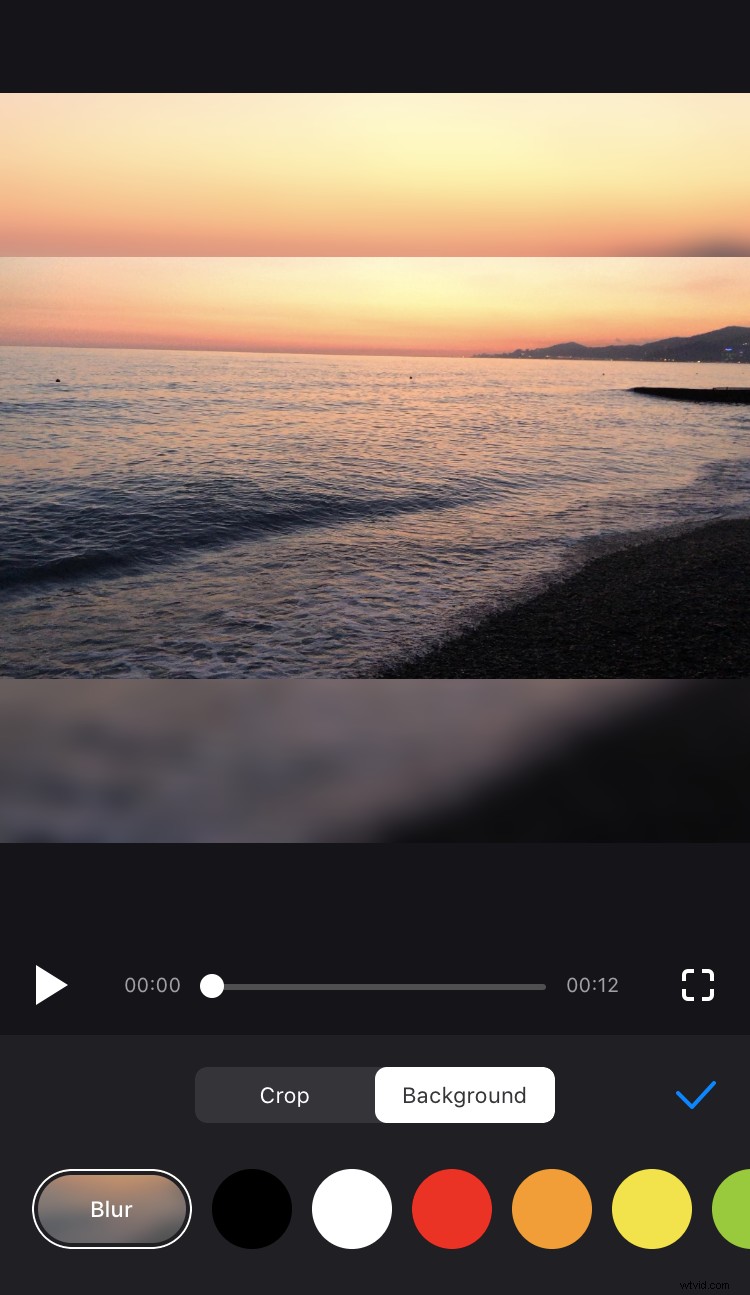
There will be borders left, so tap "Background" and select the Blur option or one of the 18 colours.
If you want to crop your video, tap on "Fill", so the video will fill the whole frame, and change its position using two fingers. You can also zoom in or out.
Save your project
When you are ready, tap “Done” in the top right corner and “Save” below the player. The resized video will be saved with watermark to Photos on your iPhone and to “My projects” in the app.
If you want to save the video without watermark, choose between two subscription options.