Meet the resize app for Instagram
The Clideo app to resize videos for Instagram and other social media has about a hundred of size presets for all the possible post types on YouTube, Facebook, Twitter, Snapchat, LinkedIn, Pinterest and, of course, Instagram.
Daring adventurers can also set a custom resolution – see the details below.
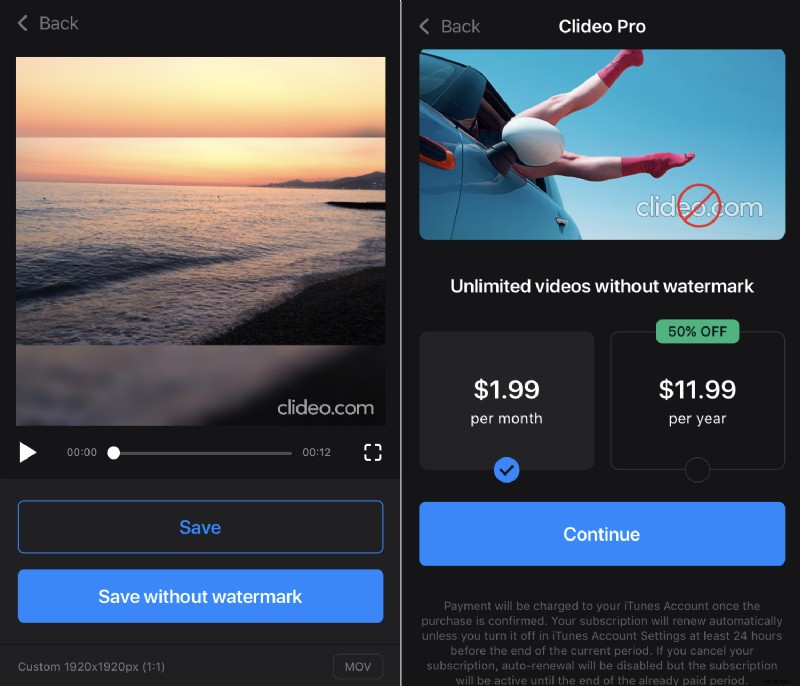
The application is free, but if you decide to subscribe to it, you can get rid of the watermark. Even if you don’t, our watermark is small and elegant, and it doesn’t spoil the recording at all.
Lastly, our application is developed for iOS devices only. But if you have an Android smartphone or want to edit videos on PC or Mac, you can always use our handy online version.
Now follow the steps.
Upload a video
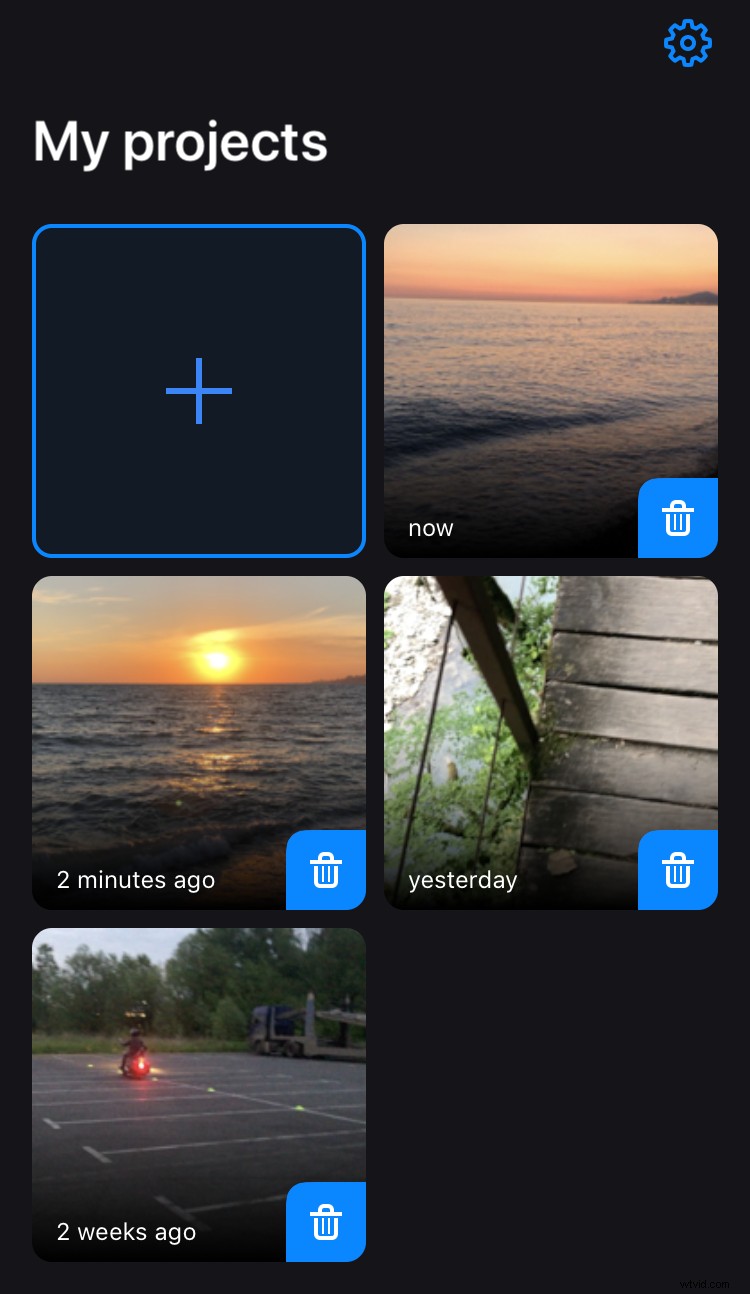
Download the Clideo’s Resize Video App for Instagram from the App Store. To choose a recording from your personal library, open the app and tap the plus sign on the page “My Projects”.
Choose an Instagram preset
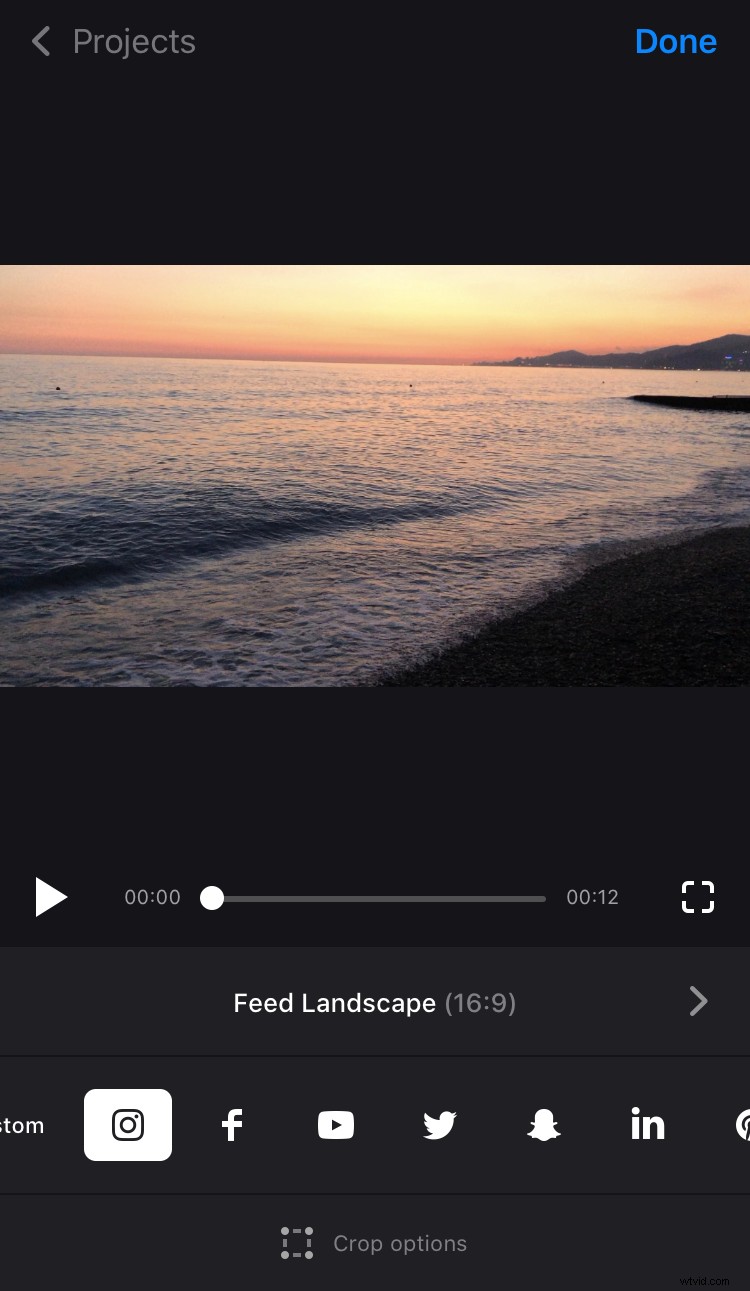
If you want to avail of the presets, just hit the needed icon below the player.
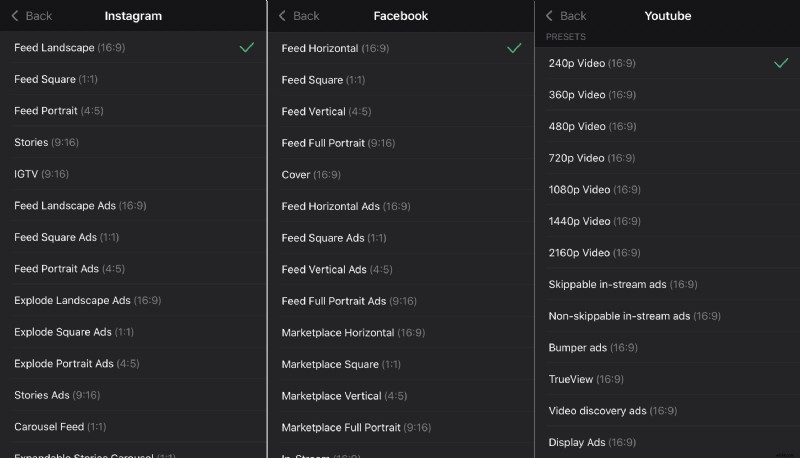
The next moment a list of possible post types with their aspect ratio will appear, choose the one you are up to.
If you want to apply just one of the classical aspect ratio schemes and know the exact resolution you need, choose the “Сustom” option and select one of the standard orientations. Then input either width or height of the clip-to-be and the second parameter will be set automatically.
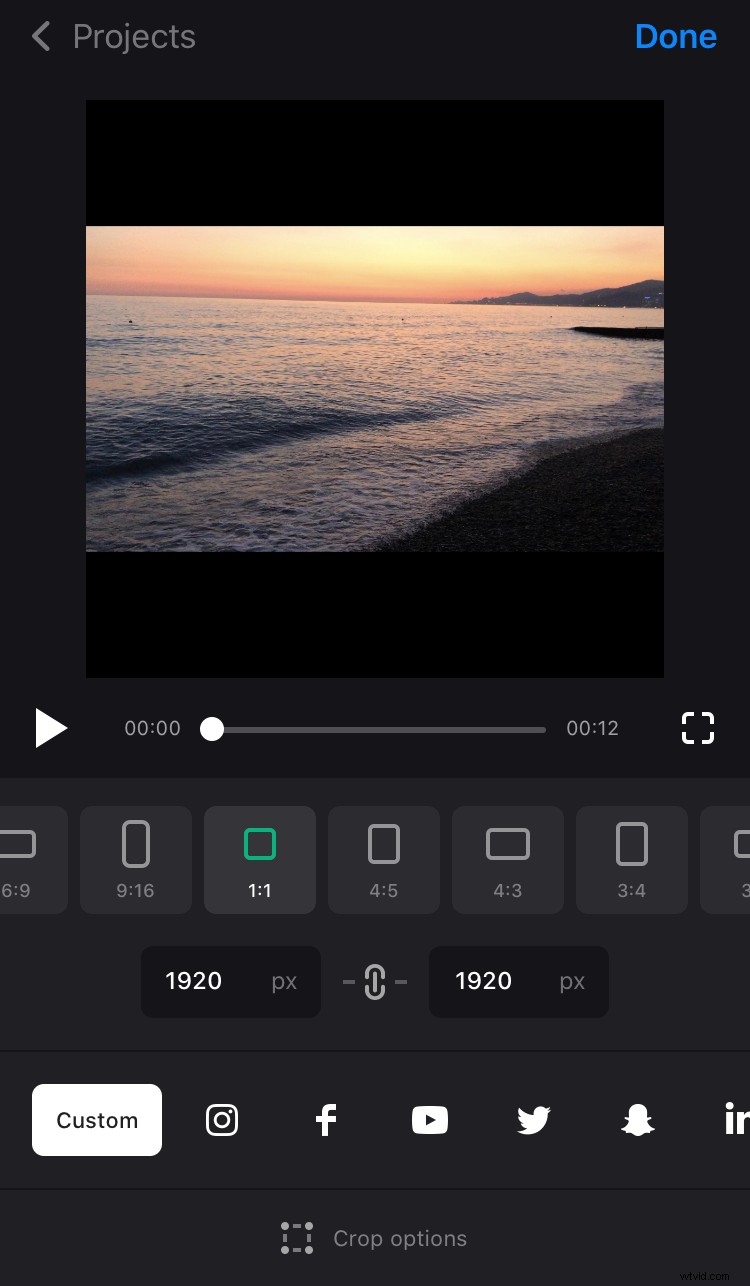
You can also hit the chain sign between the boxes to “release” it and set both width and height manually, without correlation to any aspect ratio.
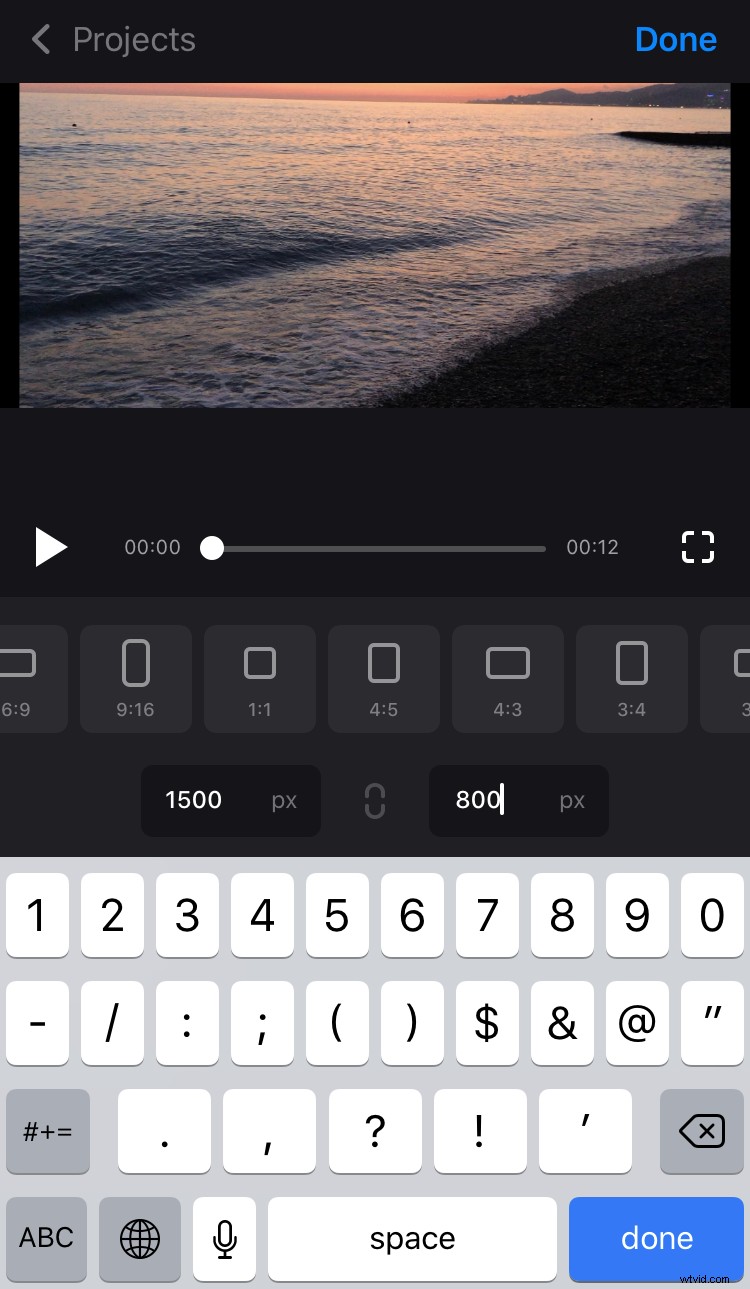
Crop the video
Our Resize for Instagram Story App allows you either to fit the video to the frame completely or to crop it. Just click the “Crop option” sign at the bottom of the screen and choose Fill or Fit.
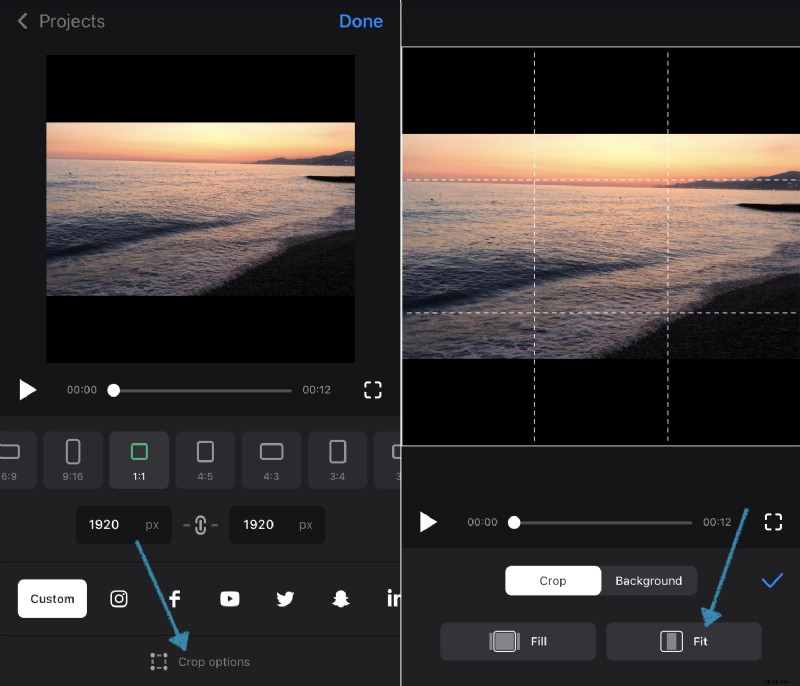
In the second case, there may be borders left. To customize the background, choose a colour from the palette or the Blur option.
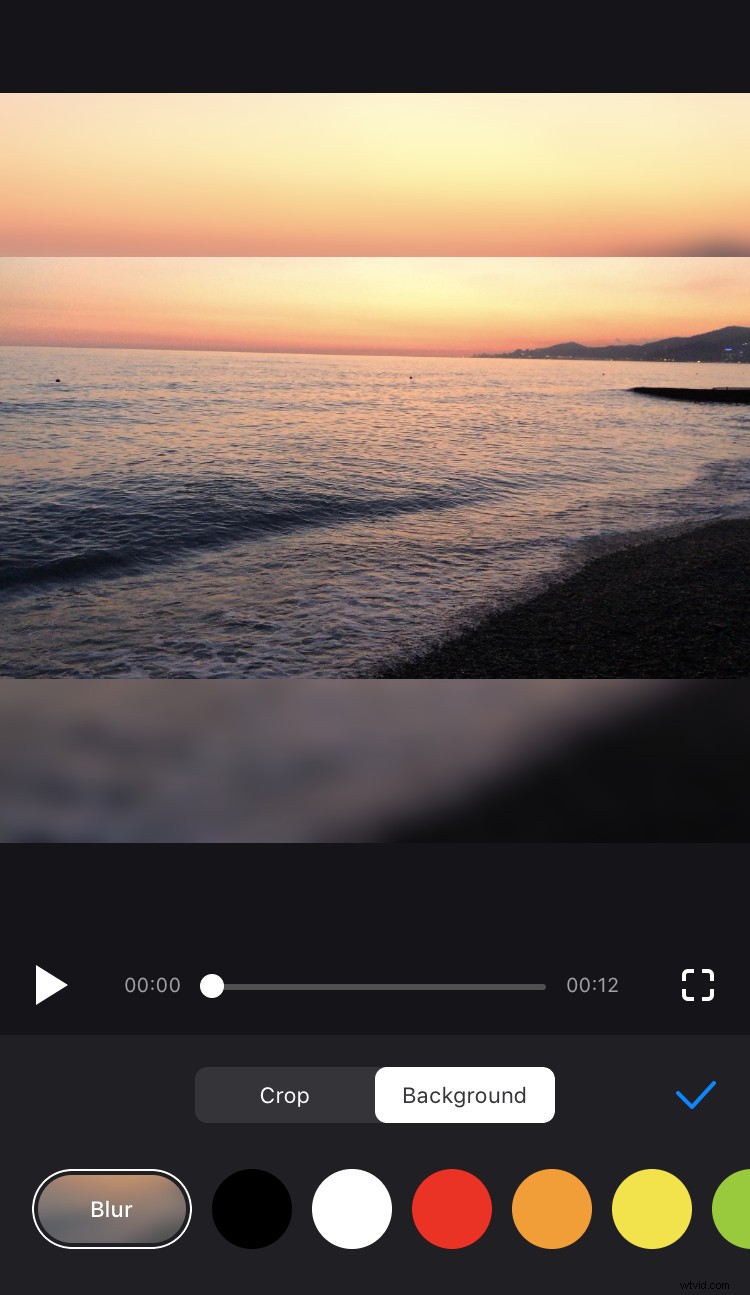
Share your video on Instagram
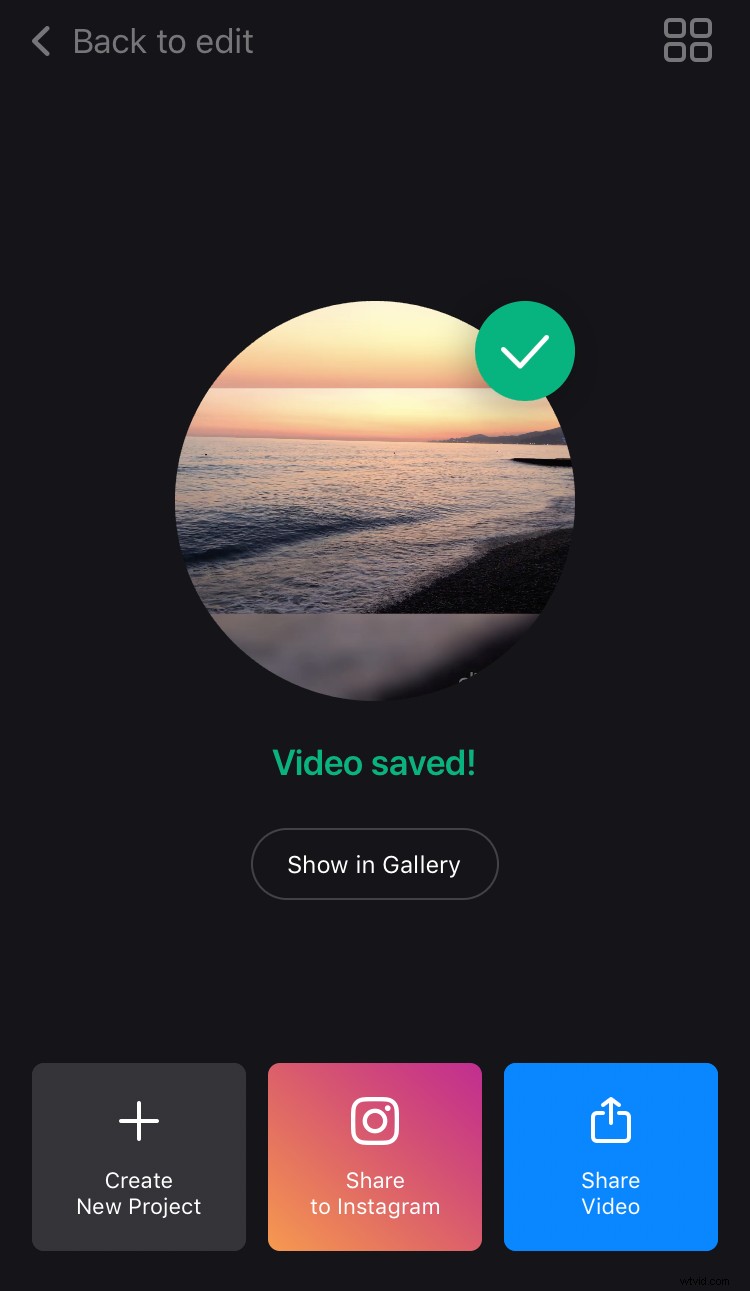
Tap “Done” and wait for a little while your project is being processed. Now, click “Save” and download the recording to your personal device.
Then you’ll be able to share the result on Instagram or other social media directly.