How to use Clideo’s video cropping app for iPhone
So, if you are a lucky iPhone owner, just download our free Video Cropper app, set it up as you wish, and use wherever you want.
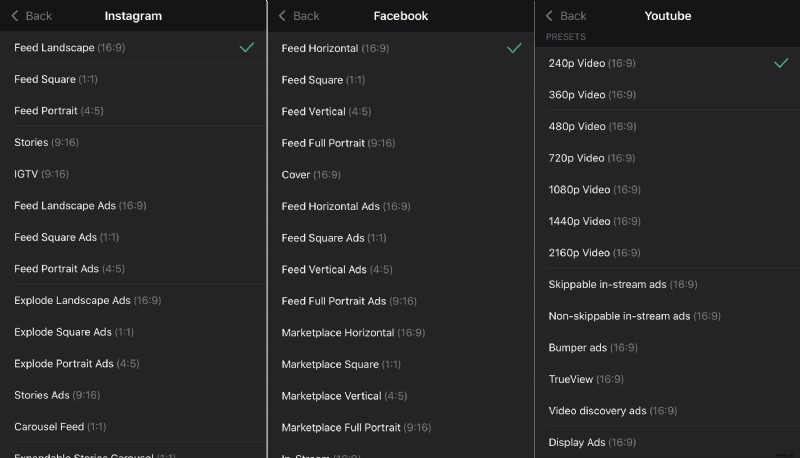
It allows not only cropping the video but also resizing it. By using one of 90+ presets for different social media, you can make your clip meet the specs of any post type you need.
This application works only on iOS devices, but if you have another operating system or just want to avoid downloading and installing additional software, feel free to take advantage of the online version.
Stay tuned – more applications by Clideo are coming!
In the meanwhile – let’s have a look at how to crop a recording with the help of the existing one.
Upload a video to the app
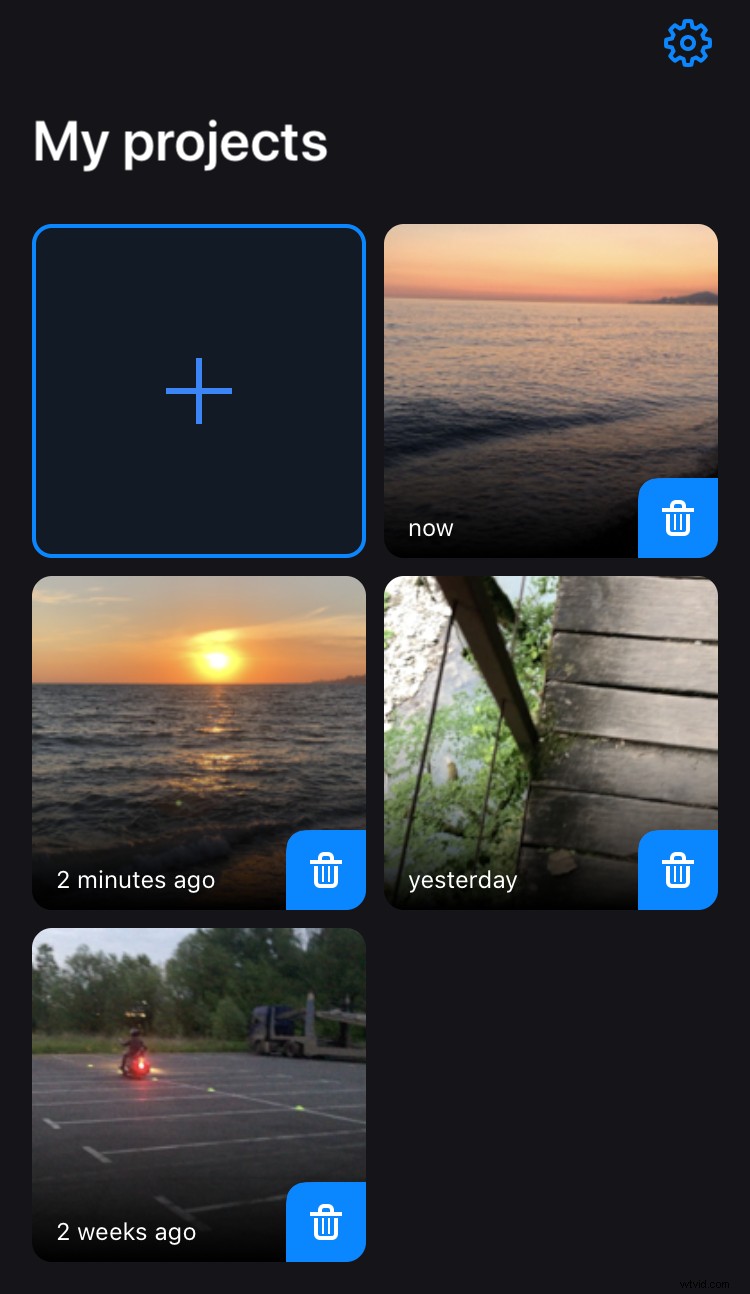
Download the video cropping app by Clideo. Open it and add a recording from your iPhone library by tapping the Plus sign on the home screen.
Resize the video if needed
If you don’t need resizing, just proceed to the next step.
The best thing to do is to pick one of the social media symbols below the player and decide on a post type.
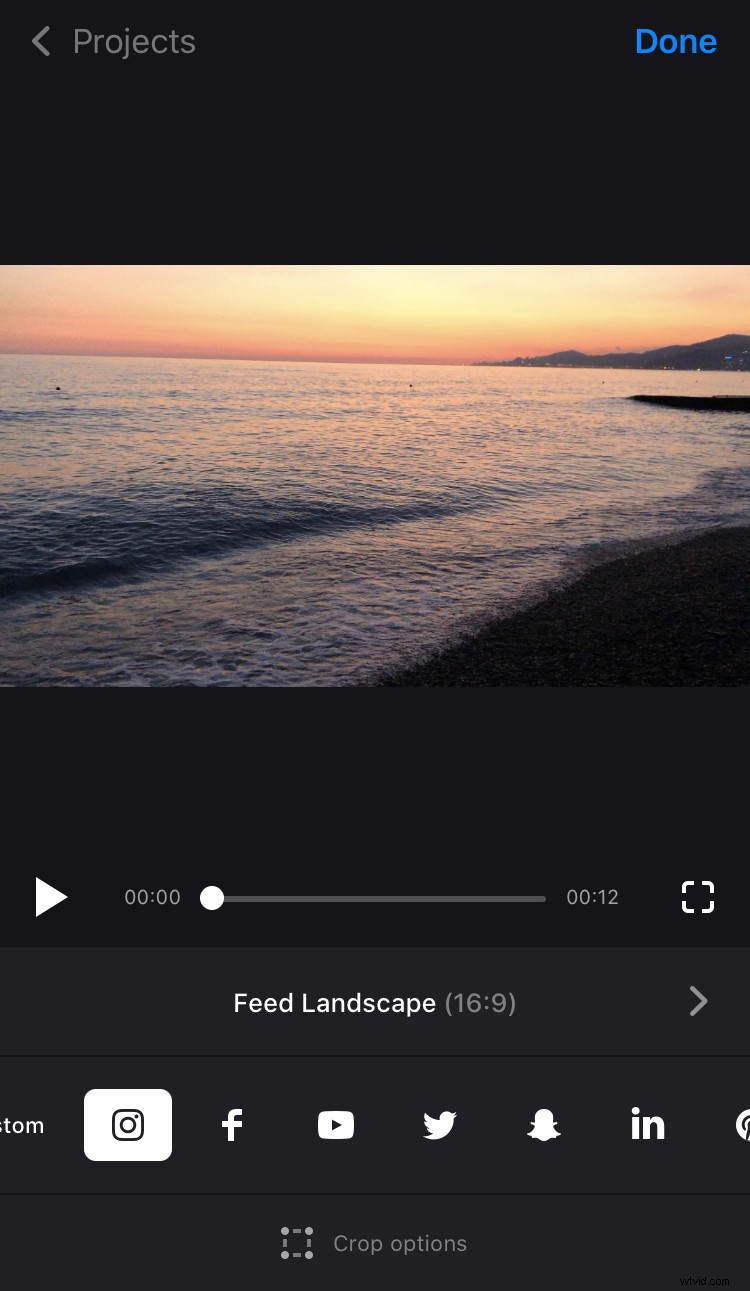
That’s the fastest way to prepare your visual for posting on Facebook, Instagram, Snapchat or any other popular social media.
If you aren’t going to post your video on social networks, you can just select an aspect ratio. Hit the “Custom” button and choose 9:16, 1:1, 4:5 or another one.
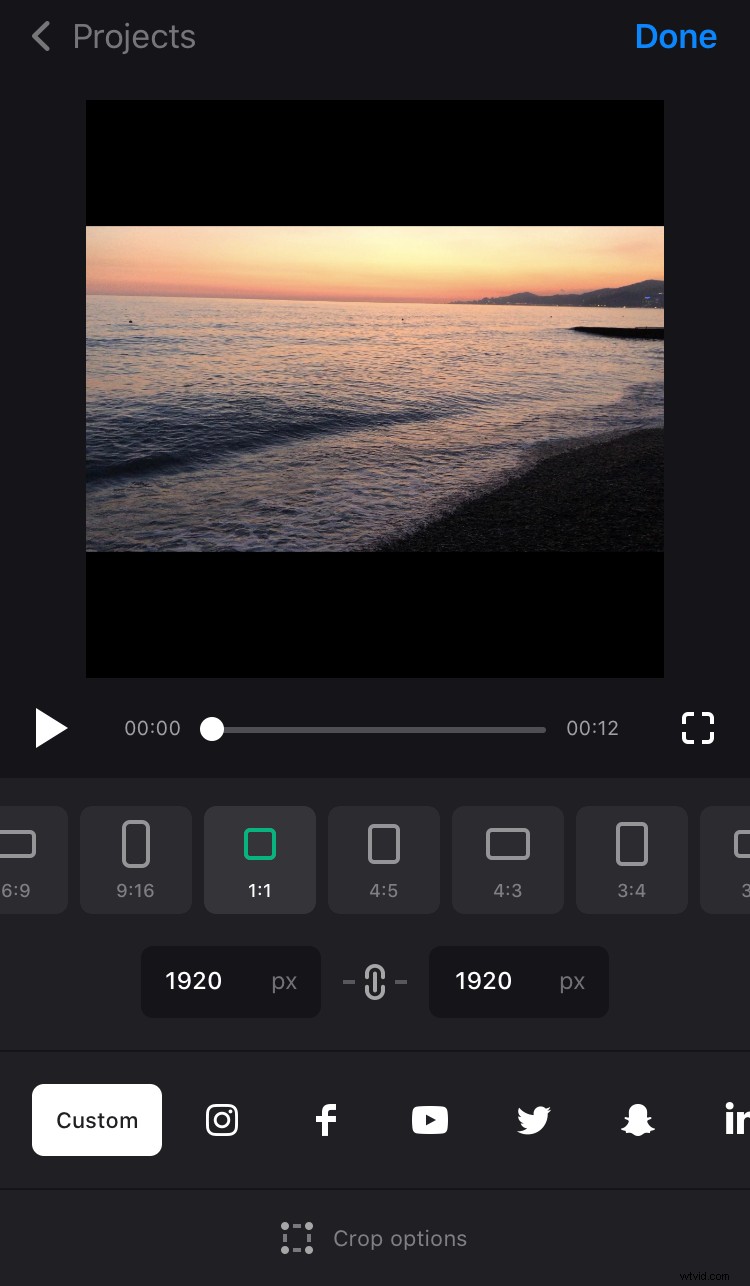
Set the needed height or width in pixels if needed, and the second parameter will be set automatically according to the selected aspect ratio.
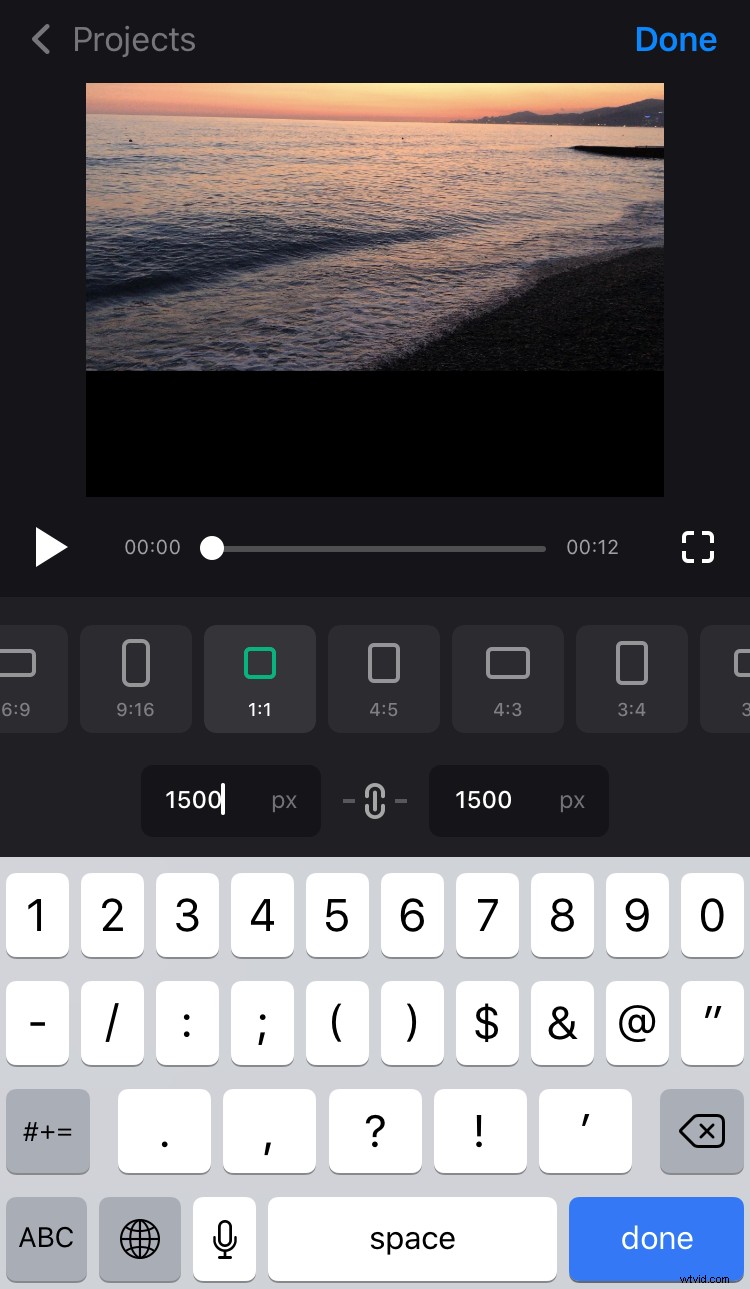
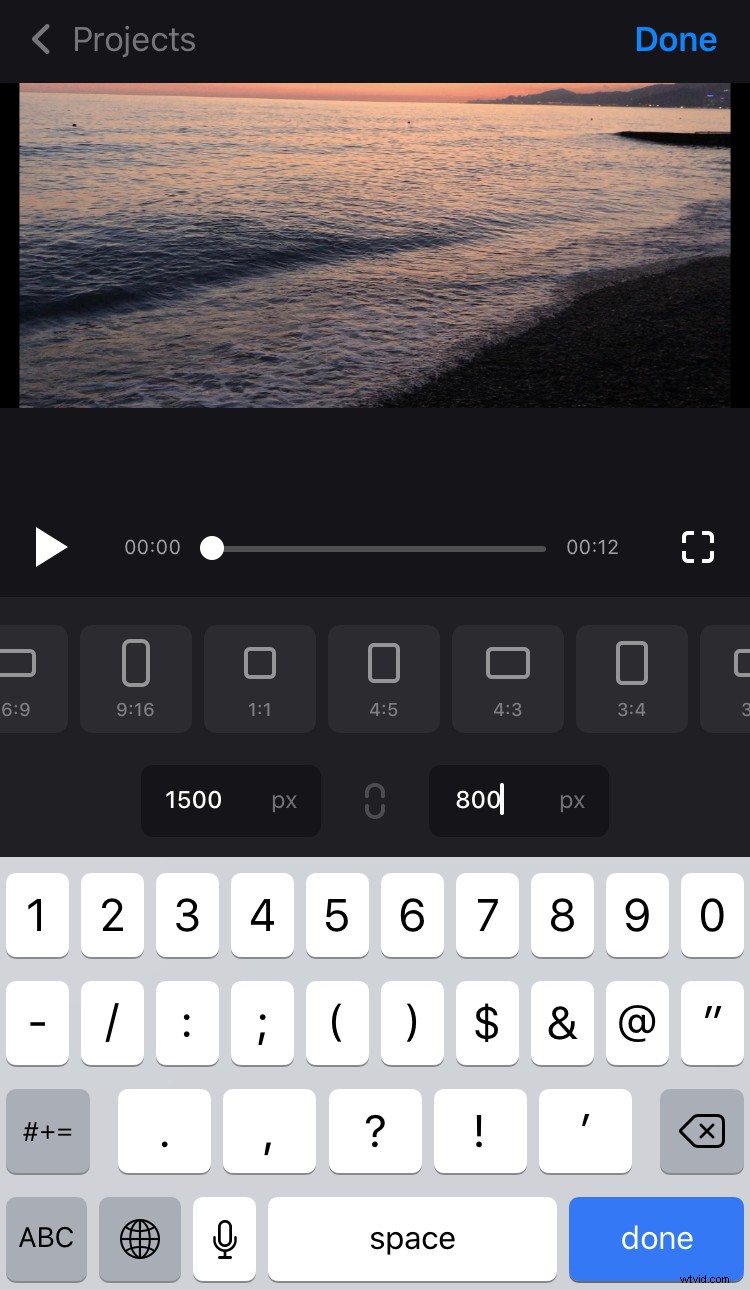
As an alternative, hit the chain sign between the boxes to deactivate it, and insert both parameters manually without reference to aspect ratio.
Crop the video
There are two options available:
- Fit the recording with the frame, expanding it with the help of two fingers.
- Fill the frame with the video so that there are no borders left.
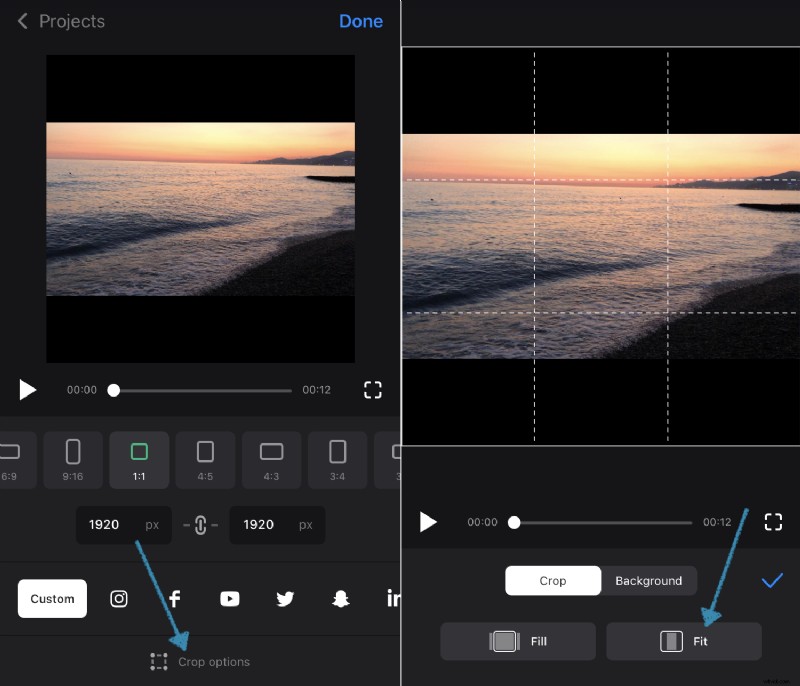
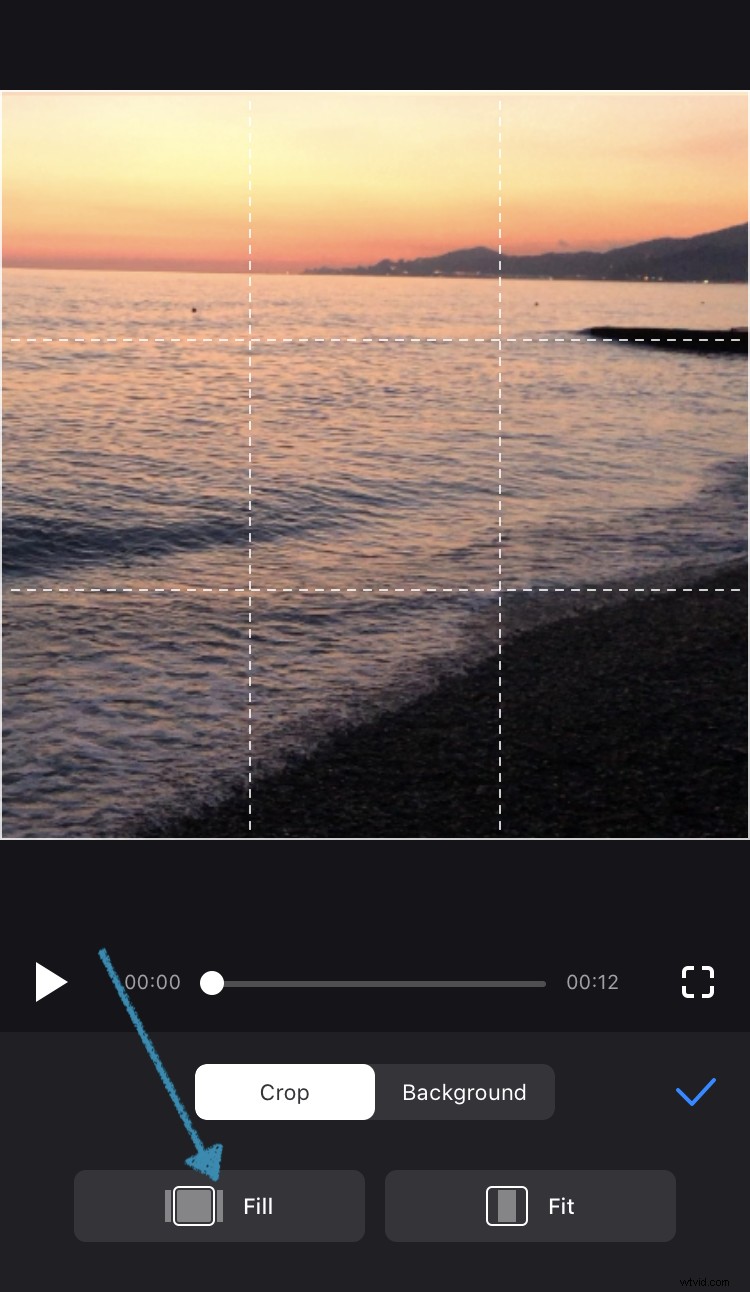
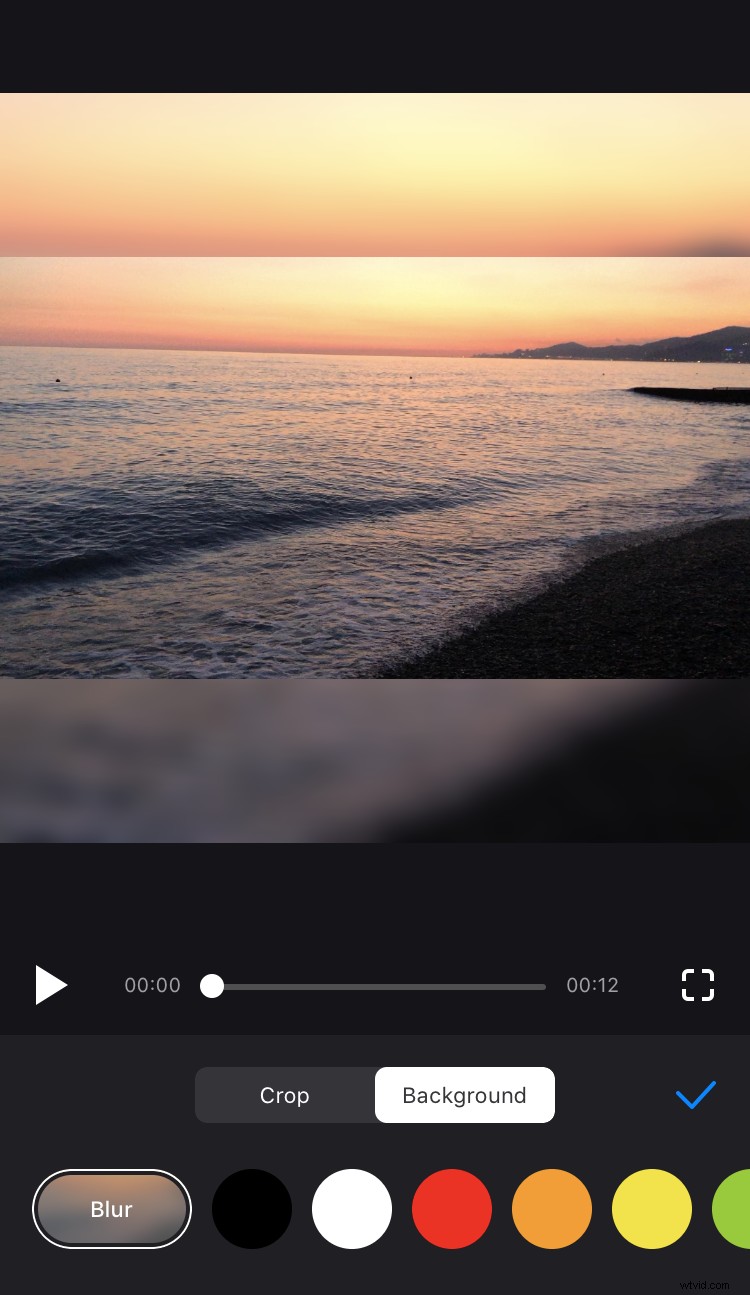
In both cases, you can zoom the recording in or out. If there are borders left, you can change a background colour or blur it.
Save the cropped visual
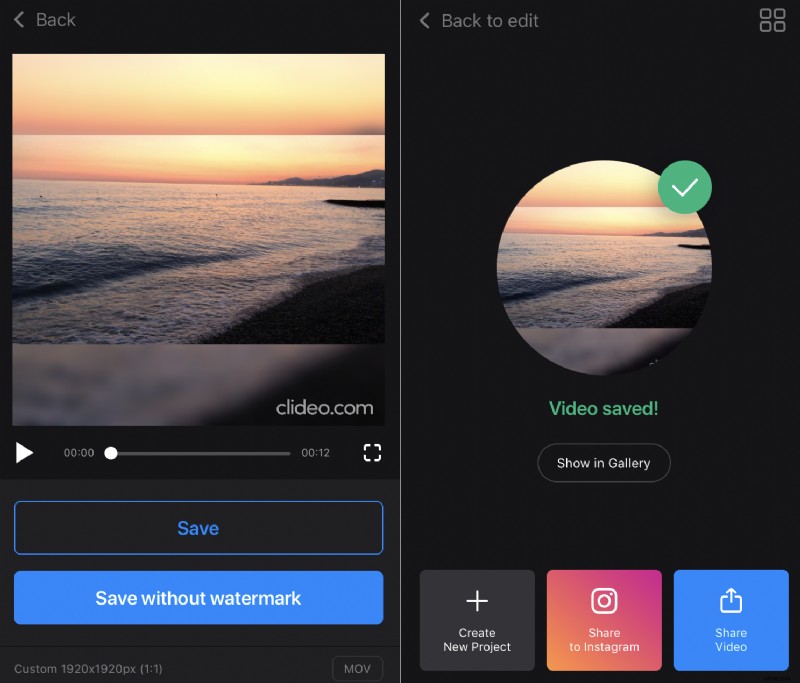
Tap “Done” in the top right corner to confirm the changes and hit “Save” below the player. The video will be saved both to the Projects in the app itself and to the Photos on your iPhone. Then you’ll be able to share it on any social media right from the app.