How to repeat a video on Android
Video loop apps for Android have a huge disadvantage, namely, they take up your device’s memory.
Our online service is accessible from any device you use, be it Android, iPhone, PC or whatever else and you don’t need to install it. Moreover, it is so user-friendly that you don’t need any technical knowledge or video-editing experience to master it.
Clideo is absolutely secure: we never share your projects with other users and keep them on protected servers for no longer than 24 hours. If you’re signed in, you can delete an edited video right away in your profile.
Select a video to loop
The first thing you spot when opening our Video Looper for Android is a big blue pane “Choose file”. Click on it to import visuals stored on your personal device.
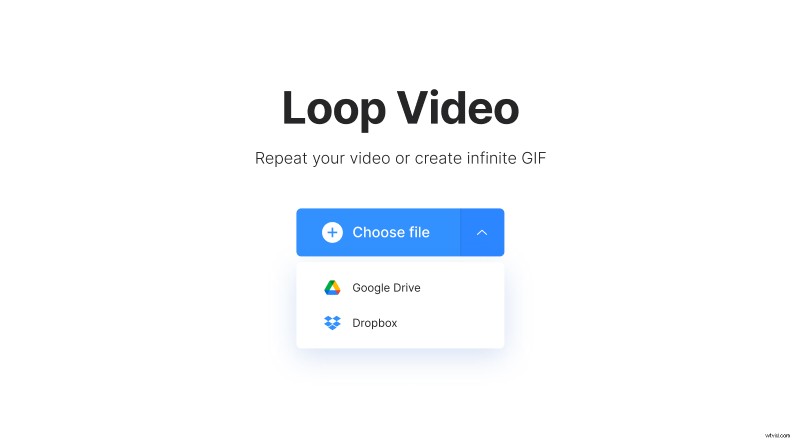
Another option – click on the tiny arrow on the right side or just hover the cursor over it. The appeared drop-down menu allows you to import videos from Google Drive or Dropbox.
Play the video on repeat
To loop your video into an endless GIF just hit the infinity sign on the grid on the right from the player.
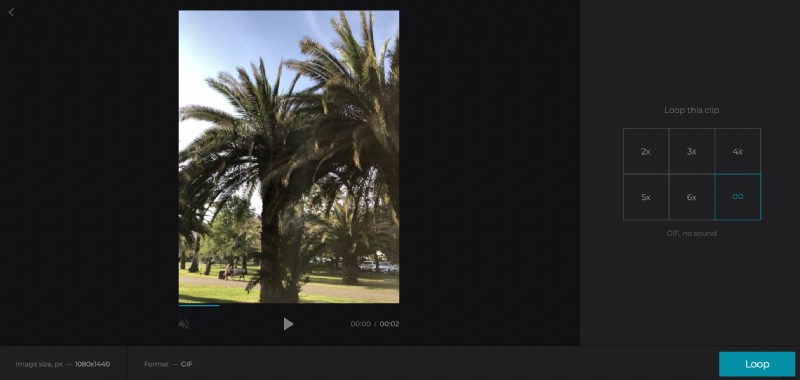
You can also create a recording with a selected number of repetitions, from 2 to 6. The video’s length will increase respectively.
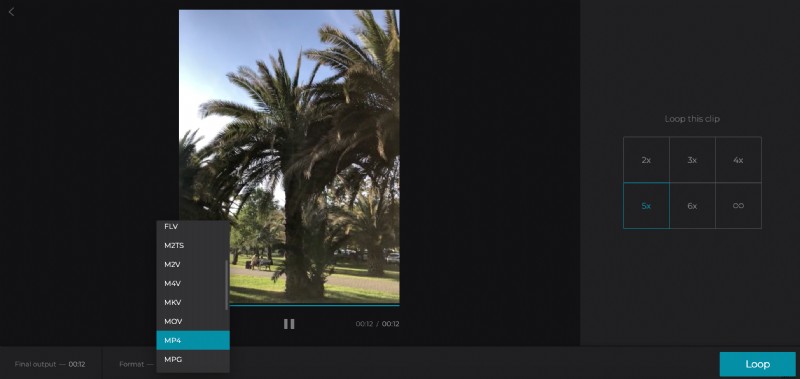
In the last case, don’t forget to choose an output format. We recommend MP4 or MOV, as they are compatible with the majority of social media.
Click on “Loop” and get ready to save the result.
Download the looped video
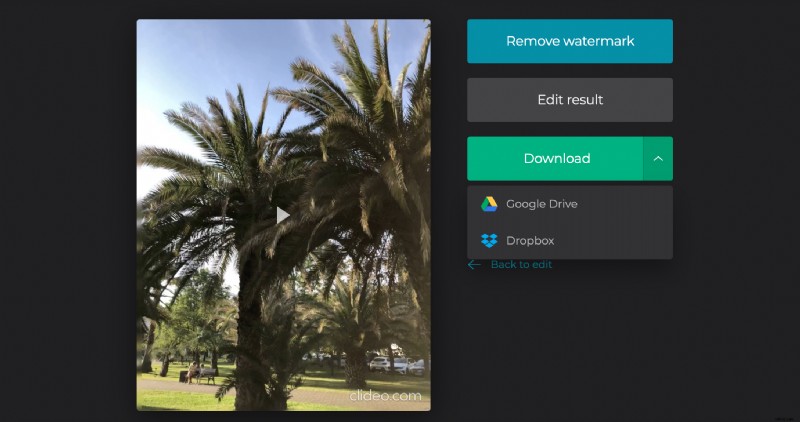
Save the ready clip to your personal device or cloud storage account. If you’ve changed your mind and decided to set another amount of repetitions, click on ‘Back to edit” and fix the project in one click!