TikTok resolution and other specs
The most important question is – what dimensions are TikTok videos? And here is the answer:
- Aspect ratio: 9:16 or 1:1 with sidebars;
- Recommended dimensions: 1080 x 1920 pixels;
- Video orientation: vertical;
- Maximum video length: 15 secs for a single recording and up to 60 secs for several videos combined into one post;
- File size: 287.6 MB max for iOS devices and 72 MB max for Android smartphones;
- Supported formats: MP4 and MOV.
If you want to know more information, for example, how to download a TikTok video, check our ultimate guide on this application.
Below you’ll learn how to fit the TikTok video format and resolution online and for free!
Upload a file
Open Video Resizer by Clideo in any browser. Click the blue button “Choose file” and select a shooting from your camera roll.
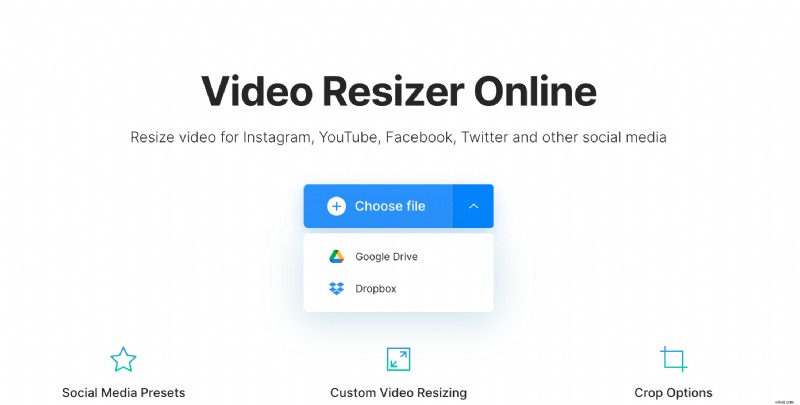
Alternatively, call the drop-down menu and import a file from your account on Google Drive or Dropbox.
Resize the video
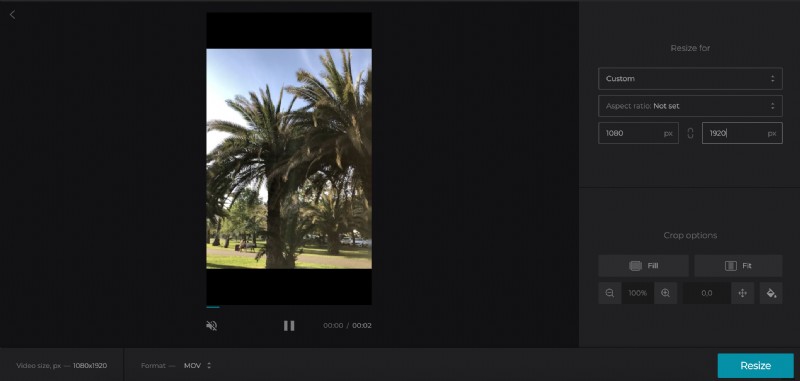
To prepare your video for TikTok, choose the Custom option.
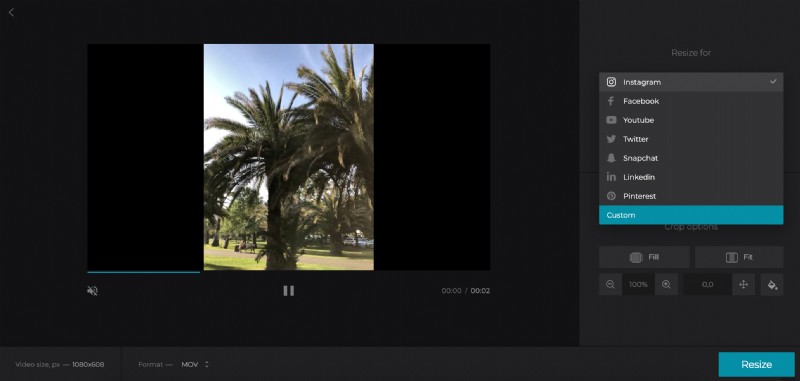
Then select 9:16 or 1:1 aspect ratio, type the video’s width or height manually and the second parameter will be set automatically.
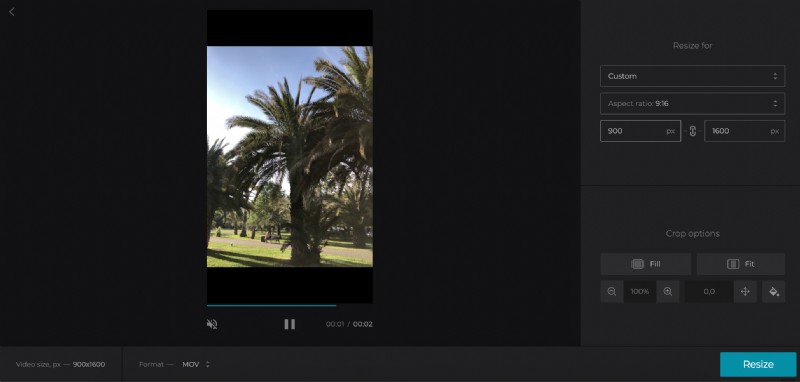
Another option — click the chain sign and set both values manually. Just a small reminder: the recommended ones are 1080 x 1920 pixels.
Select a crop option
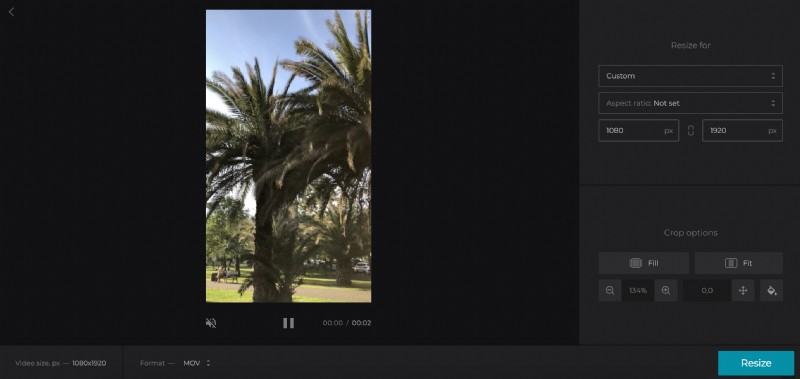
Click the Fill button to crop the recording or “Fit” to fit it in the frame. Whatever you choose, you can zoom your video in or out.
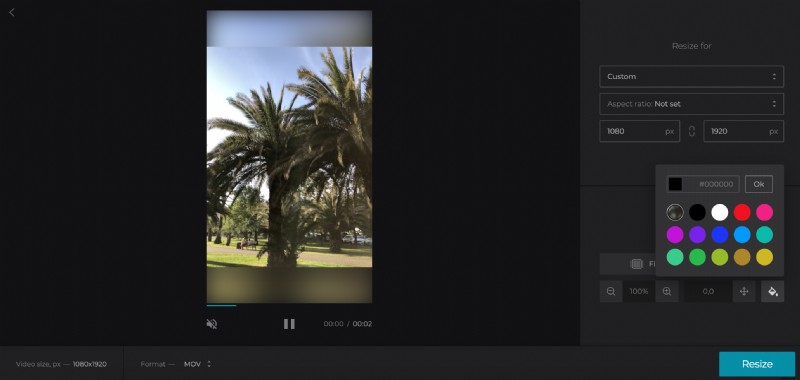
If there are borders left, click the paint bucket sign to choose their colour or blur them. The most inquisitive users can google a hex code of the needed colour, input it manually and profit from the whole variety of hues.
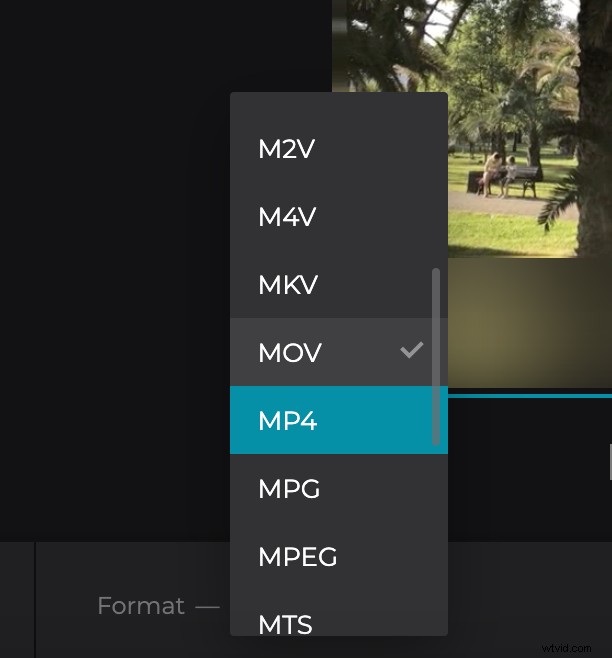
When you are done, choose an output format between MOV and MP4. Click “Resize”.
Download the resized video
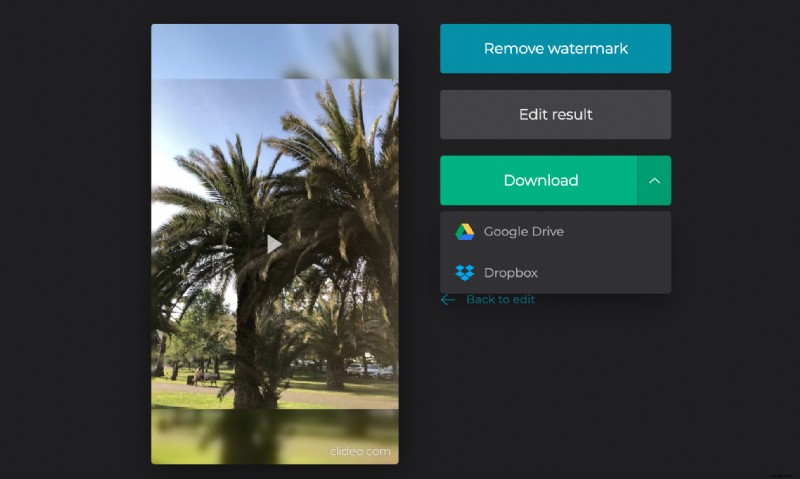
Have the final look and get sure that you got what you wanted. If so, save the recording to your personal device or cloud storage. If there are minor imperfections – click “Back to edit” to correct them.