
What are video sizes for Facebook
Facebook maximum video size depends on a post or ad type:
- Regular Shared In-Feed
- Stories
- Cover Video
- 360 Video
- In-Feed and Instant Articles Ads
- Stories Ads
- Carousel Ads
- In-Stream Ads
- How to Make Your Video Fit a Facebook Size
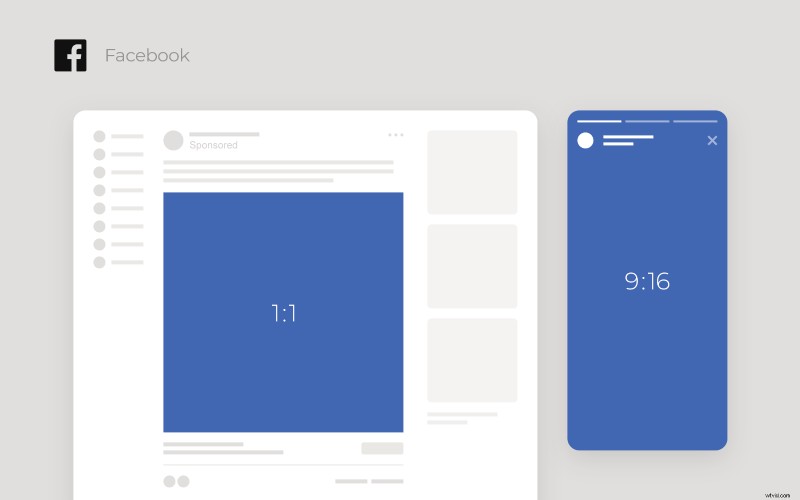
Regular Shared In-Feed
- Square: 120 x 120 px minimum, aspect ratio 1:1;
- Horizontal: 213 x 120 px minimum, aspect ratio 16:9;
- Vertical: 120 x 150 px minimum, aspect ratio 4:5;
- Full Portrait: 120 x 213 px minimum, aspect ratio 9:16;
- Video length: up to 4 hours (240 mins);
- File size: up to 4 GB;
- Recommended formats: MP4, MOV.
Stories
- Aspect ratio: 9:16;
- Minimum resolution: 500 x 500 px;
- Max file size: 4 GB;
- Video length: up to 15 secs;
- Recommended formats: MP4, MOV.
Cover Video
- Aspect ratio: 16:9;
- Resolution: at least 820 x 312 px, an ideal one – 820 x 462 px;
- Video length: 20-90 secs;
- Recommended formats: MP4, MOV.
360 Video
- Aspect ratio 2:1;
- Minimum width: 600 px;
- Maximum resolution: 4096 x 2048 px;
- Max file size: 1.75 GB;
- Video length: 30 mins;
- Recommended format: MP4.
In-Feed and Instant Articles Ads
Facebook video ad sizes are almost the same as regular posts but still different:
- Facebook square video size: 120 x 120 px minimum, aspect ratio 1:1;
- Horizontal: 213 x 120 px minimum, aspect ratio 16:9;
- Vertical: 120 x 150 px minimum, aspect ratio 4:5;
- Full Portrait: 120 x 213 px minimum, aspect ratio 9:16;
- Video length: 1 sec minimum, 240 mins maximum;
- File size: up to 26 GB;
- Recommended formats: MP4, MOV.
Stories Ads
- Aspect ratio: 9:16;
- Minimum resolution: 500 x 889 px;
- Max file size: 4 GB;
- Video length: up to 16 secs for playable ads, up to 2 mins for other ads;
- Recommended formats: MP4, MOV.
Carousel Ads
- Aspect ratio: 1:1;
- Recommended resolution: 1080 x 1080 px;
- The largest possible file size is 4 GB;
- Video length: up to 4 hours;
- Recommended formats: MP4, MOV.
In-Stream Ads
- Aspect ratio: 16:9;
- Max file size: 4 GB;
- Video length: 5-15 secs;
- Recommended formats: MP4, MOV.
Quite a lot of video size limits for Facebook, specifications, requirements, and details, huh? But no worries – you can use a special tool that allows you to resize any video using ready social media presets in a couple of clicks!
How to Make Your Video Fit a Facebook Size
Upload your file
Open the Online Video Resizer by Clideo in any browser. You may equally use it either from your mobile device or from a PC or Mac.
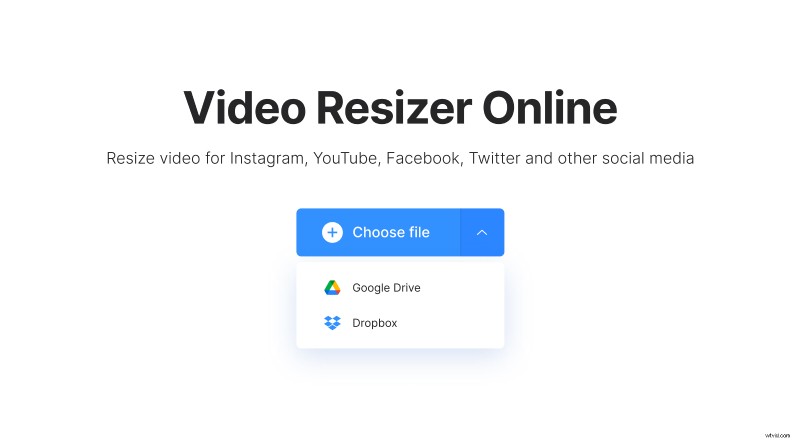
To upload a recording from your camera roll, click the “Choose file” button. Alternatively, call a drop-down menu on the right to select it from Google Drive or Dropbox.
Set the best video size for your needs
The easiest way to resize your recording is by choosing the corresponding option among the ready ones. Firstly, select a social medium in the first drop-down menu on the right of the page, then – the post type in the field below.
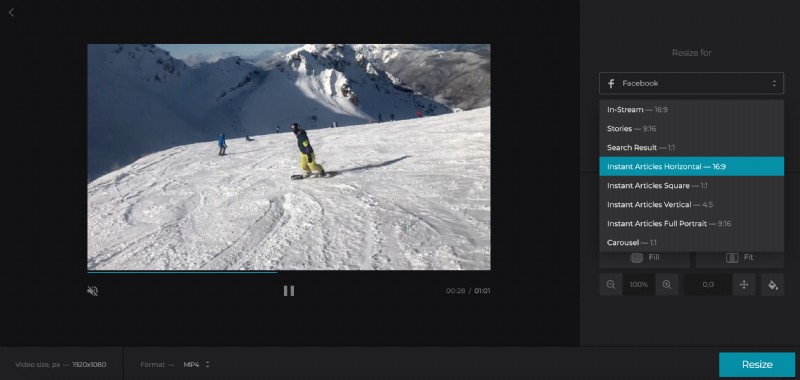
You can also choose the “Custom” option. If you decide on an aspect ratio, just set a width in pixels, and height will be defined automatically. Alternatively, hit the “Aspect ratio: not set” option and insert any dimensions you want manually.
Choose the crop option:
- fill the frame by zooming the recording without leaving sidebars;
- fit the whole picture into the frame and choose the background colour.
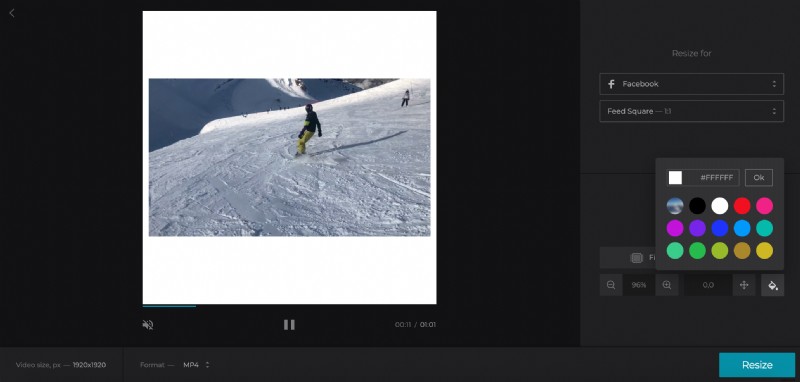
Don’t forget to select an output format among those that are supported by the chosen social media. In our case it's MP4 or MOV.
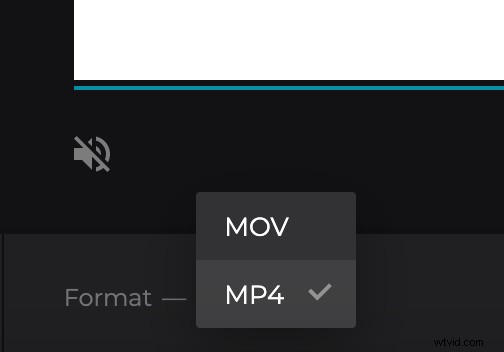
When you are done, click “Resize” and wait for a while.
Save the result
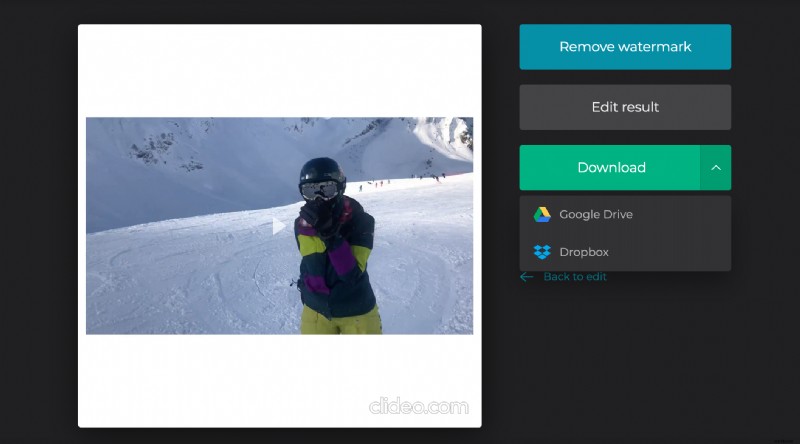
Have a go and watch your resized video. If you like it, save to your personal device or to cloud storage. If you don’t – return to editing by clicking the “Back to edit” arrow.