
How to create and post a GIF on Facebook
You can even type the keyword you need, like “happy”, “hedgehog” or “DiCaprio”, and the resource will show you the best matches.
But what if nothing fits? Don’t take it hard – just make your own GIF out of any video with the help of our tool.
Clideo service works online from any browser and any operating system, so you can use it equally efficiently on iPhone, Android or a computer. You can upload as many files, as you need, up to 500 MB each for free.
Follow three easy steps and get your unique GIF in no time.
Upload a recording
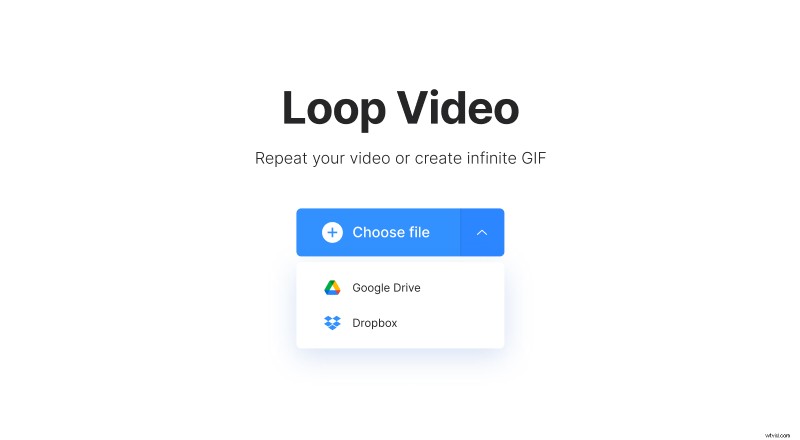
Open Clideo’s Video Looper and hit the big blue button to upload visuals from your personal device.
If you want to use a recording stored online, call a drop-down menu on the right. Here you can import content from your cloud storage accounts.
If your video is too long or you need an exact snippet, you can previously cut it.
Make an animated GIF
To turn a video into an endless GIF, hit the infinity sign in the grid on the right of the player.
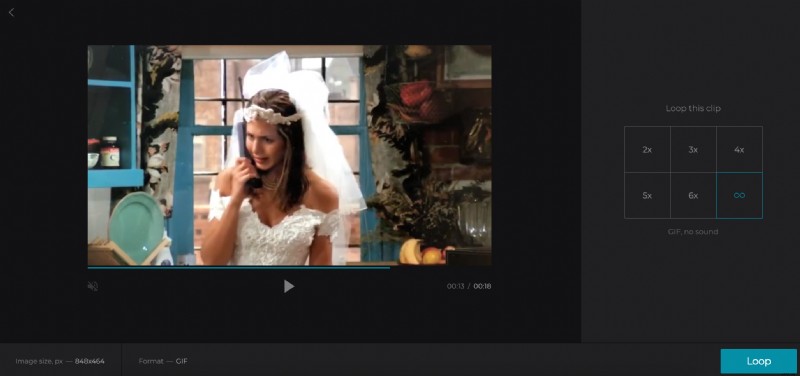
You can also loop the clip by choosing the number of repetitions. In that case, don’t forget to select an outcome format.
Click on “Loop” and get ready to see the result.
Save and post the GIF
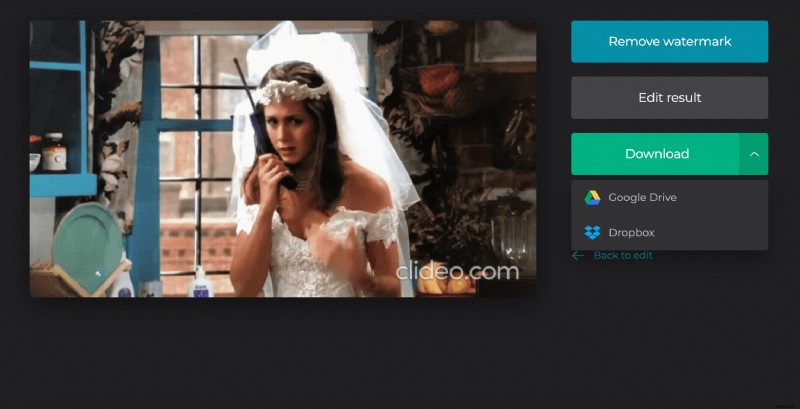
Save your ready GIF to your device, Google Drive or Dropbox. Remember, you can always hit the arrow “Back to edit” and change the final version.
To post your new GIF to Facebook, just choose a tiny camera sign below the text field of your reply or comment and attach a freshly created file.