
Turn any video to GIF online
Do you spend a lot of time on social networks like everyone’s favorite Facebook and Twitter? Then you know the feeling when you want to express your emotions, but you can’t find a suitable emoji. At such moments, many of us remember some video, where our emotion is clearly conveyed.
The solution is quite simple – just convert the video into a GIF. So it will be small and it’ll be easy and fast to share unlike large recordings.
Our free tool will help you do that without wasting any extra time! Since it’s online, you don’t need to download any apps or programs. The service is compatible with any device, meaning you can edit your clip on Mac or Windows computer, iOS or Android phone.
The process of converting is pretty straightforward, just follow the steps below.
Upload a video
Open Clideo’s GIF maker. Click on the “Choose file” button to pick a recording from your device. If it’s on your computer, you can also just drag and drop it to the page.
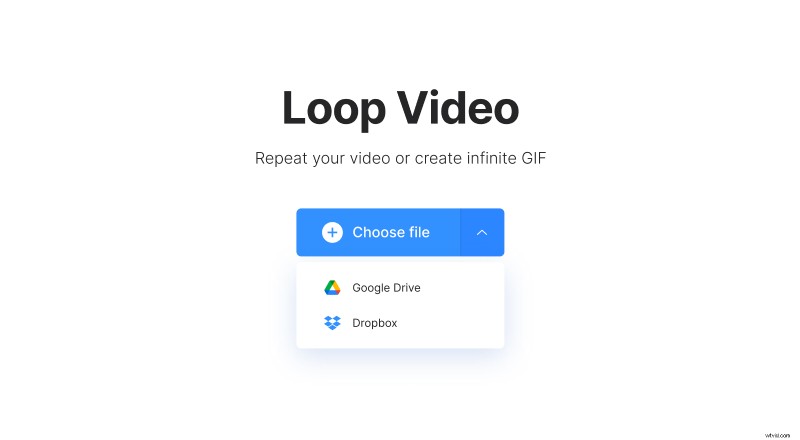
If you want to add a file from your cloud storage, hover over a small arrow and there you will see two more options: to upload the necessary file from Google Drive or Dropbox.
By the way, if you want to make a GIF only from a part of your video, you can use one of our tools to cut out the needed extract first.
Make a GIF out of your video clip
Simply click on the infinity symbol on the right panel. It will make your video a GIF that is repeated endlessly with no sound. Click “Export” — yes, it’s that easy!
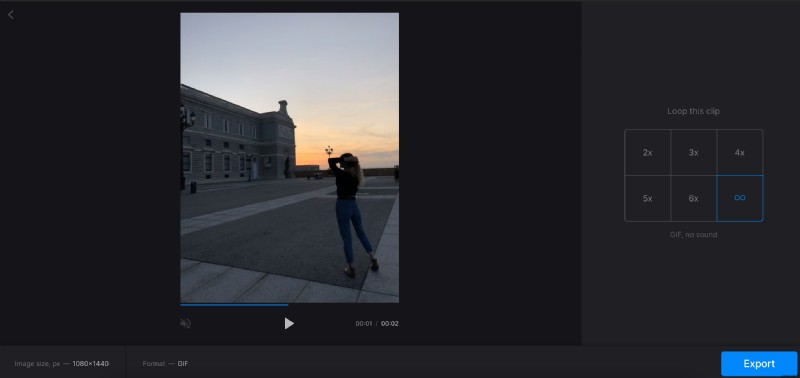
You can also notice that there are 5 more options, they allow you to loop your video the selected number of times: 2x, 3x, 4x, 5x or 6x.
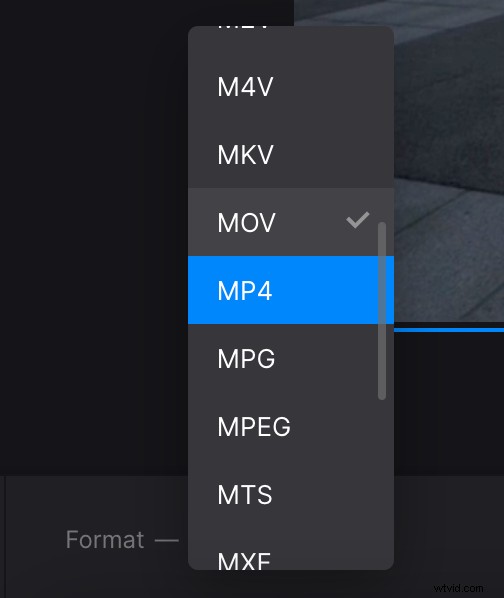
If you’ve decided to stick with one of these options, pay attention that before exporting you can also select a format for the output video on the bottom left. If you’re going to share the video on a social media site, we’d recommend choosing MOV or MP4 as they are the most compatible ones.
Download the GIF
Here, click on the “Download” button to save the result directly to your device or upload to a cloud storage account.
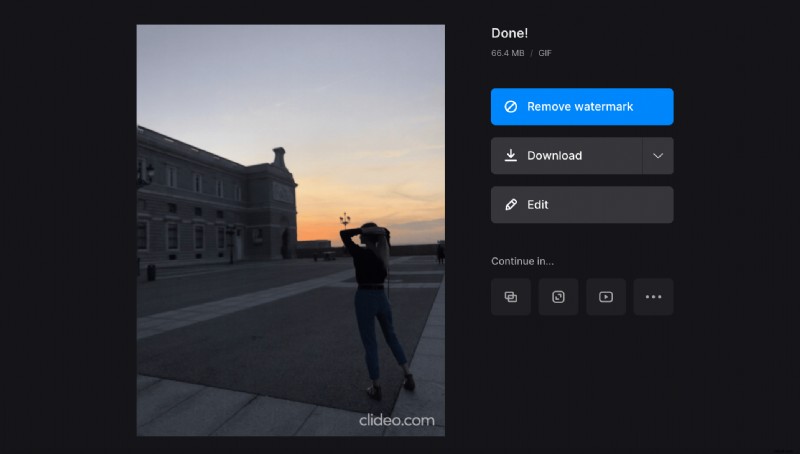
Mind that to be able to continue editing your file in one of the other online tools, you can subscribe to our service.