
Instagram video and photo aspect ratio
You have noticed that social media have all sorts of requirements for the visuals that you share. These specs are useful as they ensure that all viewers have a consistent and pleasant user experience.
Instagram has various recommendations for different types of content depending on whether you create an in-feed post, story, advertisement, carousel, or IGTV. An aspect ratio of a video or image is one of the important requirements. If you try to add the content in the wrong format, it can be cropped the way you haven’t expected.
Just to remind you, the aspect ratio is the proportional relationship of width to height for a movie or a photo. It is usually represented as width:height, for example: 1:1, 4:3, 16:9, and so on. These numbers are not actual pixels but show whether the width and height of a picture are the same, like for 1:1 or have other proportions.
The aspect ratios for Instagram are the following:
- 16:9 — Horizontal or Landscape
- 9:16 — Vertical
- 1:1 — Square
- 4:5 — Portrait
Various types of posts require different formats. For example, the Instagram portrait aspect ratio is used for in-feed video posts, stories, and IGTV. Always check the recommendations to upload the best visuals.
If you need to change an image or clip format, you will need a special tool. And we have just the right one that will make it very easy for you!
Clideo offers a whole bunch of online video editing tools. The resizer helps you change the aspect ratio and resolution for any recording or photo. The service includes more than 15 presets for Instagram only, so you don’t even need to know the exact requirements.
Let’s see how it works.
Add your video or photo
Open your favorite browser on Mac, Windows, iOS, or Android, and head over to Clideo’s resizer. Then click the blue “Choose file” button to add your file from the device or cloud storage.
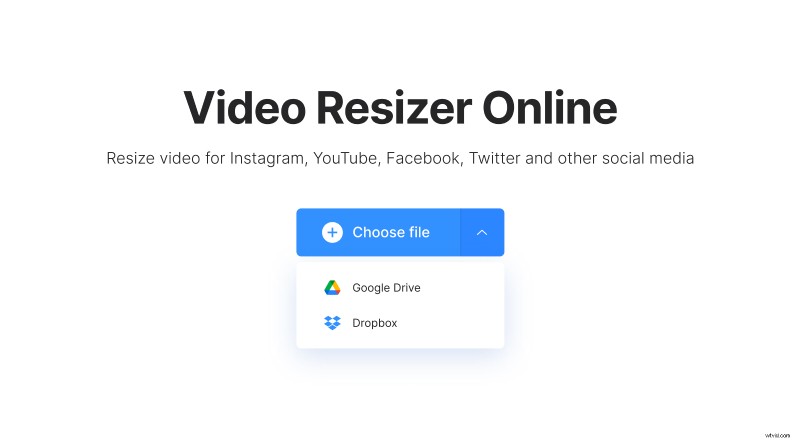
The service is compatible with various file formats. It is free for files up to 500 MB. There is even no need to register if you are fine with having a small watermark in the corner of the final video. Having a subscription will not only remove the watermark but also give you some additional bonuses.
Change the aspect ratio
As soon as the file is processed, in the right sidebar of the editor, select Instagram, and then choose one of the predefined presets. Alternatively, you can pick “Custom”. Thus, you will be able to set the needed resolution manually.
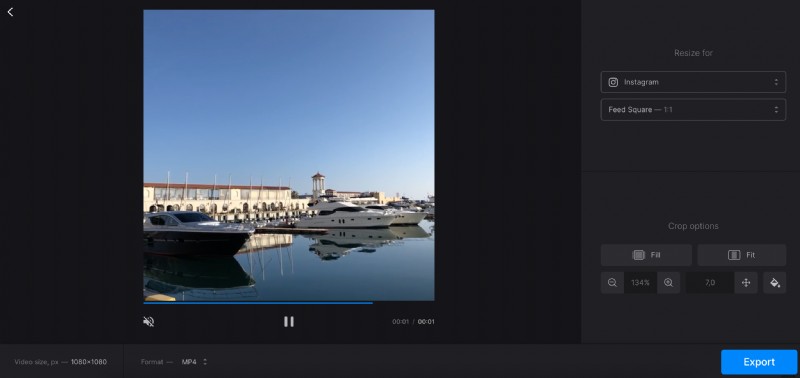
Use the “Crop options” settings at the bottom right of the sidebar to add or delete borders.
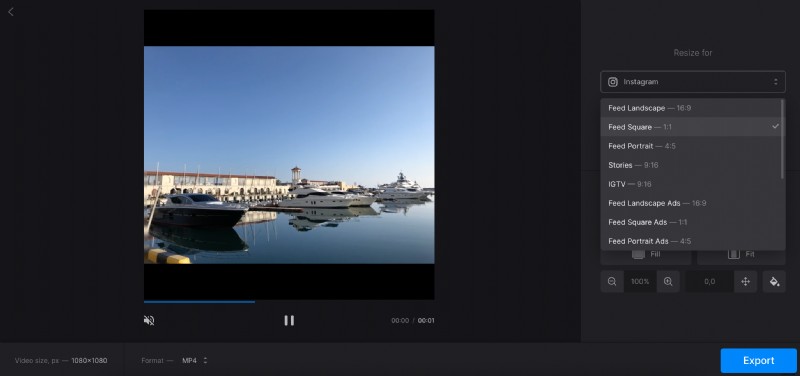
If you are editing a video, you can also select a format on the bottom left. And don’t worry — the tool will allow selecting only among the formats that are appropriate for the selected social network.
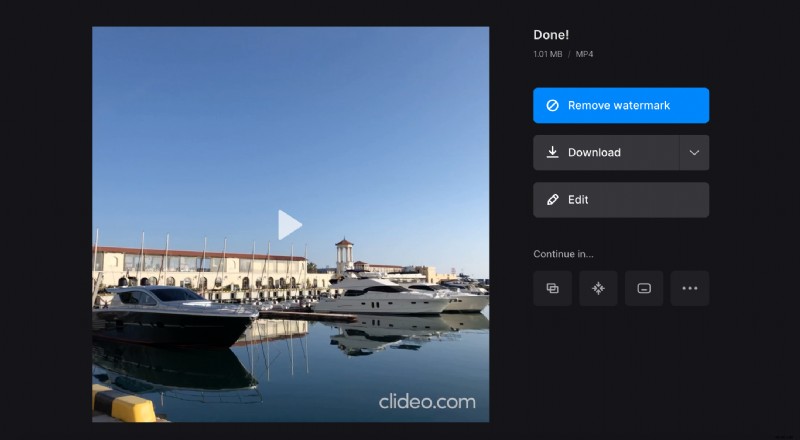
Once done, hit the “Export” button.
Download the final result
Preview the video and if everything looks exactly as you planned, download the file or save it to Google Drive or Dropbox. You can also get back to the previous screen and apply other settings by clicking the “Edit” button.