
Slow motion is a great effect to heighten tension, create a sense of drama and accentuate on-screen events. But, how exactly can you create this type of footage on your shoots? Let’s take a look at how to shoot slow motion video for beginner videographers!

What Is Slow Motion Video?
Slow motion video is the process of playing back footage at a slower frame rate than was used to capture it. To achieve this, videographers should capture their footage at a fairly fast frame rate or slow motion may not work very well.
Using 120 and 24fps as examples, if you record 120 frames in a second and play that footage back showing 24 frames per second, your clip will take 5 seconds to play. 120/24 = 5, and therefore this is 5x slow motion! This equation and relationship between speed and playback speed can be applied to various frame rates to achieve a slow motion effect.
How To Shoot Slow Motion Video: Our Top Tips
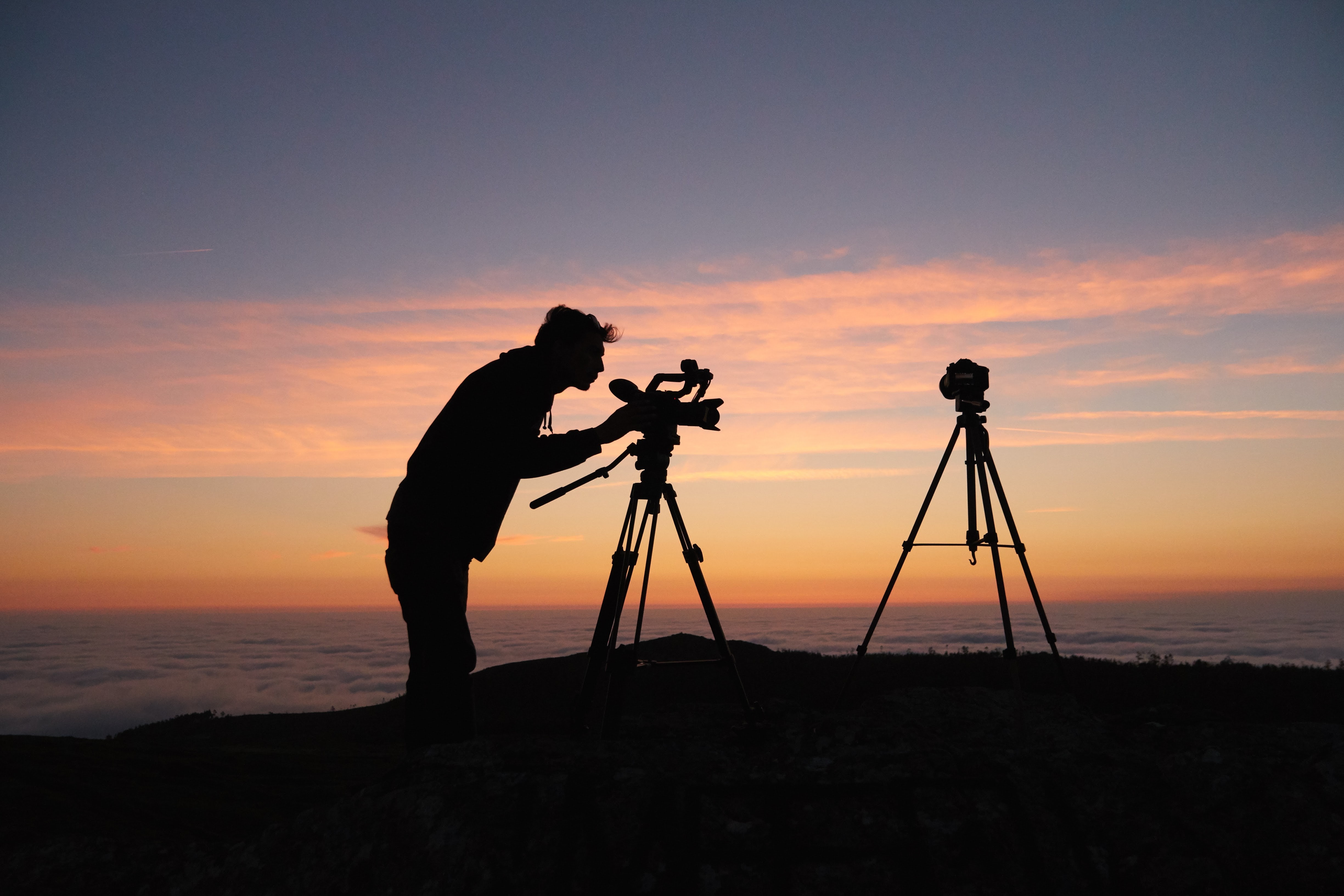
Unfortunately, just setting your camera 120p won’t necessarily give the desired results, so it’s important to understand how shooting slow motion is different from shooting regular footage. Let’s get stuck into our top tips for shooting slow motion video!
Technical Tips
As you’ll be recording at higher frame rates, you may encounter some issues to be aware of. For example:
- Your camera may crop and only use part of its sensor to record
- It may also limit you to a lower resolution than usual
An important thing to ensure you do is to remember the 180-degree shutter angle rule in mind.
Similarly to if you were shooting in 24 or 30p, remember to keep your shutter speed around roughly double your frame rate. You can experiment, of course, but this tends to yield the best results – especially for beginners!
Lighting
Seeing as you may have a faster shutter speed, you will need a decent amount of light. Don’t forget that if you’re shooting in artificial light, some light sources will flicker in slow motion.
As they flicker, adjusting your frame rate and shutter speed can help get of this effect. Make sure to do some test shots to find the right shutter speed for your conditions before shooting, and arrange your lighting accordingly beforehand.
Movement
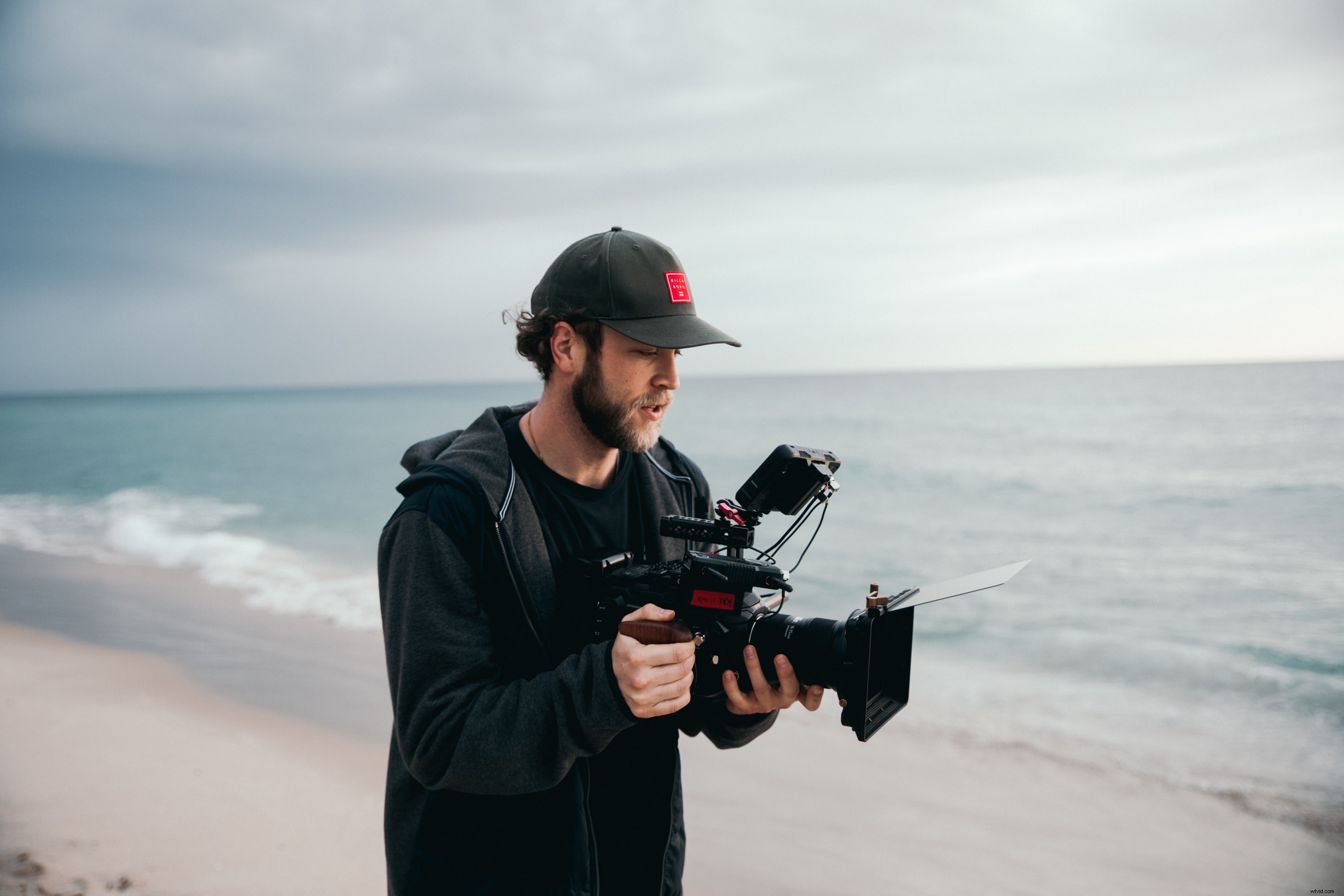
You may be tempted to perform usual camera movements, but don’t forget that your playback will be slower than normal. This makes a regular pan speed look extremely slow. Experiment with some different speeds and shot types and don’t be afraid to really go for it and exaggerate your movements to achieve the desired impact in slow motion.
Sound
It seems obvious, but it can easily be overlooked – how does sound work with slow motion footage?
One option is to stretch an audio clip to match the video speed, but it will most likely sound warped and odd. Some cameras may not even record audio amidst high frame rate capture. The best remedy is to add some effects, sounds and music in post-production.
Editing
You’ll be editing footage with unusual and mixed frame rates, so the editing process for slow motion footage may be a little different. Here are the steps for editing:
- Set the playback speed. If you drag in a 120p clip, your software may play back all of your clips at this frame rate.
- Tweak the frame rate for the specific slow motion clips, and enter the playback speed you want. You can also do this by changing the Speed/Duration percentage.
- In Premiere Pro, you can use Time Remapping & Speed settings. Simply drag the line that runs through the clip to change its playback speed, and you can add more points to slow down momentarily before speeding back up.
Feel free to check out our tips on editing for beginner videographers, too!
Final Tips For Getting Smooth Slow Motion Footage
To make your slow motion footage even smoother, you can:
- Keep your camera as steady as possible, as even minor shakes will be more obvious when the footage is slowed down
- Rehearse your moving parts beforehand
- Try your scene using the instant slow motion feature on a Smartphone to make any tweaks / see what works best
- Smooth longer clips in Premiere Pro by using Warp Stabilizer for clips. Note: this does add a small crop to your clip.