
Last week, Shutterstock shared a lightweight, in-browser video editor called Sequence. What we didn’t share was the process of bringing Sequence from a concept to a live product.
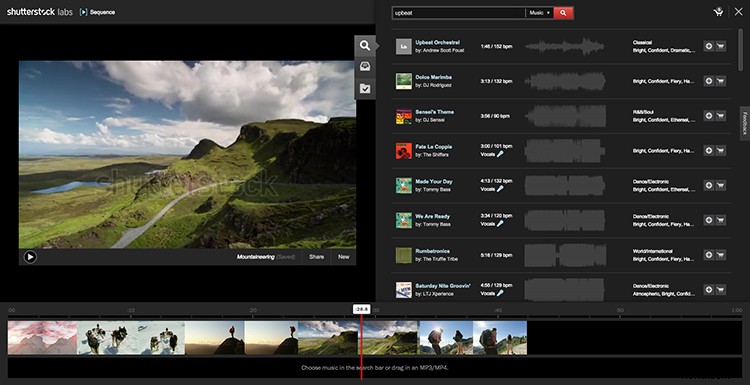
We originally created Sequence for a company hackathon, one of those stay-up-all-night events where you can work on whatever you want. That “we” is Dave Kozma, the Tech Lead on Shutterstock’s Footage Team, and Erin McCue, the Footage User Experience Designer . We also worked with Katie Dreier, a researcher at Shutterstock at the time, and Tom Spota, our Director of Footage Acquisition.
Conception
A couple of weeks before the hackathon, Dave started planting the idea of an in-browser video editor in our heads. Some web browsers support working with external files without uploading them, and we could pair those external files with Shutterstock’s huge collection.
We talk to customers frequently, so we knew that, in their workflow, most of them mix their own video with Shutterstock clips. We also knew that the process of testing clips together could be easier. Customers were finding options on Shutterstock, spending time downloading a free watermarked version of each clip that they liked, then deciding which they liked best by plugging them into their working file one at a time.
Prototype
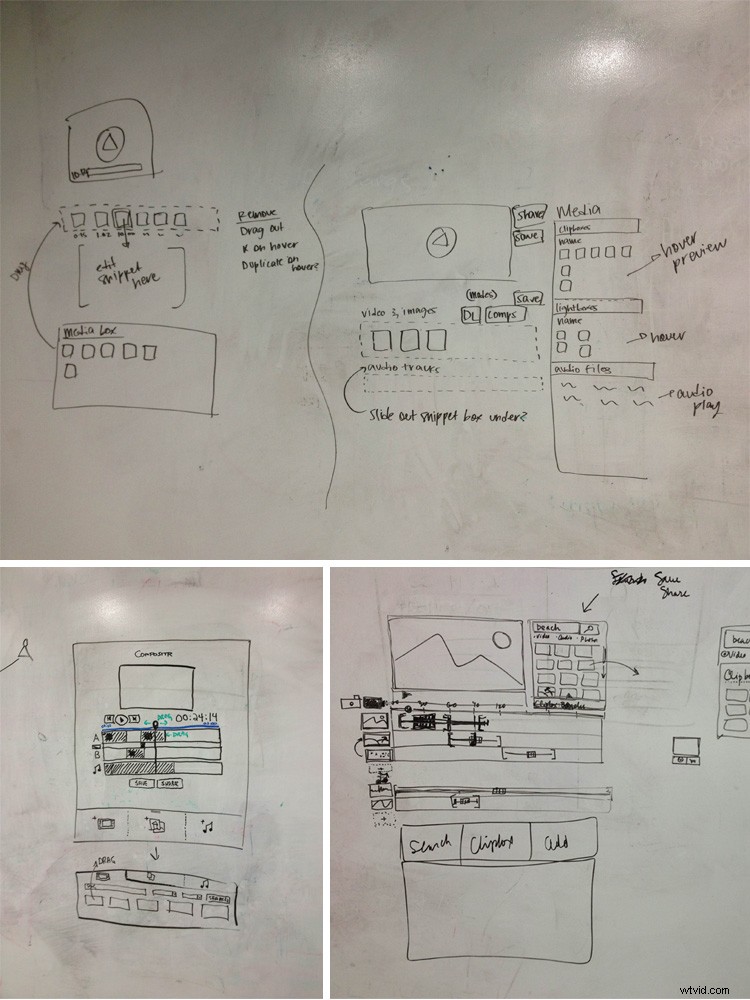
We started by making a list of what we wanted the tool to do and whiteboarding some basic ideas for how it would work. From there, Dave set up the basic features that we had whiteboarded, while Katie and I worked on some early interface designs. Tom was great at giving us tips and offering perspective on how traditional editors work, which helped us decide where to streamline. We demoed the concept the next day with a video that we’d made, and ended up winning the overall prize at the hackathon(!). We were all exhausted after a sleepless night, but I think I remember some celebratory drinks.
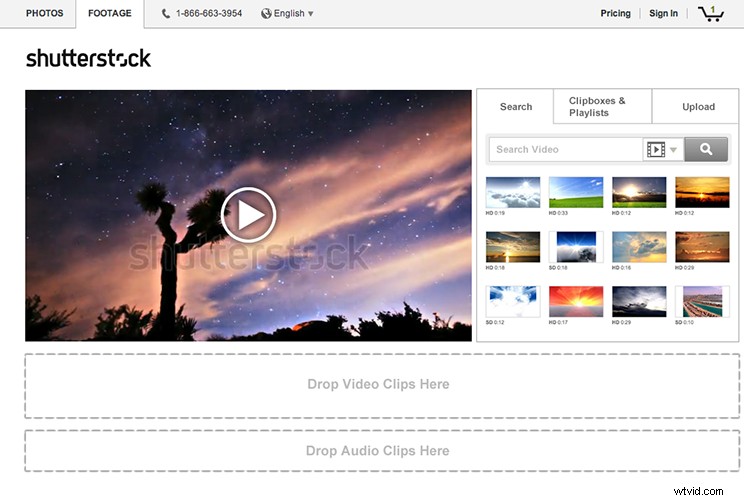
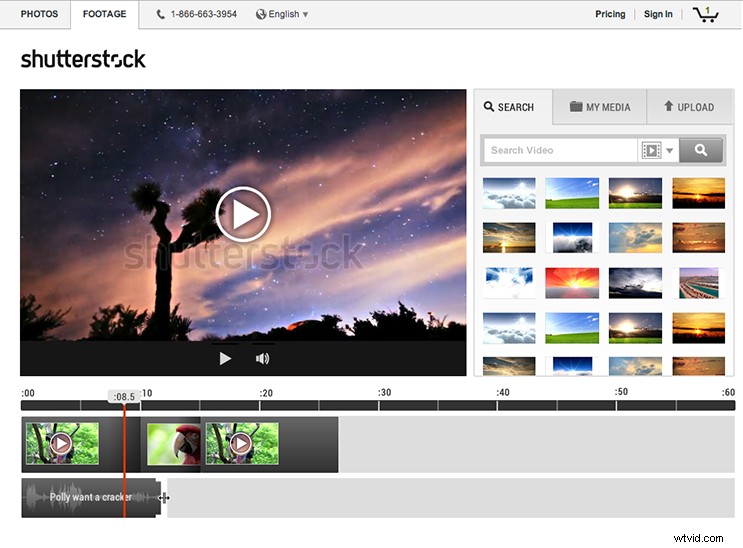
One of the prizes was some time out of our normal work to polish Sequence enough to share it publicly. I worked on integrating a lot of other features that we wanted to add and did some visual design, while Dave coded both the front and back end in record time. This was when Vivek, the Product Owner on the Footage team, got involved. Vivek was really excited about what this could mean for video customers, and helped us prioritize which of our many ideas to chase down.
Iteration
We shared the tool internally and always got the same question: “How do I share my work?” We knew that a lot of our video customers work on teams, and want (or need) to share their demos with those teams before they commit to purchasing a clip. We also knew that there were team members who don’t have the time or the skills to learn a traditional video editor, so we wanted to make it as easy as possible for them to mock up and share their ideas.
We did some usability testing with customers to see how we were doing at making this thing both usable and useful. Then we basically hunkered down to fix a lot of stuff. (This is where the epic work montage would come in if this were an ’80s movie.) Since we were also supporting the main Shutterstock site, this meant working where we could here and there over the course of a few months.
Release!
We’re so excited to finally have Sequence available to the world. We have so many more ideas for it, too, so stay tuned. In the meantime, try Sequence for yourself in Shutterstock Labs, and be sure to share your feedback!