Create a video from images online
Clideo is at your service! Our tool allows you to make a slideshow not only out of static pictures, you can also add GIFs and recordings in any combinations.
Our service is user-friendly and free, and, in contrast to specialized software and apps, it is compatible with all the devices, be it Mac, Windows, iOS or Android.
Read on and get to know how to make a video in several easy steps.
Upload images and other files
Open Clideo’s Video Maker and import initial photos with the help of the “Choose files” button. Multiple selection is available.
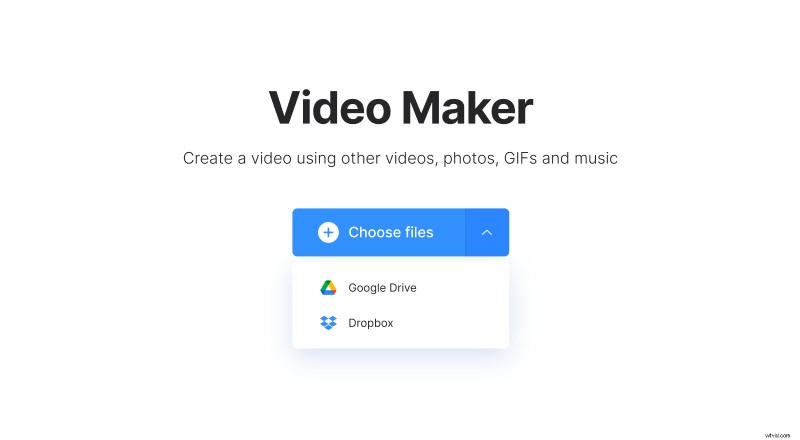
If you prefer to keep your content online, not on your personal device, it is still accessible. Just call a drop-down menu on the right side of the blue pane and upload images from Google Drive or Dropbox.
Create an MP4 video from images
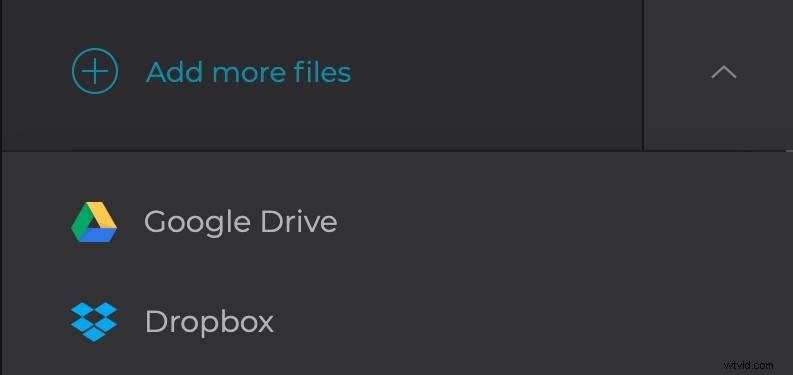
Click on the timeline below the player to add more files from your personal device. Alternatively, find the drop-down menu at the top right corner of the screen and upload new content from cloud storage accounts, as previously described.
Crop your future video or fit it with borders. Then choose one of four aspect ratio presets: 1:1, 16:9, 9:16, 5:4. They meet the requirements of the majority of social media.
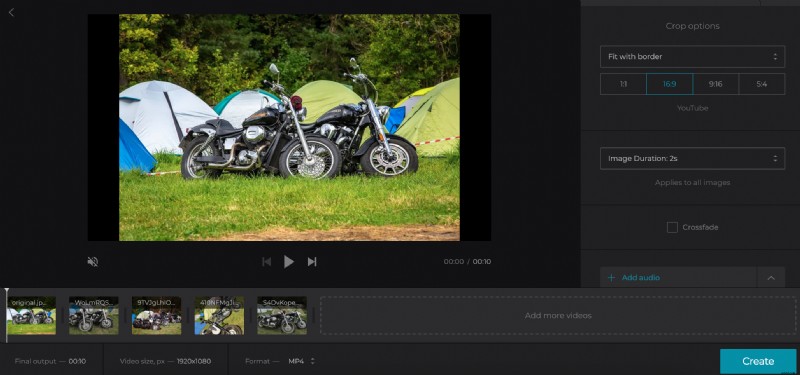
Set the image duration and tick the “Crossfade” box to make the frame transition smoother.
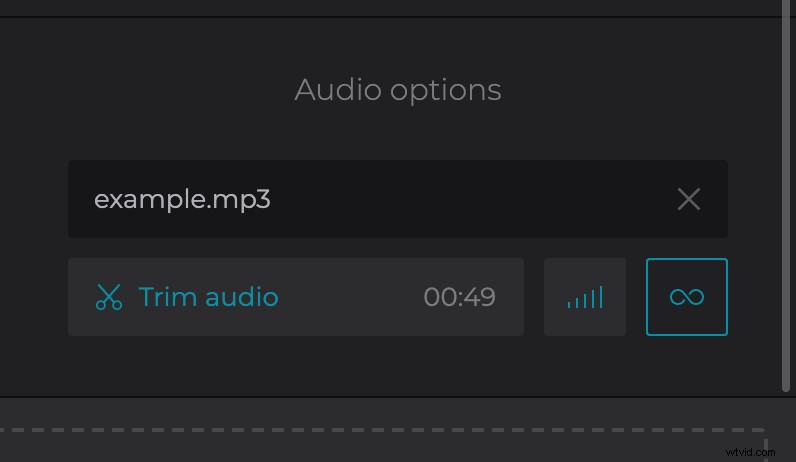
Add audio, again, using the same options, as in the first step. Click on the tiny scissors to trim it. Then click the bars below the audio’s title to adjust its volume.
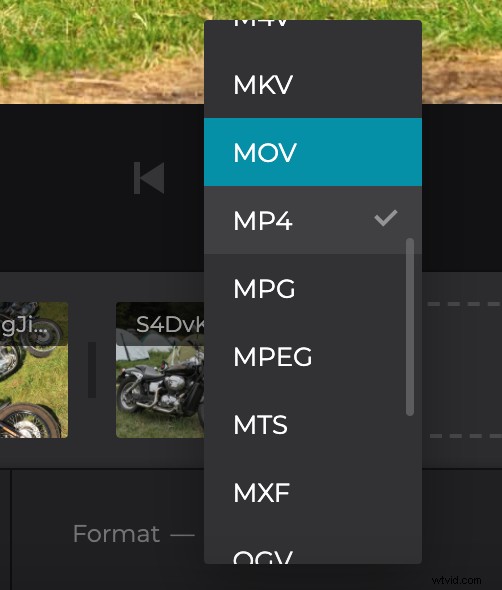
Finally, choose the output format. If you are not sure about the best option, stick with MP4 and MOV, as they are compatible with all the popular social media.
Hit “Create” and get ready to revise the result.
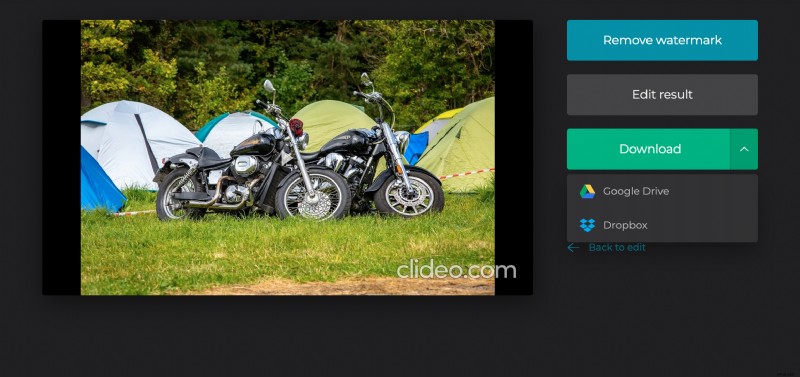
Check and save the result
Give your compilation a final run just to get sure that it’s perfect. If so, download it to your personal device or to a cloud. If you see it could be better, hit the “Back to edit” arrow and change what you need.