
Convert images to MP4 online
Whatever the reason, it doesn’t exactly sound like the most simple thing to do - especially if you’re not very tech savvy. Thankfully, there’s a super quick and easy way around it - and it doesn’t involve having to buy any third-party software.
Our online tool works from any browser and on all platforms: from iPhone and Android, to Mac and PC, so just about anyone can use it.
Read our 3-step how-to below, which will guide you through how to make an MP4 video from pictures for free.
Upload your pics
Firstly, head over to Clideo’s Image to MP4 Maker. Here, you will be greeted by a welcome screen with a blue ‘Choose files’ button. Tap this to upload the photos of your choice to the tool.
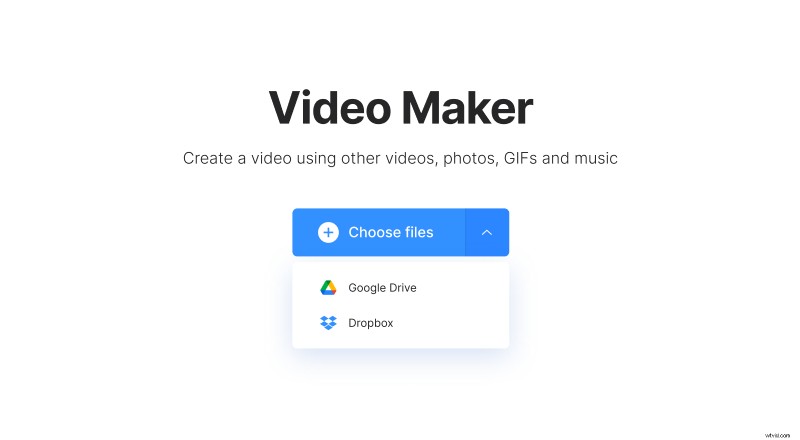
Alternatively, you can hit the down-arrow on the right. This will load a drop-down menu where you can upload your pictures directly from cloud storage accounts Dropbox or Google Drive.
You can add more on the following screen.
Make an MP4 clip from images
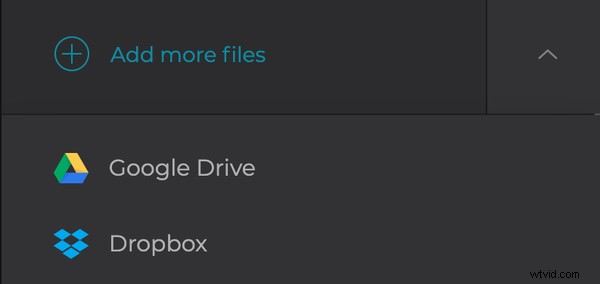
Now, this is where things get fun. You have the option to add more files to your timeline, which includes videos and GIFs as well as images if required. Just tap the ‘Add more files’ button.
Сhange the order in the timeline to concoct your very own video story, and make smooth transitions between them by checking the Crossfade box.
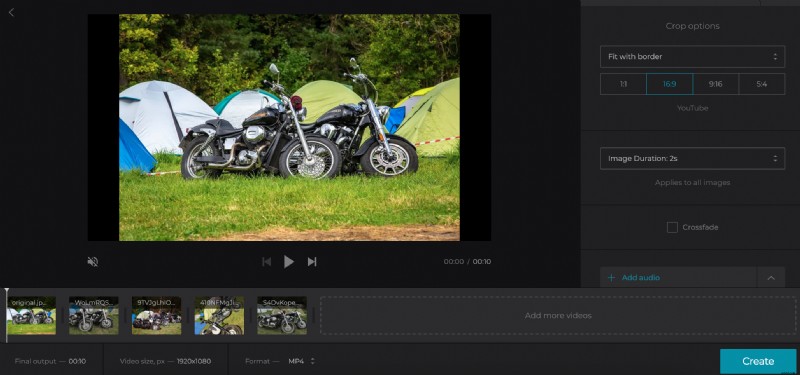
Here you can also select an aspect ratio preset from the ones available. These are compatible with most social media platforms, which is super handy.
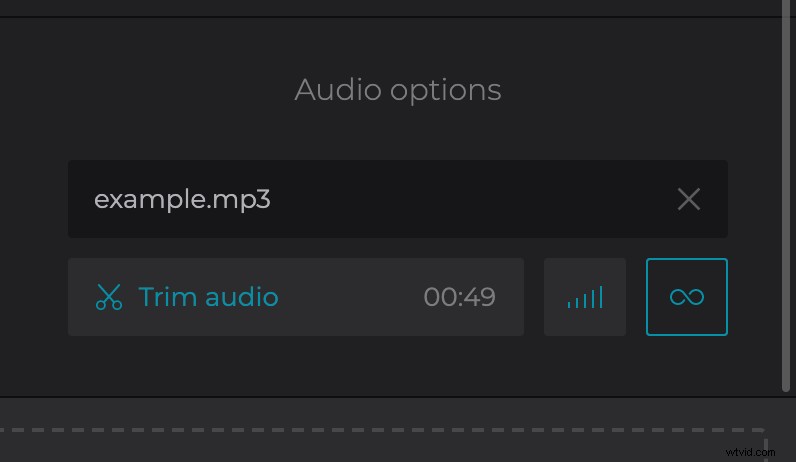
Underneath you’ll also find an option to add some audio to your new movie and give it a backing track. Be sure to hit the scissors icon and trim to the desired running length. There’s a small volume icon to set the volume level, too.
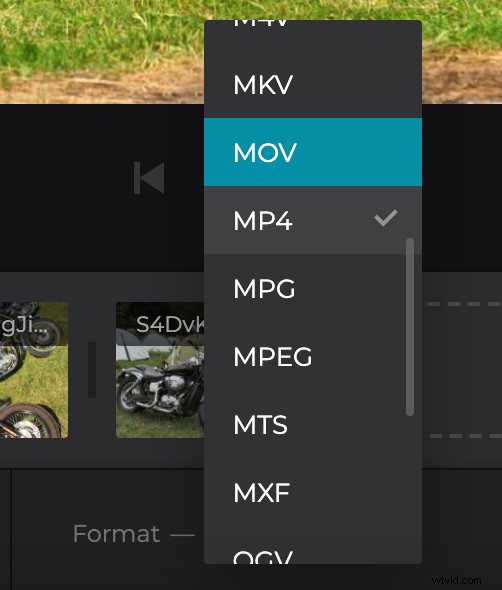
Before you exit the editor, be sure to set the output format to MP4, then tap the ‘Create’ button.
Download for safekeeping
All that is left to do for this stage is to wait for your video to process, which shouldn’t take long. Once done, be sure to give it a preview. If it’s exactly how you imagined it would be, click on the ‘Download’ button to either save it to your device or directly to a cloud storage account.
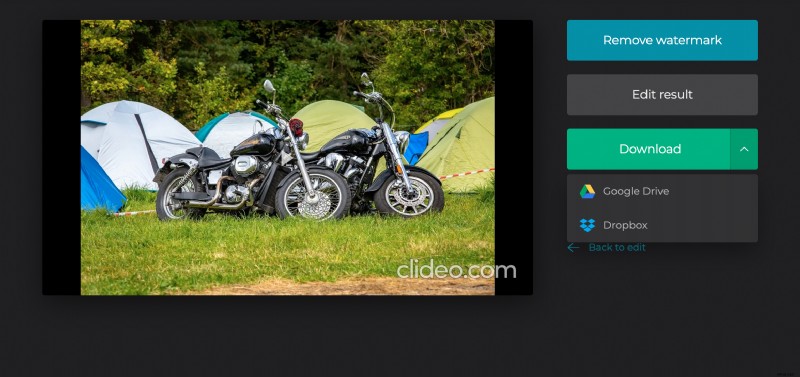
Need to make some changes? That’s easy, too. Tap the ‘Back to edit’ link and you’ll be taken back to the previous step without having to start over.