
Because of the popularity of FLV, it is undoubtedly logical that you need to edit FLV files. If you want to edit FLV files by splitting, merging, cropping, rotating, or setting transitional effects, a professional and easy to use FLV editor is necessary.
Although there are many FLV editing tools available in the market, Wondershare Filmora is the best I have experienced. It enables you to edit home videos with all common tools you'll need, and personalize your videos with rich text, filter and transition effects for sharing on iPhone, YouTube, etc. or burn to DVD.
Besides editing FLV files, you can also edit MKV videos, WMV videos, MOV videos, or M4V videos with Filmora easily.
- Part 1: How to Edit FLV File
- Part 2: Best Video Editing Software for Beginners to Edit FLV File
Easy-to-use FLV Editor - Wondershare FLV Video Editor
- Intuitive interface enables you to finish the editing in several clicks;
- Powerful video editing on Timeline which provides control over every frame;
- 300+ free resources of visual filters, captions, transitions, sound effects ready to impress;
- Apply cool effects like tilt-shift, mosaic, jump cuts, face-off, and more with a simple click;
- Save your video in different ways: choose the output format, burn to DVD or upload online.
Why Choose Wondershare FLV Editor
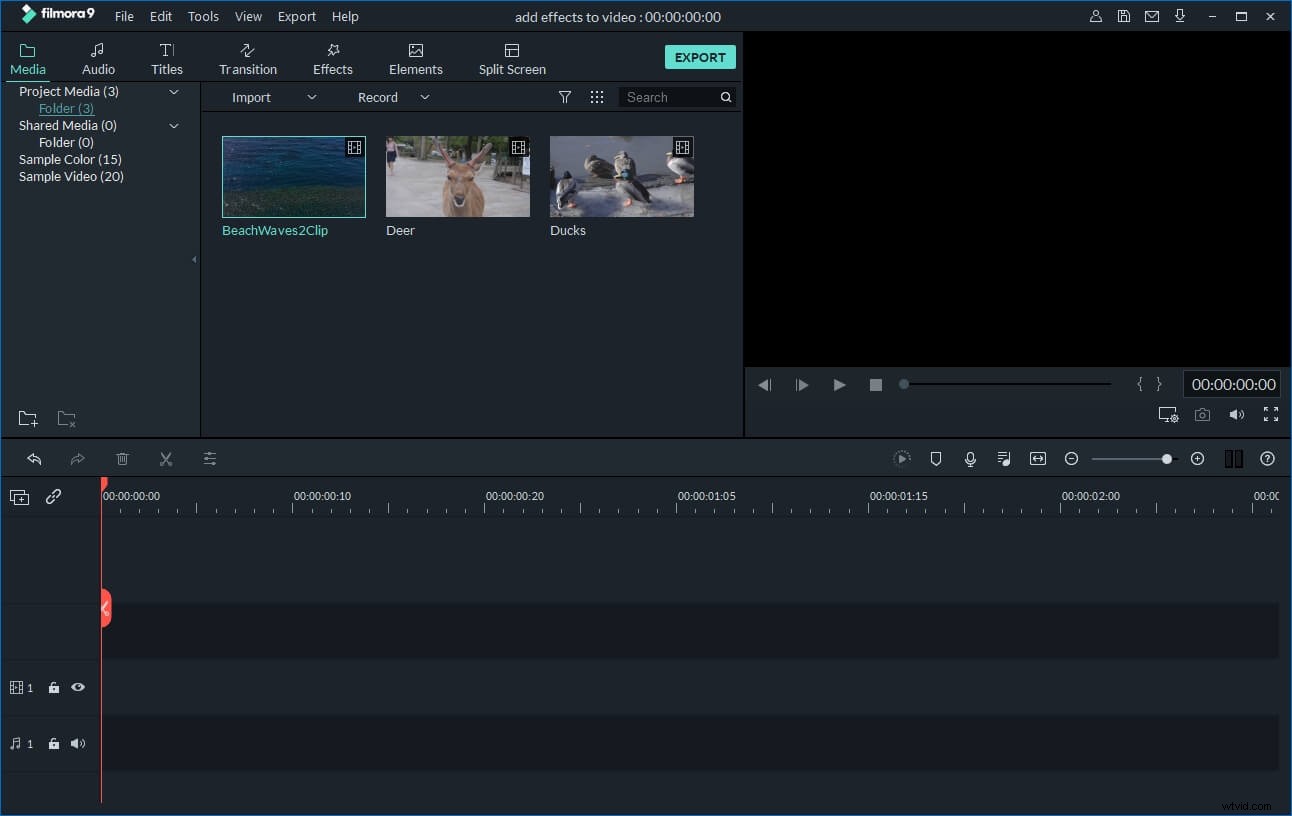
Easy of use
Timelines, editing options and preview windows are arranged in a good manner, which makes the editing environment intuitive and easily accessible to everyone.
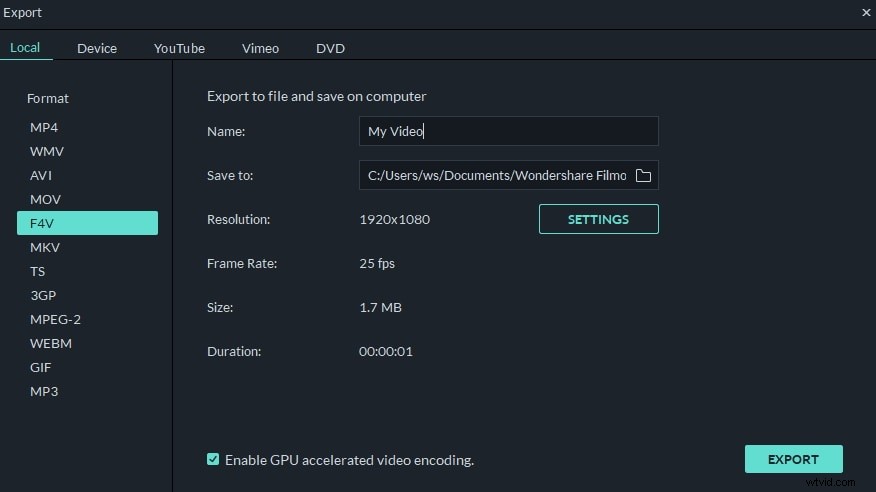
Powerful Editing Functions
This FLV video editor comes with a vast array of tools to help you achieve the look and feel you desire. Crop, rotate, split, cut, combine - all can be achieved in a few clicks.
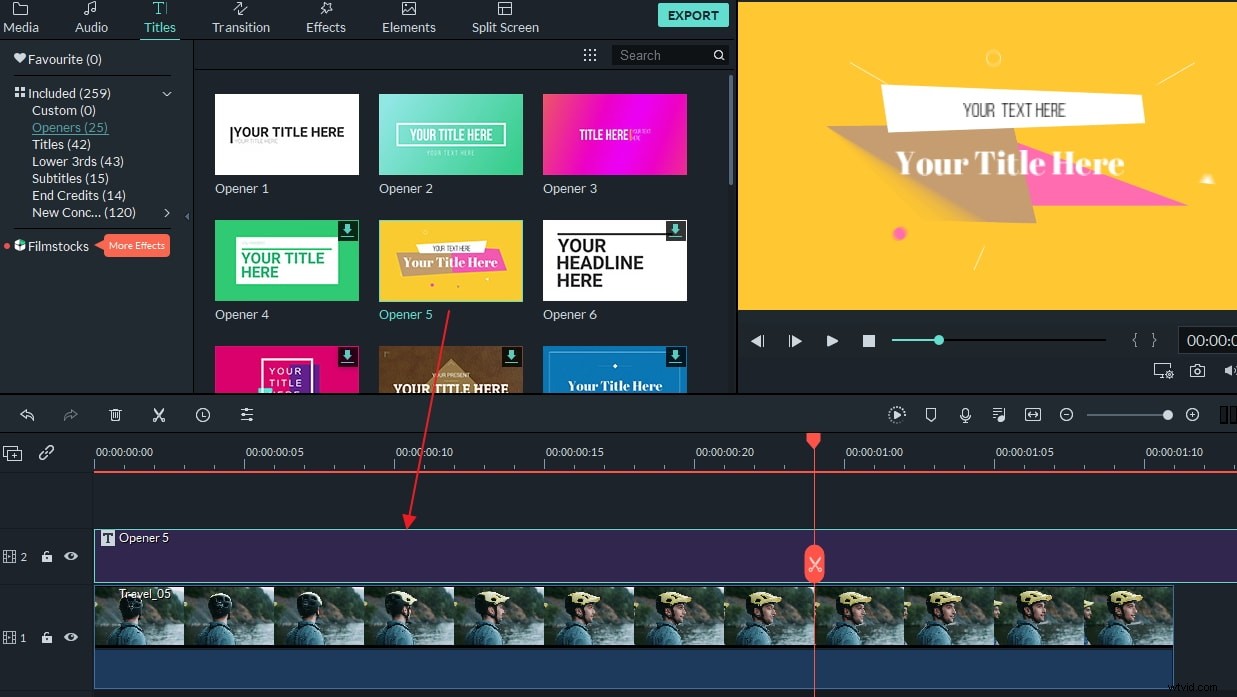
Various Video Effects
Choose from a wide range of video clip transitions, add intro/credits and captions, as well as stunning filters to make your video more stunning and unique.
Share in Different Ways
Burn to DVD and watch on your TV, upload to YouTube or Facebook, save to PSP, iPod, iPhone or 3GP mobile phone and export videos in standard definition or full HD - all your choice!
Part 1:How to Easily Edit FLV Video:
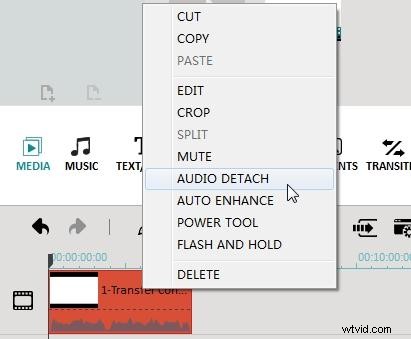
1. Do Some Basic Editing
Right click your FLV video on the timeline to trim, cut, copy, crop, split the video. Or click on the edit button to rotate, flip, adjust brightness, contrast, hue, slow down/speed up playing speed of the videos, and set volume, pitch,fade in/out effect of the audio.
2. Add Transitions and Effects
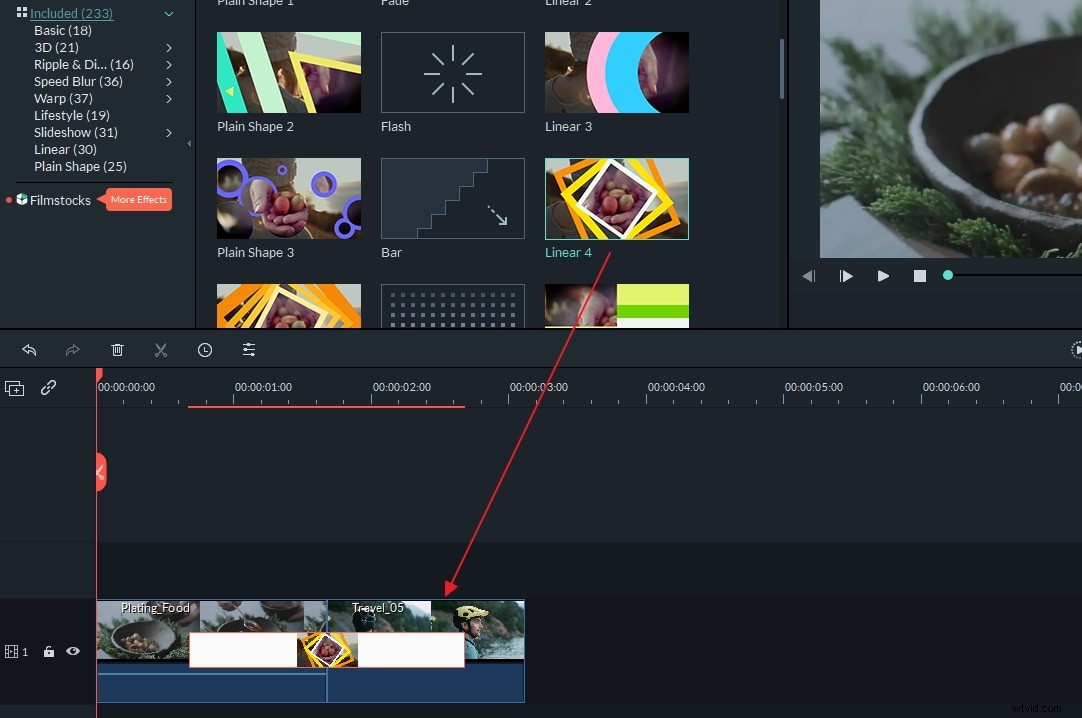
With comprehensive Text, Effects, PIP, Transitions, Intro/credits and Sound effects, you can polish your video in no time. Simply pick your favorite effects, and then drag and drop to a place you want. For example, you can apply special scene transition to video clips under "Transition" tab and drag the transition effect you like between two video clips.
3. Apply Advanced Editing
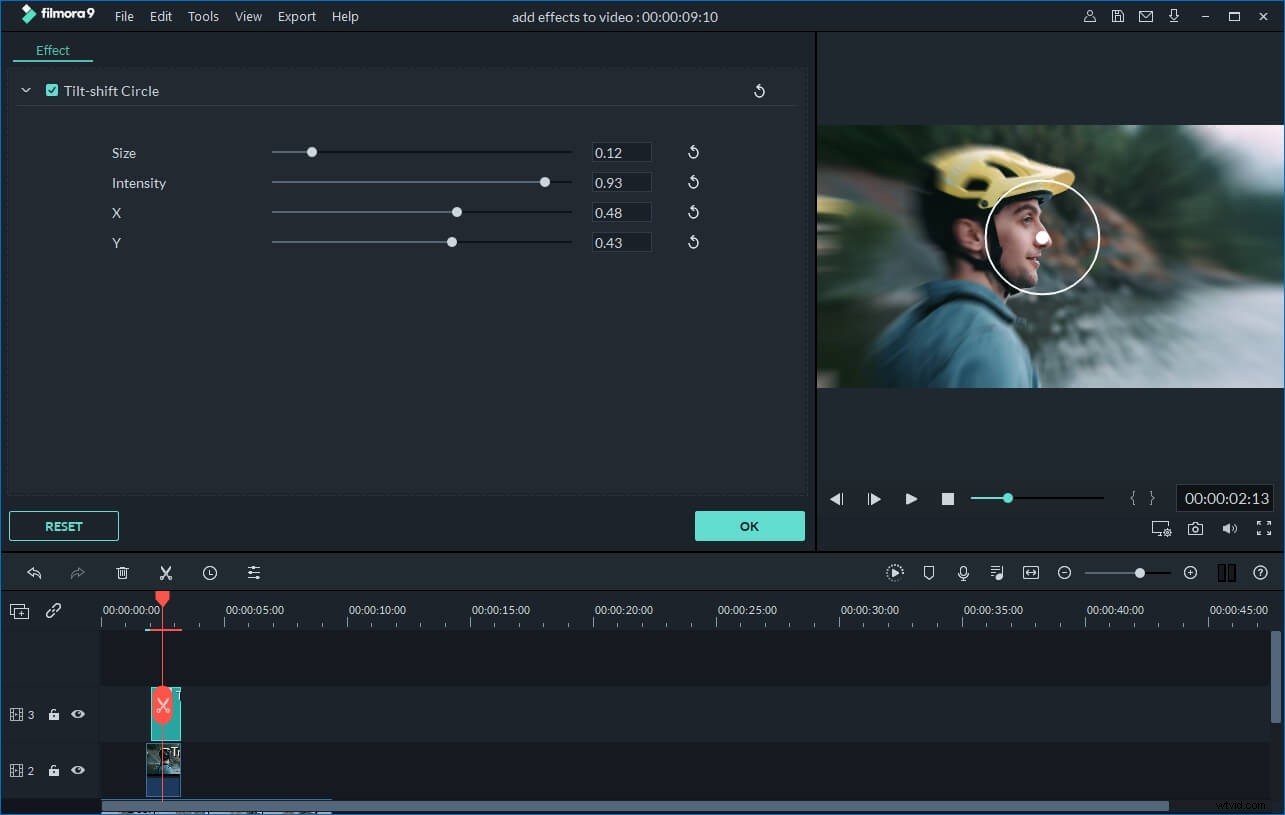
To apply some advanced effects, right click the video and select the "Power Tool" option from the pops up menu, or hit on the Power Tool button to enter the Power Tool window. Here you are provided Tilt Shift, Mosaic, Face off and Jump Cut at Beats.
Part 2: Best Video Editing Software for Windows (Video Tutorial)