
Question: I've had a JVC Everio HDD camcorder and it captures pictures in .mod file extension. What program can edit this type of video files?
Well, we can use a MOD Editor to customize a remarkable MOD video for you. Wondershare Filmora is such an excellent MOD Editor which are specially designed to edit MOD video files from digital camcorders.
Download Wondershare MOD Editing Software, install and run it, then follow the step-to-step guide on how to edit MOD files below.
Free download MOD Video Editor:
Step 1: Add MOD Videos
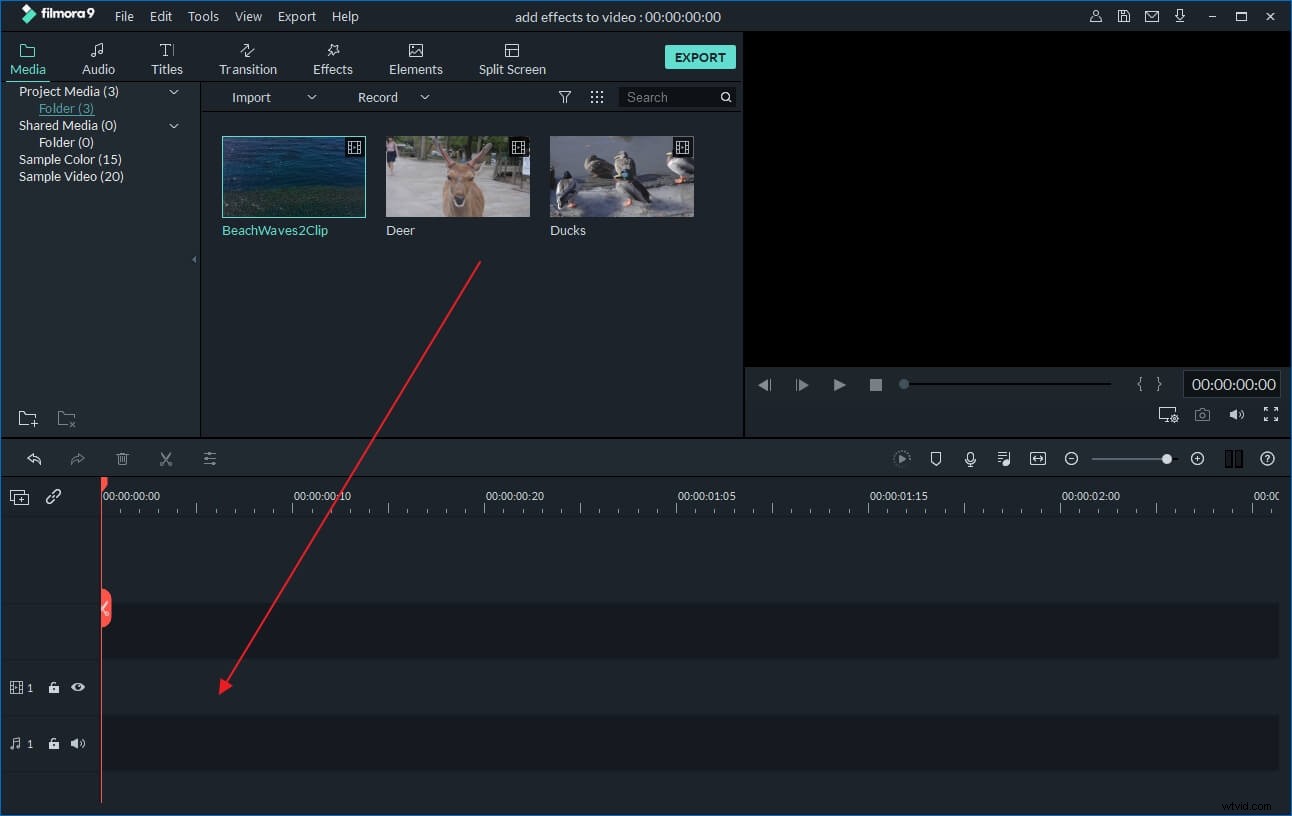
To add MOD video, just click "Import" and select the M4V files you want to edit. You can also batch drag and drop files to the User's Album. All the files will be shown in small thumbnails and you can effortlessly preview them on the right viewing window and take snapshots of the video scenes as you like.
Step 2: Edit and enhance your MOD videos
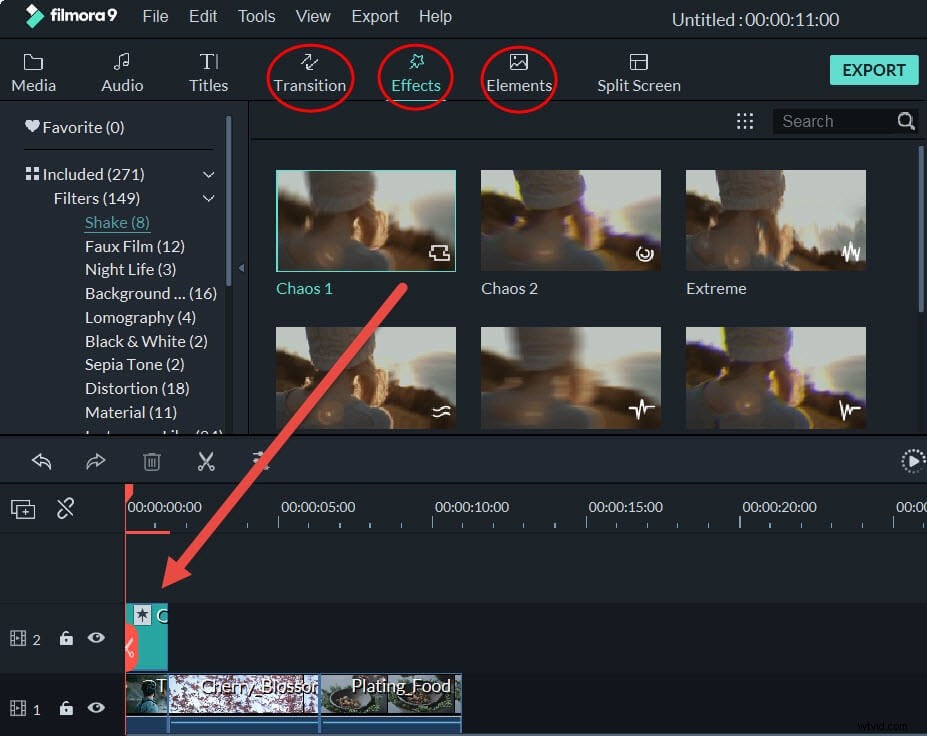
Drag MOD videos to the video track on Timeline for 1: Basic video editing like rotate, crop, and set video contrast, saturation and brightness, etc.; 2: In "Text" tab, add captions to videos in Text tab. The detailed steps are: first drag a text template to the Timeline and then double click on Text on Timeline to enter text editing mode, in which you can type your text, select the font, color, style and apply text effects to add animated text to your videos; 3. In "Effect" tab, you can add some artistic video filter effects to add some special flavor to your movie. 4. On the Timeline, one-click to split video or drag and drop to trim video length.
Step 3: Share your edited video in any way you like
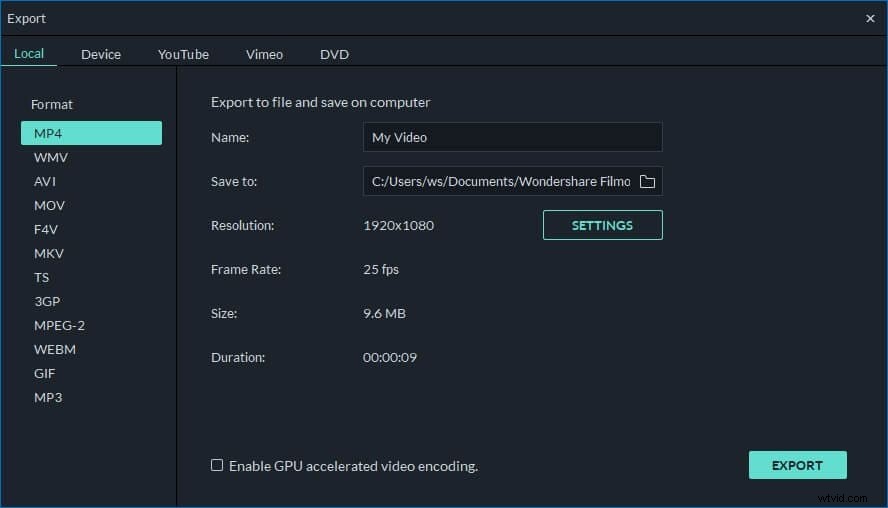
When you have finished your editing, click "Create" to output your videos in any way you prefer: To save M4V video in other formats on local computer, please click "Format" and specify some necessary settings. If you want to play video creation on iPod, iPhone, iPad, click "Device" and then pick up the thumbnail of your devices. You can also upload your videos to YouTube directly to share your video creation with more people or burn the edited videos to DVD discs.
Check out a step by step video tutorial below: