MKV is a is a flexible file format similar to AVI and MPEG, but wildly used for HD videos. It supports several types of audio and video codecs and gains increased popularity in the Anime fan-subbing community (where users create subtitles). While MKV files can be streamed through certain media players and uploaded to mobile devices, the MKV media can not be edited by popular video editing software like Windows Movie Maker, iMovie, Adobe Premiere, Final Cut Pro. Fortunately, Wondershare Filmora (originally Wondershare Video Editor) is such a video editing tool that enables you to With edit MKV video to your desired effect. Read on to get more information.
Easy-to-use MKV Editor:
- Visible timeline allows you to edit at any time and anywhere;
- Edit MKV videos with classic features like trim, crop, cut, split, rotate, etc.;
- Personalize MKV video with PIP (picture-in-picture), filters, transitions, intro&credits;
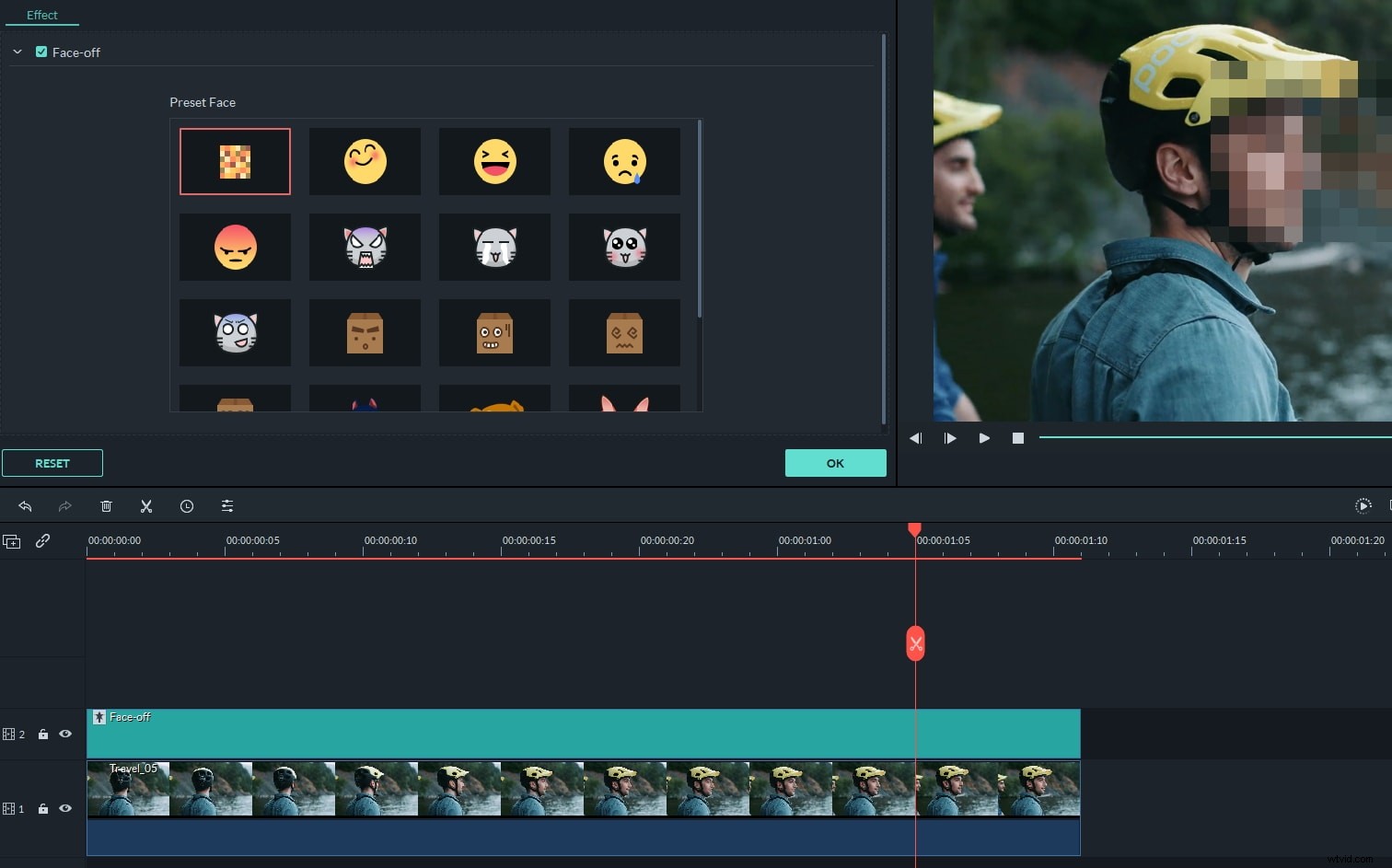
- Provide advanced editing tools like Tilt Shift, Face Off, Mosaic, Jump Cut at Beats, etc.
- Share edited videos on YouTube, Facebook on this program or burn to DVD.
Why Choose Wondershare Filmora
Easy of use
This MKV video editor features an intuitive interface which which makes the editing environment easily accessible to everyone.
Powerful Editing Functions
A vast array of video editing tools are provided. You can easily crop, rotate, split, cut, combine your MKV videos in a few clicks.
Stunning Video Effects
Add and customize text, filter, PIP(picture in picture), graphic art, intro/credit and transitions to make your MKV videos more beautiful.
Different Sharing Ways
Directly upload to YouTube or Facebook, save to play on PSP, iPod, iPhone or 3GP mobile phone and burn to DVD- all your choice!
How to Easily Edit MKV Video:
1.Do some basic editing
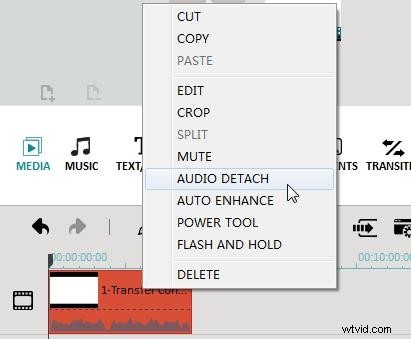
By double clicking MKV files on the Timeline, you can do some basic video editing, such as crop, rotate, and set video contrast, saturation and brightness, fast/slow motion and more.
2. Add scene transition and effects
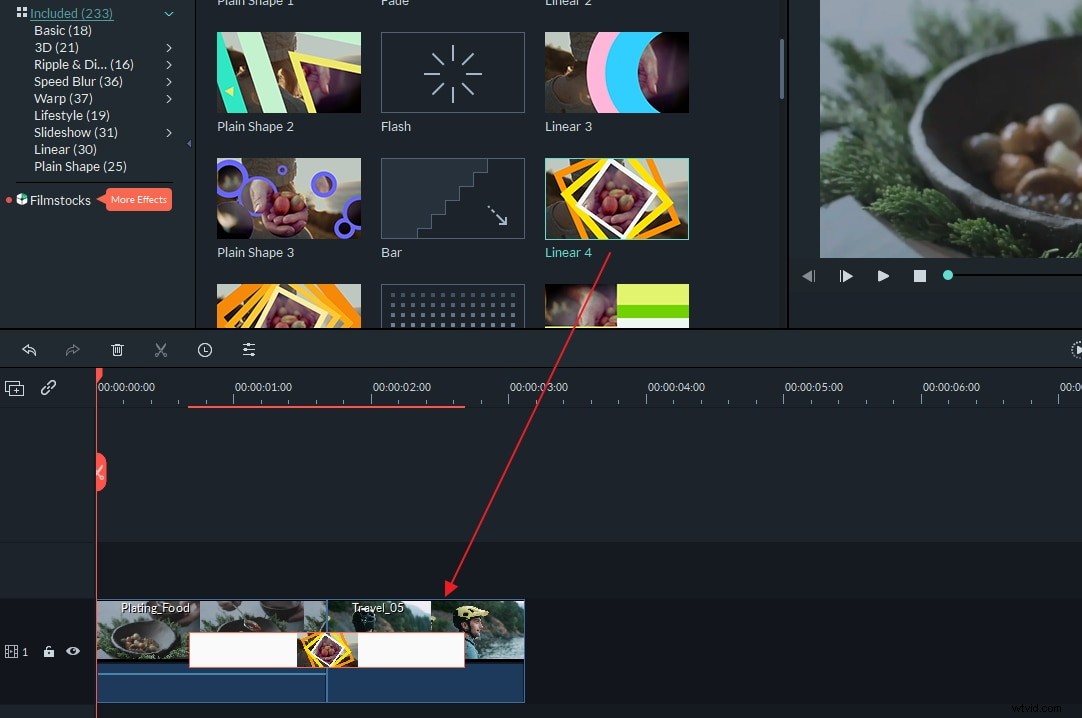
It's a good idea to add some transitions to make it good-looking to change from one clip to another. To do so, click "Transition" tab and drag the transition you prefer to the clips on the track. There are 48 scene transitions for your choice to make the transition between video clips more harmonious.
Besides transitions, you can easily add texts, intro/credits, filters and sound effects in different tabs above the timeline.
3. Apply advanced editing
You can also add more cool effects to your MKV videos. To do this, right click the video and select "Power Tool" option from the menu, or just hit on the "Power Tool" icon which is above the Timeline. Then the Power Tool window will pop up to you. In this window, you can choose to add cool effects like Tilt-Shift, Mosaic, Face off or Jump Cut at Beats to the video.