
How to merge voice memos
But, not any longer. Luckily, there is a much faster and easier option — a free online merger tool. No need to download any program and watch multiple tutorials to understand how that one and only feature works.
Unlike a professional software, our tool is simple and completely intuitive — you can combine voice memos together even if you have never done it by yourself before.
It works in any browser on your computer, tablet, and smartphone. Any file format will be fine for it, and moreover, everything is free, when your files are up to 500 MB each.
Let’s see the tool in action.
Upload your recordings
Open Clideo’s Voice Memo Merger in your browser and click the big “Choose file” button. You can add all your files at once.
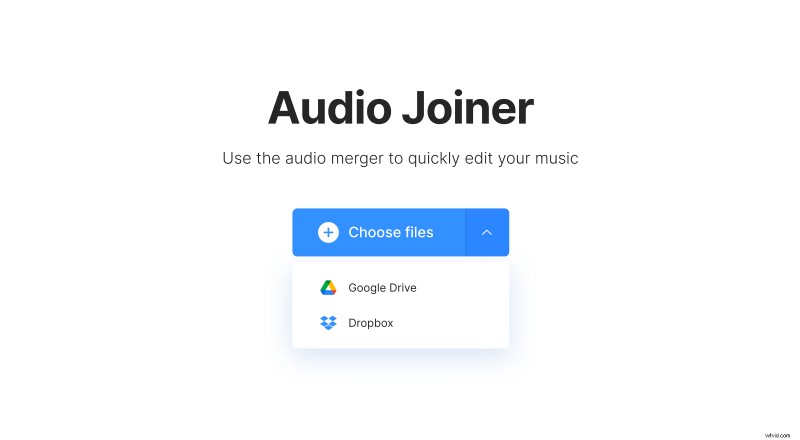
Alternatively, when you tap the drop-down button, it is possible to use your Dropbox or Google storage account to upload your recording from over there.
Join voice memos
After the files have been added, you can listen to them in the preview area. On the timeline below, drag and drop the green track thumbnails to change their order. If you do not need some of them, just select the track and click the X icon.
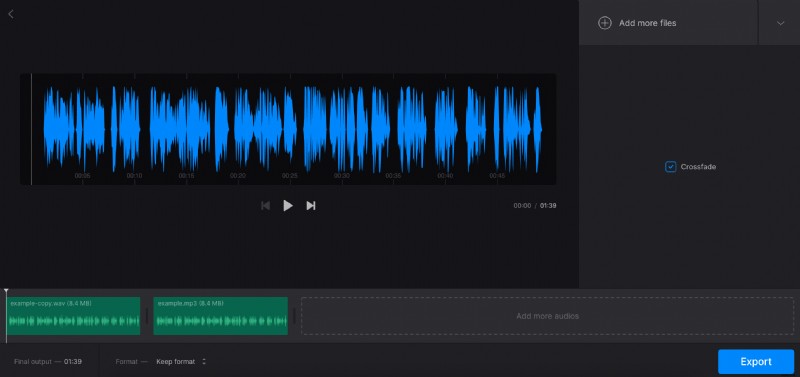
You might also like to turn on the “Crossfade” effect, if you need to avoid moments of silence between the tracks.
Find useful information about the track’s duration in the bottom panel. Also, you can choose the file type you need in the dropdown menu. There are a lot of options available — M4A, OGG, MPS3, and other audio formats.
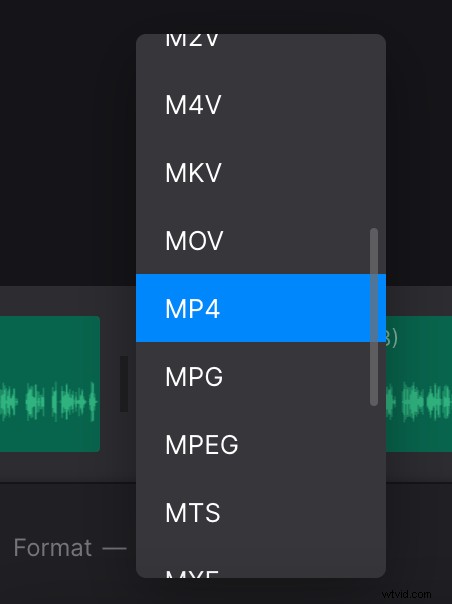
When you are done, click the “Export” button and your voice memos will be combined in a moment.
Download the merged memos
Finally, relisten to your super memo. If all is perfect, hit the “Download” button to save the recording to your device, or click the drop-down arrow to save to online storage.
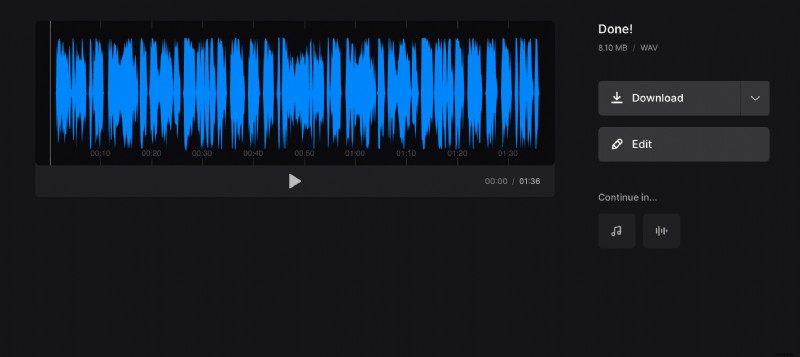
If you want to change something, use the “Edit” button to get back to the previous screen and make the updates.