
Downloaded multiple video files in different formats and wanted to join them together into one file? It's an easy job for most online video merger tools. But the resulting are usually poor quality. So the question is: what video joiner or video merger can combine video files without quality loss? In this article I will recommend you 5 online video joiners/mergers to easily combine videos. Also, you will learn how to merge videos online.
- Part 1: Easy-to-use Video Merger: Wondershare Filmora
- Part 2: Other Online Video Joiners
Part 1: Easy-to-use Video Merger: Wondershare Filmora
Before introducing online video joiners, here I humbly recommend Wondershare Filmora, which can automatically merge video files together without or with transitions. It merges videos in 1:1 quality, whatever the files with the same or different file extensions (.mp4, .mov, .mkv, .avi, etc). Now read on to get more information about this easy-to-use video merger and learn now to merge videos together.
Below is a simple video tutorial about how to merge and make a video with Filmora, download Filmora and to follow the tutorial.
Why choose Wondershare Filmora
- Quickly merge video files without any quality loss.
- Support different video formats, including MP4, AVI, WMV, MOV, MKV and more.
- Proxy workflow: edit with proxy media allows you to speed up hi-res footages, even in a low capacity device.
- Add transitions between scenes/clips from 48 effects.
- Easily make a Picture-in-Picture video (another way to join video files).
- Customize video resolution, bit rate, frame rate and other settings of your video
- Save your video in different formats, directly upload online or burn to DVD.
- Supported OS: Windows (Windows 10 included) & Mac OS X (above 10.6).
Part 2: How to Merge/Combine/Join Clips Together with Filmora
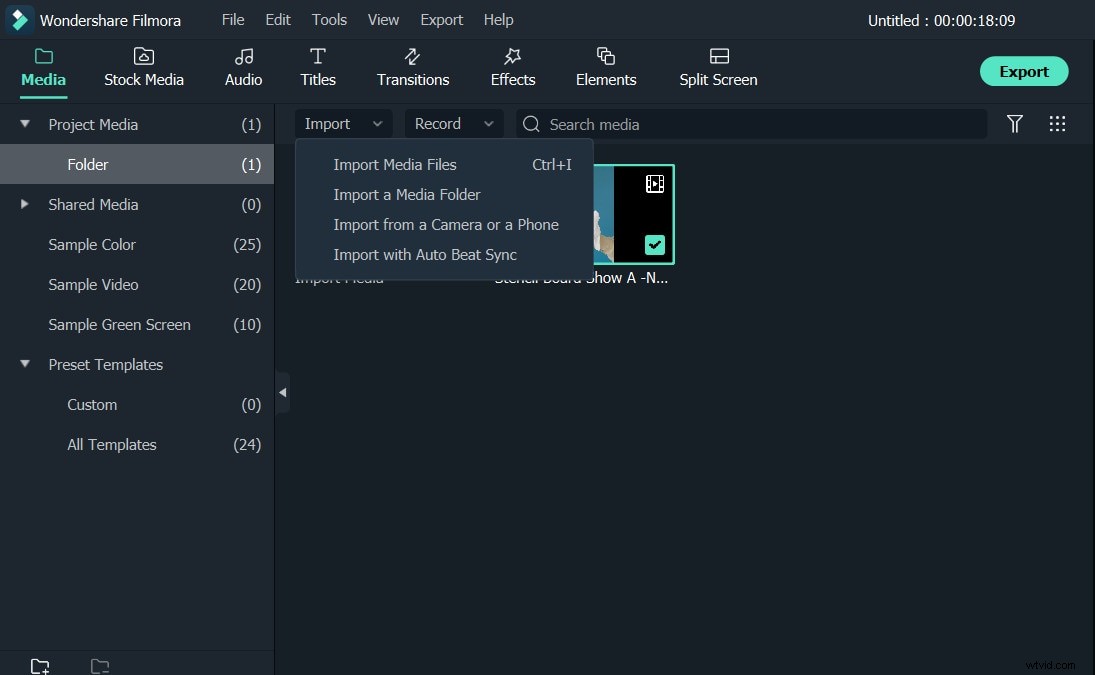
Step 1: Import video files to join
You can either click "Import" button on the primary window and select files from your computer, or just drag and drop files from Windows File Explorer to the User's Album. In the User's Album, all imported files will be displayed in thumbnails. Double click any file to preview in the preview window on the right hand side.
Step 2: Drag and drop to merge video files
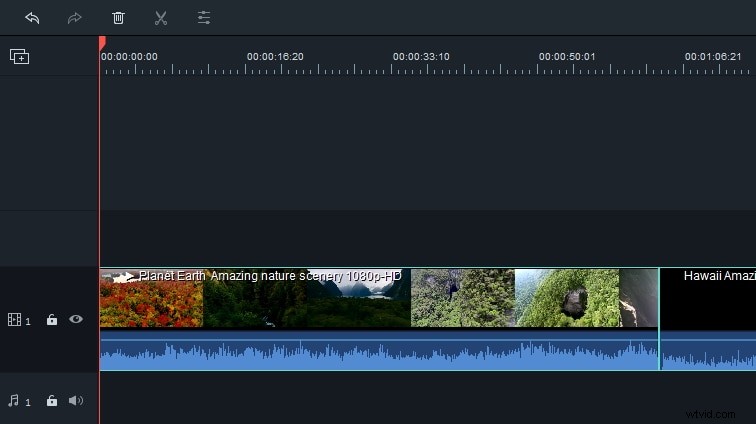
Subsequently, drag videos from the User's Album to the video track on Timeline. All video files will merge together as one video without transition. But you can add transitions between video clips as followed.
Step 3: Add transitions (optional)
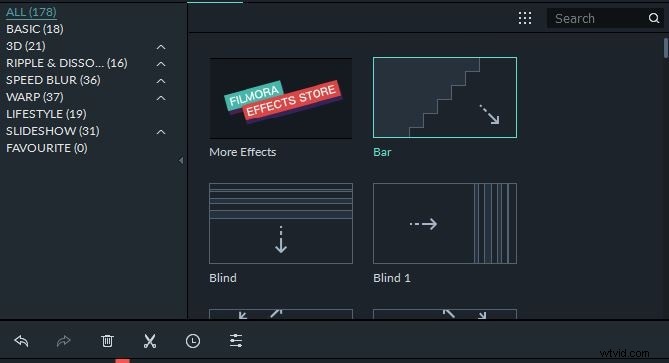
To make the joined videos look like a really intact movie, you can add transitions between clips for smooth change from one to next. To do so, go to Transition tab, and drag the transition you want to the joint of two clips. As for your convenience, you can also right click any transition and a menu will appear with options of "Apply to All" and "Random to All".
Step 4: Export video files as one file
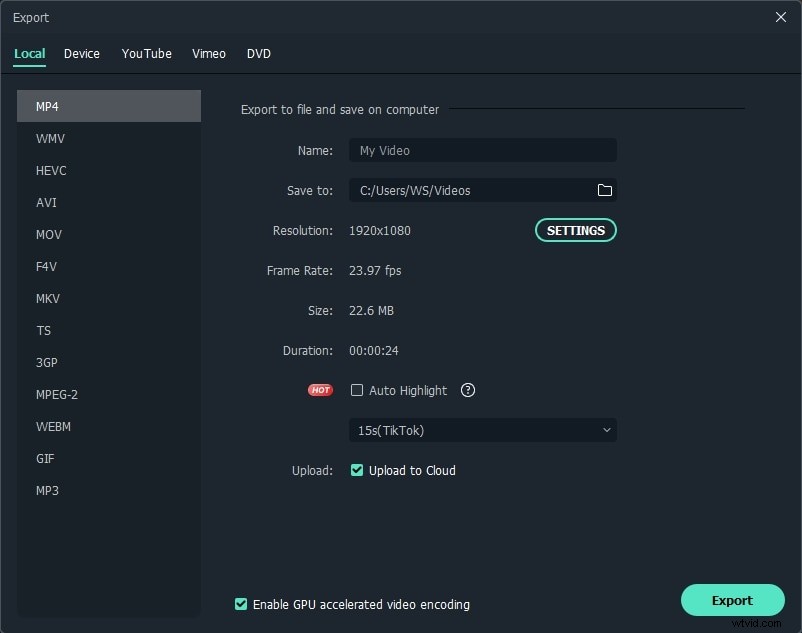
Now preview the combined video and when you are satisfied, click "Export" button to save multiple video clips to a single file. In Format tab, select any format from the list. All popular video formats are supported. If you want to play the merged video file on iPod, iPhone, iPad, choose "Device" and select the thumbnail of your devices. You can also directly upload the joined video to YouTube or burn to DVD discs for playing on TV.
Part 3: Other Online Video Mergers
1. Media.io
Pricing: Free
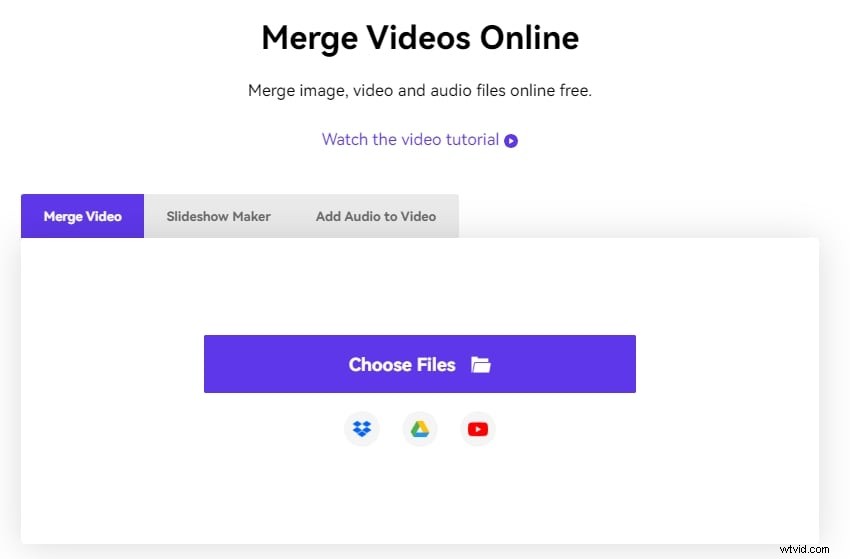
Media.io is gaining popularity among beginners due to the ease with which it can be used and the high level of interaction it provides. As an online video joiner, it can assist you in quickly and effortlessly combining videos, images and audio files in various ways. You can also add music to any video to make it more appealing and worth watching. Furthermore, its interface is straightforward, making it simple to use even for novices.
Key Features
- It helps you edit the audio of the video after merging them
- It allows you to auto reframe the video
Pros
- No need to install
Cons
- Requires fast online connectivity
How to Jion Video Files with Media.io?
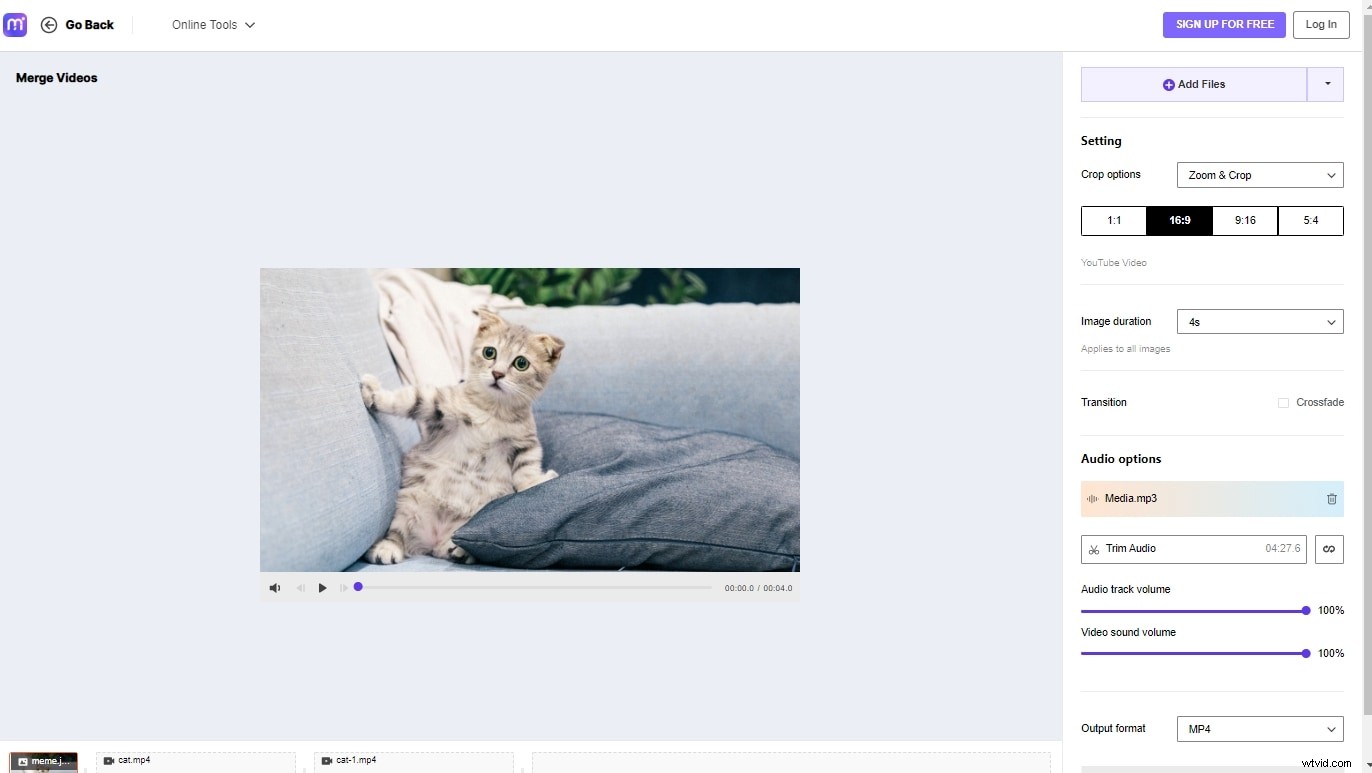
Step 1: Import Media Files
Visit https://www.media.io/merge-video.html and upload your images and video files. Media.io video merger supports all the popular video and photo formats, like MP4, MOV, MKV, M4V, JPG, PNG, RAW, and others.
Step 2: Merge Your Videos
Select the desired aspect ratio such as 16:9, 9:16, 1:1 and 5:4 to set up the video size. If you want to remove the black bar in the video or image, you can choose zoom & crop. Rearrange the order of the videos and images, add audio files or adjust the image duration. You can see all the editing tools on the right-hand side.
Step 3: Save and Export
Choose one of the output format from the drop-down menu. You can save the video to mp4, mov, wmv, avi, mkv and other formats. Click Merge to join the video and follow the instructions to save the video.
2. ClipChamp:
Price: Free or $14/mon
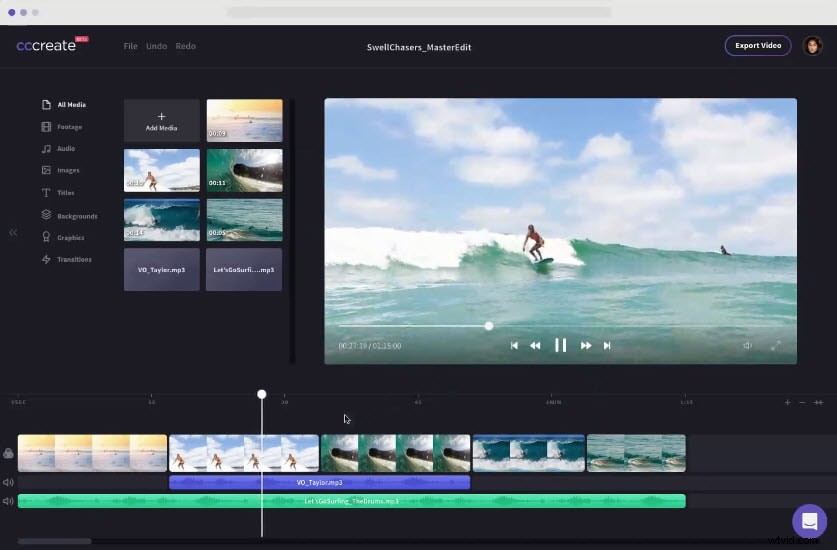
Clipchamp is an online video editing pack which gives you tools to make video easily, you can find almost all the basic video editing features like merging, cropping, splitting, etc in it. What's more, the morden UI gives you a fresh editing experience.
Key Features:
- Drag and Drop feature.
- Offers you a library of stock video and imagery.
Pros:
- User friendly UI.
- Easy-to-use
Cons:
- The free version only allows to export video in 480p.
- You have to sign in to get started.
3. Wevideo:
Price: $4 - $249
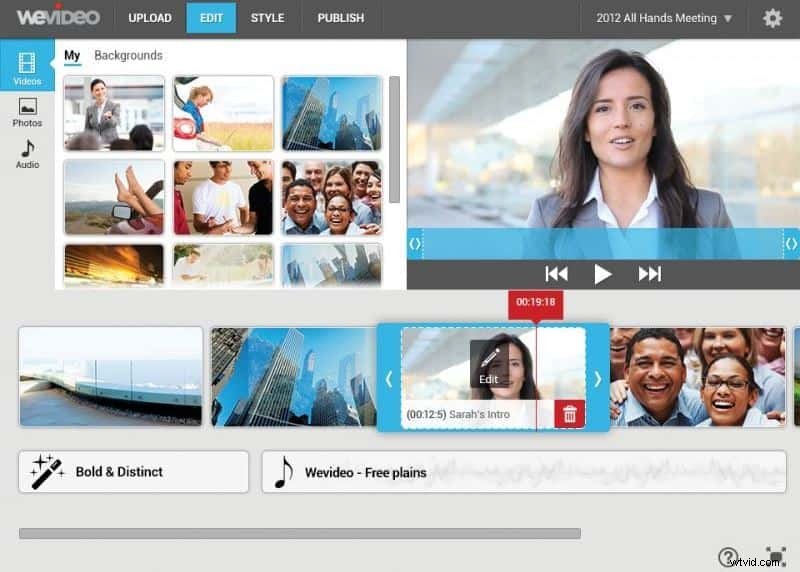
WeVideo has gained more popularity among professionals as well as beginners due to its easy to use and highly interactive platform. As an online video joiner, it can help you easily merge videos with various ways. Besides, its interface is intuitive, which is easy for beginners.
Key Features:
- It includes all motion effects like fast and slow motion editing.
- You can also access green screen and Ken Burns
Pros:
- Fast and easy to use as a video joiner online
Cons:
- It is too costly to join videos online.
4. Cellsea:
Price: Free
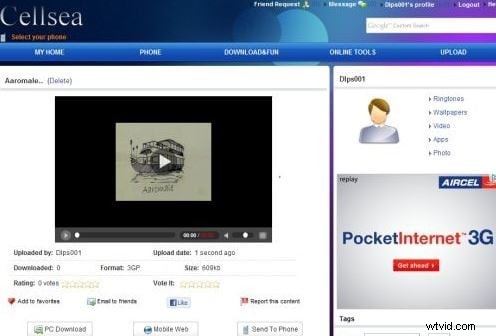
Cellsea is another great online video joiner. In this tool, you can merge 2 different videos together without losing a frame. Cellsea is well known for its abilities to handle all popular media file formats like FLV, MP4, AVI, MOV and 3GP. Users can easily join their videos here with cut and merge operations.
Key Features:
- Videos can be accessed via URLs or can be uploaded from computer directly.
- Maximum video file size processing is allowed to be 25MB.
Pros:
- Easy to use editing tools for video joiners.
- It can handle several file formats online so no need to access additional converter tool.
Cons:
- Video file size is limited to 25MB only.
5. Video ToolBox:
Price: Free
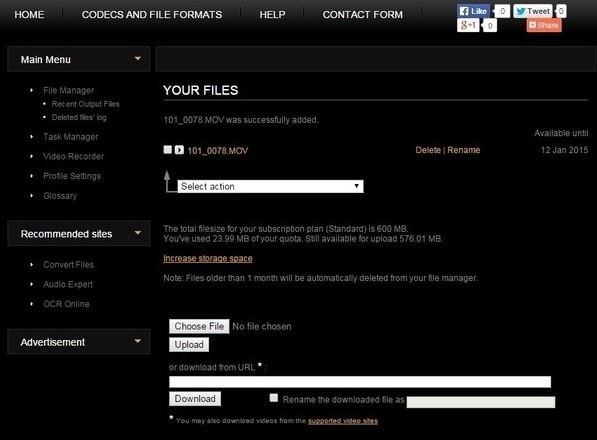
This awesome video editing tool allows users to merge and join videos up to 600MB size range. Professionals love to use this platform due to its all-round services for cutting, cropping, merging and effects editing. More importantly, it is totally free to join videos.
Key Features:
- Users can alter several advanced features like bit rate, frame rate, resolution, audio codec and video codec.
Pros:
- Can process videos captured from phone camera as well as from URLs.
- It's capable of processing video files up to 1500 MB.
Cons:
- Unfriendly UI
6. Kapwing:
Price: $20 month.
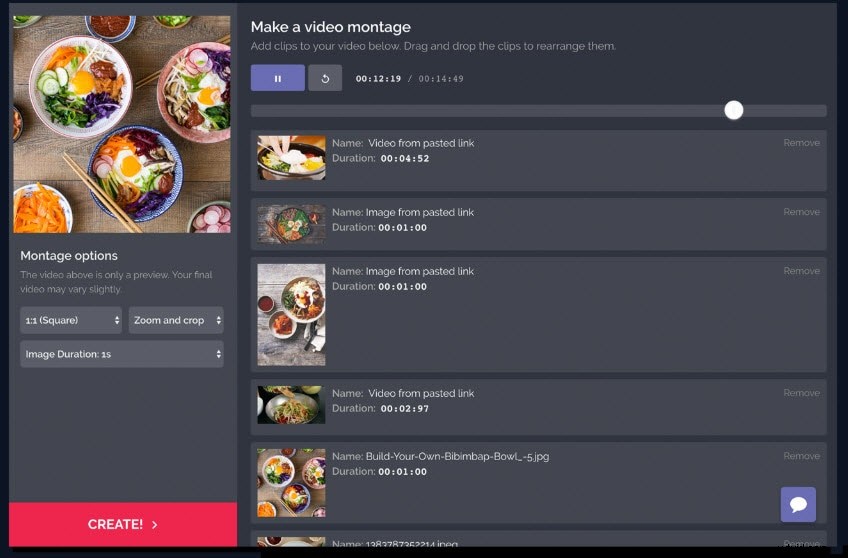
Kapwing is a newly developed online video editing service, it offers you many useful utilities like video cropper, video trimmer, video montage maker etc. Designed for social media content creators, it's easy to use and fast.
Key Features:
- Allow uploading videos by pasting video links
Pros:
- UI friendly, easy to use.
Cons:
- It’s a paid editing platform.
Part 4: How to merge video with Kapwing
Step 1: Import videos to merge
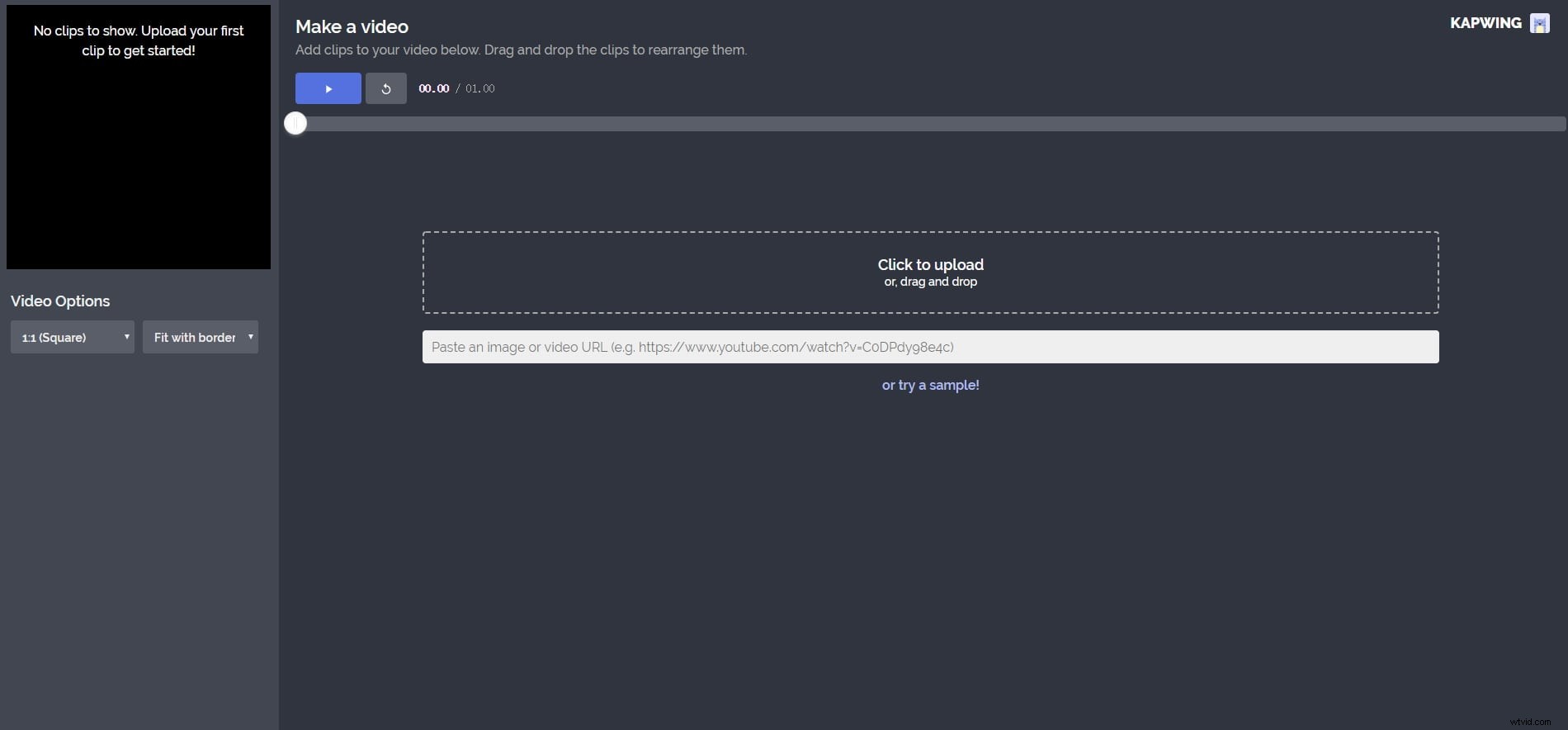
Click Video Maker in this online video merger. Then click Get Started!. Now, you have arrived the editing interface. Click Click to upload to import videos. You can also drag and drop videos to import. It will take a while to import videos.
Step 2: Merge your videos
You can rearrange the videos clips to merge the videos you like. Just drag one video and move it to where you like. You can also delete one clip if you don't want to keep it. It also supports trim videos, so just trim it if you want to delete one part.
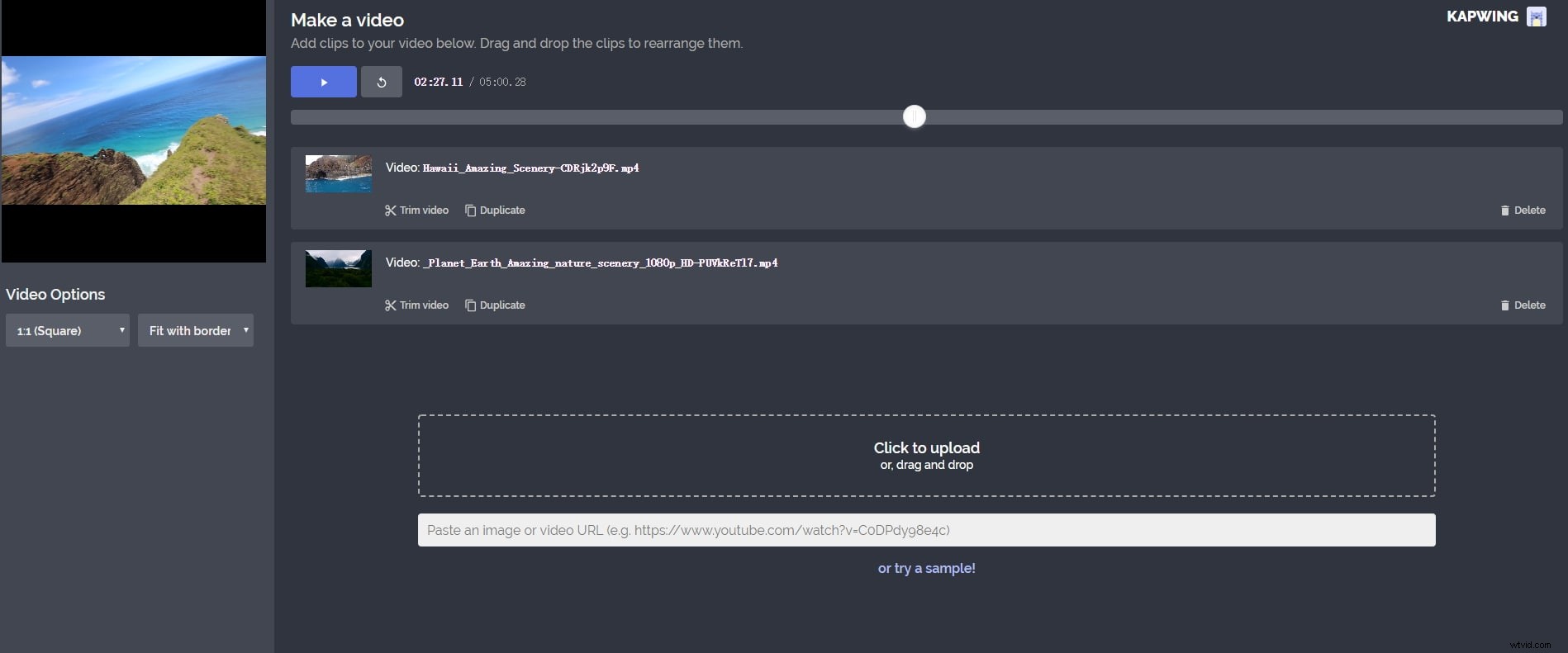
Step 3: Click Create
After you get you want, click Create to export the merged videos. You will go to a download page where you can download it.
Conclusion
Above are the video joiners I recommend. Some of them are video joiner online, while the others are on desktop. I am sure you can find the one you like. Thanks for your time.