I often see people seek answer to such kind of problems in the forums:
" I have a show that is split into multiple .ts files (over 200). Is there any program that can join all of the individual files into a single seemless .ts file? "
" I have tons of ts files and even other files. And i want to join them together, so I can play them as ONE movie. Any ideas? "
If you have the same problem and also want to join several TS files into one, you can use a fantastic TS joiner - Wondershare Filmora.The reason I strongly recommend this tool is that it enables you to merge multiple TS files together quickly and easily, most importantly, without any quality problem. I saw someone complained in the forums that joining TS files is always a/v out of sync or video quality loss. However, if you use this powerful and easy-to-use TS merger, it won’t bring you such troubles.
Easy-to-use TS Joiner: Wondershare Filmora
Wondershare Filmora- Easily join TS videos together with no quality loss.
- Free transition effects provided to let you enrich your videos.
- Easily make a Picture-in-Picture video (another way to join TS files). Learn more >>
- Directly share your video on YouTube and Facebook or burn to a DVD collection.
- Supported OS: Windows (Windows 10 included) & Mac OS X (above 10.6).
1. Load TS files to this TS joiner
After you run this smart TS joiner, you can select "16:9 Widescreen" or "4:3 Standard" option to create your new movie. Then, you need to load your local TS files to join together. To do it, just hit "Import" option in the left-corner of the interface or directly drag your target TS files from the PC to this app’s album.
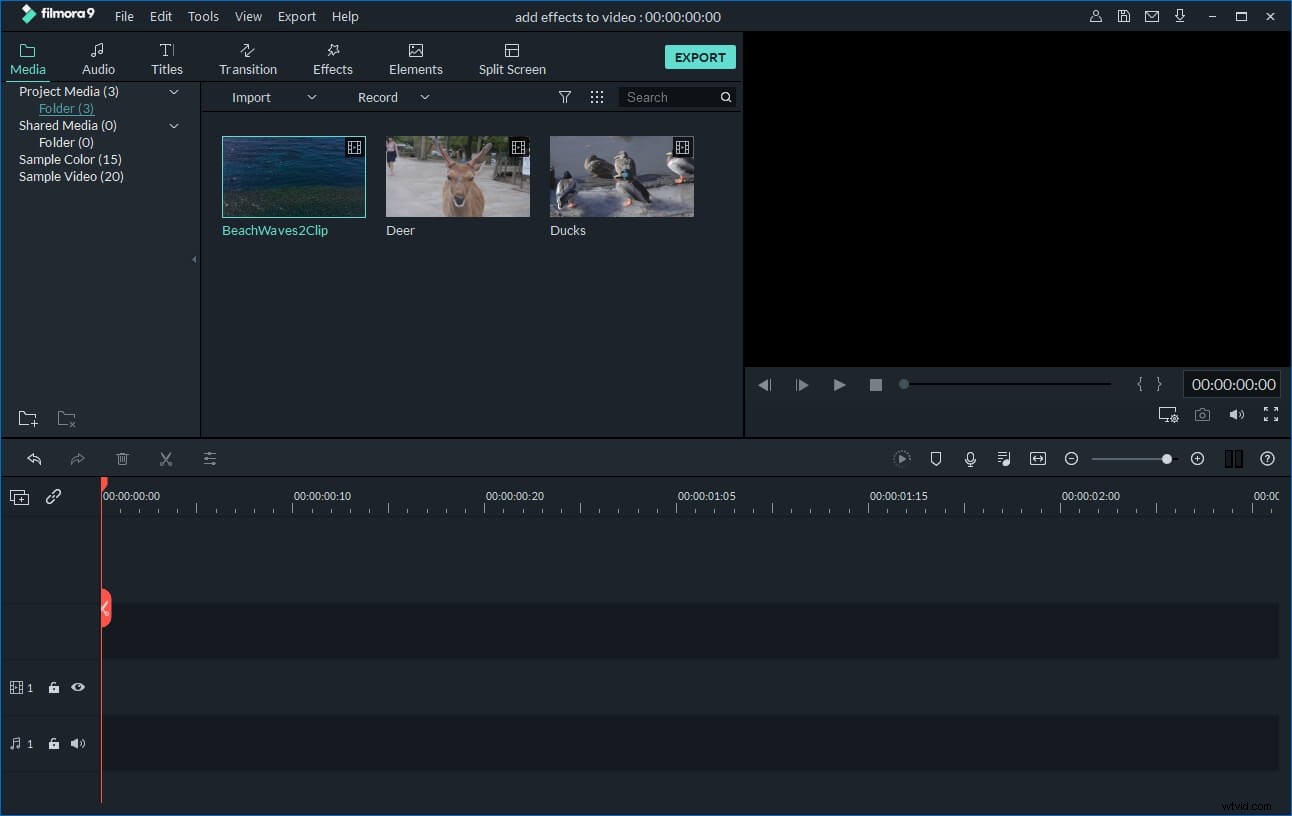
2. Join TS clips together
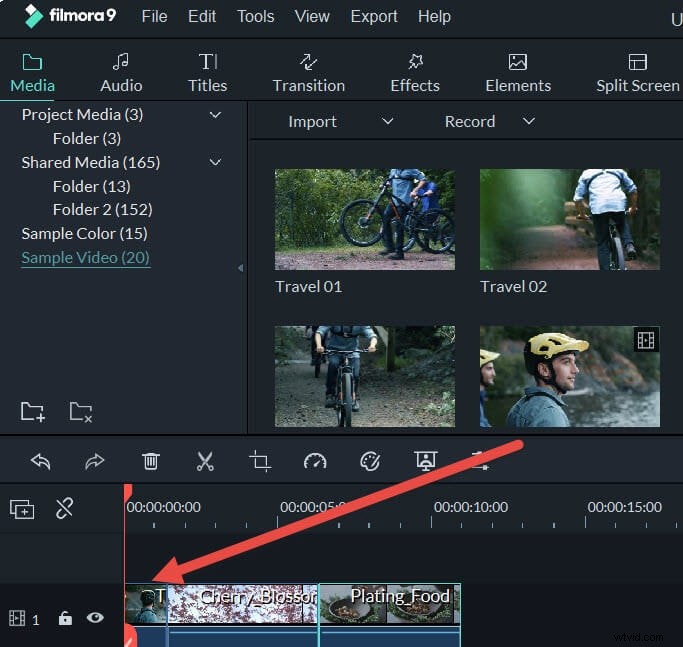
To merge multiple TS files together, it’s very easy. Just drag all the TS files you want to this app’s Timeline at bottom. Then drag-n-drop to rearrange them according to the play order. Please don’t put one file on another, otherwise you will split the latter file.
3. Add transitions (optional)
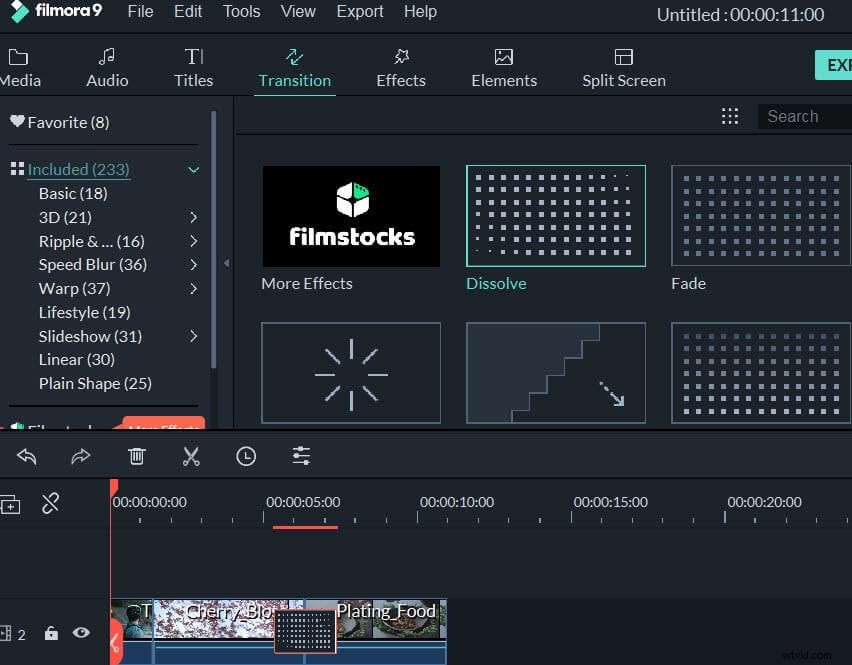
Now you can add stylish transitions between the each clip. This video editor enables you to choose one of the transitions for all the fragments, add a different transition for each fragment manually or select random transitions. To do this, click "Transitions" above the timeline, then drag-n-drop the transition you want between any two video fragments. Then double click the chosen transition in the working area and set the timing. You can also right click a transition and choose "Apply to all" or click the "Random" button to quickly apply the transition effects.
4. Export a seamless TS file
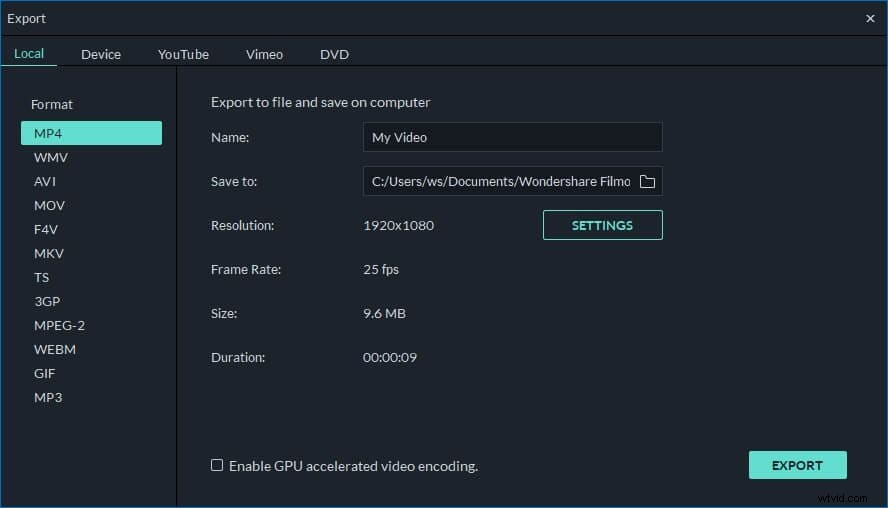
When you make sure everything is done, just hit the “Create” button to export the new TS video file. In the pop-up window, go to “Format” tab and then choose TS as its output format. After that, find this new and big TS file in the output folder you’ve set.
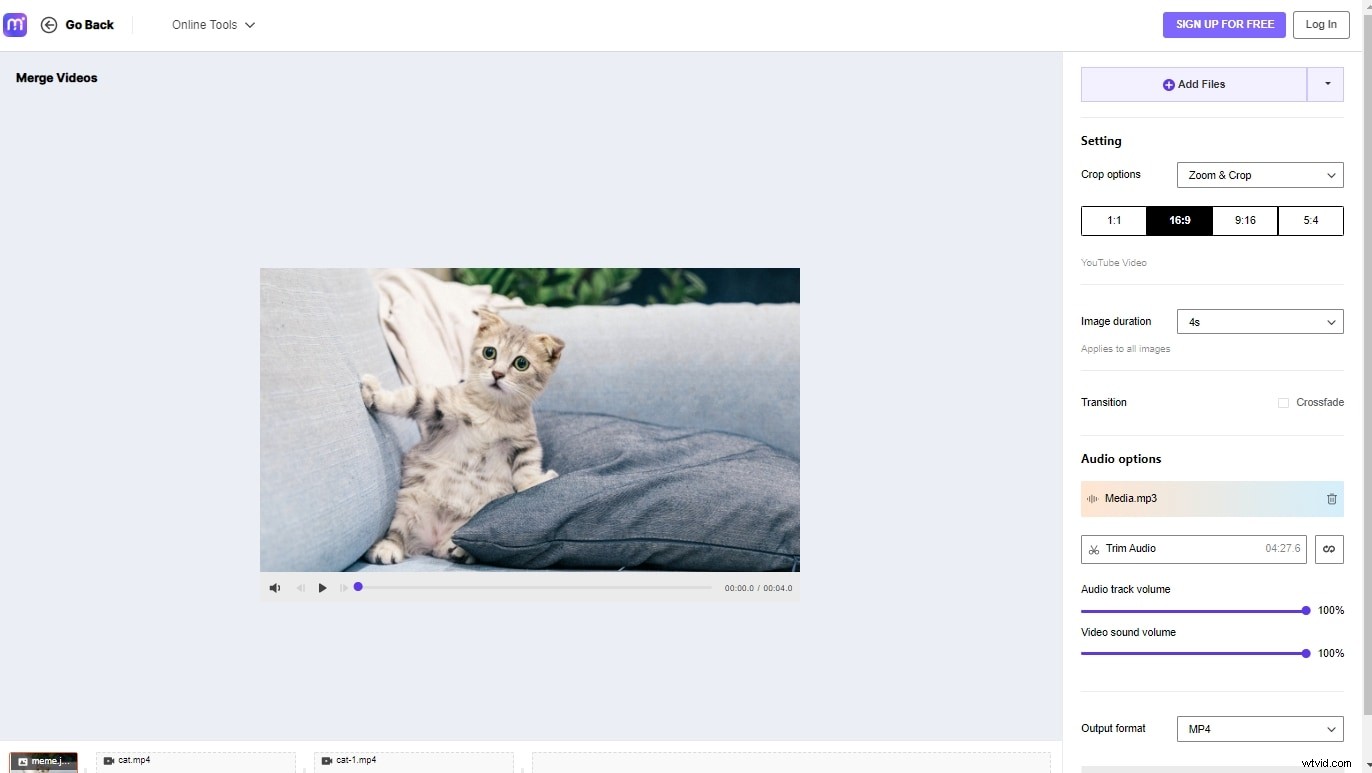
Join TS Videos Online with Media.io Free Video Merger
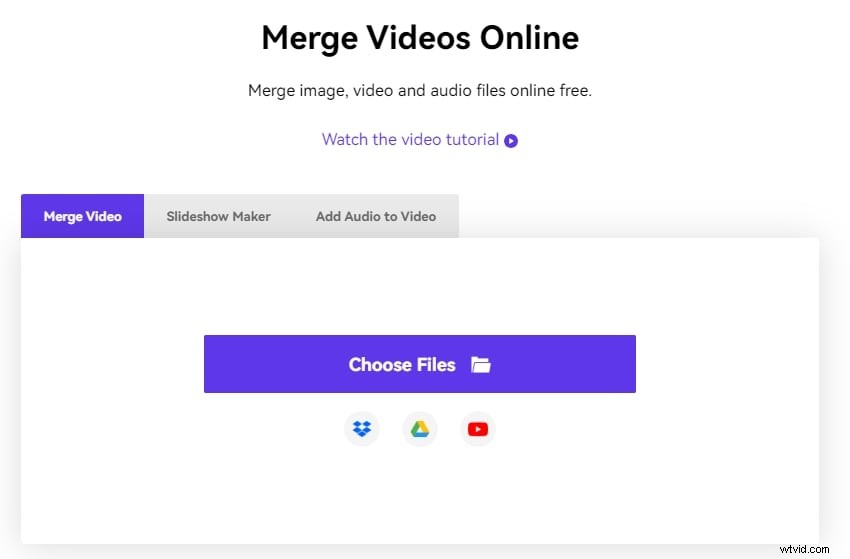
Since many people want to merge their videos daily and not most of them would prefer downloading a whole new software, an online video joiner, such as Media.io, is the need of the hour. It is a professional tool that allows you to merge the videos without getting into too many complications.
After merging two movies, Media.io video joiner provides several editing features, such as adjusting the sound and duration of the audio, adjusting the image, and video ratio, multiple supported formats, and so on. Media.io is a simple tool for combining videos and music, which spares you much time at work. To enhance your merge file processing simpler and quicker, Media.io employs a trial-before-you-pay experience approach.
Key Features
- It supports multiple pictures and video formats, such as MOV, MP4, MKV, JPG, etc.
- It allows you to adjust the length and volume of the audio file
To merge the TS videos using Media.io video joiner, follow these steps:
Step 1: Go to https://www.media.io/merge-video.html in your browser, and upload the TS videos and images you wish to merge.
Step 2: Now, re-order the files by dragging and dropping them, and modify them using the tools on the right-hand side of the edit page.
Step 3: Once you're done editing, click on the Export option to save the merged video.