Add a reverse video effect online
If someone buys a program, they want it to have more functions, which inevitably implies various settings, buttons, sliders, hotkeys combinations, and so on.
Luckily, it’s different with Clideo. Each of our tools is responsible for only one function or effect, and the user interface of our service is intuitively comprehensive.
Moreover, the whole system works 100% online, so Clideo doesn’t take your phone’s memory and doesn’t drain its battery. All you need — is a stable Internet connection and a few minutes of spare time.
Fasten your belts, we’re taking off!
Upload a video to the tool
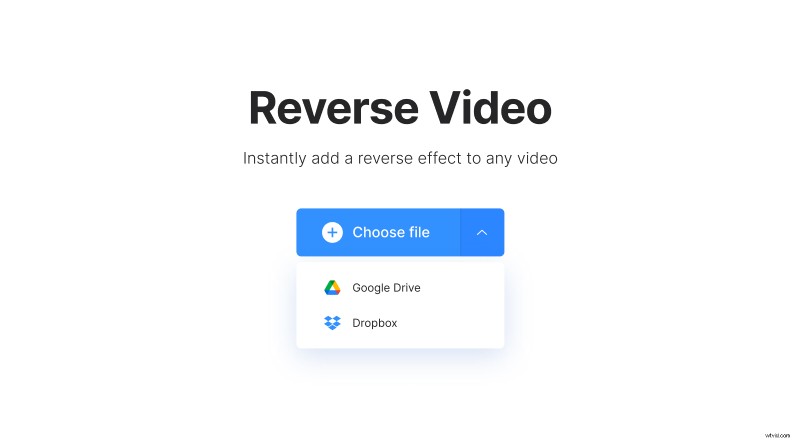
Open Clideo’s reverse effect video editor in any browser. To choose a file from your device, hit the blue button. To import a video from cloud storage accounts, call the drop-down menu on it.
Apply reverse playback effect
The video will be reversed automatically, you may only choose its speed: you can leave it as it is or make it two times faster or slower.
If there is a soundtrack, you can also mute the video, just tick the corresponding box. And the last thing before processing — choose the output format. If you plan to post your reversed video on social media, you’d better stick to MP4 and MOV.
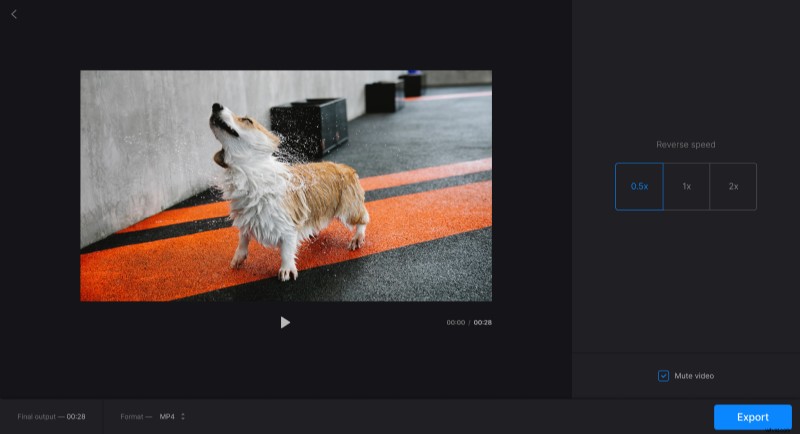
Then hit the "Export" button and give the tool a little time to perform its task.
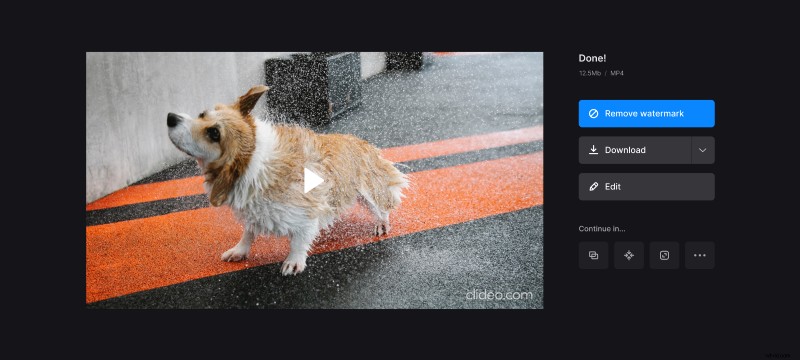
Save the project
Give the project the final run to make sure it looks the same as you expect it to. If you would like to try another setting, hit the "Edit" button and try it out. Otherwise, save the result to your device, Google Drive, or Dropbox.