
The new video editing tool is here!
With the help of our new online Video Editor you can edit not only video files but also add images, music, or text, and adjust all types of media elements right in your browser.
As of summer 2022, the all-in-one video editing service is still in beta testing. However, you can already try to create your next fantastic project.
Check out what we have got inside for video creators.
Video Editor features you will love
- Edit video online right in your browser.
- Work on any device, including Mac, Windows, Android, and iOS.
- Upload most common media formats.
- Combine multiple clips, images, text, and music in one project.
- Turn smart snapping on or off to match your working style.
- Trim, duplicate and split video and audio as you need.
- Change volume, slow down or speed up, adjust brightness, contrast, and more.
- Add text to your video and personalize it.
- Make picture-in-picture and split-screen videos.
- Create a video collage out of any type of media.
- Change the position and size of the elements as you like.
- Make square, vertical, or landscape clips.
- Forget about ctrl+s with autosaving for registered users.
- Undo your changes at any moment.
- Save files in SD, HD, FHD, or 4K.
- Enjoy a user-friendly interface that ensures easy video editing for everyone.
- …and counting!
We are constantly adding new features to Video Editor and improving the already existing ones. So stay tuned for the latest updates, and do not hesitate to offer your feedback about our online video editing service.
You can use Video Editor for free if your uploaded assets are up to 500 MB. As a tribute to our services, your final clip will have a small Clideo watermark. If you want to get files with no watermark, consider buying a Clideo Pro plan. Thus you can upload larger files, remove the Clideo watermark, and save in HD or 4K.
Let’s have a quick look at how to make your first online video editing steps.
Upload your media assets
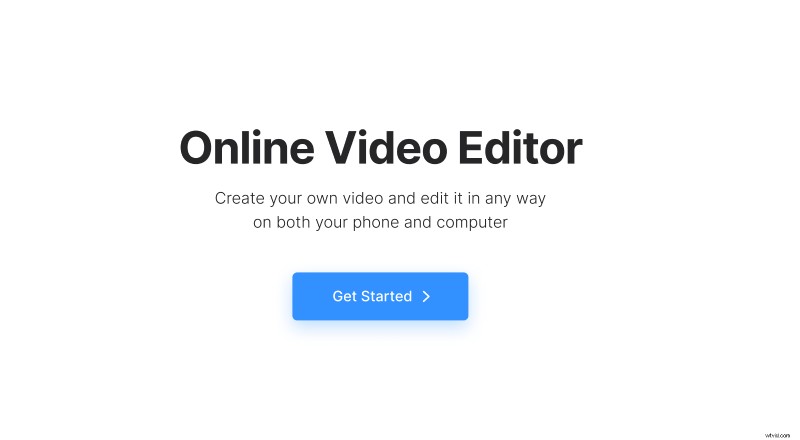
Open all-in-one Video Editor in any browser you prefer, whether on Windows, Mac, Android, or iOS, and click the "Get started" button to go to the editor.
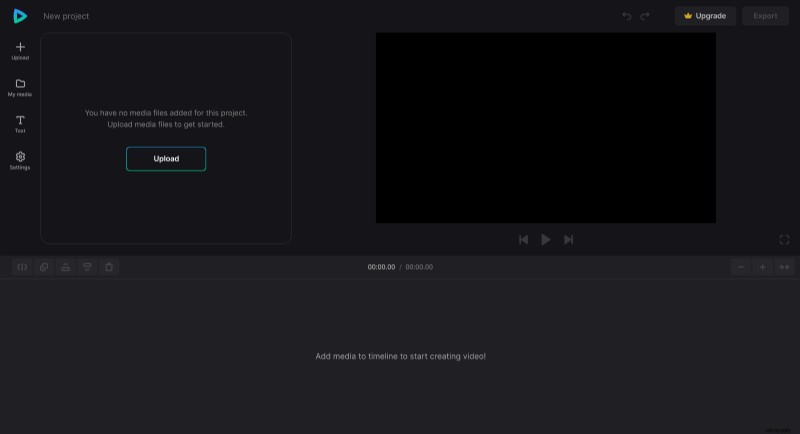
Then, click "Upload" to add the images, video, or audio files you want to use in your project. You can choose them from your device, Google Drive, and Dropbox storage account.
-
Create and edit video online
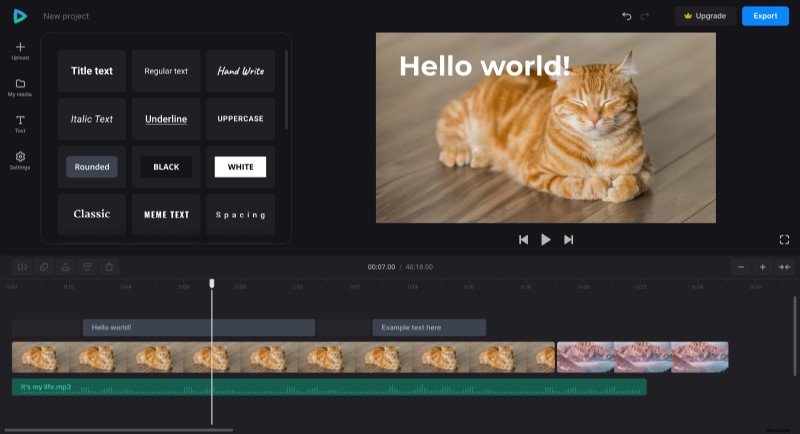
Add your media files to the timeline to start your project. Also, remember to determine the aspect ratio of your clip by choosing one of the canvas presets in the Settings section.
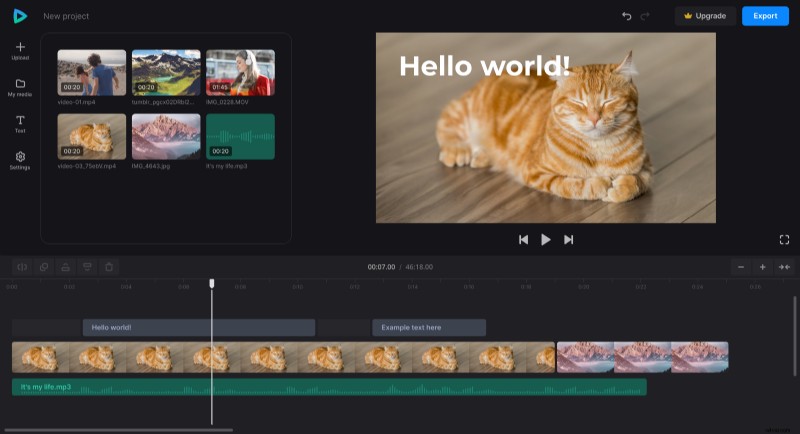
Then, change the order of the media elements and adjust their properties one by one: trim, duplicate, change volume, speed, and so on.
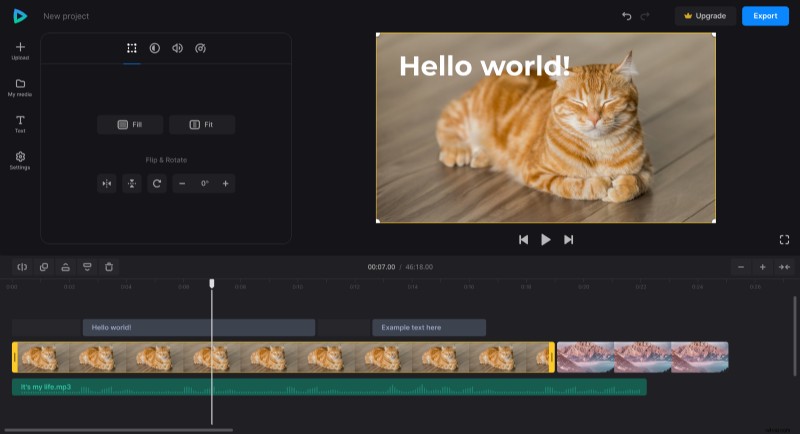
The online video maker also allows you to move all the elements in the preview, change their size, combine, overlay, and create stunning collages.
If needed, you can add text to your clip, set its font, color, size, and so on.
-
Save your project
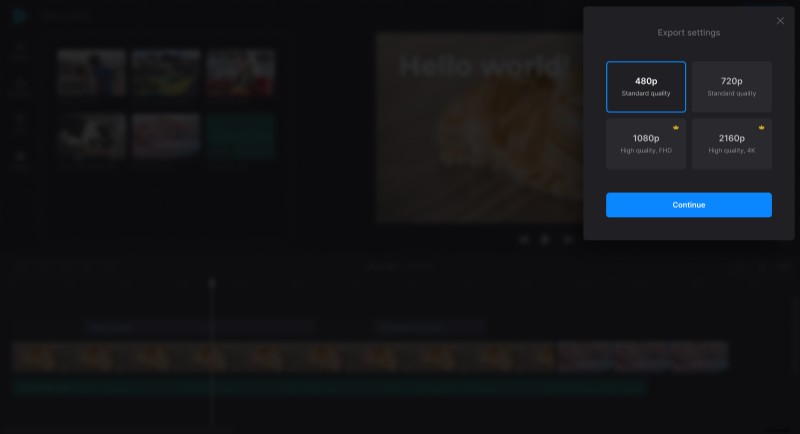
To finalize, click "Export" at the top right, choose one of the export options, and wait for the tool to generate your project file.
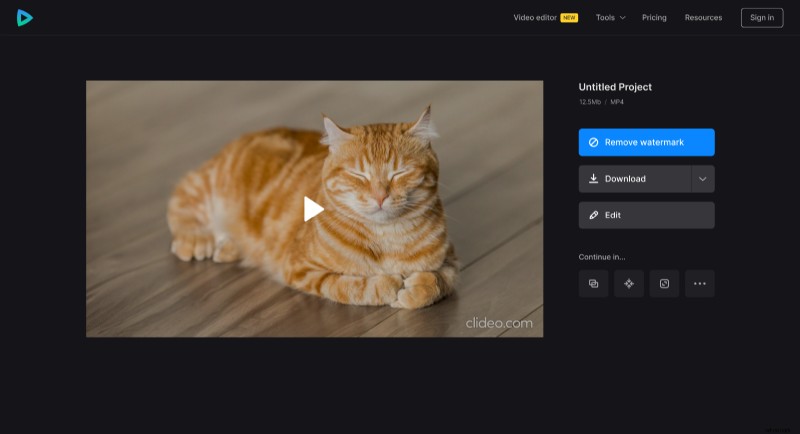
Then you can preview your new clip. If you like what you see, download or save it to your cloud storage account. Or you can click "Edit" and get back to make the changes you need.
Give the new all-in-one Video Editor a try! Make impressive and beautiful videos online.