
Let’s explore the oft-forgotten but essential elements for an online video project. Try these seven things you should know before you upload.
So, you need to make a video, and you’re trying to remember all the details you need to take into account. But, there’s something missing and you can’t tell what.
Well, let’s help you get sorted and prep your next video. Here are seven things you’ll want to know before you upload that final video.
1. Have a Script (Or, at Least, Rough Draft)
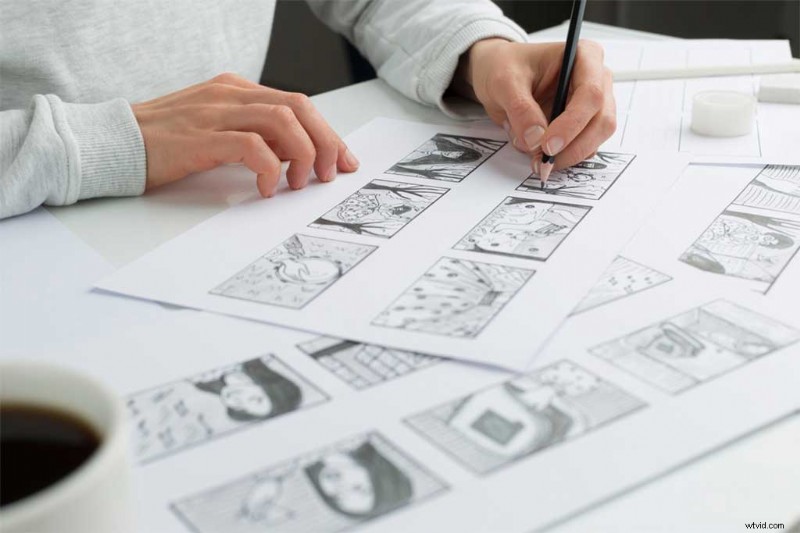
Sometimes companies and agencies hire filmmakers and editors before they even know what they’re looking to make. Having a script is like having a plan.
You don’t need to have every single line of dialogue written in the first pass, but you do need to know the overall message and emotion you’re trying to convey.
The script also helps determine the length of your video, so you’ll know if it’s too long or too short for what you need. That brings up our next point.
2. Know Your Timeline
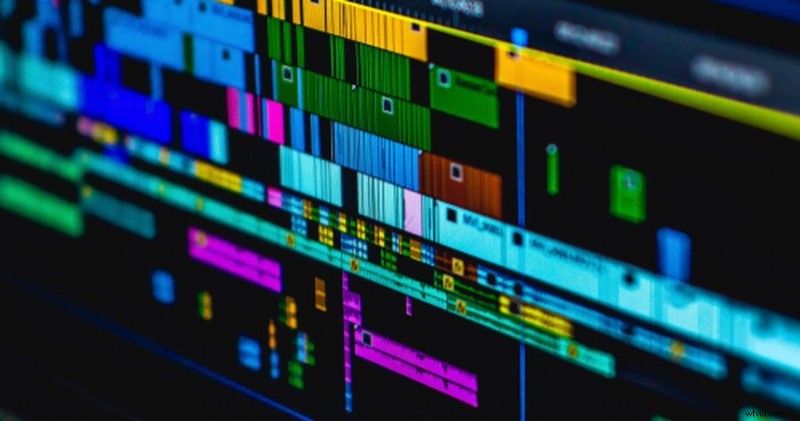
Is there one final video with a set time limit, or will you need multiple edits?
Commercials and ads, both on television and online, have set time limits. Do you have five seconds? Thirty seconds? A minute or two? The earlier you figure this out, the smoother the entire process will be.
Time isn’t the only factor here. You’ll also need to determine what platform or platforms your video will air on. More on that later.
3. Call-to-Action
At the end of the day, every video should have some type of call-to-action for the viewer. Do you want them to visit your website, buy a product, donate to a cause, or support your business? Don’t forget to tell them to do so.
Every video should serve some type of purpose. For example, you can watch one Shutterstock Tutorial, then subscribe to get more tips and tricks sent to you.
Each video features a call to smash that “like” and hit that “notification bell,” like all YouTube channels. That way YouTube will actually show you when new videos are up.
4. Easy-to-Read Text and Titles
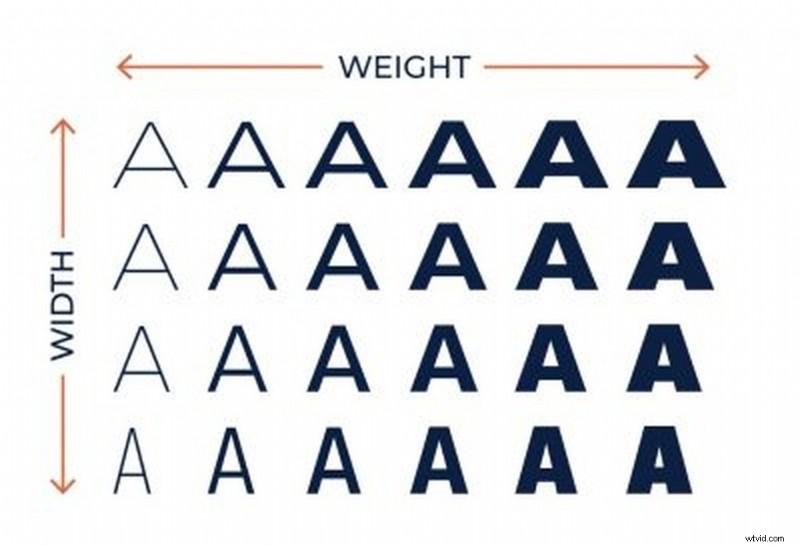
Will you have a lot of information written out, or titles moving around on screen? If so, make sure you choose a font that’s easy on the eyes. Also remember to check if a viewer can read the text in its entirety when it’s up on the screen.
Try to stick with sans-serif fonts. Not only do they tend to be easier to read on screen, they’re also easily legible when animated.
Here are some great resources and fonts to help you out.
- 101 of the Best Free Fonts on the Web
- 5 Free Animated Fonts for Video Editors
- Cutting Edge Look With 25 Modern Fonts
- 25 Free Futuristic Fonts to Jump-Start Your Designs
- 20 Free Sans Serif Fonts Business Owners Will Love
5. Re-frame and Test the Title on Various Formats

Once you’ve settled on the look of your text and titles, make sure to test them out on a variety of formats. For example, how does the text hold up when you view the video in 16:9, 1:1, or a vertical 9:16?
Plus, it’s not just the text. If you’re posting this video on various social media platforms, make sure that you have a properly-sized frame. That means checking your footage and visuals don’t get cropped out of frame.
6. The Right Music and Sound Design
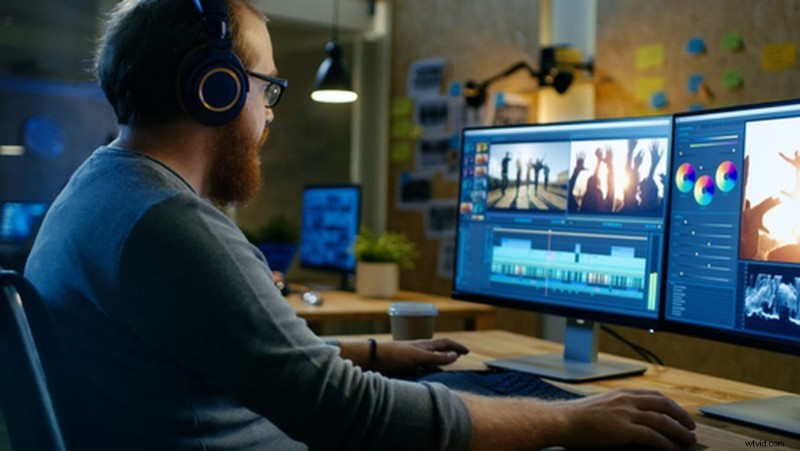
Music and sound are such powerful components that most people don’t think about it until they’re already editing.
Aside from recording quality dialogue from an on-camera talent or voice-overs during production, adding additional sound effects, atmospheres, and music ties the entire video together.
- Tips for Recording ADR on Your Own — on a Budget
- 5 Tips for Recording Great Voice-Overs
- Tips on Recording Narrative Sound as a Solo Filmmaker
- Finding Perfect Music Is Easier and Faster with PremiumBeat
- 50+ Free Cooking Sound Effects for Food Videos
7. Engaging Visuals and Graphics

If the video doesn’t at least look good, you better make sure the content keeps viewers invested and engaged. This is a broad category because it includes so many factors based on the type of video you’re creating.
Is the video live-action? Or is it an animation or motion graphics explainer video? Is it a high-octane, fast paced pitch, or a nice slow burn?
No matter what type of video you’re making, it needs to look good to keep your viewer’s attention. There are many ways to do this, with sweeping camera movements, stunning establishing shots, or trendy editing and animations.
- Curated Collection of Establishing Shots
- 80 Free Transitions for Premiere Pro Video Editors
- The Pan, Tilt, and Zoom Camera Movements
- FREE Video Elements to Spice Up Your Cooking Videos
- 191 FREE Assets and Elements for Video Editors and Designers
A good video will need both skills and a high level of discipline. Plus, small, important details and elements will make the work uniquely more engaging for viewers.
Cover image via Julia Tim.
Find even more video production secrets and freebies with these articles:
- 9 Essential Cuts Every Video Editor Needs to Know
- The Rundown on Creating Vertical Video
- 10 Types of Shots and Angles Every Filmmaker Should Know
- Instagram Reels vs. TikTok – Where Should You Post?
- Mobile-First Video Content Means More Than Vertical Video