
Maintain an efficient workflow and speed up your video editing by breaking down the process into five distinguishable stages.
It’s commonly noted that for many aspects of art, there are no rules. While you could say the same for editing, there’s still a set of practical and theoretical practices that will improve your videos. Today let’s look at the practical side and divide your edit into specific stages to maintain an efficient workflow.
It should be noted that the stages of editing will vastly differ between skillset and industry. With feature films, they would follow; Logging, First Assembly, Rough Cut, Fine Cut, and Final Cut. While we follow a similar blueprint, some of the processes executed in a professional workflow would not exist. For example, content creators typically wouldn’t produce a first assembly, which is an edit that follows the structure of the storyboard and script. Additionally, there would be no “picture lock,” so to speak, for a YouTube video.
Five Phases of Video Editing (In a Nutshell)
- Organize and Sync
Separate your media to be placed into folders. This can be based on the day of shooting, the scene, or even the camera used. Then sync your audio to the footage.
- String Out
Don’t jump directly into the edit. It’s better first to string out and review all your media. It’s equally as important to review notes passed to you at this stage.
- Rough Cut
With a rough edit, you are to find the story with the material that was presented to you. The edit doesn’t necessarily have to be neat, but the content should flow naturally.
- Fine Cut
Build upon it by refining the edit. In this stage, you will be making sure that the edit flows seamlessly. Also implement any changes requested by the client.
- Finalize the Edit
When you believe your edit is complete, it’s time to finalize. Review your edit not only on your editing workstation, but on a mobile device, your TV, and even render a test file to upload to YouTube to see how it looks online. Additionally, at this stage, you want to check your audio levels.
Now let’s dig into the details of each of the five stages:
Step One – Organize and Sync
Before you even think about bringing footage onto your timeline, you need to get your footage ready to edit. Nothing hinders edit quite like an unorganized media pool. Not finding the desired clip within a few seconds can quickly turn a fun project into a tedious chore.
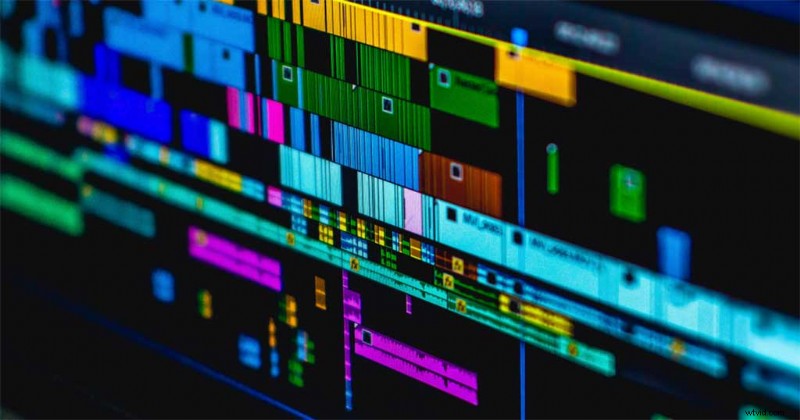
Separate your media into identifiable folders/bins. You can base the categories on on the day of shooting, the scene, or even the camera used. Depending on the software you are using, you could also use a smart folder system that automatically imports media into folders depending on user input details.
Next, before you start editing your material, you’re going to want to sync your audio to the footage (if there are dialogue shots that is). Several years ago, unless you paid for standalone software or a premium-priced plug-in, this was a painstaking task. However, most editing software now offers an in-house sync function that works perfectly.
In the case of DaVinci Resolve, my software of choice, it would be as simple as finding the correct audio and video file, selecting them both, right-clicking, and select sync audio.
Step Two – String Out
While it’s tempting to jump straight into the edit and start flooding the timeline with various clips, it’s better first to string out and review all your media. Even if you’re a self-shooter and specifically know that one shot is better than the others, you may find that another shot works better upon review.
It’s equally as important at this stage to review notes passed to you. This could be concerning specific shots where elements need to be omitted. For example, the notes could list a number of shots that have a child’s face appear in the frame when the producer has specified that we can only see the back of the child’s head. Or, they could be technical notes, such as a plane flying over during the initial shots from day two.
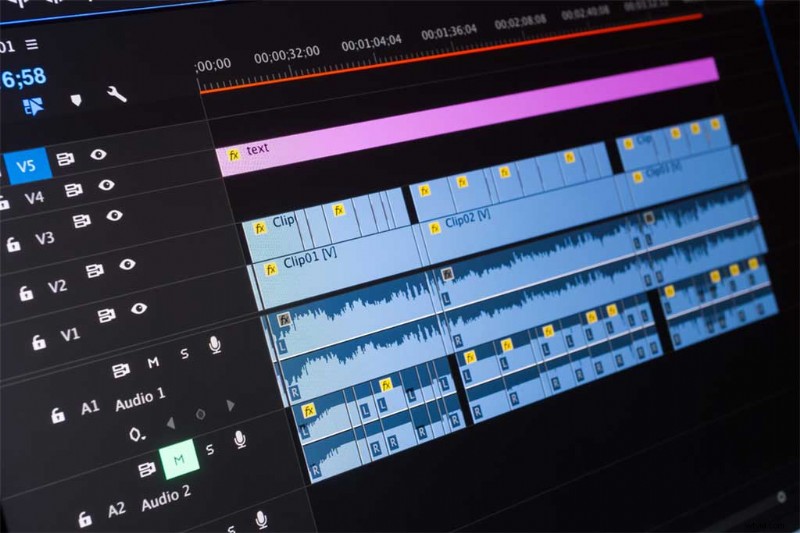
While reviewing the footage, document these notes onto the clips themselves. You can do this by either adding notes into the metadata information on the clip itself, or by adding flags or markers onto the clip. Add the notes to the marker or color-code the flag or marker to represent a specific issue.
Of course, during this period you want to be taking your own notes to highlight the best takes, along with possible issues that were not recorded on set.
Step 3 – Rough Cut
Your media is organized, you’ve reviewed the footage, and taken notes of what to implement during the edit. So, now is the time to do just that—edit.
The rough cut is a blueprint, a foundation to work upon and refine. When an artist starts their next oil painting, they do not immediately dive in with the finer details. Instead they will first block out colors, create mattes, and so forth.
This is ideally what you’re doing with a rough edit. Find the story with the material that has been presented to you. The edit doesn’t necessarily have to be neat, but the content should be understandable and flow naturally. You may find that some shots linger too long, and others are too short. However, as long as the story is credible and mirrors the direction of the intended product, then you’re moving in the right direction.
In the rough cut, it’s common to use placeholders for graphics or text instead of spending time creating these time-eating elements. Finding the right music is a skill within itself, but it’s normal to use temp music in this stage until you’re ready to fine-tune.
Ideally, at the end of a rough cut you should see the tone of the project. If you’re editing for a client, present the rough cut to them so they can see if the direction matches the idea they had.
Step 4 – Fine Cut
Now that you have the overall foundation set, it’s time to build upon it by refining the edit. In this stage, you’re making sure that the edit flows seamlessly and implementing any changes requested by the client.
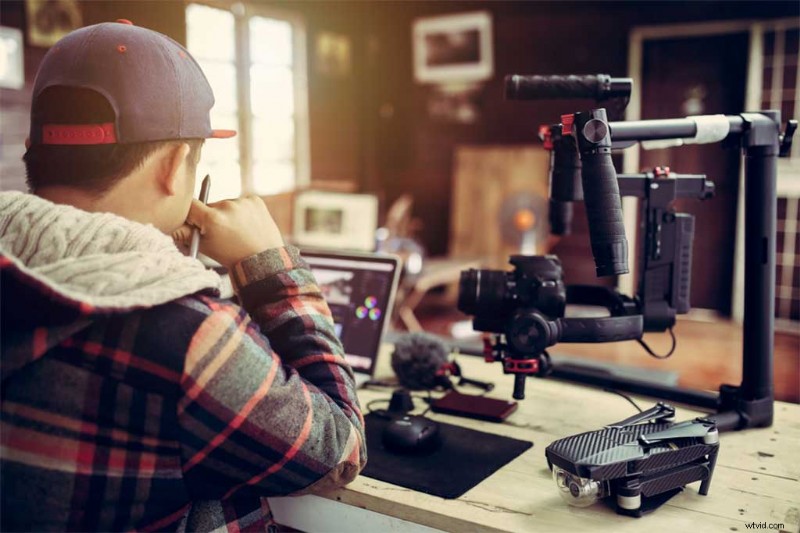
In the fine cut, you are revising any intricate issues that you passed over in the rough cut. For example, the horizon being slightly off-level, or a cut on the action being marginally off cue. While some shots in the rough cut may have been a few seconds too long, it’s in this stage where you would find the perfect length.
If you’ve used placeholders for animations, text, or music, now you will implement the media you intend to publish for the final project. At the end of the fine cut, you want to be in the position where you could watch the edit and be ready to publish the material. But, we’re not going to do that just yet because it’s likely you may have missed something.
Step Five – Finalize
When you believe your edit is complete, it’s time to finalize. This may seem like the same thing as a fine cut. However, there’s a difference between refining your edit and finalizing an edit.
Being so attached not only to a project but also your workspace can leave room for errors. Review your edit not only on your editing workstation, but on a mobile device, or your TV. You can even render a test file to upload to YouTube to see how it looks online. You may have a lower third that seems fine on fullscreen playback, but on YouTube it cuts into the play bar.
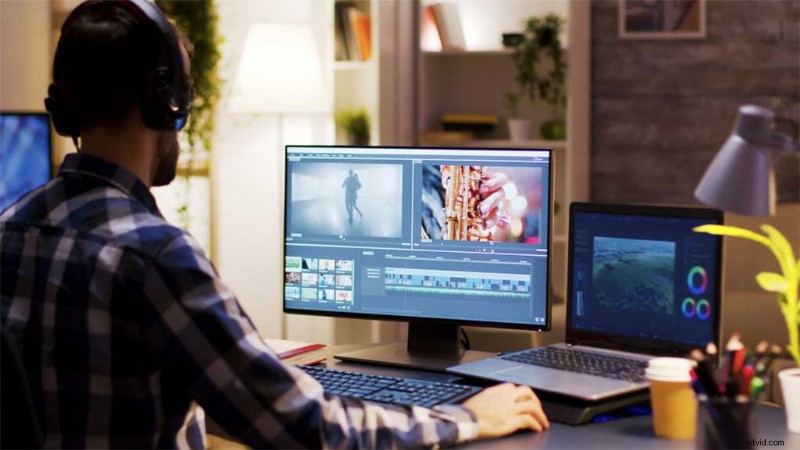
Additionally, at this stage, you want to check your audio levels. Play back the edit, and instead of watching the preview monitor, look at your audio panel. See if there’s any peaking at any point in the edit.
If you’ve also been tasked with color grading the project, it would be at this stage that you would move to grade the footage. You color grade at the end of the edit because otherwise, you may find yourself wasting time grading clips that later get cut.
At the end of this final review, you would be ready to hit render and publish.
Summary
As noted, there are several realms of film and video production and not all industry sectors operate in the same manner. However, for content creators and solo shooters this is the perfect method for proficient editing.
Just to recap:
- Sync: Get your footage and audio into your NLE and synced up.
- String Out: Listen to everything you have. Use script notes to grab the best footage pieces.
- Rough Cut: Start crafting your story with pieces from your string out. Show some people and ask for opinions.
- Fine Cut: Refine based on your notes and other’s input. Add graphics and transitions.
- Finalize: Check all your transitions, re-watch a few times, and look for bad edits. Monitor your audio levels and smooth out graphics.
Cover image by TarikVision.
Expand your editing skills even more using these articles:
- How to Make Lower Thirds Like a Pro
- The Do’s and Don’ts of Writing a Logline for Your Film or Video Project
- 7 Things Every Good Online Video Needs
- 10 Types of Shots and Angles Every Filmmaker Should Know
- How to Get the Best Slow Motion Results with Optical Flow